Perplexity marketing design research
A study of 18 captured public pages on perplexity.ai (out of 889 public URLs, all listed in public-pages.md), including Perplexity's own brand hub at /hub/brand. It answers one question: how do you build a landing page with the same art direction, type, motion and craft?
- Captured: 2026-11-21, Chromium (agent-browser 0.27.0), 1440 × 900 viewport. Dark and light colour schemes for the theme-aware pages (
/, /pro). 390 × 844 full-page mobile shots for /, /hub and /enterprise.
- Every number comes from the live DOM:
getComputedStyle, document.fonts, CSS custom properties, @keyframes rules read from document.styleSheets, and hover states read after a real pointer hover. Values read from pixels are marked "≈" or "pixel-sampled".
- No bot wall or Cloudflare challenge appeared on any page. A cookie banner appeared on first load; the capture script clicked "Decline optional" before each screenshot.
- Local research only. Not committed anywhere.
The one thing to understand first
Perplexity does not have one marketing site. It has three design systems living under one domain:
| Family |
Pages |
Built with |
Fonts |
Mood |
| Product system (the app's own tokens) |
/ (app), /pro, /hub, /api-platform |
Next.js + Tailwind, the app's token set (--fg-primary, --accent-bg-strong …) |
pplxSans, pplxSerif, pplxSansMono, GT Canon VF |
Calm, theme-aware, "the product talking" |
| Enterprise Framer site |
/enterprise |
Framer (<meta name=generator content="Framer cd31e1f">) |
PPLX Sans/Serif Beta v0 VF, Newsreader, FK Grotesk |
Editorial, teal-green, landscape paintings |
| Comet Framer site |
/comet |
Framer (Framer 62c4866) |
GT Standard VF, GT Canon VF (condensed wdth 75), GT Standard Mono |
Cosmic, planets, cream paper, glassy cards |
They share four things, and those four things are the brand:
1. A serif display face for headlines (pplxSerif / GT Canon / PPLX Serif) over a quiet grotesk for everything else.
2. One teal accent (#016a71 light, #4e99a3/#32b8c6 dark, #004241/#21808d on Framer pages).
3. Hierarchy from opacity, not new colours: secondary text is the primary ink at 0.75 / 0.65 / 0.6, tertiary at 0.5.
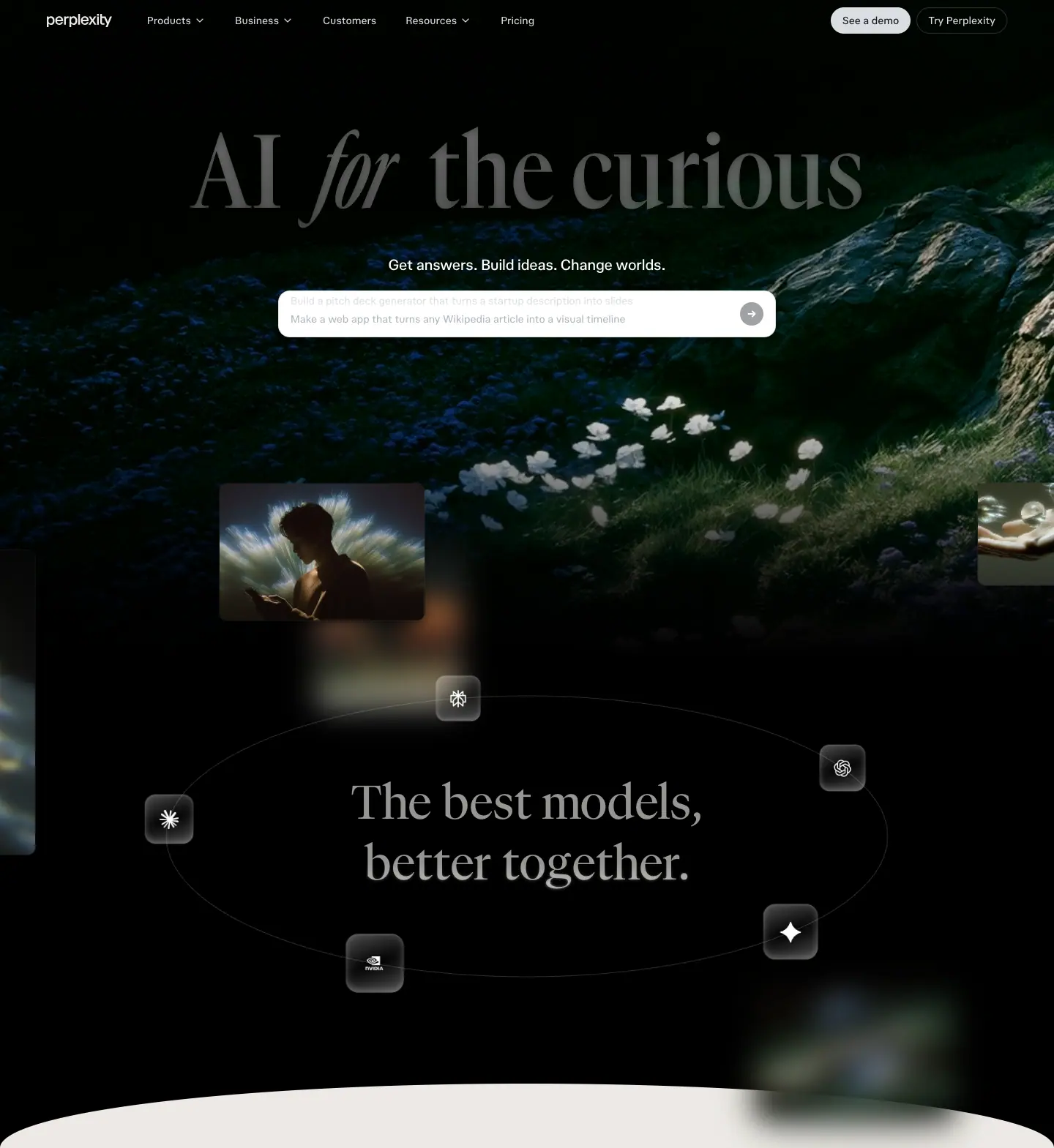
4. Painterly, photographic art (light streaks, landscape paintings, planets, film-grain nature video) used as a backdrop behind real product UI, never instead of it.
Read in this order
| # |
File |
What it answers |
| 01 |
Design principles |
The 10 principles behind every decision, and why |
| 02 |
Color system |
Full token set (light + dark), accent rules, contrast ratios |
| 03 |
Typography |
The 3 font stacks, variable axes, the full measured type scale, mobile sizes |
| 04 |
Layout, grid and spacing |
Containers, section padding, radii, spacing tokens |
| 05 |
Hero patterns |
6 hero types, when to use each |
| 06 |
Section patterns |
The block library: bento, alternating rows, tabbed demo, marquee, sticky-word scroller, FAQ … |
| 07 |
Copywriting and voice |
Headline formulas, CTA labels, the "curious" voice |
| 08 |
Components |
Header, composer/search input, buttons, chips, cards, FAQ, footer |
| 09 |
Art direction and imagery |
The 4 image worlds, how UI is staged on art, grain, glass |
| 10 |
Motion and interaction |
Every measured duration, easing and keyframe |
| 11 |
Glossary |
The terms you need, plus a paste-ready brief |
| 12 |
Build recipe |
Tokens, starter CSS/HTML, review checklist |
| 13 |
Brand assets |
Symbol, logo redraw, sub-brand tiers, product marks, Teammate avatars, palette, art-direction rules, AI brand skills |
| — |
Public pages |
All 889 public URLs (English), grouped: hub blog, use cases, help center, changelog… |
Per-page deep dives
| Page |
URL |
System |
Height (1440) |
Doc |
| Home (app) |
/ |
Product, theme-aware |
900px (one screen) |
pages/home.md |
| Hub (brand home) |
/hub |
Product, light |
8,680px |
pages/hub.md |
| Pro |
/pro |
Product, theme-aware |
7,527px |
pages/pro.md |
| Enterprise |
/enterprise |
Framer |
9,957px |
pages/enterprise.md |
| Comet |
/comet |
Framer |
7,621px |
pages/comet.md |
| API Platform |
/api-platform |
Product, dark |
6,960px |
pages/api-platform.md |
| Blog |
/hub/blog + 2 research posts |
editorial |
17,928px (post) |
pages/blog.md |
| Changelog |
/changelog + 2 entries |
editorial |
20,078px (entry) |
pages/changelog.md |
| Customers + Use cases |
/hub/customers, /hub/customers/ramp, /hub/use-cases/… |
editorial |
6,254px (story) |
pages/customers-use-cases.md |
| Help center + Brand hub |
/help-center/en, /hub/brand |
docs (dark) + brand guidelines |
41,189px (brand hub) |
pages/help-center-brand-hub.md |
| Header + footer |
all |
— |
— |
pages/_shared-header-footer.md |
/about 301-redirects to /hub/about and /sonar to sonar.perplexity.ai; both were left out. /max mirrors /pro and was left out.
Folder map
perplexity_design/
├── README.md                 this index
├── 01 … 12-*.md              cross-page system research
├── pages/<page>.md           per-page, per-section deep dives
├── images/
│   ├── full/<page>.png       full-page screenshots, 1440px wide (+ -light variants)
│   ├── <page>/NN-*.png       one crop per section
│   ├── motion/*.png          frame captures of animated states
│   ├── responsive/*-390.png  full-page mobile captures
│   └── sections.json         crop coordinates
└── data/
    ├── <page>.json           type/colour/button/transition/animation/radius histograms
    └── <page>.probe.json     variable-font axes, @keyframes, sticky elements, CSS tokens
Public pages · every public URL on www.perplexity.ai
889 public pages (888 from the sitemap + 1 found by probing), taken from robots.txt → sitemap.xml (and every nested sitemap) on 2026-11-21. Localized copies of the same page (for example /ja/…, /de/…) are left out; English only. Titles are each page's <title> tag, fetched live.
Machine-readable copy: data/public-pages.json. Research site: https://perplexity-design-research.sutharjay3635.workers.dev
| Group |
Pages |
| Found outside the sitemap |
1 |
| Core marketing |
19 |
| Help center (articles) |
253 |
| Hub · Blog |
248 |
| Hub · Use cases |
108 |
| Help center · Comet |
54 |
| Changelog |
49 |
| Hub · Customers |
30 |
| Hub · Legal |
25 |
| Hub · Guides |
22 |
| Help center · Store |
17 |
| Hub · Solutions |
16 |
| Hub · Workshops |
16 |
| Hub · Academy |
12 |
| Hub · Products |
10 |
| Enterprise |
6 |
| Hub · Careers |
2 |
Core marketing
19 pages.
Help center (articles)
253 pages.
- How can we help? ·
/help-center/en
- What is Perplexity? ·
/help-center/en/articles/10352155-what-is-perplexity
- How does Perplexity work? ·
/help-center/en/articles/10352895-how-does-perplexity-work
- What is Perplexity Pro? ·
/help-center/en/articles/10352901-what-is-perplexity-pro
- What is Pro Search? ·
/help-center/en/articles/10352903-what-is-pro-search
- What is Instant Buy? ·
/help-center/en/articles/10352906-what-is-instant-buy
- What is Internal Knowledge Search ·
/help-center/en/articles/10352914-what-is-internal-knowledge-search
- What is Internal Knowledge Search for Enterprise? ·
/help-center/en/articles/10352958-what-is-internal-knowledge-search-for-enterprise
- What are Projects? ·
/help-center/en/articles/10352961-what-are-projects
- 5 Practical prompts for Perplexity Pro users ·
/help-center/en/articles/10352967-5-practical-prompts-for-perplexity-pro-users
- Perplexity Pages ·
/help-center/en/articles/10352968-perplexity-pages
- Practical Tips for Using Perplexity ·
/help-center/en/articles/10352971-practical-tips-for-using-perplexity
- What is Enterprise Pro? ·
/help-center/en/articles/10352973-what-is-enterprise-pro
- User Management for Enterprise organizations ·
/help-center/en/articles/10352978-user-management-for-enterprise-organizations
- Enterprise pricing and billing: Frequently asked questions ·
/help-center/en/articles/10352986-enterprise-pricing-and-billing-frequently-asked-questions
- Creating an Enterprise organization ·
/help-center/en/articles/10352988-creating-an-enterprise-organization
- Account & settings ·
/help-center/en/articles/10352990-account-settings
- Account Settings ·
/help-center/en/articles/10352993-account-settings
- API settings ·
/help-center/en/articles/10352995-api-settings
- Account Management and Security ·
/help-center/en/articles/10352998-account-management-and-security
- Billing FAQ for Pro Plan Subscribers ·
/help-center/en/articles/10353002-billing-faq-for-pro-plan-subscribers
- Billing for iOS Subscriptions ·
/help-center/en/articles/10353015-billing-for-ios-subscriptions
- Billing for Android Subscriptions ·
/help-center/en/articles/10353020-billing-for-android-subscriptions
- Canceling a Subscription ·
/help-center/en/articles/10354283-canceling-a-subscription
- Refunds ·
/help-center/en/articles/10354288-refunds
- Why can't I see focus mode on my search bar? ·
/help-center/en/articles/10354759-why-can-t-i-see-focus-mode-on-my-search-bar
- What is a Session? ·
/help-center/en/articles/10354769-what-is-a-thread
- Technical capabilities of Sessions ·
/help-center/en/articles/10354775-technical-capabilities-of-threads
- Generating Images with Perplexity ·
/help-center/en/articles/10354781-generating-images-with-perplexity
- Troubleshooting for image generation ·
/help-center/en/articles/10354801-troubleshooting-for-image-generation
- File Uploads ·
/help-center/en/articles/10354807-file-uploads
- Security and Privacy with File Uploads ·
/help-center/en/articles/10354810-security-and-privacy-with-file-uploads
- Uploading Images on Perplexity ·
/help-center/en/articles/10354840-uploading-images-on-perplexity
- What is the Perplexity API Platform? ·
/help-center/en/articles/10354842-what-is-the-perplexity-api-platform
- API Payment and billing ·
/help-center/en/articles/10354847-api-payment-and-billing
- API Support ·
/help-center/en/articles/10354848-api-support
- What data does Perplexity collect about me? ·
/help-center/en/articles/10354855-what-data-does-perplexity-collect-about-me
- How long Perplexity retains your search and personal data ·
/help-center/en/articles/10354873-how-long-does-perplexity-retain-my-search-history-profile-data-and-personal-information
- Account Deletion ·
/help-center/en/articles/10354879-account-deletion
- Cloudflare & VPNs ·
/help-center/en/articles/10354884-cloudflare-vpns
- Need support? ·
/help-center/en/articles/10354888-need-support
- How can I contact the Perplexity team? ·
/help-center/en/articles/10354891-how-can-i-contact-the-perplexity-team
- How do I submit a bug report? ·
/help-center/en/articles/10354894-how-do-i-submit-a-bug-report
- I am having issues signing in ·
/help-center/en/articles/10354899-i-am-having-issues-signing-in
- How can I report incorrect or inaccurate answers? ·
/help-center/en/articles/10354902-how-can-i-report-incorrect-or-inaccurate-answers
- Why can’t I see my Pro status? ·
/help-center/en/articles/10354907-why-can-t-i-see-my-pro-status
- About the Perplexity Discord Community ·
/help-center/en/articles/10354908-about-the-perplexity-discord-community
- What is an answer engine and how does Perplexity work? ·
/help-center/en/articles/10354917-what-is-an-answer-engine-and-how-does-perplexity-work-as-one
- What advanced AI models are included in my subscription? ·
/help-center/en/articles/10354919-what-advanced-ai-models-are-included-in-my-subscription
- Perplexity’s default model and how it compares to Pro ·
/help-center/en/articles/10354930-what-is-perplexity-s-default-language-model-and-how-does-it-compare-to-pro-options
- What is the difference between a prompt and a search? ·
/help-center/en/articles/10354937-what-is-the-difference-between-a-prompt-and-a-search
- Typing a question vs. uploading a file or image ·
/help-center/en/articles/10354939-what-s-the-difference-between-typing-a-question-and-uploading-a-file-or-image
- Can Perplexity generate images? ·
/help-center/en/articles/10354944-can-perplexity-generate-images
- How should I fill out the Profile section of my Settings? ·
/help-center/en/articles/10354948-how-should-i-fill-out-the-profile-section-of-my-settings
- Does Perplexity support conversation and chat? ·
/help-center/en/articles/10354951-does-perplexity-support-conversation-and-chat
- Can I control temperature, top-p, and stop tokens? ·
/help-center/en/articles/10354958-can-i-control-parameters-like-temperature-top-p-and-stop-tokens
- Will Perplexity add more models? ·
/help-center/en/articles/10354960-will-perplexity-add-more-models
- Are third-party model providers training on my data? ·
/help-center/en/articles/10354963-are-third-party-model-providers-training-on-my-data
- Where do I report bugs? ·
/help-center/en/articles/10354965-where-do-i-report-bugs
- Where do I report security issues or bug bounty findings? ·
/help-center/en/articles/10354967-where-do-i-report-security-issues-is-there-a-bug-bounty-program
- How does Perplexity follow robots.txt? ·
/help-center/en/articles/10354969-how-does-perplexity-follow-robots-txt
- Can I use my ChatGPT or Claude.ai account with Perplexity? ·
/help-center/en/articles/10354971-can-i-use-my-chatgpt-or-claude-ai-account-with-perplexity
- Can I use ChatGPT plugins or import ChatGPT or Claude data? ·
/help-center/en/articles/10354972-can-i-install-chatgpt-plugins-or-transfer-data-from-chatgpt-or-claude-ai
- Getting started with Perplexity ·
/help-center/en/articles/10354975-getting-started-with-perplexity
- How to Use the Perplexity Android Assistant ·
/help-center/en/articles/10450852-how-to-use-the-perplexity-android-assistant
- Which apps is the Perplexity Assistant able to use? ·
/help-center/en/articles/10452641-which-apps-is-the-perplexity-assistant-able-to-use
- Enterprise Security Hub Settings ·
/help-center/en/articles/10517443-enterprise-security-hub-settings
- Using File Connectors in Perplexity ·
/help-center/en/articles/10672063-introduction-to-file-connectors-for-enterprise-organizations
- Perplexity Connectors for Enterprise: FAQ ·
/help-center/en/articles/10673197-perplexity-connectors-for-enterprise-frequently-asked-questions
- Enterprise Connector Troubleshooting Guide ·
/help-center/en/articles/10673201-enterprise-connector-troubleshooting-guide
- What is Reasoning mode? ·
/help-center/en/articles/10738677-what-is-reasoning-mode
- What is Deep Research? ·
/help-center/en/articles/10738684-what-is-research-mode
- Memory ·
/help-center/en/articles/10968016-memory
- Setting up the Perplexity Android Assistant ·
/help-center/en/articles/11066547-setting-up-the-perplexity-android-assistant
- Android app: Draw to Search ·
/help-center/en/articles/11080309-android-app-draw-to-search
- How to use the Perplexity Voice Assistant for iOS ·
/help-center/en/articles/11132456-how-to-use-the-perplexity-voice-assistant-for-ios
- Getting Started with Comet ·
/help-center/en/articles/11172798-getting-started-with-comet
- File App Connectors for Perplexity Pro subscribers ·
/help-center/en/articles/11185364-file-app-connectors-for-perplexity-pro-subscribers
- FAQ: File App Connectors for Pro subscribers ·
/help-center/en/articles/11185411-faq-file-app-connectors-for-pro-subscribers
- Troubleshooting for File App Connectors (Pro subscribers) ·
/help-center/en/articles/11185430-troubleshooting-for-file-app-connectors-pro-subscribers
- Managing Users and Access Control ·
/help-center/en/articles/11187370-managing-users-and-access-control
- Which Perplexity Subscription Plan is right for you? ·
/help-center/en/articles/11187416-which-perplexity-subscription-plan-is-right-for-you
- System requirements ·
/help-center/en/articles/11187553-system-requirements
- How to Manage Enterprise Billing ·
/help-center/en/articles/11187557-how-to-manage-enterprise-billing
- Data retention and privacy for Enterprise organizations ·
/help-center/en/articles/11187708-data-retention-and-privacy-for-enterprise-organizations-and-users
- Enterprise roles and permissions ·
/help-center/en/articles/11187754-enterprise-roles-and-permissions
- Troubleshooting Common Enterprise Issues ·
/help-center/en/articles/11187762-troubleshooting-common-enterprise-issues
- Single Sign-On (SSO) Troubleshooting ·
/help-center/en/articles/11199936-single-sign-on-sso-troubleshooting
- Account Management for SSO ·
/help-center/en/articles/11199947-account-management-for-sso
- SSO Integration: Getting Started ·
/help-center/en/articles/11200832-sso-integration-getting-started
- Partner Promotions and Referral Programs ·
/help-center/en/articles/11385821-partner-promotions-and-referral-programs
- Image Generation: Perplexify Me ·
/help-center/en/articles/11393701-image-generation-perplexify-me
- Sign in with your Apple Relay email on Android and Windows ·
/help-center/en/articles/11462442-sign-in-using-your-apple-relay-email-without-using-sign-in-with-apple-option
- Troubleshooting access to sessions & Pro features ·
/help-center/en/articles/11464164-troubleshooting-access-to-threads-pro-features
- How to find Apple Relay/Hide My Email for Perplexity ·
/help-center/en/articles/11495981-how-to-find-apple-relay-hide-my-email-for-perplexity
- Not receiving your one-time passcode or sign-in email ·
/help-center/en/articles/11501745-troubleshooting-not-receiving-one-time-passcode-or-sign-in-email
- Supported Browsers for Perplexity Web App ·
/help-center/en/articles/11502647-supported-browsers-for-perplexity-web-app
- Local and Remote MCPs for Perplexity ·
/help-center/en/articles/11502712-local-and-remote-mcps-for-perplexity
- Automations in Computer ·
/help-center/en/articles/11521526-perplexity-tasks
- Self-Serve Data Deletion ·
/help-center/en/articles/11564562-self-serve-data-deletion
- GDPR Compliance at Perplexity ·
/help-center/en/articles/11564568-gdpr-compliance-at-perplexity
- Data Collection at Perplexity ·
/help-center/en/articles/11564572-data-collection-at-perplexity
- SCIM-based user account management ·
/help-center/en/articles/11652604-scim-based-user-account-management
- Data Retention for Enterprise ·
/help-center/en/articles/11652701-data-retention-for-enterprise
- Audit Logs ·
/help-center/en/articles/11652747-audit-logs
- Perplexity Max ·
/help-center/en/articles/11680686-perplexity-max
- How do I delete my Enterprise organization? ·
/help-center/en/articles/11773384-how-do-i-delete-my-enterprise-organization
- Perplexity Pro Airtel Promo ·
/help-center/en/articles/11842322-perplexity-pro-airtel-promo
- Enterprise usage analytics ·
/help-center/en/articles/11844346-enterprise-usage-analytics
- Comet Shortcuts ·
/help-center/en/articles/11897890-comet-shortcuts
- Generating Videos with Perplexity ·
/help-center/en/articles/11985060-generating-videos-with-perplexity
- Enterprise file limits ·
/help-center/en/articles/12009761-enterprise-file-limits
- Introduction to organization admins ·
/help-center/en/articles/12067853-introduction-to-organization-admins
- What is Learn Mode? ·
/help-center/en/articles/12120542-what-is-learn-mode
- How to Change Your Sign-In Method (Email, Google & Apple) ·
/help-center/en/articles/12140819-how-to-change-your-sign-in-method-email-google-apple
- How to verify your student status ·
/help-center/en/articles/12162294-how-to-verify-your-student-status
- Connecting Perplexity with Notion ·
/help-center/en/articles/12167654-connecting-perplexity-with-notion
- Connecting Perplexity with Linear ·
/help-center/en/articles/12167711-linear-connector-for-enterprise
- Using the Connector for Slack ·
/help-center/en/articles/12167980-using-the-connector-for-slack
- Connecting Perplexity with Gmail and Google Calendar ·
/help-center/en/articles/12168040-connecting-perplexity-with-gmail-and-google-calendar
- Connecting Perplexity with GitHub ·
/help-center/en/articles/12275669-github-connector-for-enterprise
- Connecting Perplexity with Outlook.com ·
/help-center/en/articles/12301355-connecting-perplexity-with-outlook-com
- What is Enterprise Max? ·
/help-center/en/articles/12310544-what-is-enterprise-max
- Connecting Perplexity with Asana ·
/help-center/en/articles/12524801-connecting-perplexity-with-asana
- Connecting Perplexity with Jira ·
/help-center/en/articles/12524825-connecting-perplexity-with-jira
- Connecting Perplexity with Confluence ·
/help-center/en/articles/12524852-connecting-perplexity-with-confluence
- Creating assets with Perplexity: Overview ·
/help-center/en/articles/12528830-creating-assets-with-perplexity-overview
- Microsoft 365 connector (SharePoint and OneDrive) ·
/help-center/en/articles/12569435-microsoft-365-connector-sharepoint-and-onedrive
- What is Education Pro? ·
/help-center/en/articles/12590157-what-is-education-pro
- Account Access, Subscription, or Ownership Issues? ·
/help-center/en/articles/12637298-account-access-subscription-or-ownership-issues
- Where did my sessions go? ·
/help-center/en/articles/12637451-where-did-my-threads-go
- Incognito Mode Troubleshooting ·
/help-center/en/articles/12639758-incognito-mode-troubleshooting
- Microsoft Teams Connector ·
/help-center/en/articles/12674820-microsoft-teams-connector
- Email Assistant Troubleshooting ·
/help-center/en/articles/12691905-email-assistant-troubleshooting
- Troubleshooting issues with Apple Relay Emails ·
/help-center/en/articles/12742120-troubleshooting-issues-with-apple-relay-emails
- Perplexity Enterprise: Onboarding Guide ·
/help-center/en/articles/12742827-perplexity-enterprise-onboarding-guide
- Installing Comet for Enterprise (Windows) ·
/help-center/en/articles/12763153-installing-comet-for-enterprise-windows
- Comet for Enterprise ·
/help-center/en/articles/12781449-comet-for-enterprise
- How do I change to my preferred AI model? ·
/help-center/en/articles/12802813-how-do-i-change-to-my-preferred-ai-model
- Setting up SSO with Okta ·
/help-center/en/articles/12844186-setting-up-sso-with-okta
- Using Perplexity with Wiley ·
/help-center/en/articles/12868503-using-perplexity-with-wiley
- Leveraging PitchBook data with Perplexity ·
/help-center/en/articles/12869442-leveraging-pitchbook-data-with-perplexity
- Using premium Statista data with Perplexity ·
/help-center/en/articles/12869733-using-premium-statista-data-with-perplexity
- Integrating CB Insights data with Perplexity ·
/help-center/en/articles/12869855-integrating-cb-insights-data-with-perplexity
- Connecting Perplexity with Google Drive ·
/help-center/en/articles/12870620-connecting-perplexity-with-google-drive
- Premium Data Sources ·
/help-center/en/articles/12870803-premium-data-sources
- Instant Buy + Buy with PayPal ·
/help-center/en/articles/12932923-instant-buy-buy-with-paypal
- Using the Dropbox connector ·
/help-center/en/articles/13060839-using-the-dropbox-connector
- Using the Box connector ·
/help-center/en/articles/13130932-using-the-box-connector
- Paying in Local Currency ·
/help-center/en/articles/13182759-paying-in-local-currency
- Installing Comet for Enterprise (macOS) ·
/help-center/en/articles/13528679-installing-comet-for-enterprise-macos
- Comet Policies and Controls ·
/help-center/en/articles/13529668-comet-policies-and-controls
- Managing Comet Assistant permissions ·
/help-center/en/articles/13531023-managing-comet-assistant-permissions
- My organization has restricted Comet ·
/help-center/en/articles/13531931-my-organization-has-restricted-comet
- What's New in Advanced Deep Research ·
/help-center/en/articles/13600190-what-s-new-in-advanced-deep-research
- Comet Telemetry ·
/help-center/en/articles/13617928-comet-telemetry
- What is Model Council? ·
/help-center/en/articles/13641704-what-is-model-council
- Tips for getting better answers from Perplexity ·
/help-center/en/articles/13645819-tips-for-getting-better-answers-from-perplexity
- Memory for Enterprise Organizations ·
/help-center/en/articles/13654357-memory-for-enterprise-organizations
- Google Drive Connector: File Upload Security ·
/help-center/en/articles/13714508-google-drive-connector-file-upload-security
- SharePoint and OneDrive Connectors: File Upload Security ·
/help-center/en/articles/13728000-sharepoint-and-onedrive-connectors-file-upload-security
- Why is my subscription Paused? ·
/help-center/en/articles/13793854-why-is-my-subscription-paused
- What is Computer? ·
/help-center/en/articles/13837784-what-is-computer
- How credits work on Perplexity ·
/help-center/en/articles/13838041-how-credits-work-on-perplexity
- Using the Connector for HubSpot ·
/help-center/en/articles/13872306-using-the-connector-for-hubspot
- Computer for Enterprise ·
/help-center/en/articles/13901210-computer-for-enterprise
- How credits work for Enterprise organizations — admin guide ·
/help-center/en/articles/13901296-how-credits-work-for-enterprise-organizations-admin-guide
- How Credits Work for Enterprise organizations — Member Guide ·
/help-center/en/articles/13901321-how-credits-work-for-enterprise-organizations-member-guide
- How to use Computer Skills ·
/help-center/en/articles/13914413-how-to-use-computer-skills
- Adding Custom Remote Connectors ·
/help-center/en/articles/13915507-adding-custom-remote-connectors
- Using Perplexity in Slack ·
/help-center/en/articles/14016915-using-perplexity-in-slack
- Connecting Perplexity with Snowflake ·
/help-center/en/articles/14017006-connecting-perplexity-with-snowflake
- Understanding the Data Map ·
/help-center/en/articles/14017067-understanding-the-data-map
- What is Perplexity Health? ·
/help-center/en/articles/14035438-what-is-perplexity-health
- Configuring Network Firewall Policy for Computer ·
/help-center/en/articles/14092010-configuring-network-firewall-policy-for-computer
- Using Midpage for U.S. Legal Research on Perplexity ·
/help-center/en/articles/14500415-using-midpage-for-u-s-legal-research-on-perplexity
- Phone Verification for Your Account via SMS 2FA ·
/help-center/en/articles/14653777-phone-verification-for-your-account-via-sms-2fa
- What is Personal Computer? ·
/help-center/en/articles/14659663-what-is-personal-computer
- Getting started with FedRAMP 20x Secure Configuration ·
/help-center/en/articles/14714627-getting-started-with-fedramp-20x-secure-configuration
- Connecting Perplexity with FactSet ·
/help-center/en/articles/14809838-connecting-perplexity-with-factset
- Connecting Perplexity with Daloopa ·
/help-center/en/articles/14809918-connecting-perplexity-with-daloopa
- Connecting Perplexity with Carbon Arc ·
/help-center/en/articles/14809930-connecting-perplexity-with-carbon-arc
- Connecting Perplexity with Databricks ·
/help-center/en/articles/14810342-connecting-perplexity-with-databricks
- Connecting Perplexity with Morningstar ·
/help-center/en/articles/14818152-connecting-perplexity-with-morningstar
- Connecting Perplexity with Guidepoint ·
/help-center/en/articles/14818160-connecting-perplexity-with-guidepoint
- Using Perplexity in Microsoft Teams ·
/help-center/en/articles/14855210-using-perplexity-in-microsoft-teams
- Computer Analytics ·
/help-center/en/articles/14855310-computer-analytics
- What is Brain? ·
/help-center/en/articles/19700001-what-is-brain
- About the App ·
/help-center/en/articles/19800001-about-the-app
- Get started with the desktop apps ·
/help-center/en/articles/19800002-get-started
- Upgrade from the Old App ·
/help-center/en/articles/19800003-upgrade-from-the-old-app
- Work with Local Files and Folders ·
/help-center/en/articles/19800004-work-with-local-files-and-folders
- Add Files to a Request and Find Generated Files ·
/help-center/en/articles/19800005-add-files-to-a-request-and-find-generated-files
- Work with Browsers and Apps ·
/help-center/en/articles/19800006-work-with-browsers-and-apps
- Find Projects, Threads, and Previous Work ·
/help-center/en/articles/19800007-find-projects-threads-and-previous-work
- Use the App on a Mac Mini ·
/help-center/en/articles/19800008-use-the-app-on-a-mac-mini
- Use Remote Access ·
/help-center/en/articles/19800009-use-remote-access
- Fix Local File and Folder Access ·
/help-center/en/articles/19800010-fix-local-file-and-folder-access
- Fix a Task That Is Stuck or Did Not Create a File ·
/help-center/en/articles/19800011-fix-a-task-that-is-stuck-or-did-not-create-a-file
- Fix Crashes, Blank Windows, or High Resource Use ·
/help-center/en/articles/19800012-fix-crashes-blank-windows-or-high-resource-use
- How to transfer your subscription ·
/help-center/en/articles/20260708-how-to-transfer-your-subscription
- Delete Perplexity Tasks and Automations ·
/help-center/en/articles/20260710-how-to-delete-scheduled-tasks-perplexity-tasks-vs-computer-scheduled-tasks
- Publishing your website to the web ·
/help-center/en/articles/20260711-publishing-your-website-to-the-web
- Computer in Email ·
/help-center/en/articles/20260715-computer-in-email
- Using custom API credentials in Computer ·
/help-center/en/articles/20260716-using-custom-api-credentials-in-computer
- Signing in to the API Console ·
/help-center/en/articles/20260729-signing-in-to-the-api-console
- Understanding source labels ·
/help-center/en/articles/20260806-understanding-source-labels
- Download and move your organization files ·
/help-center/en/articles/20260902-download-and-move-your-organization-files
- What is Portable Computer? ·
/help-center/en/articles/20260915-what-is-portable-computer
- How Enterprise seats work ·
/help-center/en/articles/20260916-how-enterprise-seats-work
- Effort mode in Perplexity Computer ·
/help-center/en/articles/20260917-effort-mode-in-perplexity-computer
- Troubleshooting Apple Health connector issues ·
/help-center/en/articles/20260918-troubleshooting-apple-health-connector-issues
- Troubleshooting connectors ·
/help-center/en/articles/2026091802-troubleshooting-connectors
- Troubleshooting the GitHub connector ·
/help-center/en/articles/2026091803-troubleshooting-the-github-connector
- Submit a Connector Proposal ·
/help-center/en/articles/2026092501-submit-a-connector-proposal
- Perplexity and American Express Business Promotion ·
/help-center/en/articles/20261002-perplexity-and-american-express-business-promotion
- Role-based access control for connectors ·
/help-center/en/articles/2026100201-role-based-access-control-for-connectors
- What are plugins? ·
/help-center/en/articles/2026100701-what-are-plugins
- Find, install, and remove plugins ·
/help-center/en/articles/2026100702-find-install-and-remove-plugins
- Where did Connectors and Skills go? ·
/help-center/en/articles/2026100703-where-did-connectors-and-skills-go
- Manage plugins for your organization ·
/help-center/en/articles/2026100801-manage-plugins-for-your-organization
- Create or upload a custom plugin ·
/help-center/en/articles/2026100802-create-or-upload-a-custom-plugin
- Troubleshooting plugins ·
/help-center/en/articles/2026100803-troubleshooting-plugins
- Connecting Perplexity with Salesforce ·
/help-center/en/articles/2026101201-connecting-perplexity-with-salesforce
- Setting up CrowdStrike Falcon for Computer ·
/help-center/en/articles/2026101401-setting-up-crowdstrike-falcon-for-computer
- Get started with Perplexity teammates ·
/help-center/en/articles/2026102601-perplexity-teammates
- What is a skill? ·
/help-center/en/articles/2026102602-what-is-a-skill
- Deep Research and Model Council in Computer ·
/help-center/en/articles/2026102603-deep-research-and-model-council-in-computer
- What are Artifacts? ·
/help-center/en/articles/2026102801-what-are-artifacts
- Computer Analytics for Enterprise administrators ·
/help-center/en/articles/2026102901-computer-analytics-for-enterprise-administrators
- How to use voice mode on the web and Mac app ·
/help-center/en/articles/2026110501-how-to-use-voice-mode-on-the-web-and-mac-app
- Which iOS versions does the Perplexity app support? ·
/help-center/en/articles/2026110601-which-ios-versions-does-the-perplexity-app-support
- Using the Cloud Desktop in Computer ·
/help-center/en/articles/2026111201-using-the-cloud-desktop-in-computer
- Teammates for Enterprise ·
/help-center/en/articles/2026111701-teammates-for-enterprise
- How to make a member an organization admin ·
/help-center/en/articles/2026112001-how-to-make-a-member-an-organization-admin
- Perplexity Enterprise ·
/help-center/en/collections/11312901-perplexity-enterprise
- Getting Started ·
/help-center/en/collections/12702161-getting-started
- Computer ·
/help-center/en/collections/18534886-computer
- Features ·
/help-center/en/collections/18799290-features
- AI Models & Content Generation ·
/help-center/en/collections/18799291-ai-models-content-generation
- Subscription Plans & Billing ·
/help-center/en/collections/18799292-subscription-plans-billing
- Account & Sign-In ·
/help-center/en/collections/18799293-account-sign-in
- Privacy & Data ·
/help-center/en/collections/18799294-privacy-data
- Connectors & Integrations ·
/help-center/en/collections/18799295-connectors-integrations
- Premium Data Sources ·
/help-center/en/collections/18799296-premium-data-sources
- Comet ·
/help-center/en/collections/18799298-comet
- Mobile Apps ·
/help-center/en/collections/18799299-mobile-apps
- Perplexity API ·
/help-center/en/collections/18799301-perplexity-api
- Promotions & Partnerships ·
/help-center/en/collections/18799302-promotions-partnerships
- Troubleshooting & Support ·
/help-center/en/collections/18799303-troubleshooting-support
- Desktop App ·
/help-center/en/collections/19800000-perplexity-desktop-app
- Teammates ·
/help-center/en/collections/2026110201-teammates
- Enterprise admin hub ·
/help-center/en/enterprise
Hub · Blog
248 pages.
- Perplexity Blog ·
/hub/blog
- A good teacher meets the student where they are ·
/hub/blog/a-good-teacher-meets-the-student-where-they-are
- A Local-First Agent for Private Knowledge Work ·
/hub/blog/a-local-first-agent-for-private-and-cost-effective-knowledge-work
- A student's guide to using Perplexity Spaces ·
/hub/blog/a-student-s-guide-to-using-perplexity-spaces
- About the Dow Jones lawsuit ·
/hub/blog/about-the-dow-jones-lawsuit
- Accelerating Sonar Through Speculation ·
/hub/blog/accelerating-sonar-through-speculation
- Advancing Search-Augmented Language Models ·
/hub/blog/advancing-search-augmented-language-models
- Agent API: A Managed Runtime for Agentic Workflows ·
/hub/blog/agent-api-a-managed-runtime-for-agentic-workflows
- Agent API now supports reusable agents ·
/hub/blog/agent-api-now-supports-reusable-agents
- Agent API: Build with LLMs, the Web, and Agents ·
/hub/blog/agent-api-one-place-to-build-with-llms-the-web-and-agents
- AI Agent vs MCP? When To Use Each (& When You Need Both) ·
/hub/blog/agent-vs-mcp
- Agents or Bots? Making Sense of AI on the Open Web ·
/hub/blog/agents-or-bots-making-sense-of-ai-on-the-open-web
- AGI vs. AI: Key differences and how to evaluate AGI claims ·
/hub/blog/agi-vs-ai
- AI Accessibility: A Guide to Uses, Tools, and Limits ·
/hub/blog/ai-accessibility
- How to evaluate AI agents: test sets, graders, regressions ·
/hub/blog/ai-agent-evaluation
- AI agent memory: How to build agents with persistent context ·
/hub/blog/ai-agent-memory
- AI Agent Orchestration: Failures, Approvals, and Retries ·
/hub/blog/ai-agent-orchestration
- AI Alignment: Current Research and Debate ·
/hub/blog/ai-alignment
- AI at work: getting more done with less hype ·
/hub/blog/ai-at-work-getting-more-done-with-less-hype
- 10 Best AI Collaboration Tools ·
/hub/blog/ai-collaboration-tools
- AI Compliance: Key Risks, Frameworks, and How to Comply ·
/hub/blog/ai-compliance
- AI costs: what teams pay to use AI tools ·
/hub/blog/ai-costs
- How to use AI data enrichment and verify the results ·
/hub/blog/ai-data-enrichment
- How AI Detectors Work and Why Scores Don’t Prove Authorship ·
/hub/blog/ai-detector
- AI for market research: a step-by-step guide ·
/hub/blog/ai-for-market-research
- What Is an AI Gateway? Routing, Cost Control, and Governance ·
/hub/blog/ai-gateway
- AI guardrails: What they are and seven practical examples ·
/hub/blog/ai-guardrails
- How to Spot AI Hallucinations: 7 Red Flags ·
/hub/blog/ai-hallucination
- AI in the Workplace: A Practical Guide for Knowledge Workers ·
/hub/blog/ai-in-the-workplace
- AI integration: Getting ROI from your AI investment ·
/hub/blog/ai-integration
- The AI literacy gap is growing. Here’s how to close it. ·
/hub/blog/ai-literacy
- AI maturity: what it means for your organization ·
/hub/blog/ai-maturity
- AI memory: what it is, how it works, and what it stores ·
/hub/blog/ai-memory
- AI personal assistants: What they can and can’t do ·
/hub/blog/ai-personal-assistants
- AI Research: Major Papers, Top Tools & Best Practices ·
/hub/blog/ai-research
- AI Tools for Consultants: Features, Pricing & Alternatives ·
/hub/blog/ai-tools-for-consultants
- Announcing Comet Plus Launch Partners ·
/hub/blog/announcing-comet-plus-launch-partners
- Announcing Our Global Partnership with Motorola ·
/hub/blog/announcing-our-global-partnership-with-motorola
- Announcing our Partnership with the United States Government ·
/hub/blog/announcing-our-partnership-with-the-united-states-government
- Perplexity raises Series A funding round ·
/hub/blog/announcing-our-series-a-funding-round-and-mobile-app-launch
- Announcing Premium Health Sources ·
/hub/blog/announcing-premium-health-sources
- Announcing Premium Sources ·
/hub/blog/announcing-premium-sources
- Announcing the Secure Intelligence Institute ·
/hub/blog/announcing-the-secure-intelligence-institute
- Answers for Every Investor ·
/hub/blog/answers-for-every-investor
- Arc x Perplexity ·
/hub/blog/arc-x-perplexity
- Architecting and Evaluating an AI-First Search API ·
/hub/blog/architecting-and-evaluating-an-ai-first-search-api
- Autonomous agents: what they are and how they work ·
/hub/blog/autonomous-agent
- Book a Table with Perplexity and OpenTable ·
/hub/blog/book-a-table-with-perplexity-and-opentable
- Brain: Agentic Memory as a Knowledge Wiki ·
/hub/blog/brain-agentic-memory-as-a-knowledge-wiki
- Bringing European AI Models to Global Audiences ·
/hub/blog/bringing-european-ai-models-to-global-audiences
- Bringing Perplexity to education and not-for-profits ·
/hub/blog/bringing-perplexity-to-education-and-not-for-profits
- BrowseSafe: Understanding and Preventing Prompt Injection Within AI Browser Agents ·
/hub/blog/browsesafe
- Building stronger defenses for real-world prompt injection ·
/hub/blog/browsesafe-plus-plus
- Building Safer AI Browsers with BrowseSafe ·
/hub/blog/building-safer-ai-browsers-with-browsesafe
- Building shared workspaces for people and agents ·
/hub/blog/building-shared-workspaces-for-people-and-agents
- Bullying is Not Innovation ·
/hub/blog/bullying-is-not-innovation
- Developers ·
/hub/blog/category/developers
- Ideas ·
/hub/blog/category/ideas
- News ·
/hub/blog/category/news
- Research ·
/hub/blog/category/research
- Choice is the Remedy ·
/hub/blog/choice-is-the-remedy
- CobbleDB: Lower-Latency, Lower-Cost AI Search Storage ·
/hub/blog/cobbledb
- Comet Assistant puts you in control ·
/hub/blog/comet-assistant-puts-you-in-control
- Comet Enterprise is here ·
/hub/blog/comet-enterprise-is-here
- Comet for Android is Here ·
/hub/blog/comet-for-android-is-here
- The Internet is Better on Comet ·
/hub/blog/comet-is-now-available-to-everyone-worldwide
- Computer adds Automations for ongoing work ·
/hub/blog/computer-adds-automations-for-ongoing-work
- Computer adds effort mode for model selection ·
/hub/blog/computer-adds-effort-mode-for-model-selection
- Computer at Work ·
/hub/blog/computer-at-work
- Computer brings data science to every team ·
/hub/blog/computer-brings-data-science-to-every-team
- Computer comes to Excel, Word, PowerPoint, and Outlook ·
/hub/blog/computer-comes-to-word-excel-powerpoint-and-outlook
- Computer Connects to 20+ New Licensed Finance Data Sources ·
/hub/blog/computer-connects-to-20-new-licensed-finance-data-sources
- Computer for Builders ·
/hub/blog/computer-for-builders
- Computer for e-commerce is built for brand growth ·
/hub/blog/computer-for-e-commerce-is-built-for-brand-growth
- Computer for Enterprise ·
/hub/blog/computer-for-enterprise
- Computer for Professional Finance ·
/hub/blog/computer-for-professional-finance
- Computer in Slack: From Shared Context to Finished Work ·
/hub/blog/computer-in-slack-from-shared-context-to-finished-work
- Computer in Teams is here ·
/hub/blog/computer-in-teams-is-here
- Computer now works in email ·
/hub/blog/computer-now-works-in-email
- Context API extracts full context from any web page ·
/hub/blog/context-api-extracts-full-context-from-any-web-page
- Context Rot in AI Agents: Why Long Tasks Lose Accuracy ·
/hub/blog/context-rot
- Context window: what it is and how it affects AI use ·
/hub/blog/context-window
- Contextual embedding beyond the gold passage ·
/hub/blog/contextual-embedding-beyond-the-gold-passage
- CuTeDSL at Perplexity ·
/hub/blog/cutedsl-at-perplexity
- Deep Research, now in Computer ·
/hub/blog/deep-research-now-in-computer
- Designing, Refining, and Maintaining Agent Skills at Perplexity ·
/hub/blog/designing-refining-and-maintaining-agent-skills-at-perplexity
- Disaggregated Prefill and Decode ·
/hub/blog/disaggregated-prefill-and-decode
- Efficient and Portable Mixture-of-Experts Communication ·
/hub/blog/efficient-and-portable-mixture-of-experts-communication
- Eligible Uber One members can now unlock a complimentary full year of Perplexity Pro ·
/hub/blog/eligible-uber-one-members-can-now-unlock-a-complimentary-full-year-of-perplexity-pro
- Enabling Trillion-Parameter Models on AWS EFA ·
/hub/blog/enabling-trillion-parameter-models-on-aws-efa
- Escaping SPACE: Part I ·
/hub/blog/escaping-space-part-i
- Escaping SPACE: Part II ·
/hub/blog/escaping-space-part-ii
- Evaluating Deep Research Performance in the Wild with the DRACO Benchmark ·
/hub/blog/evaluating-deep-research-performance-in-the-wild-with-the-draco-benchmark
- Everything is Computer ·
/hub/blog/everything-is-computer
- Fast Embeddings on GPUs ·
/hub/blog/fast-embeddings-on-gpus
- How to Fine-Tune an LLM (+When to Use RAG) ·
/hub/blog/fine-tuning-llm
- Finish Your Annual Plan Faster With Perplexity ·
/hub/blog/finish-your-annual-plan-faster-with-perplexity
- Getting started with Perplexity ·
/hub/blog/getting-started-with-perplexity
- GPT-OSS on Day 0 ·
/hub/blog/gpt-oss-on-day-0
- Happy 25th Birthday, Wikipedia ·
/hub/blog/happy-25th-birthday-wikipedia
- Harness engineering: what it is and how it works ·
/hub/blog/harness-engineering
- High-Performance GPU Memory Transfer on AWS Sagemaker Hyperpod ·
/hub/blog/high-performance-gpu-memory-transfer-on-aws-sagemaker-hyperpod
- Hosting Qwen on Blackwell ·
/hub/blog/hosting-qwen-on-blackwell
- How AI Agents Reshape Knowledge Work ·
/hub/blog/how-ai-agents-reshape-knowledge-work
- How Computer is Reshaping Knowledge Work ·
/hub/blog/how-computer-is-reshaping-knowledge-work
- How People Use AI Agents ·
/hub/blog/how-people-use-ai-agents
- How Perplexity Builds Accuracy into Frontier AI ·
/hub/blog/how-perplexity-builds-accuracy-into-frontier-ai
- How Perplexity Enterprise Pro Keeps Your Data Secure ·
/hub/blog/how-perplexity-enterprise-pro-keeps-your-data-secure
- How SPACE routes requests to the right sandbox execution ·
/hub/blog/how-space-routes-requests-to-the-right-sandbox-execution
- How to use AI for studying: 5 methods that work ·
/hub/blog/how-to-use-ai-for-studying
- How to use AI in a small business ·
/hub/blog/how-to-use-ai-in-a-small-business
- How We Built Security Into Comet From Day One ·
/hub/blog/how-we-built-security-into-comet-from-day-one
- How We Built Security Into Computer ·
/hub/blog/how-we-built-security-into-computer
- How we engineer safer agents ·
/hub/blog/how-we-engineer-safer-agents
- Improvements to every Agent API effort level ·
/hub/blog/improvements-to-every-agent-api-effort-level
- Improving Unigram Tokenizer CPU Performance ·
/hub/blog/improving-unigram-tokenizer-cpu-performance
- Inside the Rise of Enterprise AI Model-Switching ·
/hub/blog/inside-the-rise-of-enterprise-ai-model-switching
- Introducing AI assistants with memory ·
/hub/blog/introducing-ai-assistants-with-memory
- Introducing Comet: Browse at the speed of thought ·
/hub/blog/introducing-comet
- Introducing Comet Plus ·
/hub/blog/introducing-comet-plus
- Introducing Computer for Counsel ·
/hub/blog/introducing-computer-for-counsel
- Introducing Computer for Taxes ·
/hub/blog/introducing-computer-for-taxes
- Introducing Computer’s Multiagent effort level ·
/hub/blog/introducing-computer-multiagent
- Introducing Finance Search in the Agent API ·
/hub/blog/introducing-finance-search-in-the-agent-api
- Introducing Hybrid Compute on Mac ·
/hub/blog/introducing-hybrid-compute-on-mac
- Introducing Internal Knowledge Search and Spaces ·
/hub/blog/introducing-internal-knowledge-search-and-spaces
- Introducing Model Council ·
/hub/blog/introducing-model-council
- Orchestrator: One API for frontier and open-weight models ·
/hub/blog/introducing-orchestrator
- Introducing Perplexity Computer ·
/hub/blog/introducing-perplexity-computer
- Introducing Perplexity Deep Research ·
/hub/blog/introducing-perplexity-deep-research
- Introducing Perplexity for Government ·
/hub/blog/introducing-perplexity-for-government
- Introducing Perplexity for Public Safety Organizations ·
/hub/blog/introducing-perplexity-for-public-safety-organizations
- Introducing Perplexity Frontier Research ·
/hub/blog/introducing-perplexity-frontier-research
- Introducing Perplexity Health ·
/hub/blog/introducing-perplexity-health
- Introducing Perplexity Labs ·
/hub/blog/introducing-perplexity-labs
- Introducing Perplexity Max ·
/hub/blog/introducing-perplexity-max
- Introducing Perplexity Patents: AI-Powered Patent Search for Everyone ·
/hub/blog/introducing-perplexity-patents
- Introducing Perplexity’s Monitor API ·
/hub/blog/introducing-perplexitys-monitor-api
- Introducing Portable Computer ·
/hub/blog/introducing-portable-computer-for-local-first-ai
- Introducing pplx-api ·
/hub/blog/introducing-pplx-api
- Introducing PPLX Online LLMs ·
/hub/blog/introducing-pplx-online-llms
- Introducing Privacy Snapshot ·
/hub/blog/introducing-privacy-snapshot
- Introducing the Election Information Hub ·
/hub/blog/introducing-the-election-information-hub
- Introducing the Perplexity Health Advisory Board ·
/hub/blog/introducing-the-perplexity-health-advisory-board
- Introducing the Perplexity Publishers’ Program ·
/hub/blog/introducing-the-perplexity-publishers-program
- Introducing the Perplexity Search API ·
/hub/blog/introducing-the-perplexity-search-api
- Introducing the Sonar Pro API by Perplexity ·
/hub/blog/introducing-the-sonar-pro-api
- Learning from Real-World Experience ·
/hub/blog/learning-from-real-world-experience
- How Does an LLM Gateway Work? A Practical Guide ·
/hub/blog/llm-gateway
- What Is LLM Security? How to Mitigate the OWASP Top 10 ·
/hub/blog/llm-security
- Lower Latency and Higher Throughput with Multi-node DeepSeek Deployment ·
/hub/blog/lower-latency-and-higher-throughput-with-multi-node-deepseek-deployment
- Making SPACE: Secure Runtimes for Long-Running Agents ·
/hub/blog/making-space-secure-and-efficient-runtimes-for-long-running-agents
- MCP Architecture: Full Technical Breakdown With Diagrams ·
/hub/blog/mcp-architecture
- MCP Security: 11 Risks and How to Protect Against Them ·
/hub/blog/mcp-security
- What Are MCP Tools and How Do AI Models Use Them? ·
/hub/blog/mcp-tools
- MCP vs. API: Definitions, Differences, and Use Cases ·
/hub/blog/mcp-vs-api
- Comet is Now Available on iOS ·
/hub/blog/meet-comet-for-ios
- Meet New Sonar: A Blazing Fast Model Optimized for Perplexity Search ·
/hub/blog/meet-new-sonar
- Meet our First Channel Partners & Data Integrators ·
/hub/blog/meet-our-first-channel-partners-data-integrators
- Mitigating Prompt Injection in Comet ·
/hub/blog/mitigating-prompt-injection-in-comet
- Model Council comes to Computer ·
/hub/blog/model-council-comes-to-computer
- More Value In Every Answer: New Benefits For Every Level of Perplexity User ·
/hub/blog/more-value-in-every-answer-new-benefits-for-every-level-of-perplexity-user
- Multimodal embeddings beyond a single vector ·
/hub/blog/multimodal-embeddings-beyond-a-single-vector
- Perplexity achieves FedRAMP Moderate certification ·
/hub/blog/new-fedramp-certification-brings-perplexity-to-more-government-workflows
- Improved Sonar Models: Industry Leading Performance at Lower Costs ·
/hub/blog/new-sonar-search-modes-outperform-openai-in-cost-and-performance
- Open-sourcing SPACE, the sandbox platform behind Computer ·
/hub/blog/open-sourcing-space
- Optimizing On-Device Inference for Apple Silicon ·
/hub/blog/optimizing-on-device-inference-for-apple-silicon
- Orchestrator: one API for reliable inference ·
/hub/blog/orchestrator-one-api-for-reliable-inference
- Perplexity and American Express: AI for growing businesses ·
/hub/blog/perplexity-and-american-express-make-ai-easier-for-growing-businesses
- Perplexity and SAP: Turbocharging Joule with Real-Time Answers for Every Enterprise ·
/hub/blog/perplexity-and-sap-turbocharging-joule-with-real-time-answers-for-every-enterprise
- Perplexity APIs deliver powerful AI to the world’s largest Android device maker ·
/hub/blog/perplexity-apis-deliver-powerful-ai-to-the-world-s-largest-android-device-maker
- Perplexity APIs Power AI Browsing on Samsung Devices ·
/hub/blog/perplexity-apis-power-ai-browsing-on-samsung-devices
- Computer on enterprise infrastructure with Valarian ·
/hub/blog/perplexity-brings-computer-to-enterprise-infrastructure-with-valarian
- Perplexity collaborates with Amazon Web Services to launch Enterprise Pro ·
/hub/blog/perplexity-collaborates-with-amazon-web-services-to-launch-enterprise-pro
- Perplexity comes to more Windows PCs with HP ·
/hub/blog/perplexity-comes-to-more-windows-pcs-with-hp
- Perplexity Computer for Growing Businesses ·
/hub/blog/perplexity-computer-for-growing-businesses
- Perplexity Computer runs fully local on Mac ·
/hub/blog/perplexity-computer-now-runs-fully-local-on-mac
- Perplexity Decider v1.3: Training, eval, and use cases ·
/hub/blog/perplexity-decider
- Perplexity Expands Partnership with SoftBank to Launch Enterprise Pro Japan ·
/hub/blog/perplexity-expands-partnership-with-softbank-to-launch-enterprise-pro-japan
- Perplexity Expands Publisher Program with 15 New Media Partners ·
/hub/blog/perplexity-expands-publisher-program-with-15-new-media-partners
- Perplexity Is Open-Sourcing Bumblebee ·
/hub/blog/perplexity-is-open-sourcing-bumblebee
- Perplexity Joins the NVIDIA Nemotron Coalition ·
/hub/blog/perplexity-joins-the-nvidia-nemotron-coalition
- Perplexity launches Enterprise Pro ·
/hub/blog/perplexity-launches-enterprise-pro
- Perplexity makes gift to Northwestern Medill to research AI and journalism ·
/hub/blog/perplexity-makes-gift-to-northwestern-medill-to-research-ai-and-journalism
- Introducing Perplexity Pages ·
/hub/blog/perplexity-pages
- Perplexity Partners with ElevenLabs to launch 'Discover Daily' Podcast ·
/hub/blog/perplexity-partners-with-elevenlabs-to-launch-discover-daily-podcast
- Perplexity Partners with Wiley to Power Educational AI Search ·
/hub/blog/perplexity-partners-with-wiley-to-power-educational-ai-search
- Perplexity Pro is coming to all SK Telecom users ·
/hub/blog/perplexity-pro-is-coming-to-all-sk-telecom-users
- Perplexity raises Series B funding round ·
/hub/blog/perplexity-raises-series-b-funding-round
- Perplexity’s Fall 2024 Campus Strategist Program ·
/hub/blog/perplexity-s-2024-campus-strategist-program
- Perplexity Sonar Dominates New Search Arena Evaluation ·
/hub/blog/perplexity-sonar-dominates-new-search-arena-evolution
- Perplexity x Cristiano Ronaldo ·
/hub/blog/perplexity-x-cristiano-ronaldo
- Perplexity x Lewis Hamilton ·
/hub/blog/perplexity-x-lewis-hamilton
- Perplexity x Theo Von’s This Past Weekend ·
/hub/blog/perplexity-x-theo-von-s-this-past-weekend
- Personal Computer is Available to All Mac Users ·
/hub/blog/personal-computer-is-available-to-all-mac-users
- Personal Computer is Coming to Windows ·
/hub/blog/personal-computer-is-coming-to-windows
- Personal Computer Is Here ·
/hub/blog/personal-computer-is-here
- Personal Computer is now available on Windows ·
/hub/blog/personal-computer-on-windows
- Photon: Building a Retrieval and Ranking Engine From Scratch ·
/hub/blog/photon
- PII-TRACE: Detecting Personal Data Before It Leaves a Device ·
/hub/blog/pii-trace-detecting-personal-data-before-it-leaves-the-device
- Computer is Now Your Personal CFO ·
/hub/blog/plaid-integration-provides-full-view-of-personal-finances
- Portable Computer comes to AMD-Powered Agentic PCs ·
/hub/blog/portable-computer-comes-to-amd-powered-agentic-pcs
- Portable Computer for Windows is here ·
/hub/blog/portable-computer-for-windows-is-here
- Power your organization’s full potential ·
/hub/blog/power-your-organization-s-full-potential
- pplx-embed: State-of-the-Art Embedding Models for Web-Scale Retrieval ·
/hub/blog/pplx-embed-state-of-the-art-embedding-models-for-web-scale-retrieval
- Pro Search: Upgraded for more advanced problem-solving ·
/hub/blog/pro-search-upgraded-for-more-advanced-problem-solving
- Q2D-Web: Evaluating First-Stage Retrievers at Scale ·
/hub/blog/q2d-web
- Query-Aware Context Compression for Better Snippets ·
/hub/blog/query-aware-context-compression-for-better-snippets
- What Is RAG? Retrieval-Augmented Generation Explained ·
/hub/blog/rag
- What Is RAG Architecture? Definition and Examples ·
/hub/blog/rag-architecture
- What Is RAG as a Service (RaaS)? Use Cases and Top Providers ·
/hub/blog/rag-as-a-service
- 9 RAG Examples: Real-World Use Cases and Architectures ·
/hub/blog/rag-example
- Basic RAG Implementation: A Step-by-Step Tutorial ·
/hub/blog/rag-implementation
- RAG vs. LLM: Definitions, Differences, and Use Cases ·
/hub/blog/rag-vs-llm
- RDMA Point-to-Point Communication for LLM Systems ·
/hub/blog/rdma-point-to-point-communication-for-llm-systems
- Rebuilding TikTok in America ·
/hub/blog/rebuilding-tiktok-in-america
- Redeem a free year of Perplexity Pro through Xfinity Rewards ·
/hub/blog/redeem-a-free-year-of-perplexity-pro-through-xfinity-rewards
- Research nonprofits with Charity Navigator on Perplexity ·
/hub/blog/research-nonprofits-with-charity-navigator-on-perplexity
- Rethinking Search as Code Generation ·
/hub/blog/rethinking-search-as-code-generation
- RL Training For Math Reasoning ·
/hub/blog/rl-training-for-math-reasoning
- Sandbox API: Isolated Code Execution for AI Agents ·
/hub/blog/sandbox-api-isolated-code-execution-for-ai-agents
- Search API: Better Extraction, Dynamic Benchmarks ·
/hub/blog/search-api-better-extraction-dynamic-benchmarks
- Secure Credentials on Comet with 1Password ·
/hub/blog/secure-credentials-on-comet-with-1password
- Secure Sandboxes for Agents ·
/hub/blog/secure-sandboxes-for-agents
- Securing Agents Across Perplexity’s Client Endpoints with Numbat ·
/hub/blog/securing-agents-across-perplexity-s-client-endpoints-with-numbat
- Self-improving Memory for Agents ·
/hub/blog/self-improving-memory-for-agents
- Self-improving skills ·
/hub/blog/self-improving-skills
- Shadow AI: Why employees go around IT, and what ends It ·
/hub/blog/shadow-ai
- Shop like a Pro: Perplexity’s new AI-powered shopping assistant ·
/hub/blog/shop-like-a-pro
- Shopping That Puts You First ·
/hub/blog/shopping-that-puts-you-first
- Spaces are now Projects ·
/hub/blog/spaces-are-now-projects
- Teammates are agents for complex, ongoing work ·
/hub/blog/teammates-are-agents-for-complex-ongoing-work
- Text embeddings explained: how they work (+examples) ·
/hub/blog/text-embeddings
- The AI is the Computer ·
/hub/blog/the-ai-is-the-computer
- The Data Center Moves to Your Machine ·
/hub/blog/the-data-center-moves-to-your-machine
- The Intelligent Business: Introducing Comet for Enterprise Pro ·
/hub/blog/the-intelligent-business-introducing-comet-for-enterprise-pro
- The Knowledge Talk ·
/hub/blog/the-knowledge-talk
- The New Comet Assistant ·
/hub/blog/the-new-comet-assistant
- How to Track and Control Team Token Spend ·
/hub/blog/token-spend
- Turbocharging Llama 2 70B with NVIDIA H100 ·
/hub/blog/turbocharging-llama-2-70b-with-nvidia-h100
- Types of Search Engines: Crawlers, Meta Search, and AI ·
/hub/blog/types-of-search-engine
- WANDR Benchmark: Evaluating Research Agents That Must Search Wide and Deep ·
/hub/blog/wandr-benchmark-evaluating-research-agents-that-must-search-wide-and-deep
- Web grounding for the Decisions API ·
/hub/blog/web-grounding-for-the-decisions-api
- Weight Transfer for RL Post-Training in under 2 seconds ·
/hub/blog/weight-transfer-for-rl-post-training-in-under-2-seconds
- Welcoming Carbon to the Perplexity Team ·
/hub/blog/welcoming-carbon-to-the-perplexity-team
- Welcoming Gannett to the Perplexity Publisher Program ·
/hub/blog/welcoming-gannett-to-the-perplexity-publisher-program
- Why we’re experimenting with advertising ·
/hub/blog/why-we-re-experimenting-with-advertising
- Work with teammates on mobile with voice mode ·
/hub/blog/work-with-teammates-on-mobile-with-voice-mode
Hub · Use cases
108 pages.
Help center · Comet
54 pages.
Changelog
49 pages.
- Perplexity Changelog ·
/changelog
- Android draw to search, image generation ·
/changelog/april-11th-2025-product-update
- Simplified input, live information, and faster mobile apps ·
/changelog/april-2025-product-update
- Automations, inline visualizations, and GPT-6.1 Sol ·
/changelog/automations-inline-visualizations-and-gpt-6-1-sol
- Brain, faster Computer models, and website publishing ·
/changelog/brain-faster-computer-models-website-publishing
- Comet Voice Mode improvements ·
/changelog/comet-voice-mode-improvements
- Computer in Email, GPT-5.6 Terra and Luna, Grok 4.6 ·
/changelog/computer-in-email-gpt-5-6-terra-luna-and-grok-4-6
- Computer in Microsoft 365, context panel ·
/changelog/computer-in-microsoft-365-improved-context-visibility-and-new-analytics
- Deep Research, command panel, and enterprise controls ·
/changelog/deep-research-command-panel-forking-inline-actions-and-enterprise-controls
- Effort Mode, GPT-6 Astra & Skills Marketplace ·
/changelog/effort-mode-gpt-6-astra-and-skills-marketplace
- Improved Computer Models and Enterprise Updates ·
/changelog/improved-computer-models-and-enterprise-updates---may-4-2026
- Personal Computer on Mac for all ·
/changelog/personal-computer-for-all-users-on-mac
- Personal Computer on Mac Launch and Computer Updates ·
/changelog/personal-computer-on-mac-launch-and-computer-updates---april-17-2026
- Role-based access controls, API credentials, Brain for Max ·
/changelog/role-based-access-controls-api-credentials-and-brain-for-max
- Shared workspaces, Personal Computer, and Model Council ·
/changelog/shared-workspaces-personal-computer-for-windows-and-model-council
- Teammates, fully local Computer on Mac, and Voice mode ·
/changelog/teammates-fully-local-computer-on-mac-and-voice-mode
- Ultrafast models, Decisions API, and connector controls ·
/changelog/ultrafast-computer-models-decisions-api-and-connector-controls
- GPT-5.2 and Seedream 4.5, actionable answers ·
/changelog/what-we-shipped---december-12th
- Memory, a streamlined UI, and Cristiano Ronaldo ·
/changelog/what-we-shipped---december-5th
- Deep Research with Opus 4.6, memory in Model Council ·
/changelog/what-we-shipped---february-13-2026
- Pre-order Comet on iOS, Claude Sonnet 4.6 and Gemini 3.1 Pro ·
/changelog/what-we-shipped---february-20th-2026
- Perplexity Computer, Perplexity on Samsung Galaxy S26 ·
/changelog/what-we-shipped---february-27-2026
- Upgraded Deep Research, Model Council ·
/changelog/what-we-shipped---february-6th-2026
- Perplexity iPad app, ETF holdings, and quizzes ·
/changelog/what-we-shipped---january-16-2026
- Computer for Pro subscribers, Computer for Slack ·
/changelog/what-we-shipped---march-13-2026
- Custom Skills, Model Council, and Voice Mode in Computer ·
/changelog/what-we-shipped---march-6-2026
- Comet iOS Launch and Computer Updates ·
/changelog/what-we-shipped--march-27-2026
- GPT-4.1, Perplexity Travel on mobile, and Trending Discover ·
/changelog/what-we-shipped-april-18th
- Voice Assistant for iOS, GPT Image Generation ·
/changelog/what-we-shipped-april-25th
- Perplexity Finance in India, video generation ·
/changelog/what-we-shipped-august-15th
- OpenTable integration, Shopping & Travel improvements ·
/changelog/what-we-shipped-august-8th
- Price alerts, Earnings hub, and Morningstar research ·
/changelog/what-we-shipped-july-18th
- Stock screener, company earnings documents ·
/changelog/what-we-shipped-july-25th
- Improved Research, voice mode speed adjustment, and tasks ·
/changelog/what-we-shipped-june-13th
- Financial data in Research and Labs, search your Spaces ·
/changelog/what-we-shipped-june-27th
- SEC Filings search, Spaces shortcuts ·
/changelog/what-we-shipped-june-6th
- Perplexify Me, F1 standings, and improved file uploads ·
/changelog/what-we-shipped-may-19th
- Pro Perks, Academic homepage, and revamped Finance homepage ·
/changelog/what-we-shipped-may-23rd
- Perplexity in WhatsApp, redesigned sidebar, and F1 live ·
/changelog/what-we-shipped-may-2nd
- Perplexity Labs, Shopping Travel in Deep Research ·
/changelog/what-we-shipped-may-30th
- Upgraded Comet Assistant, GPT-5.1 and GPT-5.1 Thinking ·
/changelog/what-we-shipped-november-14th
- Comet for Android, Nano Banana Pro, and inline prices ·
/changelog/what-we-shipped-november-22nd
- Learn languages on iOS, Shopping & Travel filters ·
/changelog/what-we-shipped-october-17th
- Perplexity Patents, Email Assistant, and flight status ·
/changelog/what-we-shipped-october-25th
- Comet now available for everyone, background assistants ·
/changelog/what-we-shipped-october-3rd
- Perplexity Finance on mobile, hotel loyalty support ·
/changelog/what-we-shipped-september-12th
- New App Connectors, enhanced Memory ·
/changelog/what-we-shipped-september-19th
- Email Assistant, language learning, and stock indicators ·
/changelog/what-we-shipped-september-26th
- iOS redesign, Back-to-School, and Comet shortcuts ·
/changelog/what-we-shipped-september-5th
Hub · Customers
30 pages.
Hub · Legal
25 pages.
Hub · Guides
22 pages.
Help center · Store
17 pages.
Hub · Solutions
16 pages.
Hub · Workshops
16 pages.
Hub · Academy
12 pages.
Hub · Products
10 pages.
Enterprise
6 pages.
Hub · Careers
2 pages.
Found outside the sitemap
1 page. Not listed in any sitemap; found by probing common brand URLs (/brand, /press, /hub/brand…) on 2026-11-21.
01 · Design principles
Ten principles explain almost every measured value on the six pages. Each one lists the evidence and the reason Perplexity chose it.
1. The product is the hero, literally
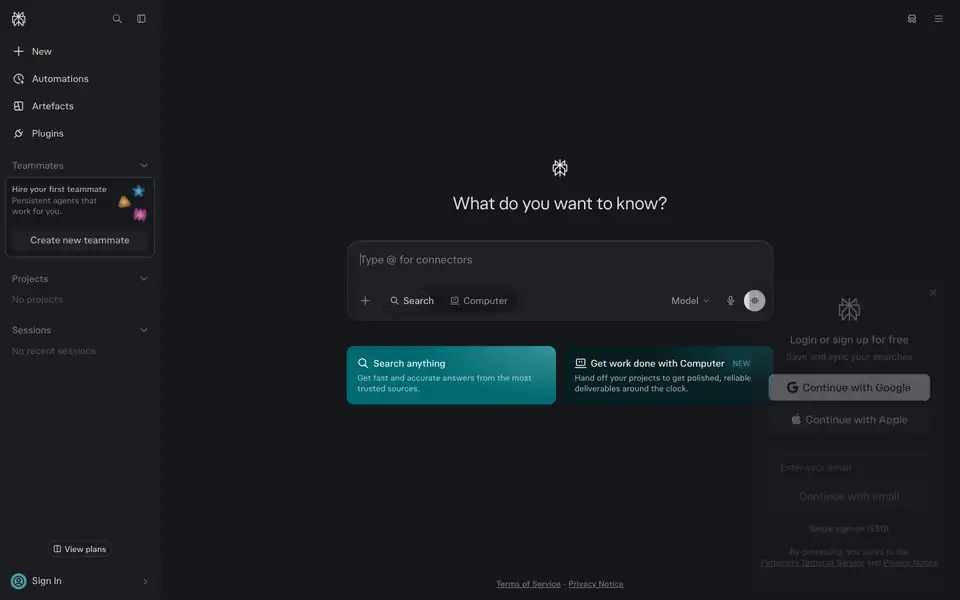
/ is not a landing page. It is the working app: a sidebar, one H1 ("What do you want to know?", 26px/39px), and the composer. A logged-out visitor can type and get an answer before any sales pitch.
Evidence. / is 900px tall (one viewport). The H1 is 26px, smaller than most marketing H2s. The only "marketing" content is two 88px-tall mode cards ("Search anything", "Get work done with Computer").
Why. Perplexity's value is proven in one query. Any marketing copy between the visitor and the input adds time to the first "aha". The marketing pages (/hub, /pro) exist for people who arrive from search or ads and need context first.
2. Serif for the voice, sans for the machine
Every headline on every page is a serif or a high-contrast display face (pplxSerif, GT Canon VF, PPLX Serif Beta). Every UI label, paragraph, button and chip is a grotesk (pplxSans, GT Standard, FK Grotesk).
Evidence. /pro: all 10 H1/H2/H3 are pplxSerif, weight 400 light / 350 dark. 126 body text nodes are pplxSans 16px/24px. /hub H1 is GT Canon VF 180px/600 with an italic "for".
Why. The serif borrows the authority of print journalism and academic writing, which matches "accurate answers with citations". The sans keeps the product UI neutral. The contrast between the two also gives hierarchy without needing heavy weights.
3. Light weights everywhere
The heaviest headline weight on the product-system pages is 500. Framer pages use variable fonts named "Black" but set "wght" 300 to "wght" 400 through font-variation-settings.
Evidence. /enterprise H2: "PPLX Serif Beta v0 VF Variable L Black", "opsz" 30, "wght" 300, 38px. /comet H1: GT Canon VF "opsz" 60, "wdth" 75, "wght" 300, 80px. Dark-mode text on /pro drops one step (350 instead of 400, 450 instead of 500).
Why. Thin serifs at large sizes read as calm and literary. Dropping weight in dark mode compensates for light text on dark backgrounds looking bolder (irradiation).
4. One accent, and it is teal
Teal #016a71 (light) / #4e99a3 (dark text) / #32b8c6 (dark border) is the only hue used on UI. It marks the active mode, plan perks ("+US$40 free Computer credits"), links and "NEW".
Evidence. --accent-bg-strong: #016a71, --accent-fg-primary: #016a71 (/hub CSS). On /pro dark, perk lines are 12px/16px · 650 · rgb(78,153,163). /enterprise primary button: rgb(0,66,65) #004241. /comet download button gradient #299da9 → #21808d.
Why. Teal is not used by any other large AI brand (OpenAI black/green, Anthropic clay, Google multi). It also sits between "trust" blue and "growth" green, which suits a research product.
5. Hierarchy from opacity
Secondary and tertiary text are the primary ink at reduced alpha, not separate grays.
Evidence. --fg-secondary: rgb(from #0b2833 r g b / .75), --fg-tertiary: … / .5, --border-base: … / .15, --border-soft: … / .07. Dark mode uses #dbdee3 at 0.65 and 0.5. Enterprise uses rgba(9,23,23,.6); Comet rgba(9,23,23,.64).
Why. Alpha-derived colours stay in tune with any background they sit on (white, cream, teal band, photo). One ink colour per theme is easier to keep consistent than a ramp of 6 grays.
6. Ink is not black
Primary text is #0b2833, a very dark teal, not #000. On Framer pages it is #091717, a very dark green.
Why. A tinted ink makes the page feel printed and warmer, and it ties the type to the teal accent without colouring it visibly. The contrast stays high (14.86:1 on #fbfbfb).
7. Art behind UI, never instead of it
Every large visual is a real product UI panel (composer, answer with citations, task list, model picker) floating on a painted, photographic or particle background.
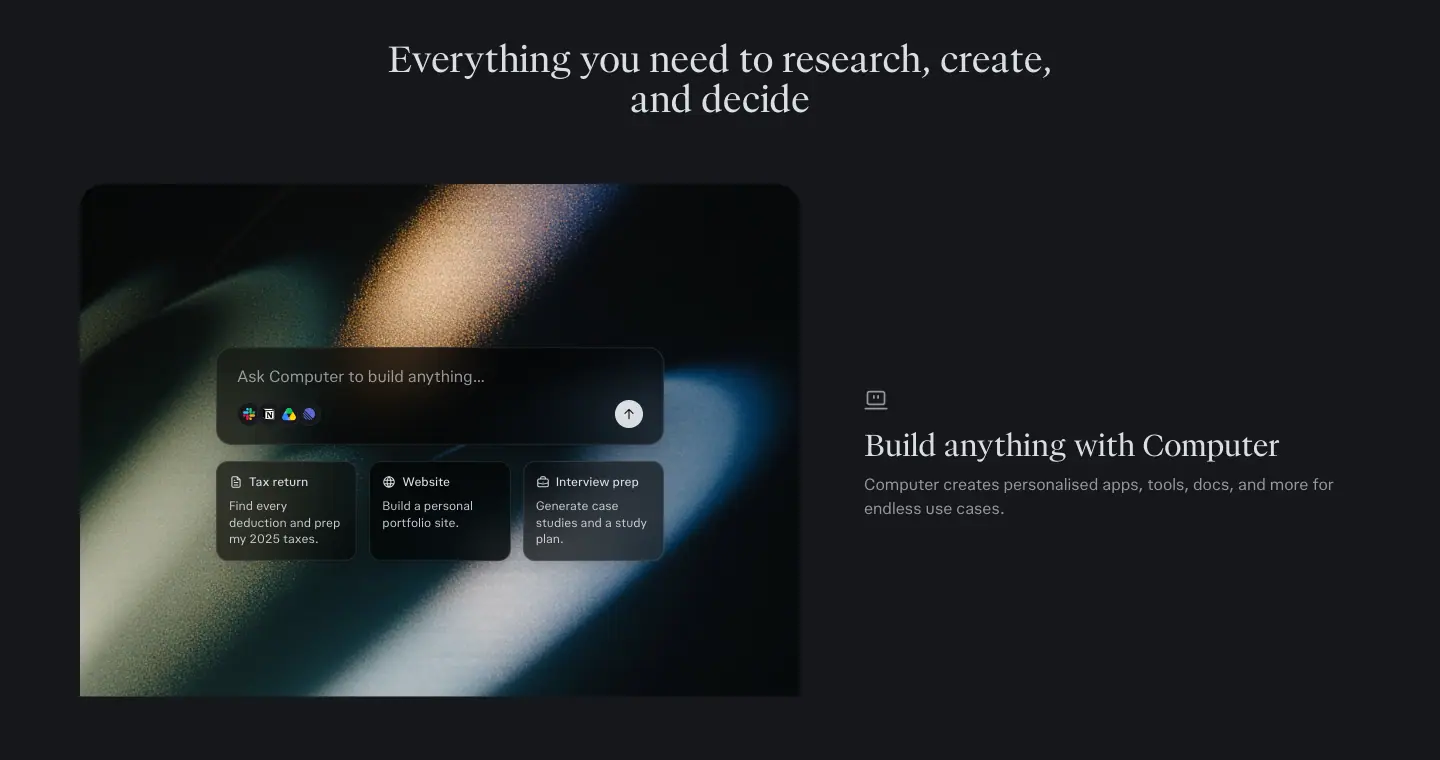
Evidence. /pro feature images: an answer card with PitchBook mono source chips over a blurred light streak. /enterprise hero: the Computer task UI over an oil-painted mountain. /hub bento: "41 sources" answer UI over film-grain landscapes.
Why. The art gives emotion and brand recall. The UI on top proves the claim ("cited answers") in the same image. See 09 · Art direction.
8. Calm surfaces, soft containers
Sections are separated by large rounded containers in a 3 to 7 % tint of the ink (--layer-faint 0.035, --layer-subtle 0.07), not by hard lines or drop shadows.
Evidence. /pro plan section: background: rgb(28 28 28 / .035) light, rgb(219 222 227 / .03) dark, padding 128px 16px, radius 32px. Hairline borders are 1px at 0.07 or 0.14 alpha.
Why. Tinted panels group content without visual noise, and they work identically on light and dark themes.
9. Motion confirms, it does not perform
Hover transitions are 120 to 300ms with ease-out curves. Entrances are opacity + 4 to 20px translate or blur-to-focus. Long animations (40s orbits, 8.4s pulses, marquees) run in the background at low contrast.
Evidence. Buttons: background-color, border-color, color, opacity 0.3s cubic-bezier(0,0,0.2,1). Hub hero: hero-headline-focus 2.2s cubic-bezier(0.16,1,0.3,1) from blur(24px) scale(1.02) opacity 0. Pages ship a prefers-reduced-motion query (reducedMotionQuery: true on all four product-system pages).
Why. Speed is part of the product promise; UI feedback must feel instant. Slow ambient motion signals "alive" without competing with reading. See 10 · Motion.
10. Questions as content
Real example prompts appear everywhere: the hero composer placeholder cycles through prompts; /pro has a 3-row marquee of 20+ questions; FAQ sections end every page.
Why. A question is the product's unit of value. Showing real questions teaches visitors what to ask, and it doubles as SEO-friendly long-tail text.
02 · Color system
All values are measured with getComputedStyle or read from the CSS custom properties defined on :root (data/hub.probe.json, data/api-platform.probe.json). Contrast ratios use the WCAG 2.x formula on the alpha-flattened colour.
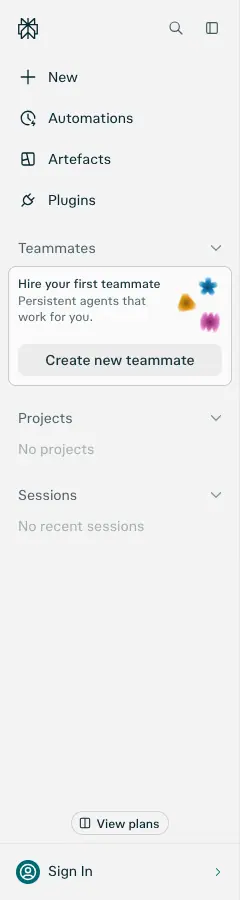
1. The product token set (light)
Read from /hub and /api-platform stylesheets. The app (/) and /pro use the same names.
| Token |
Value |
Flattened on #fbfbfb |
Use |
--bg-base / --surface-base |
#fbfbfb |
— |
Page background (app, /pro) |
--bg-raised / --surface-raised |
#ffffff |
— |
Cards, composer |
--surface-underlay |
#f0f0f0 |
— |
Recessed areas |
--bg-inverse / --surface-inverse |
#252525 |
— |
Primary button fill, inverse chips |
--layer-faint / --bg-subtle |
rgb(from #1c1c1c r g b / .035) |
≈ #f3f3f3 |
Section panels, chip default |
--layer-subtle / --bg-soft |
rgb(from #1c1c1c r g b / .07) |
≈ #ececec |
Secondary buttons, hover fills |
--layer-recessed |
rgb(from #0f3639 r g b / .07) |
— |
Teal-tinted wells |
--fg-primary |
#0b2833 |
— |
Headlines and body |
--fg-secondary |
#0b2833 / .75 |
#475d65 |
Sub copy, nav links |
--fg-tertiary |
#0b2833 / .5 |
#839297 |
Placeholders, empty states |
--fg-disabled |
#0b2833 / .2 |
— |
Disabled |
--fg-inverse |
#fbfbfb |
— |
Text on inverse button |
--border-heavy |
#0b2833 |
— |
Rare, emphasis |
--border-base / --border-medium |
#0b2833 / .15 |
— |
Card and input outlines |
--border-soft |
#0b2833 / .07 |
— |
Dividers, FAQ rules |
--accent-bg-strong / --accent-fg-primary |
#016a71 |
— |
The teal |
--accent-bg-soft |
#016a71 / .09 |
— |
Accent chip fills |
--accent-bg-subtle |
#016a71 / .055 |
— |
Accent tints |
--accent-bg-selection |
#016a71 / .4 |
— |
Text selection |
--accent-layer-recessed |
rgb(from #01838c r g b / .1) |
— |
Teal wells |
--positive-bg-strong |
#016b1d |
— |
Success |
--ask-input-decorative-glow-shadow |
0 0 36px 4px rgb(from #016a71 r g b / .3) |
— |
Composer focus glow |
Note the syntax: Perplexity uses CSS relative colour (rgb(from #hex r g b / alpha)). One hex per role, alpha for the variants.
2. The product token set (dark)
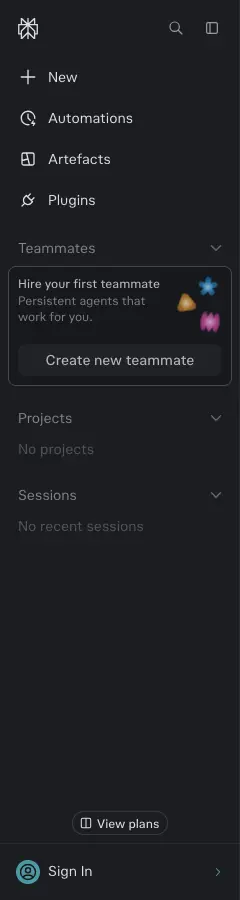
Measured from computed values on / and /pro with prefers-color-scheme: dark (the pages follow the OS setting; there is no toggle on marketing pages).
| Role |
Value |
Note |
| Page background |
#15171b (color(srgb .0824 .0902 .1059)) |
Blue-black, not neutral |
| Raised |
#1b1d21 (rgb(27,29,33)) |
Cards |
| Primary text |
#dbdee3 |
Not white |
| Secondary text |
#dbdee3 / .65 → #96989d |
|
| Tertiary text |
#dbdee3 / .5 → #787a7f |
|
| Panel tint |
#dbdee3 / .03 and / .06 |
Same role as --layer-faint / --layer-subtle |
| Hairline |
#dbdee3 / .07 and / .14, rgba(255,255,255,.1) |
|
| Accent text |
#4e99a3 (rgb(78,153,163)) |
Perk lines, links |
| Accent border |
#32b8c6 (rgb(50,184,198)) |
"Popular" plan card outline |
| Primary button |
#dbdee3 fill, #15171b text |
Inverse of light mode |
| Search mode card |
#016a71 fill + radial rgba(100,182,186,.55) glow at top-right |
/ only |
| Computer mode card |
#081f22 fill + radial rgba(20,107,116,.5) glow |
/ only |
Why the dark theme is not black. #15171b has a blue cast that harmonises with the teal accent and keeps photographs (light streaks) from looking cut out.
3. Brand-page palettes
/hub (warm paper)
| Role |
Value |
| Body |
#faf8f5 (rgb(250,248,245)) |
| Hero |
#000000 behind a full-bleed nature video |
| "What we do" gradient |
pixel-sampled #eceae5 → #f1eeea |
| Footer |
#ece9e4 (rgb(236,233,228)) |
| Footer wordmark "AI for the curious" |
pixel-sampled #d5d6d2 |
| Inactive sticky words |
#e5e2dc (rgb(229,226,220)) |
| Ink |
#0b2833 |
| Data-viz colours inside the workflow demo |
#433075, #f7d63c, #2a8e94, #5773ed, #3aa67a, #d35d8d, #d28a3e, #8767c8 |
/api-platform (warm dark)
| Role |
Value |
| Page |
#171615 (color(srgb .0902 .0863 .0824)) — a warm brown-black |
| Panel |
#dbdee3 / .03, cards rgba(0,0,0,.25) |
| Hairline |
#dbdee3 / .14 (59 elements) |
| Code accent |
teal #4e99a3 family; hero glow orange/amber (photographic) |
| Footer |
#ece9e4 (light, shared with /hub) |
/enterprise (Framer)
| Role |
Value |
| Page |
#ffffff |
| Ink |
#091717 (rgb(9,23,23)) |
| Sub copy |
rgba(9,23,23,.6) |
| Primary button |
#004241 (rgb(0,66,65)) |
| Dark band (Comet) |
#13343b (rgb(19,52,59)) |
| Security band |
rgb(240,241,237) / pale cyan rgb(200,235,236) accents |
| Eyebrow chip |
rgba(146,220,226,.5) |
| Proof cards |
rgba(228,227,212,.3) (warm paper) |
| Footer |
#000000, text rgba(255,255,255,.6) |
/comet (Framer)
| Role |
Value |
| Page |
#ffffff, cream panels #fbfaf4, #f6f5ee |
| Ink |
#091717, sub rgba(9,23,23,.64) |
| Download button |
linear-gradient(#299da9 -25%, #21808d 100%) |
| Dark CTA |
linear-gradient(0deg, #091717, #3b4151) |
| Glass card shadow |
rgba(255,255,255,.56) 0 -2px 4px, rgba(0,0,0,.02) 0 24px 40px, rgba(0,0,0,.02) 0 4px 18px … |
4. Contrast ratios (measured colours, alpha flattened)
| Pair |
Foreground |
Background |
Ratio |
WCAG |
| Light primary text |
#0b2833 |
#fbfbfb |
14.86 |
AAA |
| Light secondary (.75) |
#475d65 |
#fbfbfb |
6.72 |
AA |
| Light tertiary (.5) |
#839297 |
#fbfbfb |
3.11 |
Large text only |
| Light accent |
#016a71 |
#fbfbfb |
6.15 |
AA |
| White on teal mode card |
#ffffff |
#016a71 |
6.36 |
AA |
| Light primary button |
#fbfbfb |
#252525 |
14.81 |
AAA |
| Dark primary text |
#dbdee3 |
#15171b |
13.30 |
AAA |
| Dark secondary (.65) |
#96989d |
#15171b |
6.22 |
AA |
| Dark tertiary (.5) |
#787a7f |
#15171b |
4.18 |
Large text only |
| Dark accent |
#4e99a3 |
#15171b |
5.48 |
AA |
| Hub ink on paper |
#0b2833 |
#faf8f5 |
14.51 |
AAA |
| Hub inactive sticky word |
#e5e2dc |
#f1eeea |
1.12 |
Decorative (intentional) |
| Hub footer wordmark |
#d5d6d2 |
#ece9e4 |
≈1.2 |
Decorative (intentional) |
| Enterprise ink |
#091717 |
#ffffff |
18.32 |
AAA |
| Enterprise sub (.6) |
#6b7474 |
#ffffff |
4.80 |
AA |
| White on enterprise button |
#ffffff |
#004241 |
11.32 |
AAA |
| White on Comet band |
#ffffff |
#13343b |
13.27 |
AAA |
| Comet sub (.64) |
#626b6b |
#ffffff |
5.48 |
AA |
| White on Comet download |
#ffffff |
#21808d |
4.63 |
AA |
| API fg |
#dbdee3 |
#171615 |
13.40 |
AAA |
| API secondary (.65) |
#96989b |
#171615 |
6.25 |
AA |
Reading. Body and secondary text pass AA everywhere. Only the tertiary (0.5) tier fails AA for small text, and Perplexity uses it only for placeholders ("Ask anything…") and empty states ("No projects"). The two sub-1.3 pairs are deliberately decorative: the inactive words in the sticky scroller and the giant footer wordmark.
5. Rules to copy
- Pick one ink per theme and derive secondary (0.75 / 0.65), tertiary (0.5), border (0.15) and soft border (0.07) with alpha.
- Pick one accent and use it only for state (active mode, perk, link, "NEW"). Never for headlines.
- Tint dark mode toward the accent hue (
#15171b, not #000).
- Put colour into art, not into UI. The paintings and photos carry saturation; the UI stays near-monochrome.
- Primary button = inverse of the page (dark fill on light, light fill on dark), not the accent. The accent button appears only on Framer pages.
Official palette (from perplexity.ai/hub/brand, captured 2026-11-21)
Hub: "Turquoise leads. Turquoise 500 is the anchor. Gold and orange extend it with warmth. Green and crimson are product accents only." and "Clarity is cool. Humanity is warm. The system holds both."
Core tokens (the hub's own CSS download):
:root {
  --pplx-off-black: #121516;
  --pplx-off-white: #FAF8F5;
  --pplx-perplexity-turquoise: #20808D;
  --pplx-perplexity-yellow: #9B6C22;
  --pplx-perplexity-orange: #B2582D;
}
Turquoise ramp: 100 #DEF7F9 · 200 #92DCE2 · 300 #35BDC8 · 400 #2CA0AB · 500 #20808D · 600 #1A6872 · 700 #114F56 · 800 #0B363C · 900 #081F22.
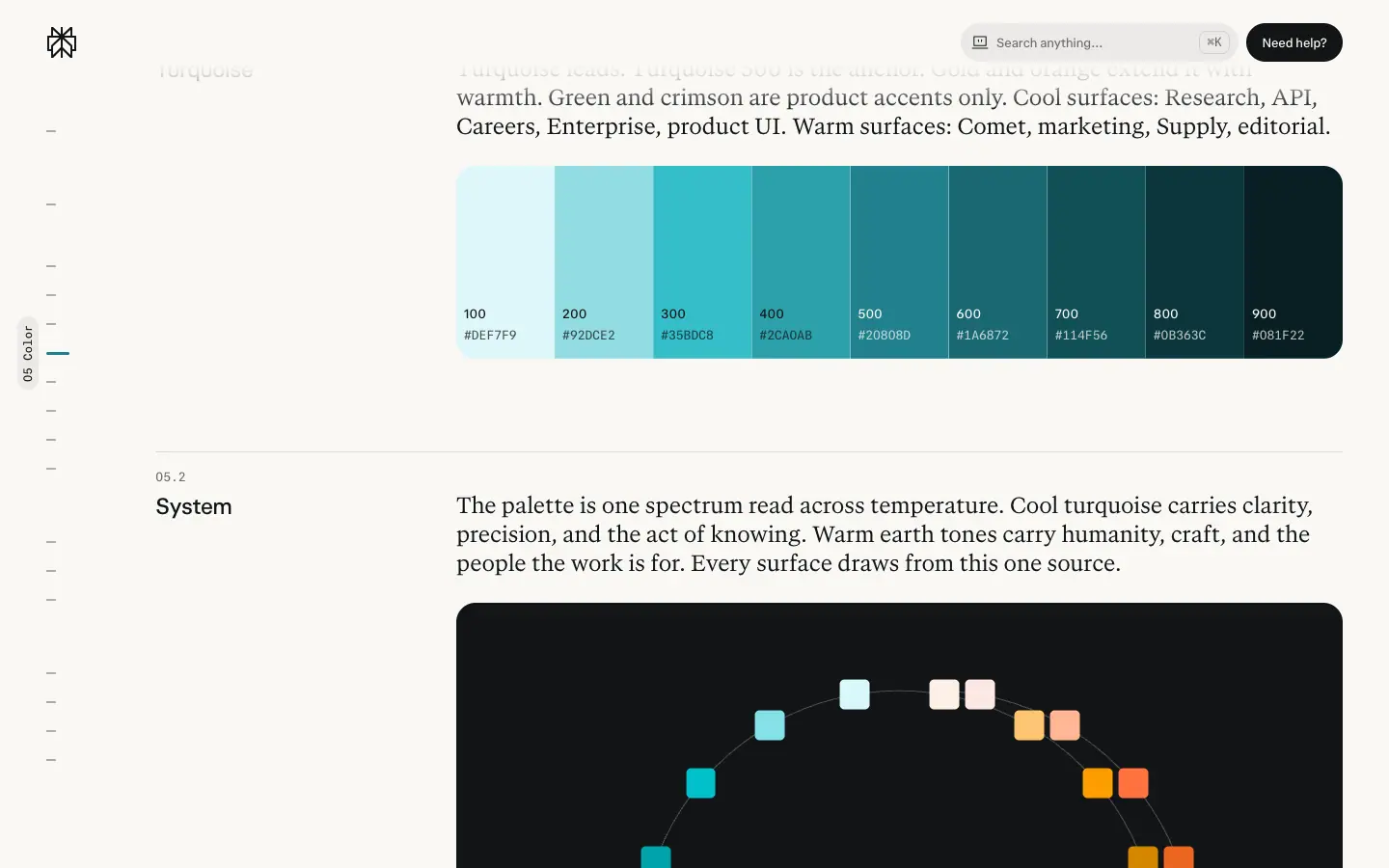
Approved contrast pairs (hub values; my recomputation in brackets):
| Pair |
Hub |
Recomputed |
Use |
| Off White on Off Black |
17.3:1 |
17.3:1 |
body |
| Off White on Turquoise 800 |
12.3:1 |
12.33:1 |
body |
| Off White on Turquoise 700 |
8.7:1 |
8.7:1 (#FAF8F5 on #114F56) |
body |
| Off Black on Turquoise 200 |
11.8:1 |
11.85:1 |
body |
| Off White on Turquoise 500 |
4.4:1 |
4.37:1 |
large type only |
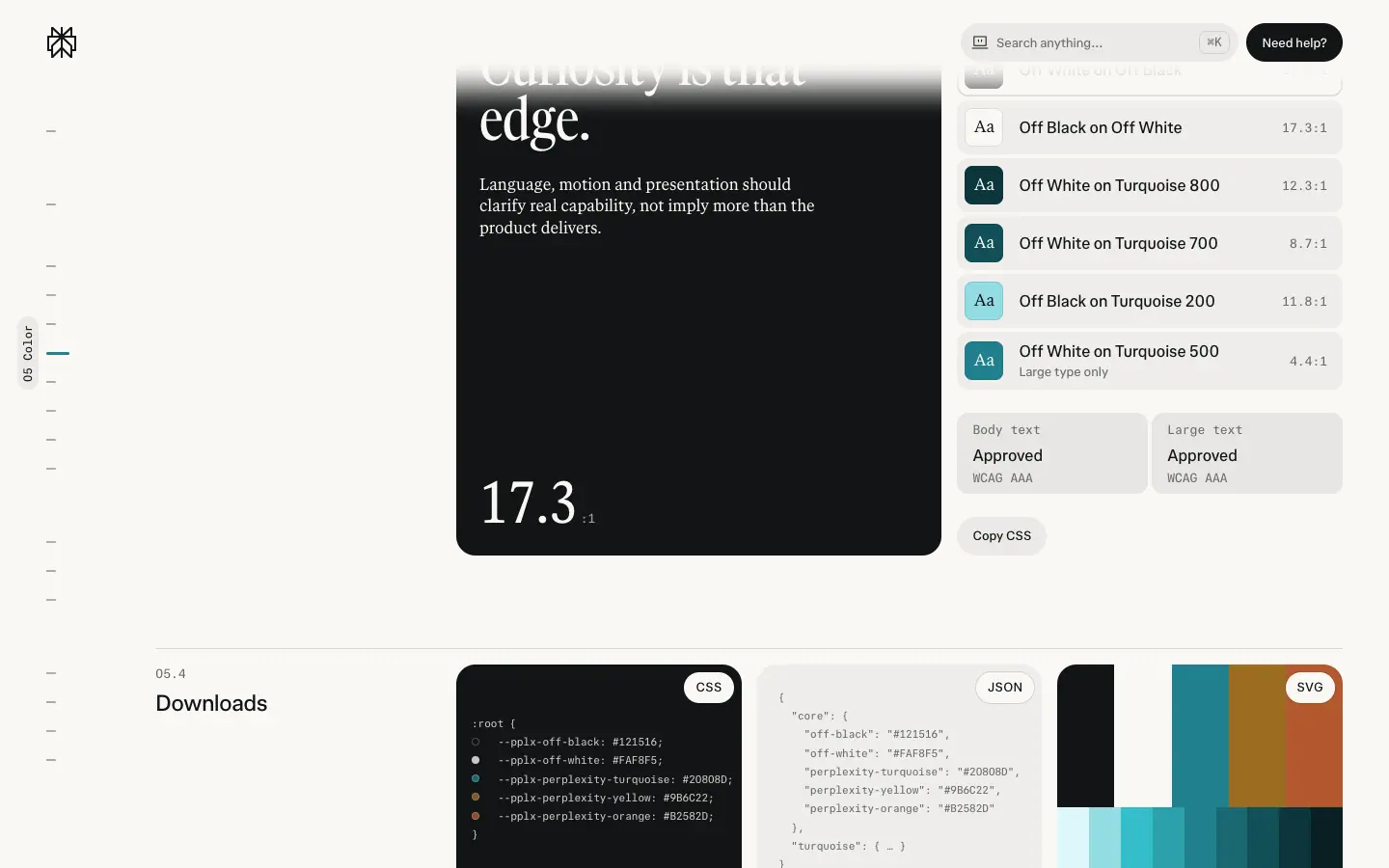
Site vs brand sheet. The marketing hub pages set text in #0b2833 (a deep turquoise-navy), not the brand Off Black #121516. On Off White, #0b2833 scores 14.5:1; at the 75% alpha used for secondary text it renders ≈ #475c64, 6.6:1 (AA for body); at 50% ≈ #829094, 3.1:1 (large text only, used for mono category labels). The help center uses the dark side of the system: #121516 ground, #f7f7f8 text (17.1:1), #a4abad secondary (7.9:1) and Turquoise 400 #2ca0ab links and eyebrows (5.9:1).
Why: the tinted ink keeps even "black" text inside the turquoise temperature, so the whole page reads as one hue family on warm paper.
03 · Typography
Sources: document.fonts (loaded faces), getComputedStyle on every visible text node (data/<page>.json → hist, heads), and font-variation-settings (data/<page>.probe.json → fw).
1. Font stacks by family
| Family |
Loaded faces (from document.fonts) |
CSS token |
Product system (/, /pro) |
pplxSans 300–900 (with oblique 0–6deg axis), pplxSerif 300–900, pplxCodeMono 100–450 |
--pplx-sans: "pplxSans", --pplx-serif: "pplxSerif", --pplx-mono: "pplxCodeMono", "pplxCodeMonoSymbols", --pplx-answer: "pplxSerif", ui-serif, Georgia, Cambria, serif |
Brand pages (/hub, /api-platform) |
adds GT Canon VF 300–900 (normal + italic) and pplxSansMono 300–900 |
--pplx-nimbus-mono: "pplxSansMono", --pplx-serif-narrow: "pplxSerifNarrow" |
/enterprise (Framer) |
PPLX Sans Beta v0 VF, PPLX Serif Beta v0 VF, Newsreader 400, FK Grotesk Neue 400/700, FK Grotesk Light 300 |
Framer --token-* (no readable names) |
/comet (Framer) |
GT Standard VF, GT Canon VF, GT Standard Mono Regular, FK Grotesk Regular |
— |
- pplxSans is Perplexity's custom grotesk. It has a custom
"DRKM" axis (set to 0 on many nodes; the name suggests a dark-mode optical compensation axis). Weights are variable: the light theme uses 400/500, dark uses 350/450.
- pplxSerif is the custom text serif used for all marketing headlines and for AI answers (
--pplx-answer). It ships an "ss01" stylistic set (used on /hub headlines).
- GT Canon VF (Grilli Type) is the display serif for the largest, most "brand" moments:
/hub H1 (180px), /api-platform H1 (64px), /comet H1 (condensed wdth 75).
- Mono (pplxSansMono, pplxCodeMono, GT Standard Mono) appears as small uppercase labels with tracking: footer column heads, "CASE STUDY" tags, citation chips, Comet footer.
Why custom fonts. A custom sans and serif pair makes every answer screen recognisable in a screenshot (the product is shared as screenshots constantly). Using the answer serif in marketing headlines links the marketing voice to the product voice.
2. Variable font axes (Framer pages)
Framer exposes the font family name of the variable instance ("… Variable S Black") with font-weight: 900, but the real weight is set through font-variation-settings:
| Page |
Element |
font-variation-settings |
Size |
| /enterprise |
H2 serif |
"opsz" 30, "wght" 300 |
38px |
| /enterprise |
Sub (H3 role) |
"DRKM" 0, "opsz" 19, "slnt" 0, "wght" 340 |
20px |
| /enterprise |
Card titles |
"DRKM" 0, "opsz" 18, "slnt" 0, "wght" 382 |
26px |
| /enterprise |
Nav/button |
"DRKM" 0, "opsz" 20/24, "wght" 335–400 |
16px |
| /comet |
H1 |
"opsz" 60, "wdth" 75, "wght" 300 (GT Canon) |
80px |
| /comet |
Body |
"opsz" 16, "slnt" 0, "wdth" 100, "wght" 300 (GT Standard) |
16px |
| /comet |
Card titles |
"opsz" 24, "wght" 300 |
24px |
| /api-platform |
Body |
"wght" 360 |
16px |
| /api-platform |
H2 |
"wght" 440 |
24px |
| /api-platform |
Section H2 serif |
"wght" 500 |
48px |
Why. Optical size (opsz) is set close to the pixel size, so large serifs get finer hairlines and small text gets sturdier strokes. Weights of 300 to 382 give the "whisper" tone of the brand.
3. Measured type scale (product system, 1440px)
Headlines (pplxSerif unless noted)
| Role |
Size / line-height |
Weight (light / dark) |
Tracking |
Example |
| Brand display (GT Canon) |
180px / 189px |
600 |
normal |
/hub "AI for the curious" |
| Sticky-word display |
86.4px / 90.72px |
400 |
-1px |
/hub "Accurate AI" |
| Display H1 (GT Canon) |
64px / 64px |
600 |
normal |
/api-platform hero |
| CTA H2 |
60px / 75px |
500 / 450 |
normal |
/pro "Ready to unlock Pro?" |
| H1 |
48px / 48px |
400 / 350 |
normal |
/pro hero |
| Section H2 (large) |
48px / 57.6px |
500 |
normal |
/api-platform, /hub FAQ |
| Section H2 |
40px / 44px |
400 |
-0.72 to -1px |
/hub "One place to research, build, and ship" |
| Section H2 (medium) |
36px / 40px |
400 / 350 |
normal |
/pro "Everything you need…" |
| Feature H3 / small H2 |
30px / 36px |
400 / 350 |
normal |
/pro "Build anything with Computer" |
| App H1 (sans) |
26px / 39px |
400 / 350 |
-0.13px (light) |
/ "What do you want to know?" |
Body and UI (pplxSans)
| Role |
Size / LH |
Weight (light / dark) |
Tracking |
Colour |
| Lead / H2 sub (API) |
24px / 31.2px |
500 |
normal |
fg / fg .65 |
| FAQ question (hub) |
20px / 28px |
400 |
0.2px |
fg |
| Body (hub, API) |
16px / 22.4px |
400 (wght 360) |
0.16px |
fg .75 |
| Body (pro, app) |
16px / 24px |
400 / 350 |
normal |
fg / fg .65 |
| Nav link |
14px / 20px |
500 / 450 |
normal |
fg / fg .65 |
| Card description |
14px / 20px |
400 / 350 |
normal |
fg .75 |
| Small / meta |
12px / 16px |
400 / 350 |
normal |
fg .75 / .65 |
| Perk line |
12px / 16px |
700 / 650 |
normal |
accent |
| Badge "NEW" |
11px / 11px |
500 |
normal |
accent |
| Mono label (footer, tags) |
12px / 18px |
400 |
0.96px (0.08em), uppercase |
fg / fg .75 |
| Citation chip (mono) |
10px / 10px |
400 / 350 |
normal |
fg |
Pattern. The scale is not a strict ratio. It clusters around Tailwind sizes (12, 14, 16, 24, 30, 36, 48, 60). Headline line-heights are tight (1.0 to 1.2), body is 1.4 to 1.5.
4. Framer pages type scale
/enterprise
| Role |
Size / LH |
Tracking |
Face |
| H1 |
50px / 55px |
-1.9px (-0.038em) |
PPLX Serif, wght 300 |
| H2 |
38px / 43.7px |
-1.6px (-0.042em) |
PPLX Serif, wght 300 |
| Feature H3 |
32px / 38.4px |
-0.8px |
PPLX Sans |
| Accordion H4 (dark band) |
28px / 33.6px |
-0.6px |
PPLX Sans |
| Card H4 |
26px / 31.2px |
-1px |
PPLX Sans, wght 382 |
| Lead (H3 role) |
22px / 29.7px |
-0.5px |
PPLX Sans, 0.6 alpha |
| Card body |
20px / 26px |
-0.4px |
PPLX Sans, wght 340, 0.6 alpha |
| Stat number |
44px / 55px |
-0.5px |
Newsreader 400 |
| Button |
16–18px / 1.0 |
normal |
PPLX Sans |
| Footer link |
11px / 16.5px |
normal |
FK Grotesk Light, white .6 |
Enterprise uses negative tracking on every headline (-0.02 to -0.04em). Product-system pages use normal tracking. This is the clearest visual tell between the two systems.
/comet
| Role |
Size / LH |
Tracking |
Face |
| CTA display |
90px / 90px |
-2.5px |
GT Canon condensed |
| FAQ title |
64px / 76.8px |
-0.7px |
GT Canon condensed |
| H1 |
80px / 80px (56px node wrapper) |
-1.6px |
GT Canon condensed, wght 300 |
| Section H2 |
48px / 57.6px |
-1px |
GT Canon condensed |
| Card title |
24px / 28.8px |
-0.72px |
GT Standard wght 300 |
| Lead |
24px / 36px |
-0.24px |
GT Standard |
| Eyebrow |
16px / 16px |
normal |
GT Standard, .64 alpha |
| FAQ question |
16px / 19.2px |
-0.32px |
GT Standard |
| Footer |
16px / 20.8px |
-0.4px, uppercase |
GT Standard Mono |
Why condensed. Comet is a browser, a "fast" product. The condensed serif (wdth 75) feels quick and tall, like a magazine masthead, and it lets a 2-line H1 sit in a narrow centre column above the product shot.
5. Heading + subheading pairings
| Pair |
Heading |
Sub |
Gap |
Page |
| Serif headline + sans sub |
48px pplxSerif |
16px/24px pplxSans fg .75 |
≈ 8px |
/pro hero |
| Serif H2 + sans sub (centred) |
40px pplxSerif |
16px pplxSans |
≈ 16px |
/hub |
| Sans H2 split in two tones |
"Agent API:" fg + "supported models…" fg .65, 28px pplxSans 500 |
— |
— |
/api-platform |
| Serif H1 + 22px lead at 0.6 alpha |
50px |
22px / 29.7px |
≈ 20px |
/enterprise |
| Eyebrow + condensed serif H1 + small sub |
16px .64 |
80px |
20px .64 |
/comet |
| Mono eyebrow + serif H2 + sans sub |
12px mono uppercase 0.96px |
48px |
16px |
/api-platform "CUSTOMER STORIES" |
The two-tone H2 (bold label + muted continuation in the same size) appears on /api-platform ("Agent API: supported models, web search…") and on /hub bento cards ("Get accurate, cited answers; then go deeper…", where the second clause is lighter). It packs a title and a description into one line of type.
6. Mobile (390 × 844)
| Page |
H1 |
First H2 |
| /pro |
30px / 36px (from 48) |
24px / 32px (from 30–36) |
| /hub |
72px / 75.6px (from 180) |
26px / 28.6px, -1px (from 40) |
| /enterprise |
40px / 44px, -1.2px (from 50) |
28px / 32.2px, -0.8px (from 38) |
| /comet |
43px / 38.7px, -1.2px (from 80) |
— |
| /api-platform |
40px / 40px (from 64) |
22px / 28.6px (from 28) |
Display sizes shrink 40 to 60 %; body stays 16px. Line-heights stay tight (Comet even drops below 1.0).

7. Rules to copy
- Serif for headlines (weight 300–500), grotesk for everything else (400/500). Never bold a serif headline.
- Drop each weight by ~50 units in dark mode (400 → 350, 500 → 450).
- Use a mono, uppercase, +0.08em tracked label for metadata (column heads, tags, sources).
- Body text: 16px with 1.4–1.5 line-height and a hair of positive tracking (0.01em) on light paper.
- If you use a display serif above 60px, tighten tracking (−0.02 to −0.04em) and line-height (1.0–1.05).
Sourcing: foundry, licence, where to get it, free substitutes
Sources: the font files each page loads (performance.getEntriesByType('resource')), each file's name table (fontTools), and Perplexity's own brand hub at perplexity.ai/hub/brand (captured 2026-11-21; not listed in the sitemap). Quotes from the hub are marked "hub".
The house family: PPLX Type
- Hub: "Perplexity has its own typeface, drawn with Grilli Type. PPLX Sans does the work of the interface and body copy. PPLX Serif carries headlines and editorial voice. PPLX Serif Narrow is the display cut for large statements. PPLX Mono is for numbers, code, and metadata."
- Hub: "One variable system, PPLX Type Beta R6, in four voices. Serif Narrow speaks first, Serif carries ideas, Sans does the work, Mono keeps the details honest."
- Hub: "PPLX Type is internal while it's in beta, so request the files." It is not for sale or public download.
- On marketing pages the files are served as
Curious-Sans-1.002-VF.woff2, Curious-Serif-1.002-VF.woff2, Curious-Mono-1.002-VF.woff2 (frontend-cdn.perplexity.ai), and CSS names them pplxSans, pplxSerif, pplxSansMono. Their name tables are stripped (no foundry or licence strings), which fits an internal beta.
| File |
CSS family |
Axes (from fvar) |
Glyphs |
| Curious-Sans 1.002 VF |
pplxSans |
wght 300–900, opsz 12–30, slnt −6–0 |
550 |
| Curious-Serif 1.002 VF |
pplxSerif (and Serif Narrow via wdth) |
wdth 75–100, wght 300–900, opsz 16–28 |
576 |
| Curious-Mono 1.002 VF |
pplxSansMono |
wght 300–900, slnt −6–0 |
533 |
The Serif Narrow voice is the same serif file at wdth 75. One file serves both the text serif and the condensed display.
Other families on perplexity.ai
| Family |
Where |
Foundry |
Licence |
Free substitute |
| GT Canon VF |
changelog and customers H1 (64/64, 600), /hub display, /comet |
Grilli Type |
commercial (grillitype.com) |
Newsreader Display, Instrument Serif |
| FK Grotesk Neue 1.107 |
/enterprise (Framer) and some marketing UI |
Florian Karsten (fonts.floriankarsten.com) |
commercial EULA |
Inter, Hanken Grotesk |
| GT Standard VF / Mono |
/comet (Framer) |
Grilli Type |
commercial |
Geist, Geist Mono |
| PPLX Sans / PPLX Serif |
help center (/help-center) |
same PPLX Type, named differently by the docs platform |
internal |
— |
| Brand Hub Sans / Serif / Mono |
/hub/brand |
the R6 build of PPLX Type |
internal |
— |
| KaTeX_* (Main, Math, AMS, Size1–4, Caligraphic) |
research blog posts with equations |
KaTeX project |
MIT / OFL |
free |
Free substitute set for PPLX Type: Sans → Inter (has opsz, close metrics); Serif → Newsreader (has opsz 6–72); Serif Narrow → Newsreader at heavy optical size, or Instrument Serif (narrow by design); Mono → Geist Mono or JetBrains Mono.
Why a custom family: the hub's principle "Curious, not conventional" says "Don't default to the familiar visual language of technology companies." A serif-led system on warm off-white is the opposite of the usual AI-company grotesk on black. Owning the type also lets the hub's AI "skills" swap generic fonts for brand fonts (hub: "Google Fonts (Inter, Instrument Serif) become PPLX Serif Narrow Medium, Sans and Sans Mono, all R6").
Official hierarchy (from the hub's "Hierarchy" table)
| Role |
Voice · weight |
| Display |
Serif Narrow · 500 |
| Headline |
Serif · 400 |
| Subhead |
Sans · 500 |
| Body |
Serif · 500 (editorial) or Sans (UI) |
| Micro, Caption |
Sans, small |
| Eyebrow |
Sans, uppercase, tracked ("POWERFUL, MADE SIMPLE.") |
New templates measured in this pass
| Template |
H1 |
H2 / H3 |
Body |
Meta |
Blog index /hub/blog |
"Perplexity Blog" pplxSerif 32/34.56 −0.91px |
featured title 32/36.8 serif; card title 19/23.75 serif |
dek 14.5/21.75 serif, 75% ink |
11/11 uppercase +0.55px "RESEARCH · 16 NOV 2026" |
| Blog post |
pplxSerif 56/60.48 400, 648px |
H2 29/35.38 −0.1px; H3 22/28.6 |
18/30.96 serif #0b2833 |
TOC 13/16.9 sans with mono numbers 11px +1.54px |
| Changelog index |
GT Canon 64/64 600 centred |
entry H2 pplxSerif 36/43.2 500, 700px |
20/28 sans +0.2px, 75% ink |
date 14/21 600 uppercase +1.4px |
| Changelog entry |
GT Canon 64/64 600, 936px |
H2 pplxSerif 32/35.2 400 |
16/24 sans, 75% ink |
— |
| Customers |
GT Canon 64/64 600 left |
carousel H2 36/43.2 serif white; grid titles 20/28 sans |
20/28 sans |
mono 12/18 uppercase +0.96px category |
| Customer story |
pplxSerif 48/52.8 400 |
H2 32/35.2 |
16/24 sans 75% |
— |
| Use case |
pplxSerif 48/57.6 500 centred |
H2 32/35.2 |
16/24 sans 75% |
mono index "01" 11px |
| Help center |
PPLX Serif 48/51.84 400 −1.68px, white on dark |
H2 PPLX Serif 27/33.75 |
16/26.4 PPLX Sans |
eyebrow 11.5px 500 uppercase +1.61px #2ca0ab |
Pattern: serif for anything you read (titles, long-form research body), sans for anything you use (changelog descriptions, UI, help text). The research blog sets the whole body in serif at 18/30.96, a 1.72 line-height ratio, which is book typography.
04 · Layout, grid and spacing
Sources: section boxes (data/<page>.json → sections), max-width histogram (maxw), radius histogram (radii), spacing tokens (--spacing-* on :root).
1. Containers
| Page |
Max widths measured (count) |
Effective content width at 1440 |
| /pro |
1500px (3), 1280px (3), 720px (2), 680px (2), 576px (3), 448px (3), 350px (4) |
1280px column with 80px gutters; plan cards 2 × 350px |
| /hub |
1440px (3), 1200px (7), 840px (7), 720px (5), 368px (4), 280px (3) |
1200px bento; 840px text column |
| /api-platform |
1440px (9), 840px (4), 535px, 474px, 470px, 345px (4) |
Left rail 197px + 1100px content |
| /enterprise |
1200px (15), 1440px (1) |
1200px everywhere (Framer stack) |
| /comet |
1440px (3), 1400px (2), 1200px (2) |
1312px bento (2 × 640px + 32px gap) |
| / (app) |
768px (1), 384px (2) |
640px composer in an 864px main column next to a 240px sidebar |
Reading. The product system uses Tailwind max-w-* steps (448, 576, 672/680, 720, 1280). Framer pages use one 1200px container for everything. Narrow text columns (720–840px) keep line length near 70–80 characters at 16px.
2. Section rhythm
| Page |
Section |
Padding (measured) |
| /pro |
Plans panel |
128px 16px inside a 960px-tall rounded panel |
| /pro |
Domain tabs panel |
192px 16px |
| /pro |
Features stack |
0 40px, ≈ 128px between rows (≈ from screenshot) |
| /pro |
FAQ |
0 80px |
| /hub |
"What we do" |
160px 0 0 |
| /hub |
Audience band |
64px 32px on a #ece9e4 surround, inner black card |
| /api-platform |
Customer stories |
128px 0 |
| /api-platform |
API cards |
40px inside each card, 23px gap between cards |
| /api-platform |
Agent API |
0 0 80px |
Vertical spacing steps: 40, 64, 80, 128, 160, 192px. 128px is the default gap between major blocks, matching the Linear and Vercel norm.
3. Spacing tokens
From :root on the product system:
--spacing-px .0625rem   --spacing-0-5 .125rem   --spacing-1 .25rem   --spacing-1-5 .375rem
--spacing-2 .5rem       --spacing-2-5 .625rem   --spacing-3 .75rem   --spacing-4 1rem
--spacing-5 1.25rem     --spacing-6 1.5rem      --spacing-7 1.75rem  --spacing-8 2rem
--spacing-9 2.25rem     --spacing-10 2.5rem     --spacing-11 2.75rem --spacing-12 3rem
--spacing-24 6rem
A 4px base grid (Tailwind default). Component padding uses 8/12/16/20/24px.
4. Grids in use
| Grid |
Where |
Spec |
| 50/50 split |
/pro hero, /enterprise hero, /enterprise feature rows |
Text left (≈ 560px), media right (≈ 680px). Rows alternate media side on /pro |
| 2 × 2 bento |
/hub product bento |
2 × 564px cards, 531px tall, ≈ 24px gap, radius 16px |
| 2 × 3 bento (one empty) |
/comet "Do anything" |
2 × 640px cards, 640px square, radius 24px |
| 3-up feature row |
/enterprise three-up |
3 × ≈ 340px columns, icon + H4 + body |
| 3 × 2 card grid |
/enterprise security |
6 bordered cards, radius 10px |
| Asymmetric proof bento |
/enterprise |
1 tall quote card (≈ 625px) + 4 stat cards (2 × 2) |
| Sticky rail + content |
/api-platform |
197px sticky nav (top: 88px) + content column |
| 1 + 5 FAQ |
/pro, /hub, /api-platform |
Title left (≈ 300px), accordion right (≈ 640px) |
| Centred stack |
/comet, /enterprise CTAs |
Everything centred on the page axis |
5. Radii
| Page |
Radius histogram (top values, count) |
| / (app) |
8px (22), 9999px (21), 6px (6), 12px (3), 26px (2), 11px (2) |
| /pro |
9999px (145), 12px (21), 8px (9), 6px (7), 16px (6), 24px (4), 32px (2) |
| /hub |
999px (31), 16px (18), 9999px (16), 10px (5), 12px (5), arched 50% 50% 0 0 / 88px 88px 0 0 (1) |
| /api-platform |
9999px (65), 16px (57), 4px (13), 8px (4) |
| /enterprise |
10px (26), 40px (18), 12px (11), 20px (3) |
| /comet |
24px (23), 16px (21), 10px (14), 50px (6), 120px (4) |
Token scale: --radius-2/4/6/8/10 … The pattern is pills for every button and chip (9999px), 8–16px for cards, 24–32px for large section panels. The /hub arched radius is the "horizon" curve where the black hero meets the paper section (pages/hub.md).
6. Rules to copy
- One content width per page (1200 or 1280px) plus one text width (720–840px).
- 128px between major sections; use 160–192px when a section opens a new chapter.
- Group sections in tinted rounded panels (radius 24–32px) instead of full-bleed colour bands, except for one dark "chapter break" band per page.
- Pills for every interactive control; cards 12–16px; panels 24–32px.
05 · Hero patterns
Six hero types across six pages. Each one is chosen for the visitor's intent on that page.
H1 · The tool-as-hero (app)
- Page:
/
- Structure: sidebar (240px) + centred column: logo mark (≈ 24px) → H1 26px/39px pplxSans → composer (640px wide, radius 26px) → two mode cards (88px tall, radius 11px).
- Measured: H1
26px/39px · 400 light, 350 dark · -0.13px light. Composer placeholder 16px/24px · fg .5. The H1 text cycles ("What do you want to know?", "What should we work on?" …), the DOM holds all variants.
- Why: the visitor came to ask something. The fastest path is an input with focus. The changing H1 hints at the breadth (search vs. Computer tasks) without a paragraph.
- Use when: the product's value is visible in one interaction.
H2 · The cinematic brand statement
- Page:
/hub
- Structure: full-bleed black section (1440 × 1569) with a nature video (1440 × 900) → giant GT Canon headline "AI for the curious" (180px/189px, weight 600, "for" in italic) → one-line sub "Get answers. Build ideas. Change worlds." (16px, white) → an inline composer pill (≈ 340 × 32px) whose placeholder cycles through example prompts → floating media tiles and an orbit of model logos ("The best models, better together.") → the section ends in an arched curve into paper.
- Motion:
hero-headline-focus 2.2s cubic-bezier(0.16,1,0.3,1) (blur 24px → 0, scale 1.02 → 1, opacity 0 → 1); hero-subhead-in 0.9s (translateY 16px → 0). The headline sits at reduced opacity over the video (see frames in 10 · Motion).
- Why:
/hub is the brand home for press, recruits and investors. It sells a feeling (curiosity, nature, craft) before features. The composer keeps one foot in the product.
- Use when: you need a brand manifesto page above several product pages.
H3 · The split hero with art tile
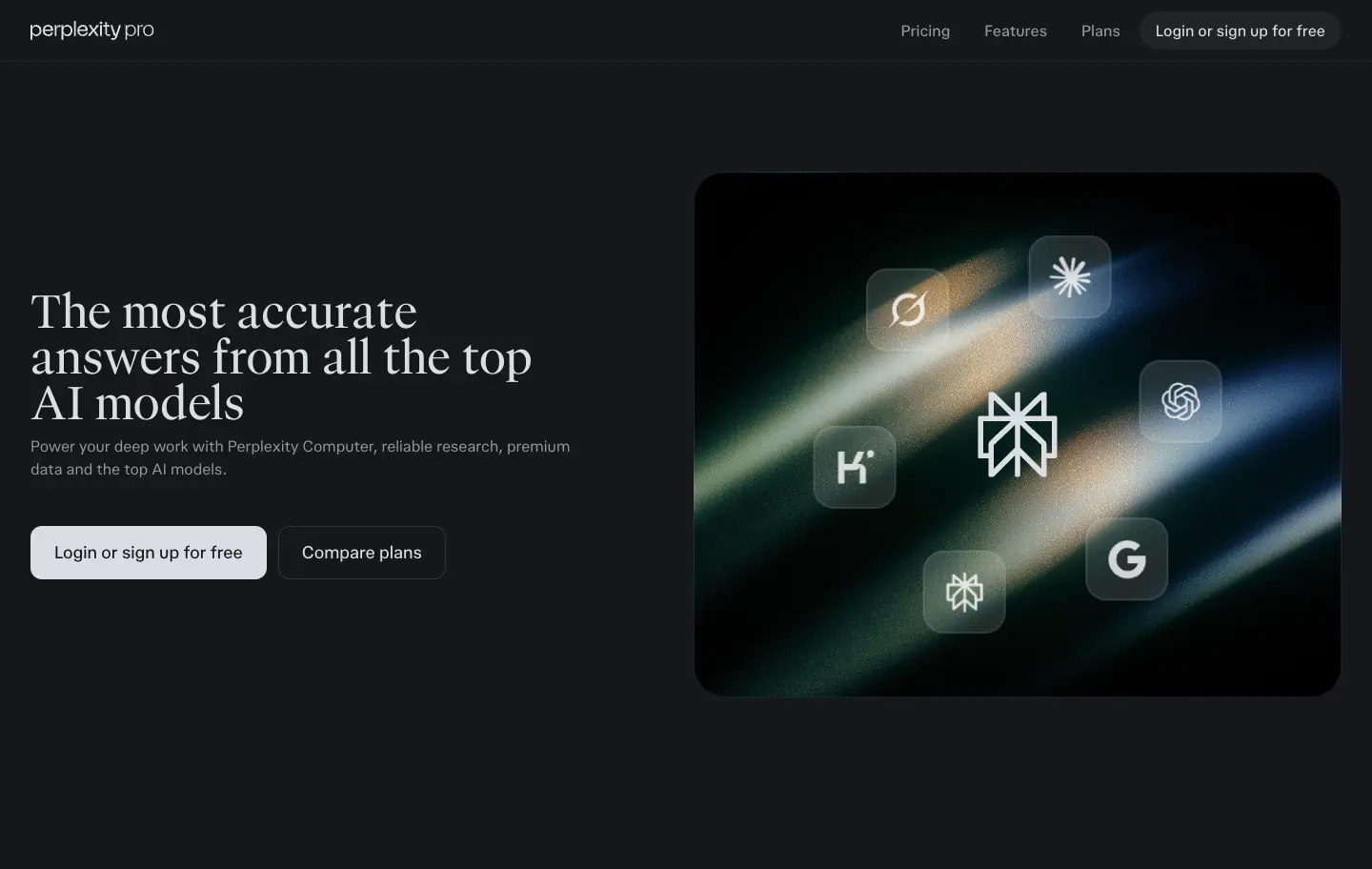
- Pages:
/pro, /enterprise
- Structure: left: serif H1 (48px /pro, 50px /enterprise) + 16–22px sub + two buttons (primary filled, secondary outline). Right: a 680 × 548px (≈) art tile, radius 24px, with UI or logos on it.
- /pro tile: dark light-streak photograph with 7 frosted glass app icons (Perplexity mark centre, OpenAI, Anthropic, Google, Kimi, Grok, Perplexity spider) orbiting (
hero-orbit 40s linear infinite with hero-counter-orbit on each icon so they stay upright).
- /enterprise tile: oil-painted alpine landscape with the Computer UI (task panel, "Best model" picker) as layered cards.
- Buttons /pro: 56px tall, radius 12px, 18px/500 text, padding
0 24px. Primary inverse fill (#252525 light, #dbdee3 dark).
- Buttons /enterprise: 40px pills,
#004241 fill / white outline.
- Why: conversion pages need the message, the CTA and proof in the first screen. The tile does the proof (which models, what the UI looks like).
H4 · Centred headline over product collage
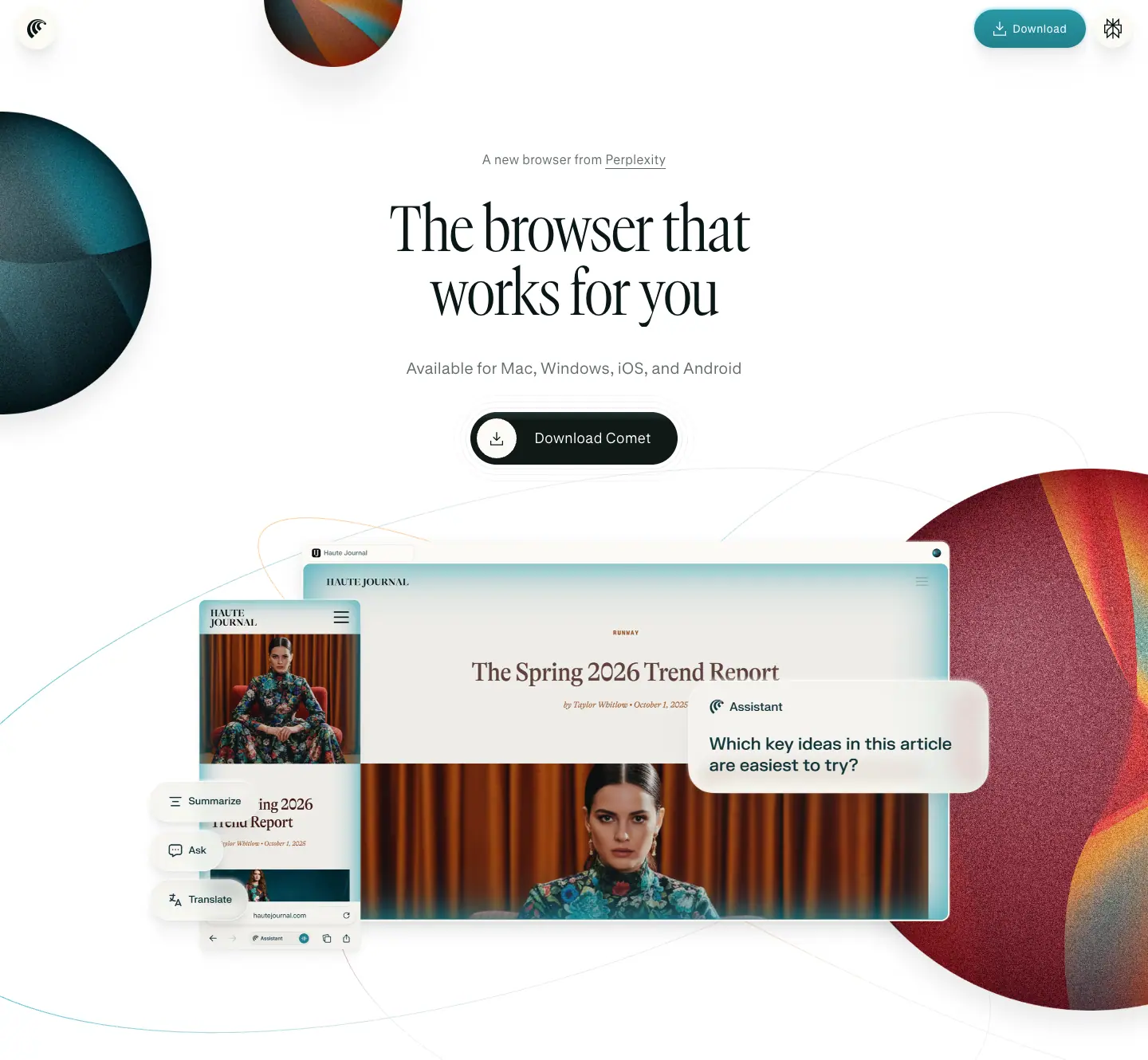
- Page:
/comet
- Structure: eyebrow "A new browser from Perplexity" (16px, .64) → condensed GT Canon H1 "The browser that works for you" (80px/80px, -1.6px, 2 lines) → platform line (20px, .64) → one dark pill CTA with an icon disc ("Download Comet", ≈ 130 × 34px at half-scale, i.e. ≈ 260 × 68px) → a desktop + mobile browser collage showing the Comet assistant on a fashion article. Planet spheres (380–680px images) sit cropped at the edges; thin elliptical orbit lines cross the page.
- Why: a consumer download page. One action, one product image, maximal brand atmosphere.
H5 · Dark developer hero with code + answer card
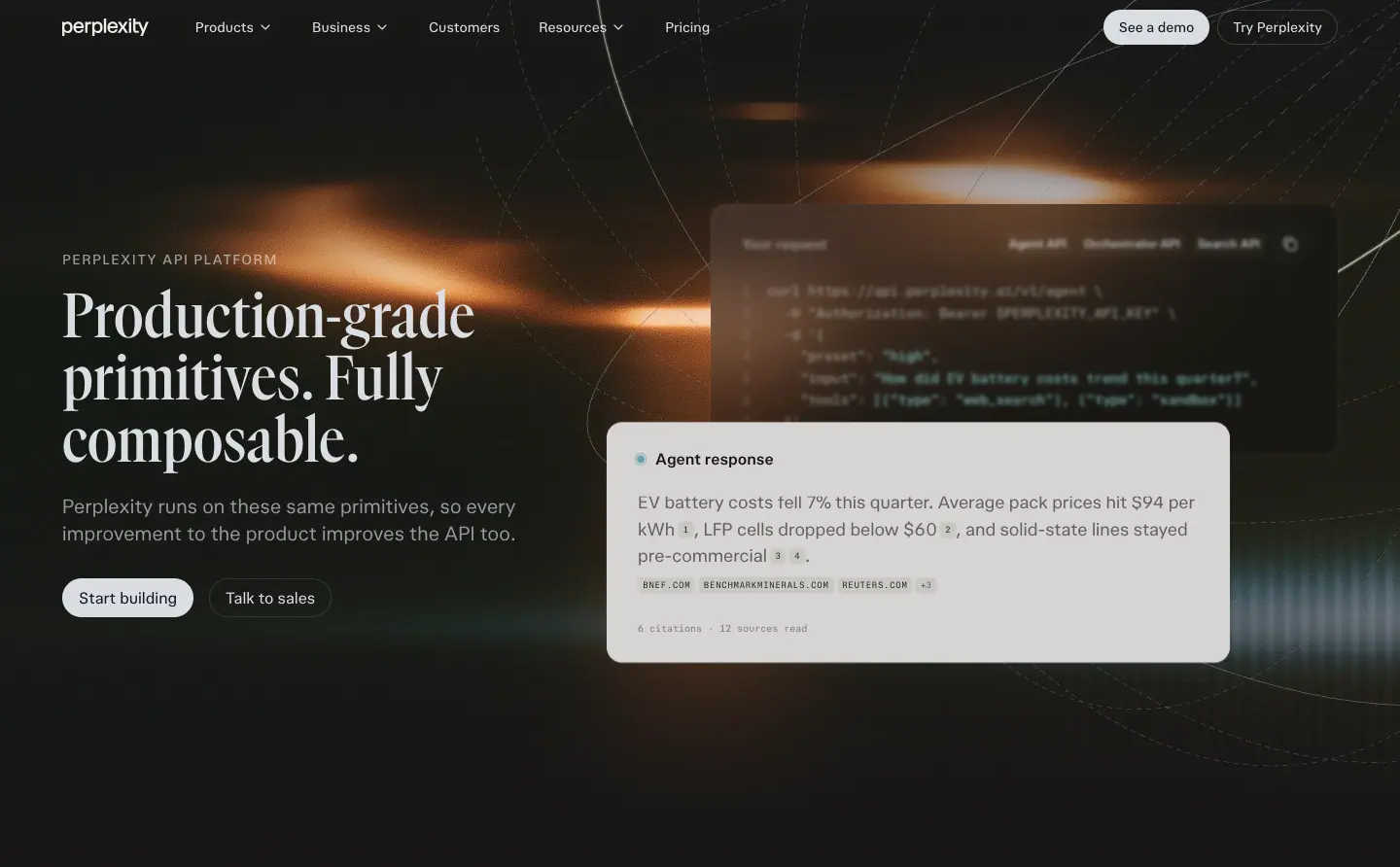
- Page:
/api-platform
- Structure: mono eyebrow "PERPLEXITY API PLATFORM" (12px, 0.96px tracking) → GT Canon H1 "Production-grade primitives. Fully composable." (64px/64px, 600) → 16px sub → "Start building" (filled pill, 40px) + "Talk to sales" (outline pill). Right: a code panel (
curl https://api.perplexity.ai/v1/agent …, pplxSansMono 14px/21px) overlapped by a light "Agent response" card with inline citation chips and source domains in mono. Background: an orange light flare photograph with thin orbit lines.
- Why: developers trust code. Showing the request and the cited response side by side explains the whole API in one image. The serif H1 keeps it on-brand where most API pages default to sans.
H6 · The scroll-pinned statement (secondary hero)
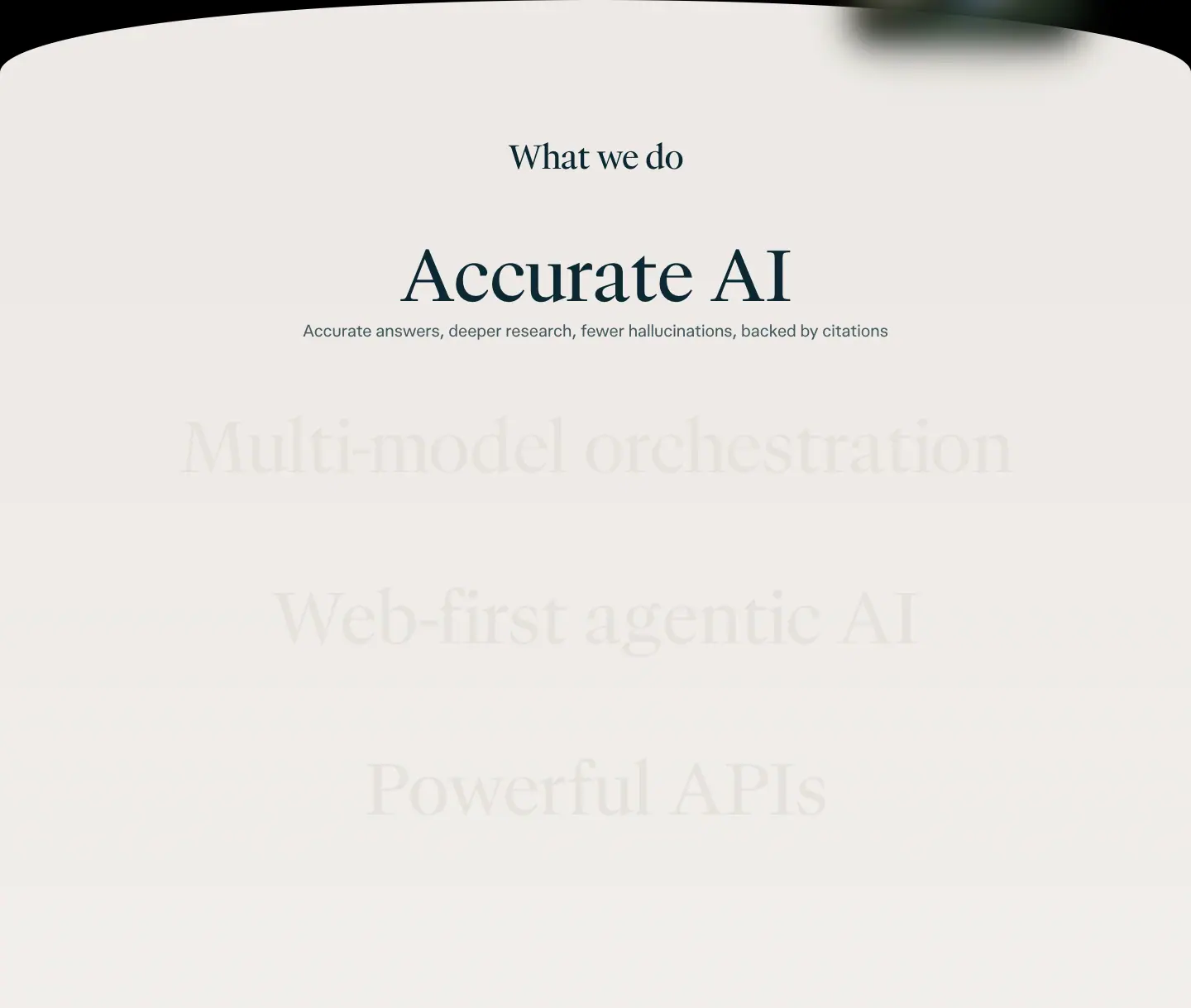
- Page:
/hub, right after the hero.
- Structure: a 900px sticky stage (
position: sticky; top: 0) inside a ≈ 2,140px tall section. Eyebrow "What we do" (40px serif) → four 86.4px serif lines ("Accurate AI", "Multi-model orchestration", "Web-first agentic AI", "Powerful APIs"). The active line is ink #0b2833 with a 16px sub; inactive lines are #e5e2dc (1.12:1 on the paper). Scrolling moves the active state down the list.
- Measured transition:
color, opacity 0.5s cubic-bezier(0.19, 1, 0.22, 1) (8 elements).
- Why: four pillars told one at a time are easier to remember than a 4-column grid. The ghosted lines preview what is coming.
Choosing a hero
| Visitor intent |
Hero |
| "Let me try it" |
H1 tool-as-hero |
| "What is this company?" |
H2 cinematic statement |
| "Should I pay / buy?" |
H3 split with art tile |
| "Download the app" |
H4 centred over collage |
| "Can I build on it?" |
H5 code + answer |
| "What do you stand for?" |
H6 sticky statement |
06 · Section patterns
The block library across all six pages. Each entry: where it appears, measured anatomy, why it works, and how to rebuild it.
S1 · Plan cards in a tinted panel
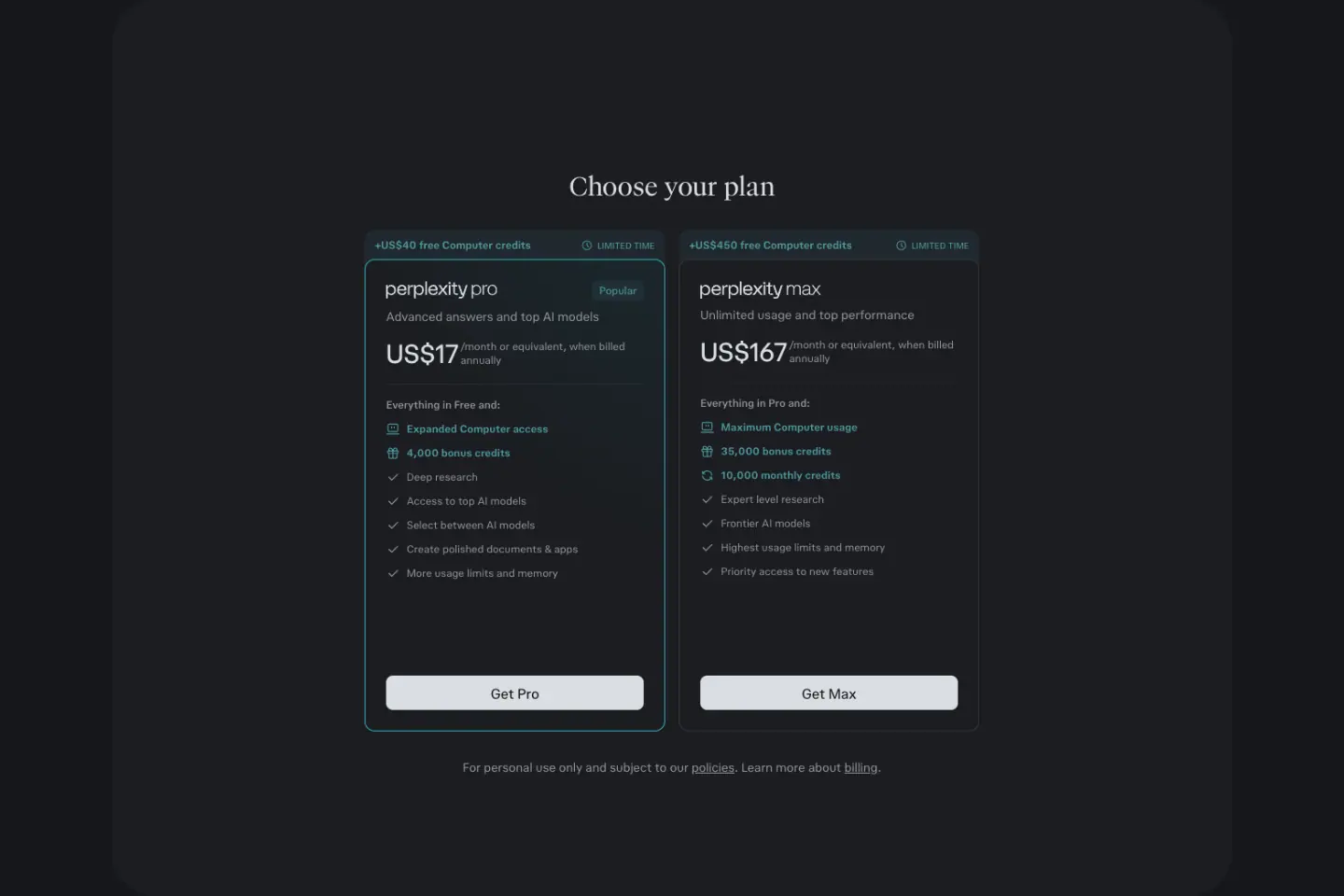
- Where:
/pro "Choose your plan".
- Anatomy: a 1280px panel, radius 32px, fill
--layer-faint (0.035 light / 0.03 dark), padding 128px 16px. Inside: H2 30px/36px serif, then 2 cards ≈ 350px wide, radius 12px. Each card has a top ribbon ("+US$40 free Computer credits" in 12px/16px weight 700 teal + "LIMITED TIME" in mono), the plan wordmark ("perplexity pro"), a "Popular" chip, the price in large sans ("US$17" + "/month or equivalent, when billed annually" 12px .75), a checklist where the first 2–3 rows are teal (new perks) and the rest are fg, and a full-width 37px button at the bottom (radius 8px, inverse fill).
- Popular state: 1px
#32b8c6 (dark) / #016a71 (light) border on the Pro card only.
- Why: two options only. Teal rows draw the eye to what is new; the rest of the list is reassurance. The tinted panel isolates the decision from the feature story.
S2 · Alternating media rows
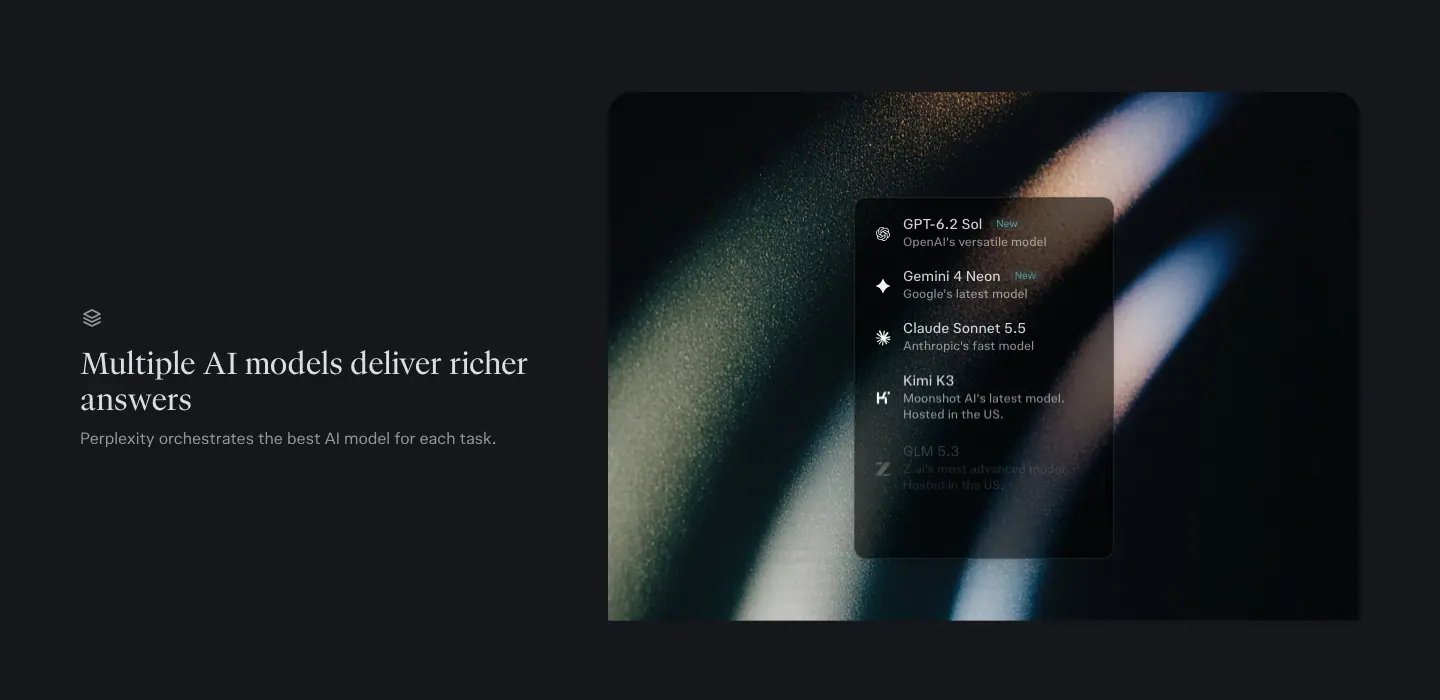
- Where:
/pro (3 rows), /enterprise (2 rows).
- Anatomy (/pro): media 792–827px wide (images 792 × 594 and 827 × 629), radius ≈ 8px, text column ≈ 420px with a 16px line icon, a 30px/36px serif H3, and a 16px sub at .75. Media side alternates L/R/L.
- Anatomy (/enterprise): H3 32px/38.4px sans, 20px/26px sub at .6, a 40px outline pill "Connect your apps →"; media 670 × 485px with a solid teal/cyan colour block behind a UI card.
- Why: each row = one claim + one proof image. Alternation keeps the scan path zig-zagging and avoids a wall of left-aligned text.
S3 · Bento with art-backed cards
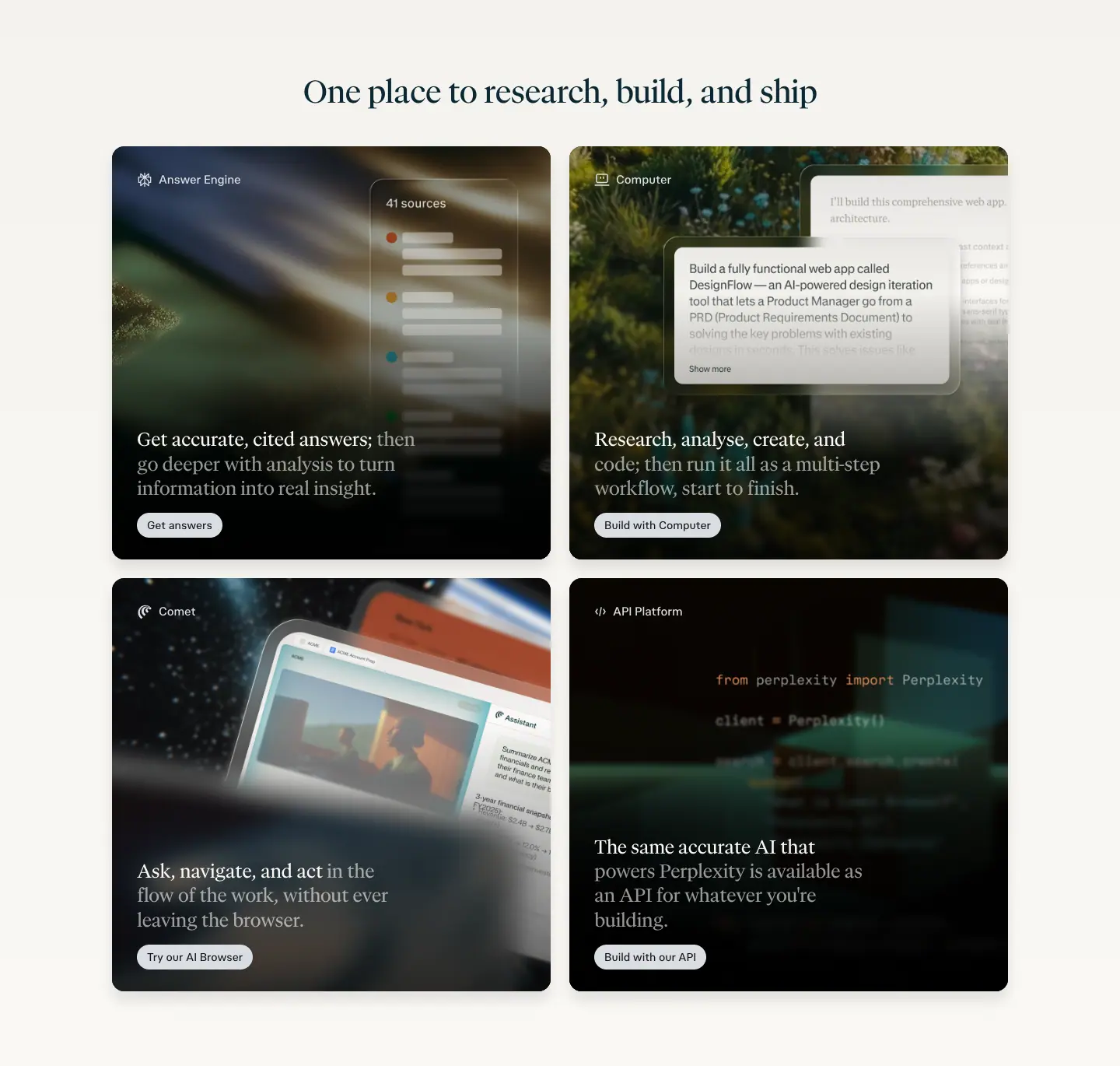
- Where:
/hub "One place to research, build, and ship".
- Anatomy: 2 × 2, cards 564 × 531px, radius 16px, padding 32px. Each card: small icon + product label top-left (14px), full-bleed art (light streak, landscape, starfield, code), floating UI excerpt, then a 2-tone serif paragraph at the bottom-left (20px, first clause white, continuation white .6) and a small pill CTA ("Get answers", "Build with Computer", "Try our AI Browser", "Build with our API").
- Hover:
transform, box-shadow 0.42s cubic-bezier(0.19, 1, 0.22, 1) (7 elements).
- Why: four products, equal weight, one glance. Each card is a mini-poster, so it can also be screenshotted and shared.
S4 · Bento with paper cards (Comet)
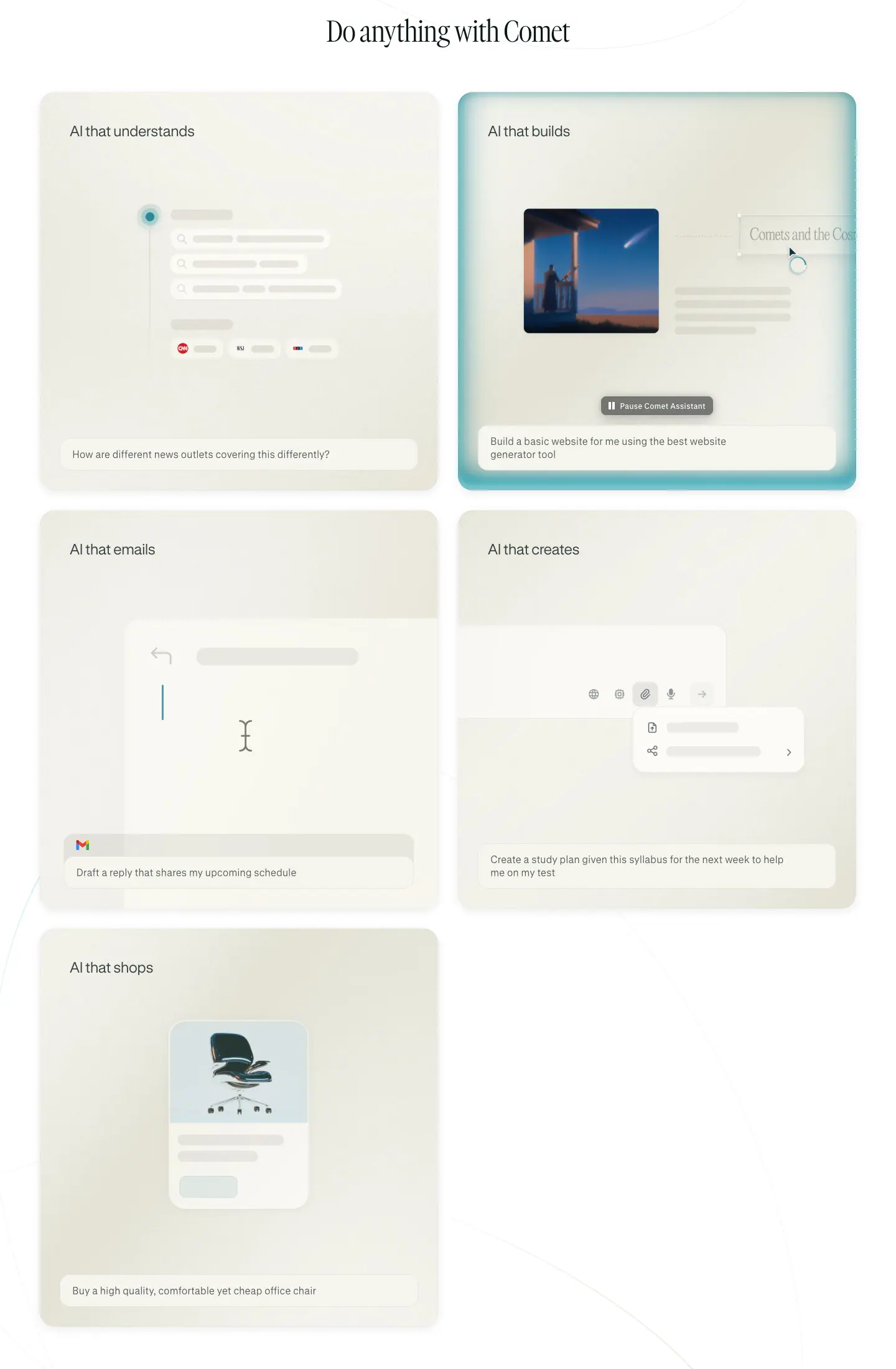
- Where:
/comet "Do anything with Comet".
- Anatomy: 2-column grid of 640 × 640px squares, radius 24px, cream gradient fill (
#fbfaf4 → #f6f5ee), title top-left ("AI that understands", 24px/28.8px GT Standard wght 300), a skeleton illustration of the action in the middle, a prompt chip at the bottom (16px/20.8px .75). The "AI that builds" card is highlighted with a teal inner glow border (rgba(31,184,205,.4) 0 -2px 4px …). The fifth card leaves the second column empty.
- Why: skeleton (grey bars) illustrations show what kind of task without real content to read; the prompt chip says the user's words. Five verbs ("understands, builds, emails, creates, shops") map the use cases.
S5 · Tabbed demo window
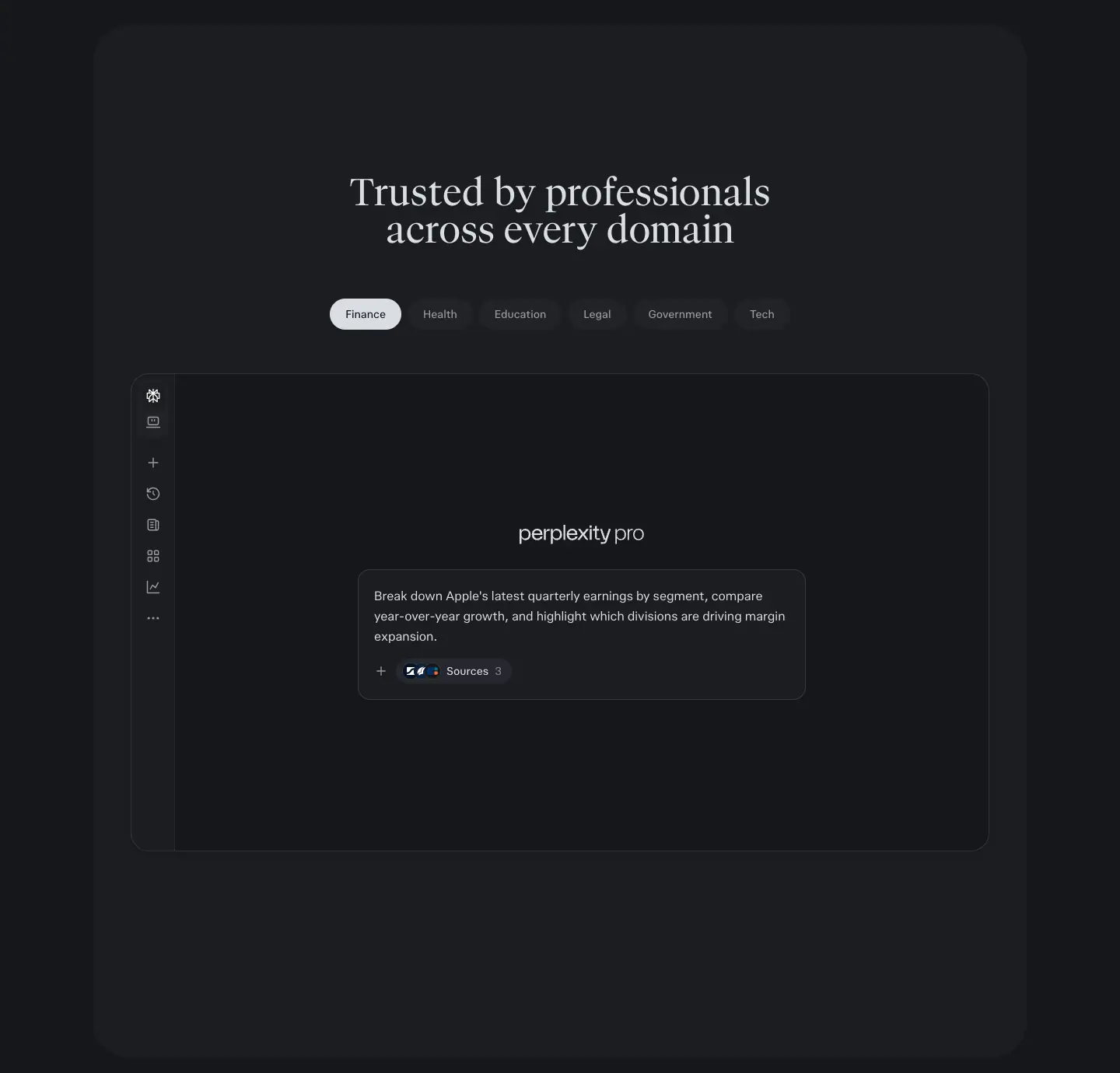
- Where:
/pro "Trusted by professionals across every domain", /hub "From first question to finished work", /enterprise "Supercharge productivity".
- Anatomy (/pro): 6 pill tabs (Finance, Health, Education, Legal, Government, Tech), 40px tall, radius 9999px, padding
10px 20px, 14px/500; active = inverse fill, inactive = --layer-faint + fg .75. Below: a faux app window (≈ 1100 × 610px, radius 16px, 1px border) with the app sidebar icons and a composer pre-filled with a domain-specific prompt.
- /hub variant: 4 tabs (Research, Analyse, Build, Automate), active tab
#e9e6e0-ish pill, window shows a blurred doc behind a crisp task card. Steps animate in with hub-live-step-reveal 0.72s (blur 4px → 0).
- Why: shows the same UI answering different audiences without making 6 pages.
S6 · Prompt marquee
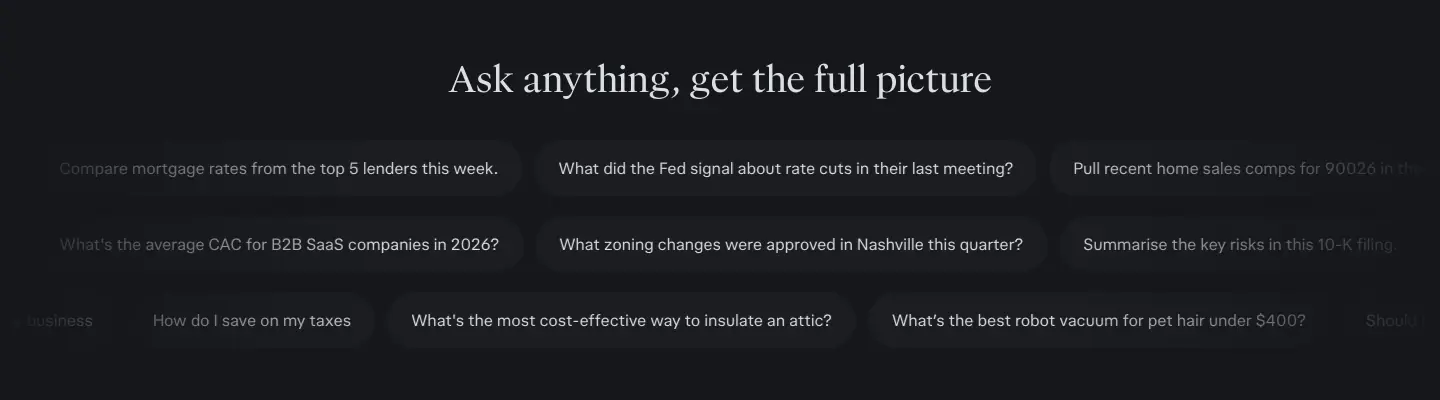
- Where:
/pro "Ask anything, get the full picture".
- Anatomy: 3 rows of pill chips (40px tall, radius 9999px,
--layer-faint fill, 14px fg .75), each row scrolling horizontally, edges faded to the background. Rows move at different offsets (compare the two frames in 10 · Motion).
- Keyframe:
marqueeLeft { 0% translate(0,0) → 100% translate(-50%) }; content is duplicated so −50% loops seamlessly.
- Why: 20+ real questions show range in 350px of height. Movement signals "endless".
S7 · Sticky statement scroller
See 05 · H6. Pinned 900px stage, one active line at a time, inactive lines at 1.1:1 contrast.
S8 · Dark chapter band
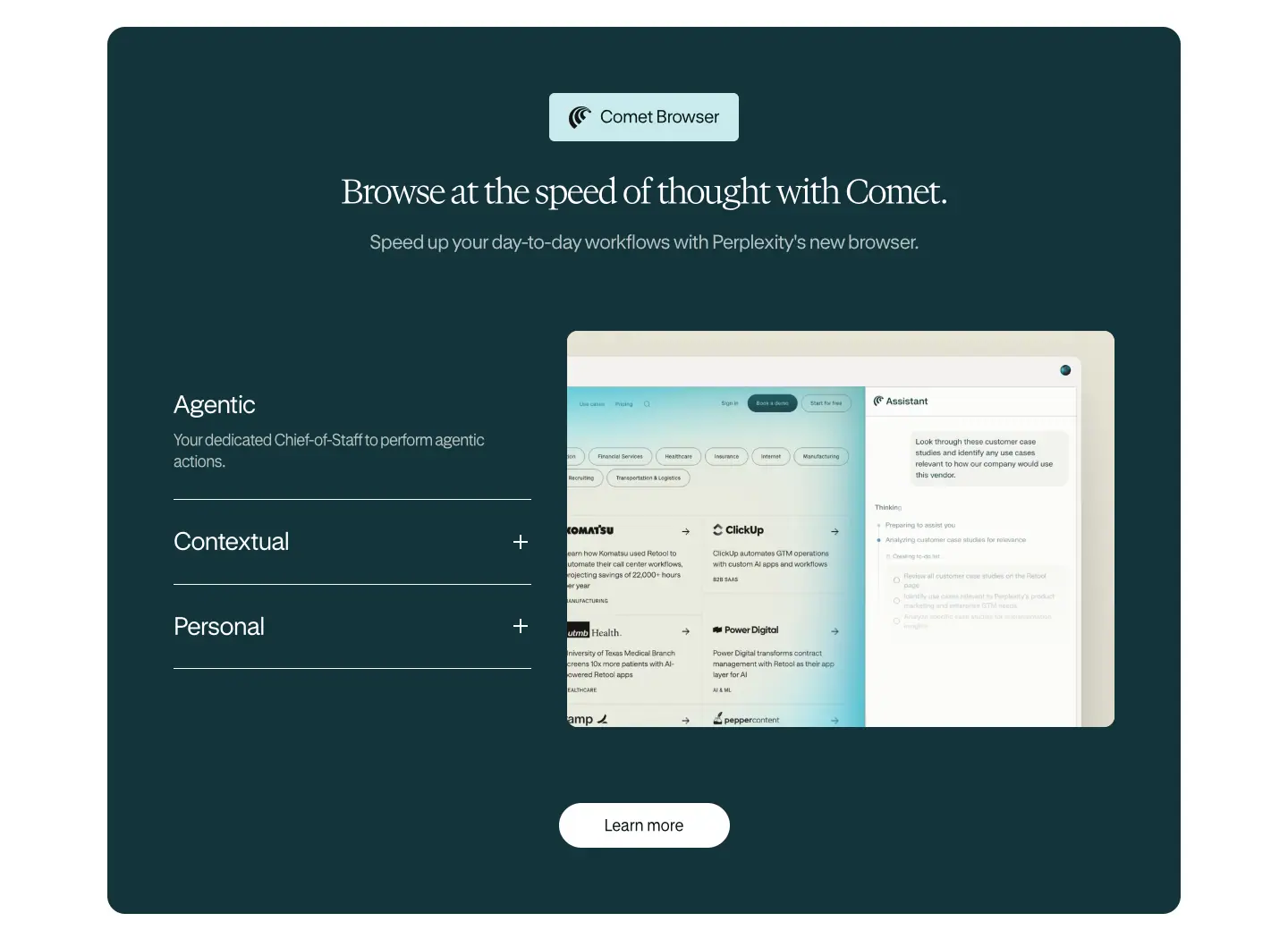
- Where:
/enterprise (Comet band, #13343b, radius 20px), /hub (audience band, black card in a #ece9e4 frame), /comet (assistant section, starfield).
- Anatomy (/enterprise): eyebrow chip (Comet logo + label, pale cyan fill), 38px serif H2 white, 22px sub at .7, left: an accordion of 3 items (28px/33.6px sans, 1px white .3 rules, "+" icons), right: a 612 × 443px product screenshot, bottom: white pill "Learn more".
- Why: a single dark band in a light page marks a change of product (Comet inside the Enterprise page) and resets attention halfway down a 10,000px scroll.
S9 · Icon three-up
- Where:
/enterprise.
- Anatomy: 3 columns, 24px line icon, 26px/31.2px H4 (-1px), 20px/26px body .6, then one centred filled CTA "Get started".
- Why: quick benefits after a heavy visual band; the CTA catches readers who are ready.
S10 · Security card grid
- Where:
/enterprise "Keep your company's data airtight."
- Anatomy: pale cyan band, 3 × 2 cards with 1px borders, radius 10px, padding ≈ 30px; icon, 26px title ("SOC 2 Type II Certified", "SSO + SCIM"…), 20px .6 body. Centred teal pill "Learn more about our security".
- Why: compliance buyers scan for keywords. Six cards, six keywords, no imagery.
S11 · Proof bento (quote + stats)
- Where:
/enterprise "Make more time for the work that matters."
- Anatomy: warm paper cards (
rgba(228,227,212,.3), radius 10px). One wide card: customer logo, a 4-sentence quote (16px), name + title (.6), then a big stat "90%" (Newsreader 44px/55px) + label. Four small cards: logo + stat ("80%", "125+", "100%", "90%") + one-line label. CTA "Read our customer stories".
- Why: numbers in a serif read as editorial facts, not marketing claims. Each stat is tied to a named logo.
S12 · Customer story tiles (API)
- Where:
/api-platform "Already in production".
- Anatomy: 2 offset rows of ≈ 420 × 240px dark tiles, radius 16px, fill
rgba(0,0,0,.25) with 1px #dbdee3 / .14 border, a faint vertical-line texture, logo top-left, mono "CASE STUDY" tag top-right (12px, 0.96px tracking), a one-line outcome with "→" at the bottom. Rows bleed off both edges.
- Why: logos are the proof; the bleeding rows imply "many more".
S13 · API product cards with live diagrams
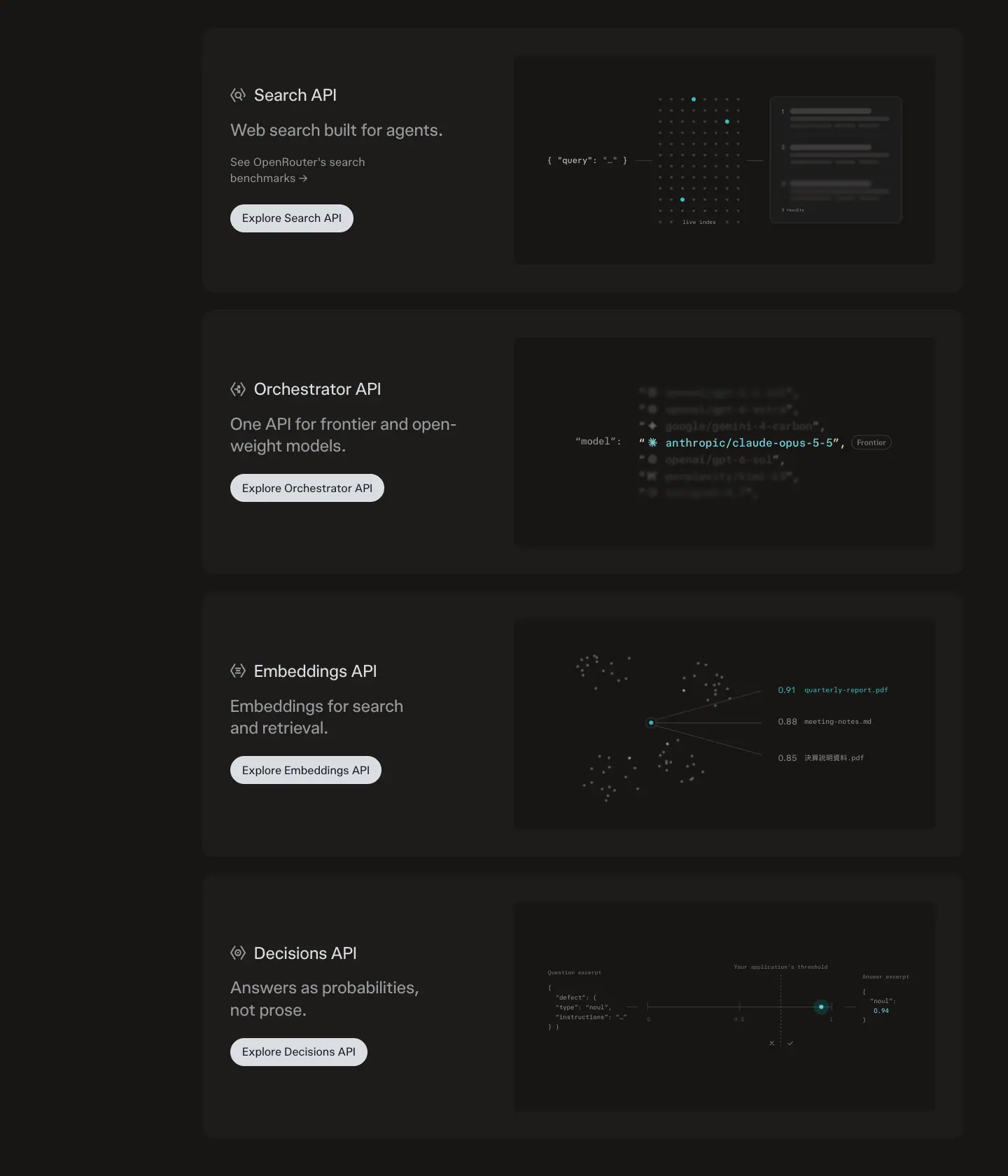
- Where:
/api-platform Search / Orchestrator / Embeddings / Decisions.
- Anatomy: 1100 × 379px cards, padding 40px, fill
#dbdee3 / .03. Left: icon + 24px name + 24px muted claim + pill button. Right: a black inset with an animated mono diagram (dot grid with travelling pulses _pulse-travel 8.4s linear infinite, a scrolling model list, an embeddings scatter, a probability axis).
- Why: each API gets a tiny "explainer animation" in code-like style. A sticky left rail (
top: 88px) lets developers jump between them.
S14 · FAQ accordion
- Where: every page.
- Anatomy (product system): title left ("FAQ" 36px or "Frequently asked questions" 48px/57.6px), list right, rows 64–80px tall, 1px
--border-soft rules, question 16–20px, "+" icon right that rotates to "×" when open (seen open on /api-platform). On /pro the title is position: sticky; top: 96px.
- Comet variant: each question in its own floating white card with a soft shadow (
rgba(0,0,0,.08) 0 4px 12px), radius ≈ 10px, centred column.
- Why: FAQ is SEO and objection handling. The left title + right list layout keeps it compact.
S15 · Final CTA
- /pro: a rounded panel with a faint line-art pattern, Perplexity mark, 60px/75px serif "Ready to unlock Pro?", 2-line sub, one 56px button.
- /enterprise: teal mountains illustration band, 2 buttons.
- /comet: starfield video card, 90px condensed serif "Browse with intelligence", download pill.
- /api-platform: orange light-ring photo, "Ship your first request in five minutes." + 2 pills + a row of 5 text links (API Reference, Authentication, Cookbooks, Change log, Status page).
- Why: the last screen repeats the hero's primary action, with art that bookends the page.
S16 · Logo wall

- Where:
/enterprise under the hero. "50,000+ organizations trust Perplexity Enterprise" (16px .6) + a single row of grey logos (databricks, ramp, Gunderson Dettmer, AlixPartners, Latham & Watkins …). The row is cut off at the right edge ("BRIDG…") at 1440px, which reads as a ticker. Framer drives its motion with JavaScript, so no CSS transition or keyframe was readable; the scroll speed is not measured.
- Why: social proof immediately after the promise.
07 · Copywriting and voice
All copy is quoted from the captured pages (2026-11-21).
1. The voice in one line
Curious, precise, unhurried. The brand tagline is "AI for the curious" (/hub H1, repeated as the footer wordmark on /hub and /api-platform). Copy promises accuracy more than magic.
Word counts of the hero H1s:
| Page |
H1 |
Words |
| / |
What do you want to know? |
6 |
| /hub |
AI for the curious |
4 |
| /pro |
The most accurate answers from all the top AI models |
10 |
| /enterprise |
Accurate AI that works for your team |
7 |
| /comet |
The browser that works for you |
6 |
| /api-platform |
Production-grade primitives. Fully composable. |
4 |
"Accurate" appears in 3 of 6 heroes plus "Accurate AI" in the /hub pillars. It is the brand's single most repeated adjective.
2. Headline formulas
| Formula |
Examples |
| A question to the visitor |
"What do you want to know?" · "Ready to unlock Pro?" |
| [Thing] that works for [you] |
"Accurate AI that works for your team" · "The browser that works for you" |
| Superlative + proof noun |
"The most accurate answers from all the top AI models" |
| Two short fragments |
"Production-grade primitives. Fully composable." · "Get answers. Build ideas. Change worlds." |
| From X to Y |
"From first question to finished work" |
| Verb list |
"One place to research, build, and ship" · "Everything you need to research, create, and decide" |
| Short imperative + object |
"Trust every answer" · "Ask anything, get the full picture" · "Browse with intelligence" |
| Contrast pair |
"Answers as probabilities, not prose." (Decisions API) · "Accurate information is just the start. What you do with it is everything." |
| Team / scale claim |
"Computer puts 20 advanced models to work for your organization." · "Used daily by individuals, trusted by organisations" |
Most headlines use sentence case and many end with a full stop on Framer pages ("Keep your company's data airtight."). The product system omits the full stop on H2s.
3. Sub-copy structure
Sub-copy is one sentence, 12–25 words, and it names concrete nouns:
- "Power your deep work with Perplexity Computer, reliable research, premium data and the top AI models." (/pro)
- "One secure platform that orchestrates the best models across your files and tools to handle tasks, deep research, and complex projects." (/enterprise)
- "Perplexity runs on these same primitives, so every improvement to the product improves the API too." (/api-platform)
- "Accurate answers, deeper research, fewer hallucinations, backed by citations" (/hub "Accurate AI")
Pattern: benefit verb + product name + 3–4 concrete nouns. No adjectives like "revolutionary" or "seamless".
4. CTA labels
| Label |
Where |
Type |
| Login or sign up for free |
/pro header, hero, final CTA |
Primary |
| Compare plans |
/pro hero |
Secondary |
| Get Pro / Get Max |
Plan cards |
Primary |
| Get started / Request a demo |
/enterprise |
Primary / secondary |
| See a demo / Try Perplexity |
Brand header |
Primary / secondary |
| Start building / Talk to sales |
/api-platform |
Primary / secondary |
| Read the docs / Open the playground / View the SDKs |
/api-platform final |
Primary / secondary / link |
| Download Comet |
/comet |
Primary |
| Get answers · Build with Computer · Try our AI Browser · Build with our API |
/hub bento |
Card CTAs |
| Start free · Explore Enterprise · Start building |
/hub audiences |
Card CTAs |
| Connect your apps → · Start searching → |
/enterprise rows |
Text + arrow |
Rules: verbs first, 2–4 words, "free" placed in the label itself when relevant. Secondary CTAs offer a lower-commitment path (compare, demo, sales, docs).
5. Proof copy
- Scale: "50,000+ organizations trust Perplexity Enterprise".
- Stats tied to logos: "80% firm's partnership actively using Perplexity", "125+ hours saved per week per user", "100% sales team adoption rate", "90% adoption rate", "90% faster research verification".
- Quote: 4 sentences, ends on the outcome ("…drive real client value.").
- Developer proof: "See OpenRouter's search benchmarks →".
6. Microcopy
- Composer placeholders: "Ask anything…", "Type @ for connectors", "Ask Computer to build anything…".
- Cycling hero prompts (/hub): "Build me a personal finance dashboard that tracks my spending by category", "Create an interactive world map showing real-time climate risk by country", "Make a web app that turns any Wikipedia article into a visual timeline", "Build a pitch deck generator that turns a startup description into slides".
- Marquee questions (/pro): "What did the Fed signal about rate cuts in their last meeting?", "How do I save on my taxes", "What's the best robot vacuum for pet hair under $400?", "Summarise the key risks in this 10-K filing."
- Empty states: "No projects", "No recent sessions".
- Labels: "NEW", "Popular", "LIMITED TIME", "CASE STUDY".
Example prompts are long, specific and practical (taxes, mortgages, 10-K filings, zoning). They target professionals and "prosumers", not novelty.
7. Spelling and locale
The captured session served British English on several strings: "Artefacts", "personalised", "organisations", "Analyse", "Summarise", "Help centre", "Trust centre", and prices in "US$". The Framer pages use American spelling ("organization", "analyze"). The product-system pages are localised per visitor; the Framer pages are not.
8. Rules to copy
- One adjective owns the brand (Perplexity: "accurate"). Repeat it.
- Write H1s as questions or as "X that works for you".
- Sub-copy names nouns (products, data, models), never vague benefits.
- Use real, long, specific example prompts as content.
- Put the price promise ("for free") in the button label.
08 · Components
Measured with getComputedStyle (button list btns in data/<page>.json) and targeted probes on the composer and hover states.
1. The composer (search input)
The single most important component. It appears in the app (/), in the /hub hero, in /pro feature art, in the /pro domain demo, and on /comet.
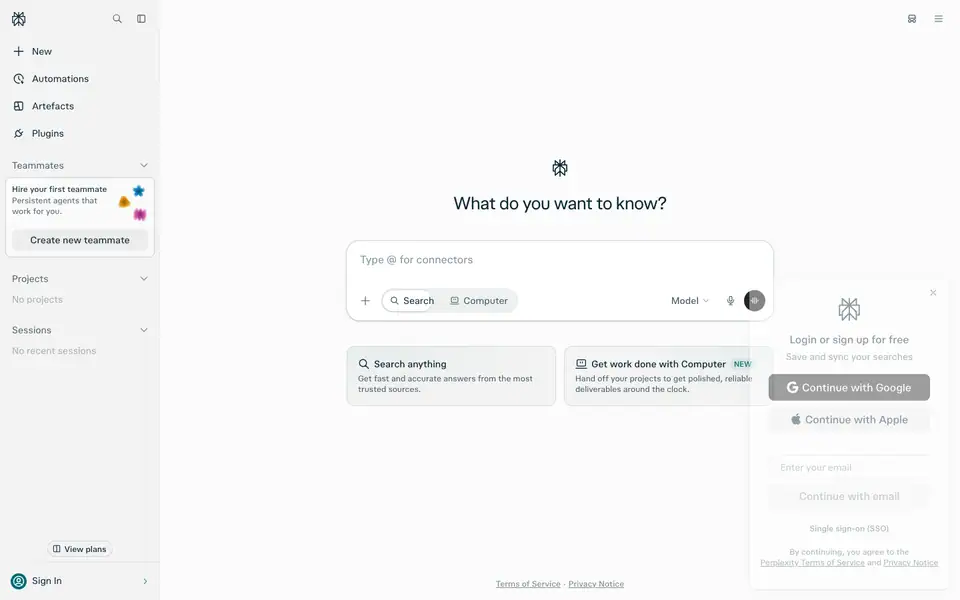
App composer (/, light):
| Layer |
Size |
Style |
| Outer ring |
652 × 132px |
radius 26px, padding 6px — the layer that carries the focus glow --ask-input-decorative-glow-shadow: 0 0 36px 4px rgb(from #016a71 r g b / .3) and border rgb(from #016a71 r g b / .4) |
| Surface |
640 × 120px |
#ffffff, radius 20px, padding-top 12px |
| Text area |
608 × 52px |
16px/24px pplxSans, placeholder fg .5 ("Ask anything…" / "Type @ for connectors") |
| Toolbar |
640 × 60px |
left: "+" attach (32px), segmented mode switch Search / Computer (32px pills, radius 9999px, 14px, icon + label; active = fg, inactive = fg .75), right: "Model ⌄" (14px/500, fg .75), mic icon, circular voice/submit button (32px, inverse fill) |
Dark theme: surface #1b1d21-ish with #dbdee3 / .14 border, submit button #dbdee3.
Mode cards under the composer (/): 2 × 314 × 88px, radius 11px, padding 16px, 14px/500 title with a 16px icon, 12px/16px description. Dark: Search card #016a71 + radial glow rgba(100,182,186,.55) at top-right; Computer card #081f22 + radial rgba(20,107,116,.5). Light: --layer-faint fill with faint teal radial gradients. Badge "NEW": 11px/500 teal on --accent-bg-soft.
Why it is built this way. The double-layer (ring + surface) lets the glow animate without moving the input. The mode switch sits inside the input so the visitor picks Search vs. Computer at the moment of asking. The marketing pages reuse the same component so the screenshots in ads match the real product.
Comet composer (/comet "Your personal assistant"): cream #fbfaf4 card on a starfield, input with 1px border, radius ≈ 16px, a teal "Search ⌄" chip with icon, 4 grey icon buttons and a disabled-looking arrow submit.
2. Buttons
Product system
| Variant |
Height |
Radius |
Padding |
Text |
Fill / border |
Where |
| Hero primary |
56px |
12px |
0 24px |
18px / 500 (450 dark) |
inverse: #252525 light, #dbdee3 dark; text #fbfbfb / #15171b |
/pro hero |
| Hero secondary |
56px |
12px |
0 24px |
18px / 500 |
transparent, 1px --border-base |
/pro "Compare plans" |
| Header pill |
40px |
9999px |
0 16px |
16px / 500 |
--layer-subtle |
/pro "Login or sign up for free" |
| Brand header primary |
36px |
9999px |
8px 16px |
14px / 450 |
#dbdee3, text #15171b |
/hub, /api "See a demo" |
| Brand header secondary |
36px |
9999px |
8px 16px |
14px / 450 |
transparent, 1px #dbdee3 / .14 |
"Try Perplexity" |
| Page primary pill |
40px |
9999px |
0 16px |
16px / 400 |
#dbdee3 |
/api "Start building" |
| Card button |
37px |
8px |
0 12px |
16px / 500 |
inverse |
Plan cards |
| Chip tab (active) |
40px |
9999px |
10px 20px |
14px / 500 |
inverse |
/pro domain tabs |
| Chip tab (inactive) |
40px |
9999px |
10px 20px |
14px / 500 |
--layer-faint, fg .75 |
|
| Sidebar action |
32px |
8px |
0 12px |
14px / 500 |
--layer-subtle |
"Create new teammate" |
| Tiny pill |
24px |
9999px |
0 8px |
12px / 500 |
1px border |
"View plans" |
Measured hover (/pro, dark):
- "Compare plans" (outline): background-color rgba(0,0,0,0) → #dbdee3 / .03. Border unchanged.
- "Login or sign up for free" (filled): opacity 1 → 0.8.
- Transition on both: background-color, border-color, color, opacity 0.3s cubic-bezier(0, 0, 0.2, 1).
So: filled buttons dim, outline buttons fill. Neither moves.
Framer pages
| Variant |
Height |
Radius |
Fill |
Text |
| /enterprise primary |
40px |
40px |
#004241 |
15–18px white |
| /enterprise secondary |
40px |
40px |
transparent, 1px ink |
ink |
| /enterprise "Learn more" on dark |
50px |
40px |
white |
ink |
| /comet download |
≈ 34px header / ≈ 68px hero |
50px |
linear-gradient(#299da9 -25%, #21808d) or #091717 |
white, icon disc on the left |
3. Header
See pages/_shared-header-footer.md for all four header variants. Summary:
| Variant |
Pages |
Height |
Position |
Content |
| App sidebar |
/ |
240px wide |
fixed |
logo, search, collapse, New, Automations, Artefacts, Plugins, Teammates, Projects, Sessions, View plans, Sign In |
| Pro header |
/pro |
65px |
fixed |
"perplexity pro" wordmark, Pricing · Features · Plans, pill CTA |
| Brand header |
/hub, /api-platform |
56px (--pplx-marketing-header-height) |
sticky |
wordmark, Products ⌄ · Business ⌄ · Customers · Resources ⌄ · Pricing, 2 pills. Inverts dark ↔ light by section |
| Framer header |
/enterprise (64px), /comet (72px) |
fixed |
Enterprise: full nav + teal pill; Comet: logo disc + teal Download pill + Perplexity mark |
|
4. Cards
| Card |
Radius |
Fill |
Border / shadow |
| Plan card |
12px |
raised |
1px --border-soft; Popular = 1px accent |
| Hub bento card |
16px |
art |
inset highlight rgba(255,255,255,.7) 0 -1px 0, rgba(255,255,255,.58) 0 -3px 9.5px inset on glass chips |
| Hub audience card |
16px |
rgba(255,255,255,.1) on black |
0 0 0 1px rgba(255,255,255,.05), 0 18px 40px -18px rgba(0,0,0,.7) |
| API card |
16px |
#dbdee3 / .03 |
none |
| API case study |
16px |
rgba(0,0,0,.25) |
1px #dbdee3 / .14 |
| Comet bento |
24px |
cream gradient |
rgba(255,255,255,.56) 0 -2px 4px, rgba(0,0,0,.02) 0 24px 40px, rgba(0,0,0,.02) 0 4px 18px |
| Comet FAQ row |
≈ 10px |
white |
rgba(0,0,0,.08) 0 4px 12px |
| Enterprise security |
10px |
transparent on cyan band |
1px teal-grey |
| Enterprise proof |
10px |
rgba(228,227,212,.3) |
none |
| Hub workflow demo |
≈ 12px |
white |
0 12px 16px rgba(0,0,0,.1) |
| Hub data-viz mini UI |
— |
— |
rgb(26,29,32) 2px 2px 0 0 hard offset shadow (12 elements): a "neo-brutal" style used only inside the generated artefact being shown, not in the site chrome |
5. Chips and tags
- Citation chip: pplxCodeMono 10px/10px inside a 4px-radius dark chip ("PitchBook", "crunchbase"); premium sources get a teal 1px border "Premium Source".
- Source domain row: mono 10px uppercase ("BNEF.COM · BENCHMARKMINERALS.COM · REUTERS.COM +3").
- Eyebrow chip (Framer): pale cyan
rgba(146,220,226,.5) fill, radius ≈ 4px, product icon + 16px label ("Perplexity Computer", "Comet Browser").
- Mono tag: "CASE STUDY", 12px/18px, 0.96px tracking, fg .65, on a
--layer-subtle pill.
6. Accordion (FAQ)
- Row: 64px (
/pro), 80px (/hub) tall; question 16px/500 (/pro) or 20px/28px 400 with 0.2px tracking (/hub); 1px --border-soft dividers; + 16px icon at the right edge.
- Open state (
/api-platform): icon turns into ×, answer 14px fg .65 below the question.
/pro FAQ title is sticky (top: 96px).
7. Footer
See pages/_shared-header-footer.md. Brand footer: #ece9e4, 6 mono-headed columns, social icons, App Store/Google Play badges, "Perplexity ©2026", and a giant cropped "AI for the curious" wordmark in #d5d6d2.
09 · Art direction and imagery
Perplexity's visuals are the most distinctive part of the brand. There are four image "worlds", and one staging rule that connects them.
The staging rule
Real product UI floats on top of art. Every major image is a layered composite:
- Back: a painterly or photographic field (light streak, landscape painting, starfield, planet).
- Middle: one or two UI panels from the real product, rendered crisp with soft shadows, often slightly translucent (
backdrop-filter: blur(24px) on 7 elements of /pro, blur(40px) on 2).
- Front: a small detail that proves the claim: a citation popover, a model picker, a cursor, a "Pause Comet Assistant" chip.
Why. The art makes the page memorable and emotional; the UI makes it credible. Pure UI screenshots look like every SaaS; pure art looks like a perfume ad. The composite says "a beautiful tool that is also exact".
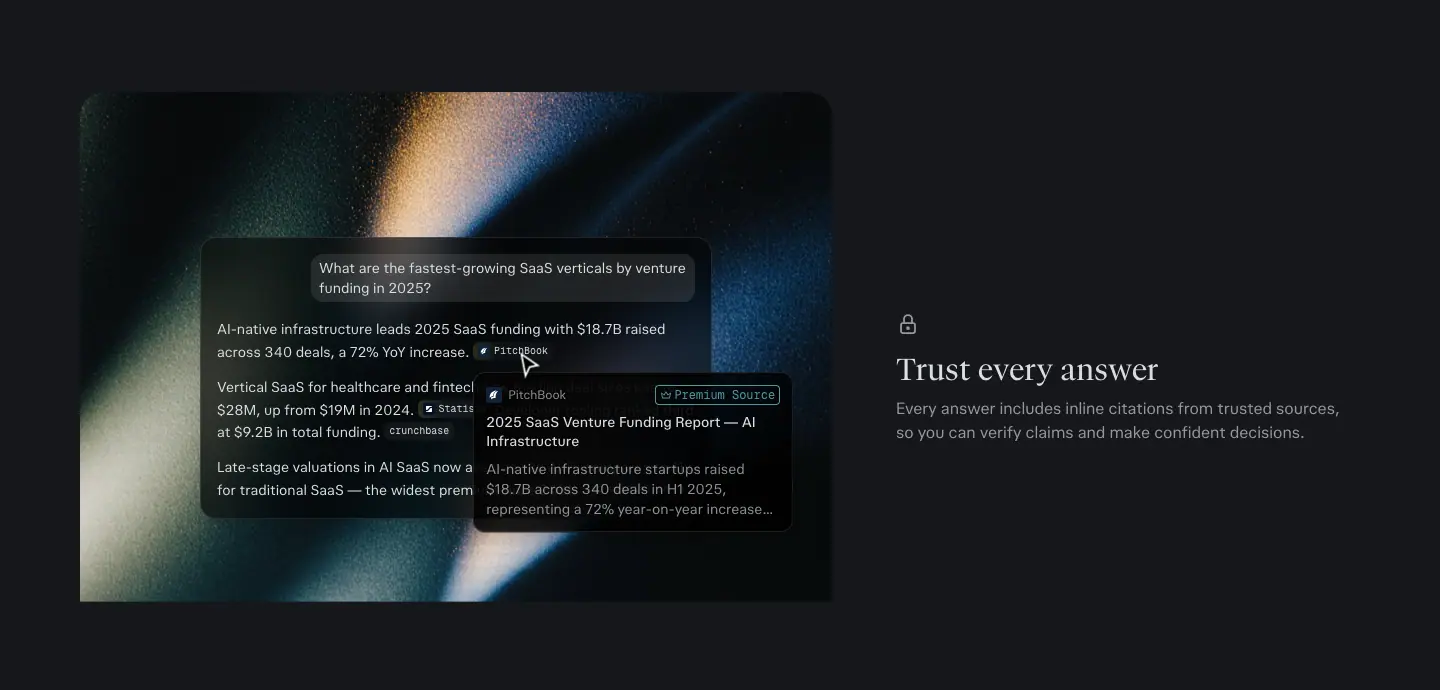
World 1 · Light streaks (Pro, API)
- Look: long-exposure light trails in amber, cream and blue on near-black, with heavy film grain. Shallow focus.
- Where:
/pro hero tile and all 3 feature images; /api-platform hero (orange flare + thin orbit lines) and final CTA (an orange-to-blue light ring).
- Why: reads as "speed" and "signal", fits dark mode, and it is abstract, so it never competes with the UI on top. The warm amber balances the cool teal accent.
- Recipe: dark base, one diagonal light trail, 10–20 % grain, the UI card placed where the trail is dimmest.
World 2 · Painted landscapes (Enterprise, Hub)
- Look: oil- or gouache-style mountain valleys, meadows of white flowers, flat colour blocks (sage green, pale cyan) in a modern "retro travel poster" style on
/enterprise; moody, photoreal film-grain nature video (dark meadow, white flowers, a figure in backlight) on /hub.
- Where:
/enterprise hero, Computer band (a dark UI screenshot standing in a flower field), final CTA (teal mountains), product-dev tab; /hub hero video, bento card backgrounds, audience band.
- Why: nature equals calm and trust; it is the opposite of the "neon robot" AI cliché. For enterprise buyers, it signals stability.
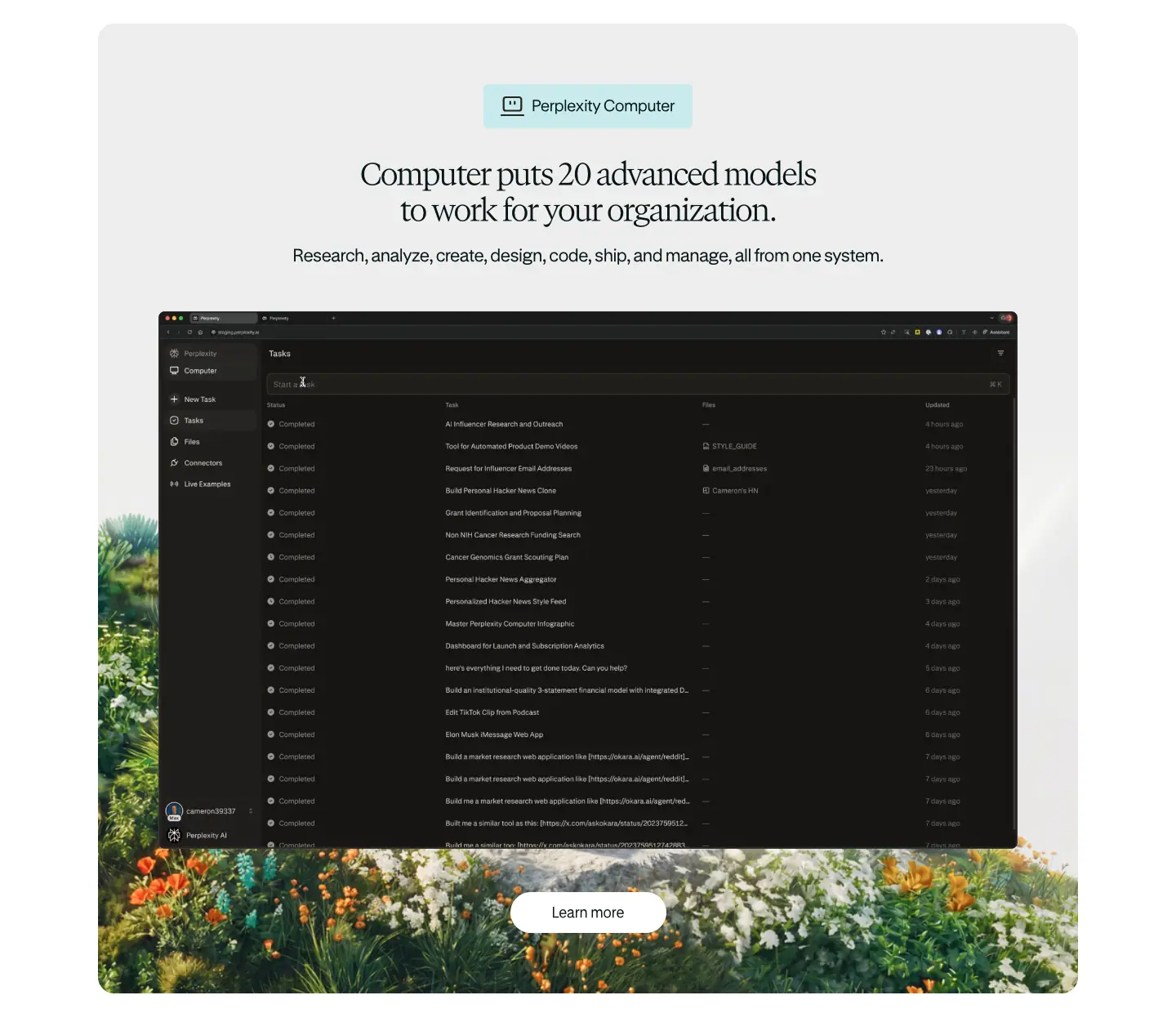
World 3 · Cosmos (Comet)
- Look: grainy, matte spheres ("planets") in rust red, teal, ochre and stone, each with a few flat geometric facets; a starfield warp-speed video; thin pastel elliptical orbit lines crossing the white page.
- Where:
/comet throughout: hero spheres cropped at the edges, a row of 6 planets (05-planets), the starfield assistant card, the final CTA, the footer sphere.
- Why: "Comet" names a celestial object. The planets are a brand mascot system: collectible, shareable, and they read as "personal worlds" (one browser per person). The grain keeps them handmade rather than 3D-render glossy.
World 4 · Monochrome diagrams (API)
- Look: black insets with mono labels, dot grids, scatter plots, number axes; teal for the active node; tiny animated pulses.
- Where:
/api-platform Agent diagram (Query → Agent → Search / Orchestrator / Embeddings) and the 4 API cards.
- Why: developers read diagrams faster than illustrations. Mono type and teal echo terminal UIs.
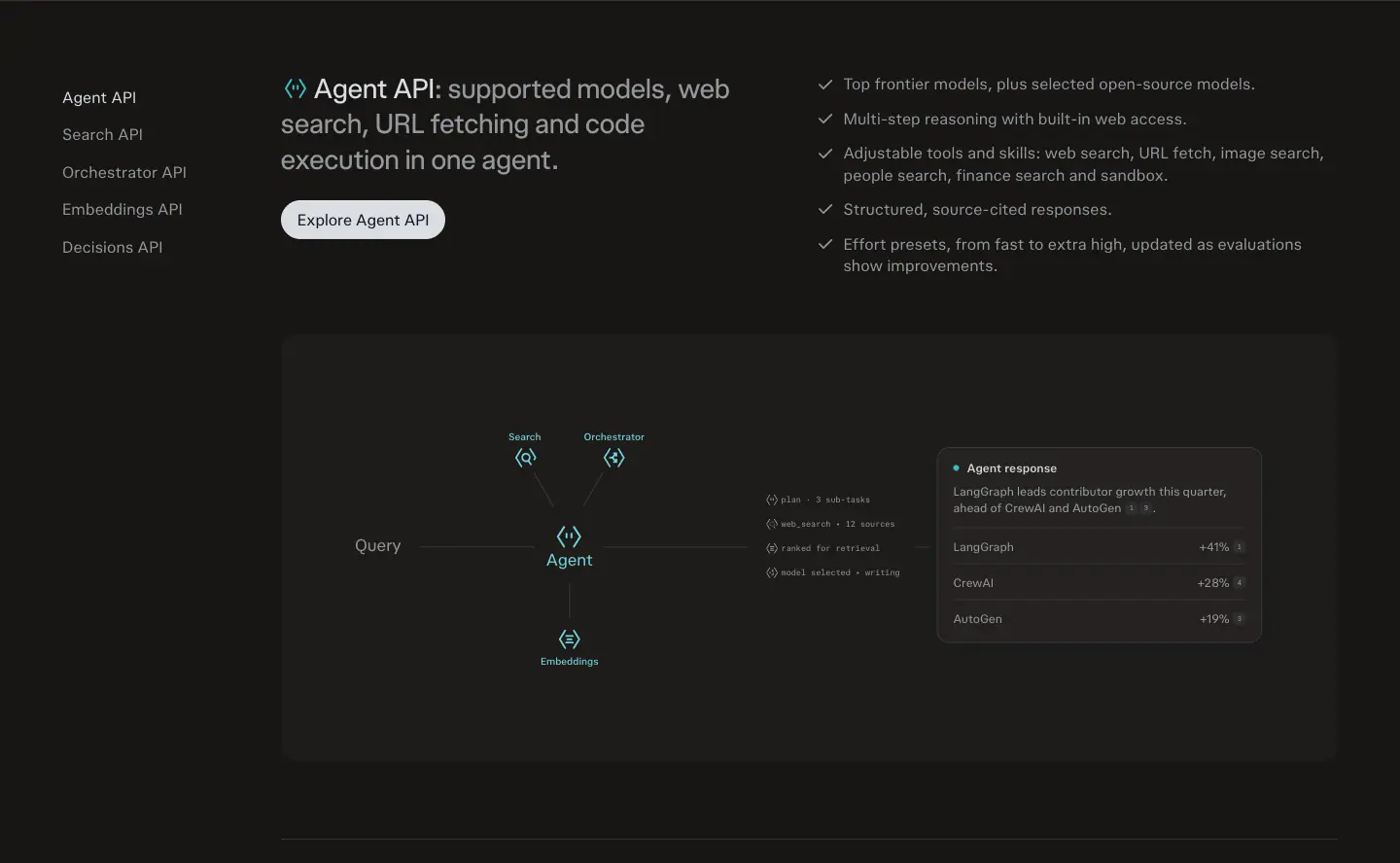
Glass and material
- Frosted glass app icons on
/pro (white 12 % fill, rgba(255,255,255,.12), 1px white .1 border, blur).
- Glass chips on
/hub bento with an inner top highlight: rgba(255,255,255,.7) 0 -1px 0, rgba(255,255,255,.58) 0 -3px 9.5px inset.
- Comet cards use a "lit from above" shadow: a white −2px top shadow plus two 2 % black shadows at 18–40px blur. It looks like thick paper.
Logos and marks
- The Perplexity mark (a geometric "book/asterisk" glyph) is used as an icon above H1s (
/, /pro final CTA) and centred in the /pro model orbit.
- Partner model logos (OpenAI, Anthropic, Google, Kimi, xAI, NVIDIA) appear as glass tiles in orbit. Message: Perplexity is the orchestrator of all models, not a competitor to one.
- Wordmarks: "perplexity" + product suffix in a lighter weight ("perplexity pro", "perplexity enterprise" with "enterprise" in teal, "perplexity max").
Grain
Every photographic asset has visible film grain. Grain hides compression banding in dark gradients, unifies stock and generated imagery, and gives a print-like texture that matches the serif type.
The official art direction (perplexity.ai/hub/brand, "Art Direction" chapter)
Perplexity publishes its own art-direction brief. Captured 2026-11-21 as viewport screenshots (the page is 41,189px with scroll-driven sections, so the full-page capture does not line up after the hero; use the crops below).
Hub: "Our lens puts people in the frame: ambitious people building an edge. Curiosity is that edge."
| # |
Theme (hub label) |
Rule (hub) |
Example subjects (hub captions) |
Crop |
| 06.1 |
Angle · Curiosity |
"We show familiar subjects from an unexpected point of view to create a sense of discovery." |
low angle up at a person working on a laptop against the sky; small figure on a curved horizon under a beam of light |
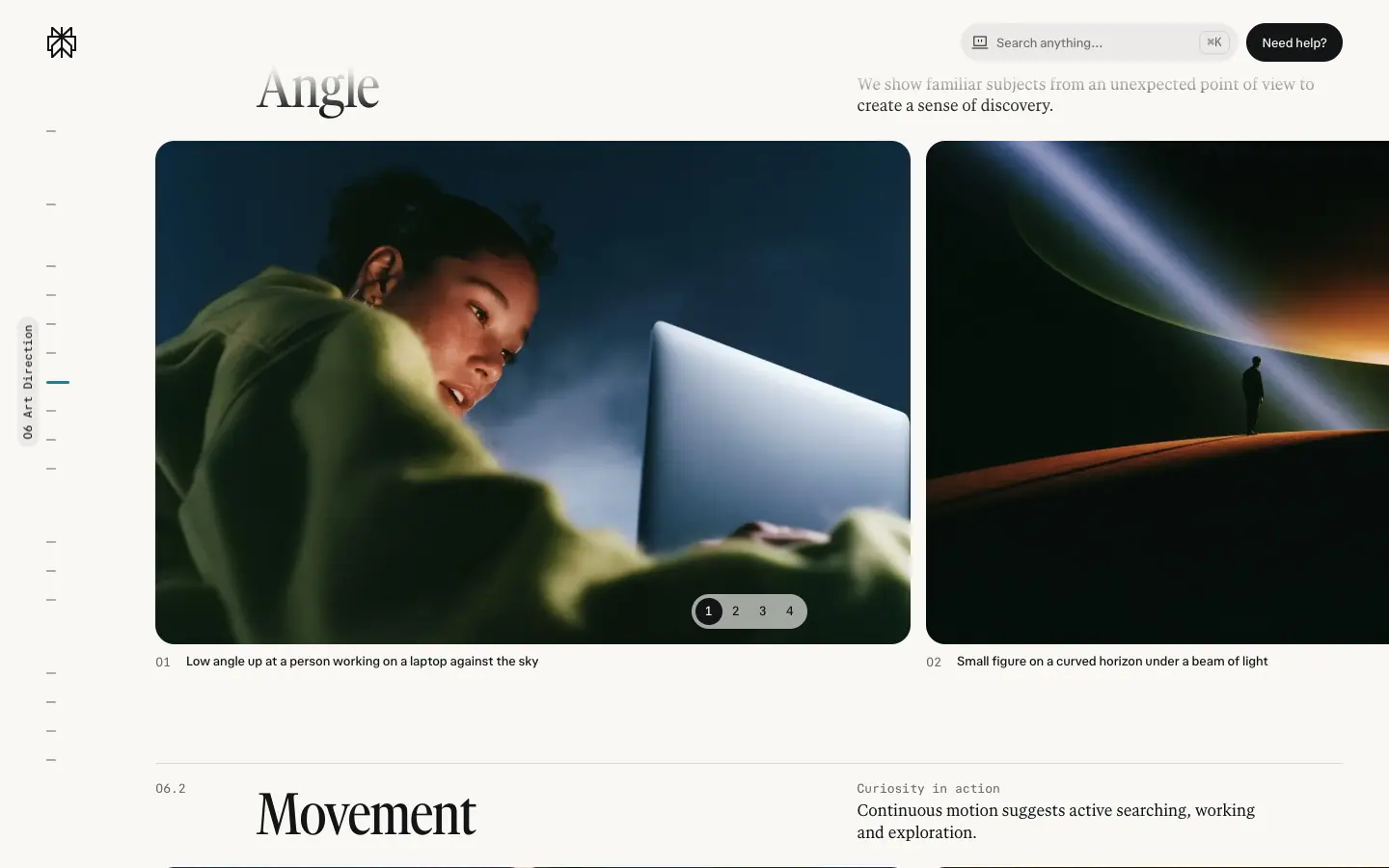 |
| 06.2 |
Movement · Curiosity in action |
"Continuous motion suggests active searching, working and exploration." |
books flying up from a stack against a blue sky; figure under a sweeping arc of motion light |
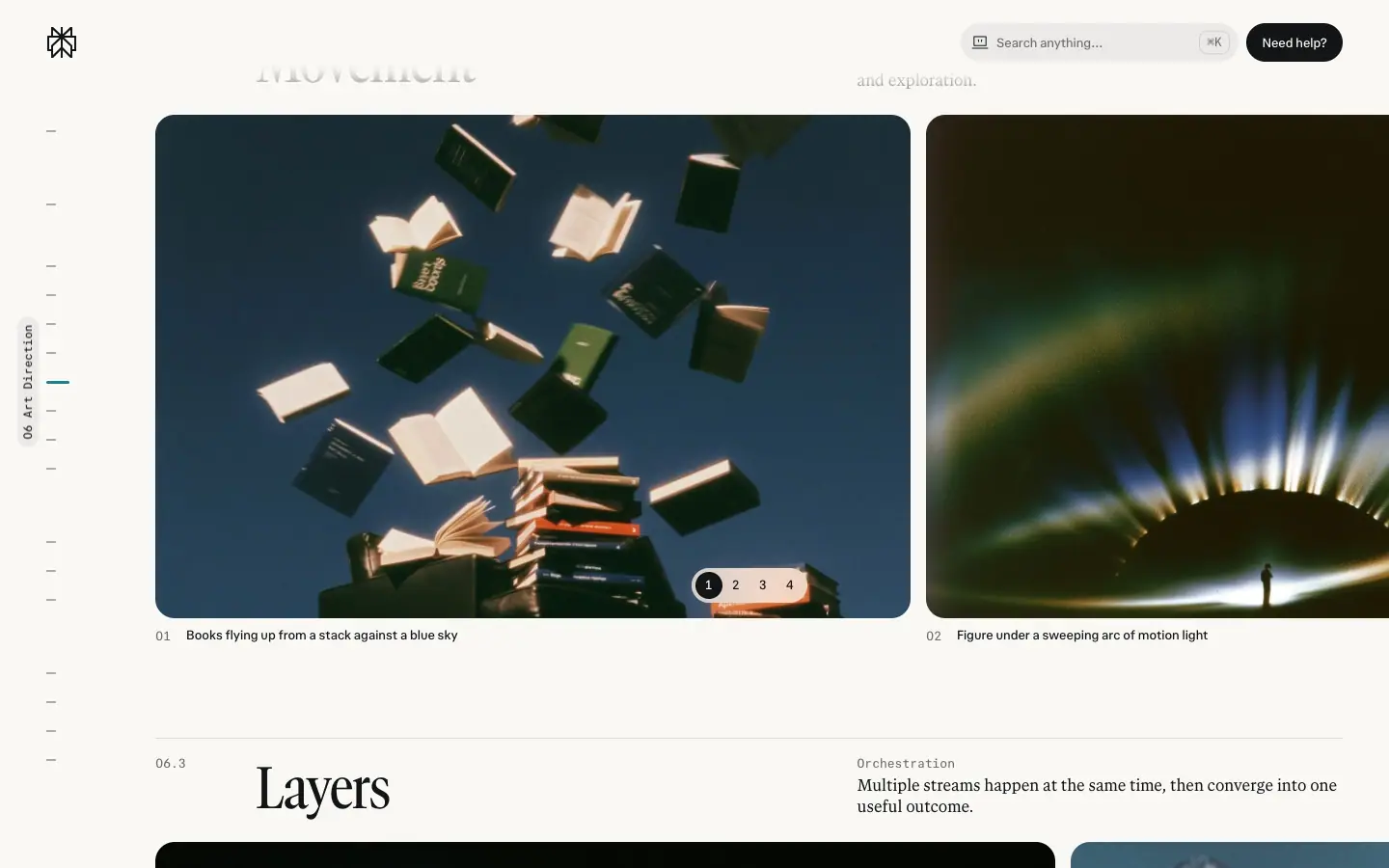 |
| 06.3 |
Layers · Orchestration |
"Multiple streams happen at the same time, then converge into one useful outcome." |
glass blocks holding landscapes; climber double-exposed with cloud and sky |
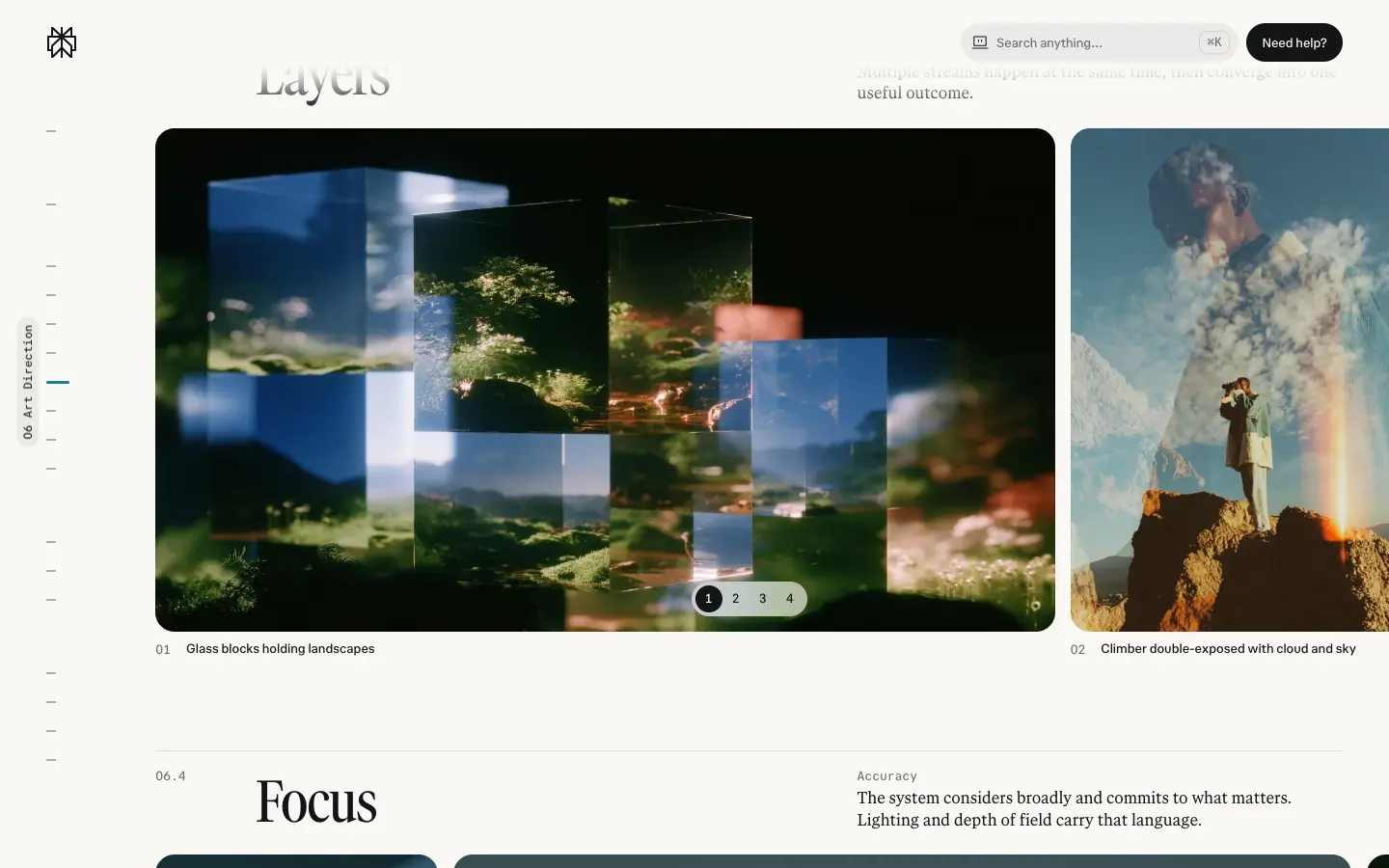 |
| 06.4 |
Focus · Accuracy |
"The system considers broadly and commits to what matters. Lighting and depth of field carry that language." |
face lit by the screen, glasses catching the light; one clear drop on a glittering hillside |
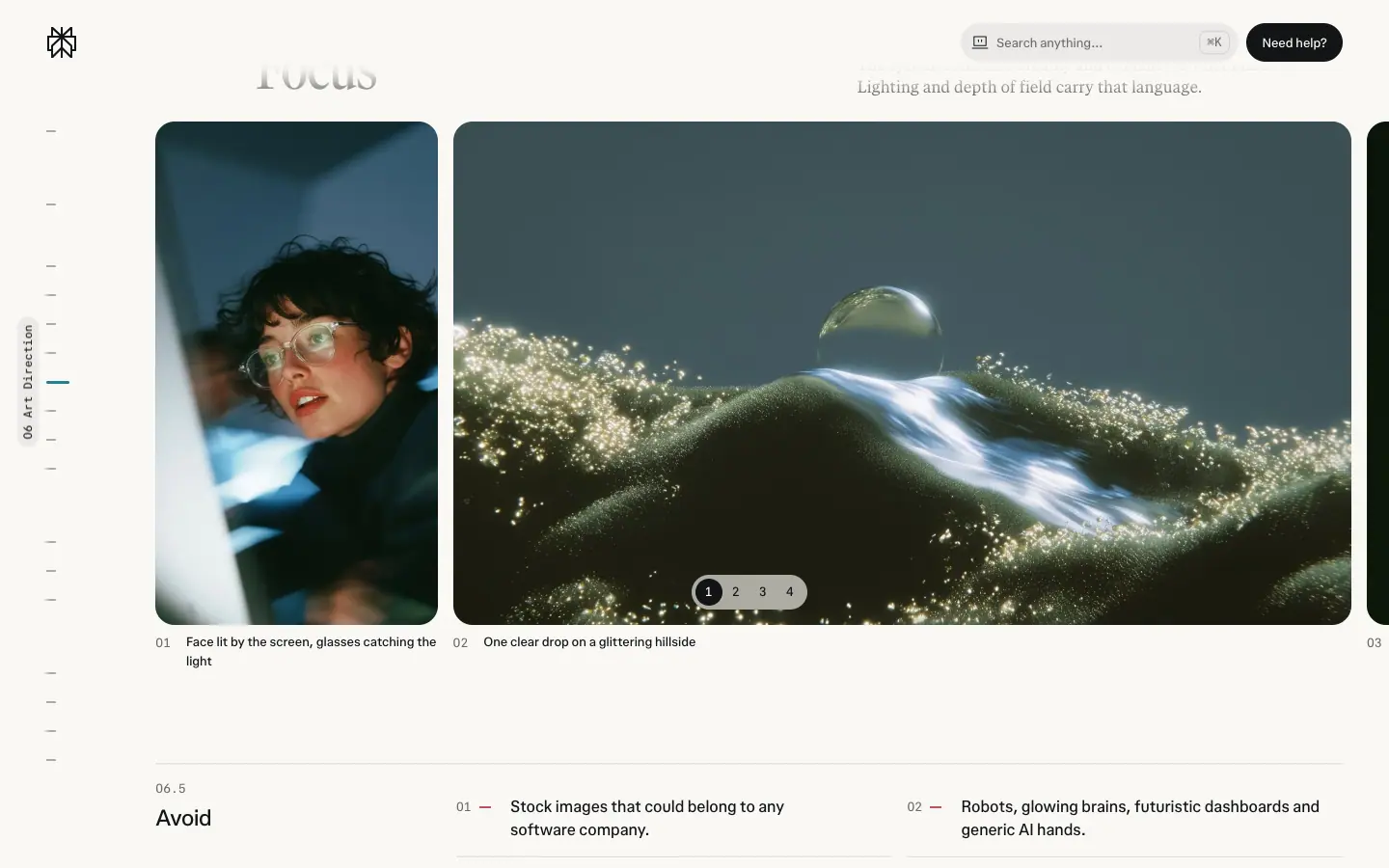 |
Avoid (hub, 06.5):
- Stock images that could belong to any software company.
- Robots, glowing brains, futuristic dashboards and generic AI hands.
- Blue-purple tech haze, heavy glow, blur or glass effects.
- Images added only to fill space.
- Crops that cut faces, product UI or logos awkwardly.
- Images without cleared usage rights.
How this maps to the "worlds" above: World 1 (light streaks) is Movement; World 2 (painted landscapes) and the glass-block landscapes are Layers; World 3 (cosmos) is Angle (small figure, big horizon); the screen-lit faces in hero photography are Focus.
Motion and sound (hub)
- Motion: "Perplexity moves like a precision instrument held by a curious mind. Most of the time it barely moves. The few moments that do carry the weight." The detailed motion chapter is marked "Coming soon".
- Sound: "Sound follows the same two temperatures as color. Product sounds are short and precise. Theme music is warmer and carries the brand in video and events."
Teammate imagery: two modes
Hub: "Teammate imagery has two modes, and the difference is whether you're in the room." Light mode = "work with you around… the avatar is the lamp on the ceiling". Dark mode = "work without you… The lamp comes down to the floor and lights only the task." "The person is always the user. The light is always the Teammate, in the avatar's shape and color."
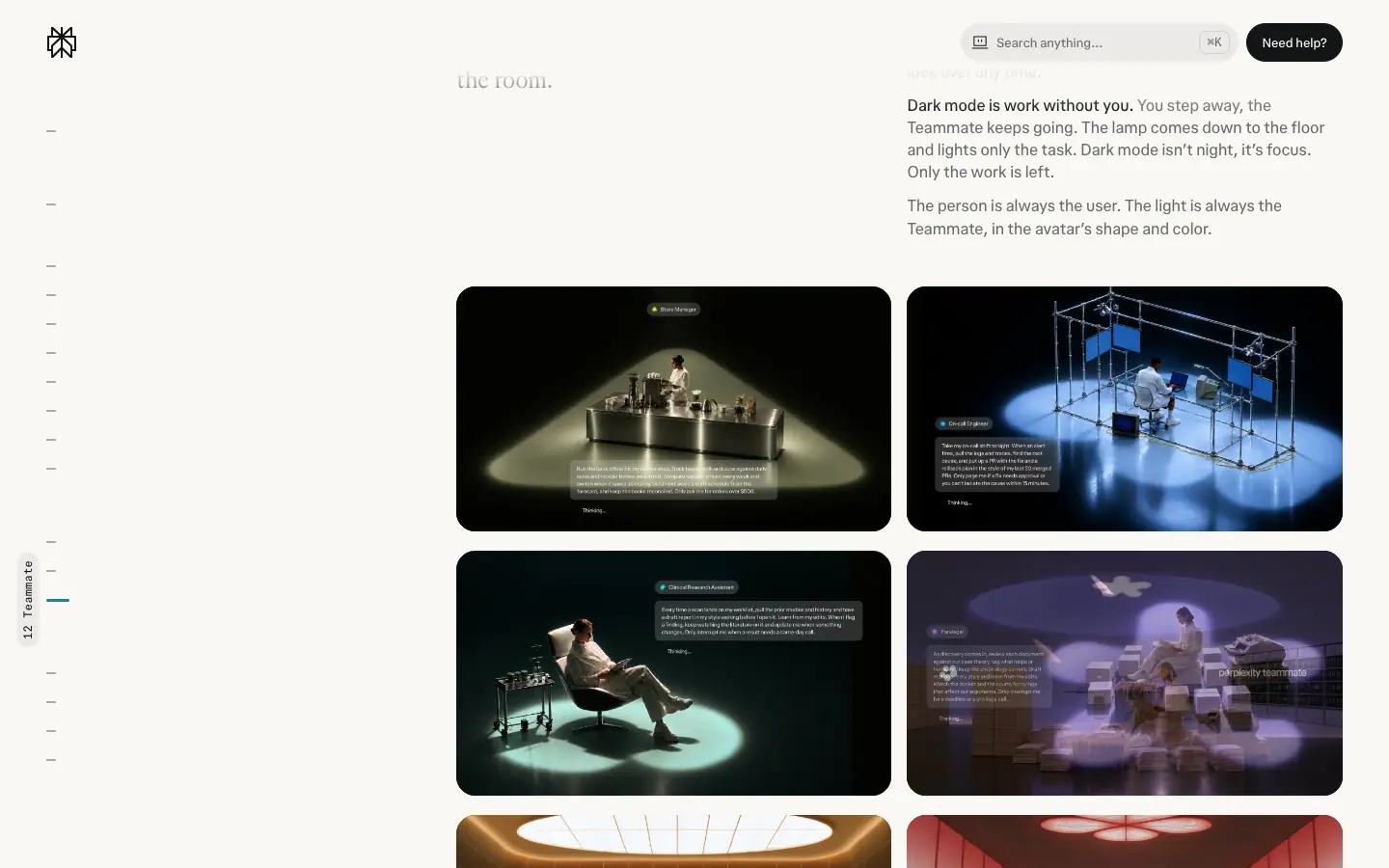
Why it works: the light is the agent. The metaphor turns an invisible AI process into a single art-direction rule a photographer or 3D artist can follow.
"In use": the foundations together
Hub: "The foundations working together: one confident image, Serif Narrow, Off Black and Off White, and a mark only where it's needed."
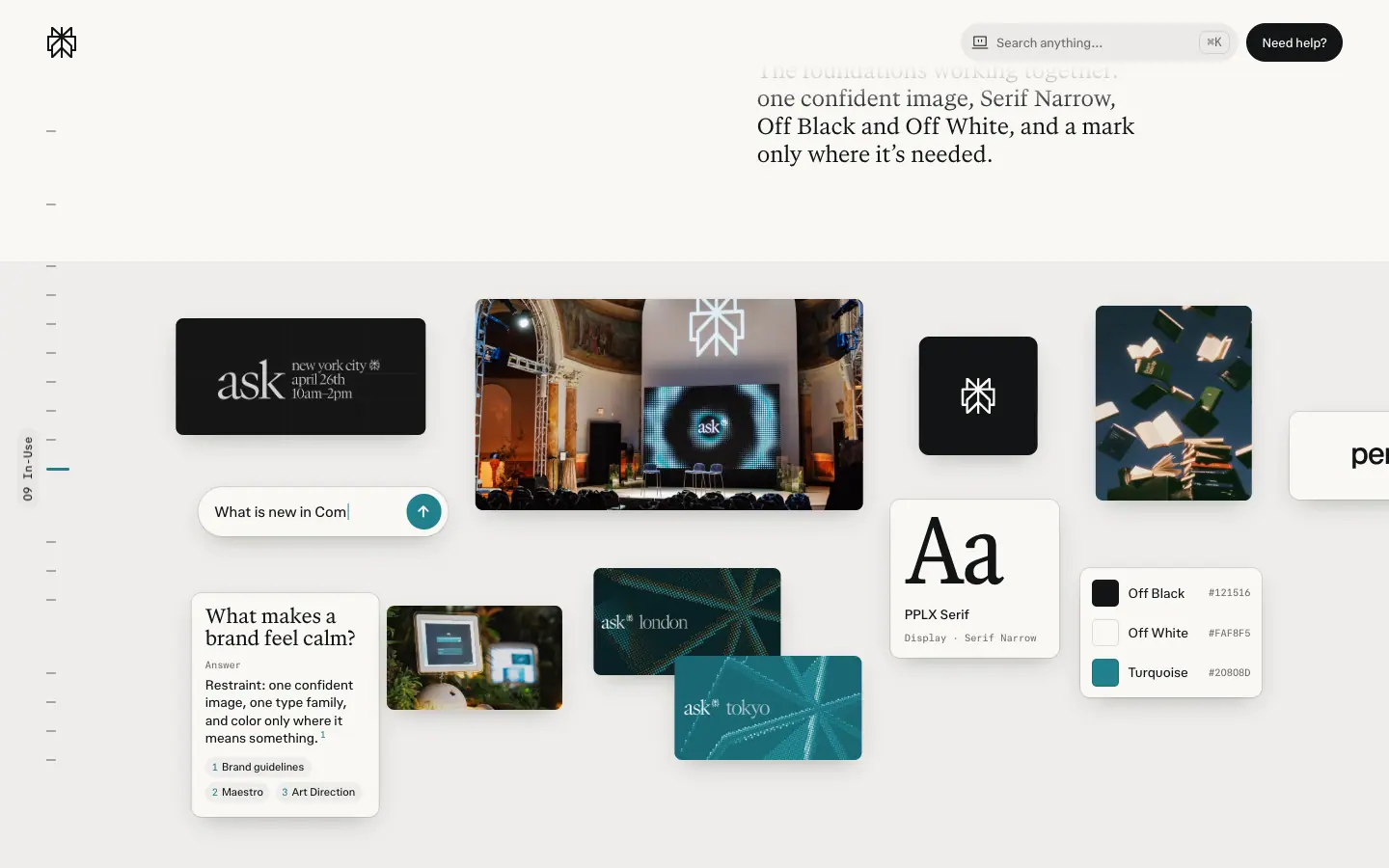
Rules to copy
- Choose one image world per product and keep it consistent on that product's page.
- Always layer real UI on top of the art; the UI must be legible at 50 % zoom.
- Add grain to every gradient and photo.
- Keep UI chrome monochrome; let the art carry colour.
- Use partner/model logos as equal-sized glass tiles, never in a logo soup.
10 · Motion and interaction
Sources: computed transition-* and animation-* on every visible element (data/<page>.json → tr, an), @keyframes rule text from document.styleSheets (data/<page>.probe.json → kf), frame captures (images/motion/), and a real pointer hover on /pro buttons.
Framer pages (/enterprise, /comet) animate through JavaScript (Framer Motion). They expose no CSS transitions or keyframes, so their timings are not measured here.
1. The motion tokens
| Token / curve |
Value |
Measured on |
--ease-out-quint |
cubic-bezier(.22, 1, .36, 1) |
:root (/hub, /api); used for transform 0.3s (7 el.), background-color, border-radius 0.25s |
| Tailwind ease-out |
cubic-bezier(0, 0, 0.2, 1) |
buttons 0.3s, reveals 0.7s |
| Tailwind ease-in-out |
cubic-bezier(0.4, 0, 0.2, 1) |
colour 0.15s (17 el. on /pro), transform 0.15s |
| Expo-out |
cubic-bezier(0.19, 1, 0.22, 1) |
/hub: color, opacity 0.5s, transform, box-shadow 0.42s, hub-live-step-reveal 0.72s |
| Out-expo (hero) |
cubic-bezier(0.16, 1, 0.3, 1) |
hero-headline-focus 2.2s, hero-subhead-in 0.9s, /pro hero-entrance 1s |
| Out-cubic |
cubic-bezier(0.215, 0.61, 0.355, 1) |
/api _token-in 0.22s, _fill-from-gray 0.35s, _fade-from-dim 0.3s |
Duration bands:
- 75–150ms: opacity/colour micro feedback (opacity 0.15s ease, 30 elements on /).
- 200–300ms: hover fills, popovers (enter 0.3s, slideUpAndFadeIn).
- 420–720ms: card lifts, step reveals, sticky-word colour change.
- 0.9–2.2s: one-time hero entrances.
- 2–40s: ambient loops (cursor float, shimmer, pulses, orbits).
2. Hover and press
| Element |
Before → after |
Transition |
| Filled button (/pro) |
opacity 1 → 0.8 |
0.3s cubic-bezier(0,0,0.2,1) |
| Outline button (/pro) |
bg transparent → #dbdee3 / .03 |
same |
| Text link |
colour fg .65 → fg |
color … 0.15s cubic-bezier(0.4,0,0.2,1) |
| Hub bento card |
transform + box-shadow change (property list measured; the hover pose was not filmed) |
0.42s cubic-bezier(0.19,1,0.22,1) |
| App icon buttons |
transform 0.15s cubic-bezier(0.4,0,0.2,1) (press scale) |
— |
| Segmented mode pill |
background-color, border-radius 0.25s cubic-bezier(0.22,1,0.36,1) |
inferred: the active pill morphs between Search and Computer (not filmed) |
Why. Buttons never move on hover; they change only fill or opacity. Movement is reserved for cards (big targets) and for content entering. This matches the "precise tool" positioning.
3. Entrances
| Name |
Keyframes |
Timing |
Page |
hero-headline-focus |
0% { opacity:0; filter: blur(24px); transform: scale(1.02) } → 100% { opacity:1; filter: blur(0); scale(1) } |
2.2s, cubic-bezier(0.16,1,0.3,1) |
/hub H1 |
hero-subhead-in |
translateY(16px), opacity 0 → 0, 1 |
0.9s, same curve |
/hub sub |
hero-entrance |
translateY(20px), opacity 0 → 0, 1 |
1s, cubic-bezier(0.16,1,0.3,1) |
/pro hero (2 el.) |
hub-live-step-reveal |
opacity 0, blur(4px) → 1, blur(0) |
0.72s, cubic-bezier(0.19,1,0.22,1) |
/hub workflow demo steps (5) |
step-fade-in |
opacity 0, translateY(4px) → 1, 0 |
0.3s ease-out |
/pro demo |
slideUpAndFadeIn / slideDownAndFadeIn |
translateY(±5px), opacity |
popovers |
app |
| Scroll reveal |
transition: all 0.7s cubic-bezier(0,0,0.2,1) (8 el.), transform, opacity 0.7s |
on intersection |
/pro feature rows |
_char-in |
steps(1), 0.001s per character, staggered |
typewriter text |
/api code + answer (59 el.) |
_token-in |
0.22s out-cubic |
streaming tokens |
/api answer card |
Blur-to-focus is the signature: the hero headline "develops" like a photograph. It fits the "curious → clarity" story.
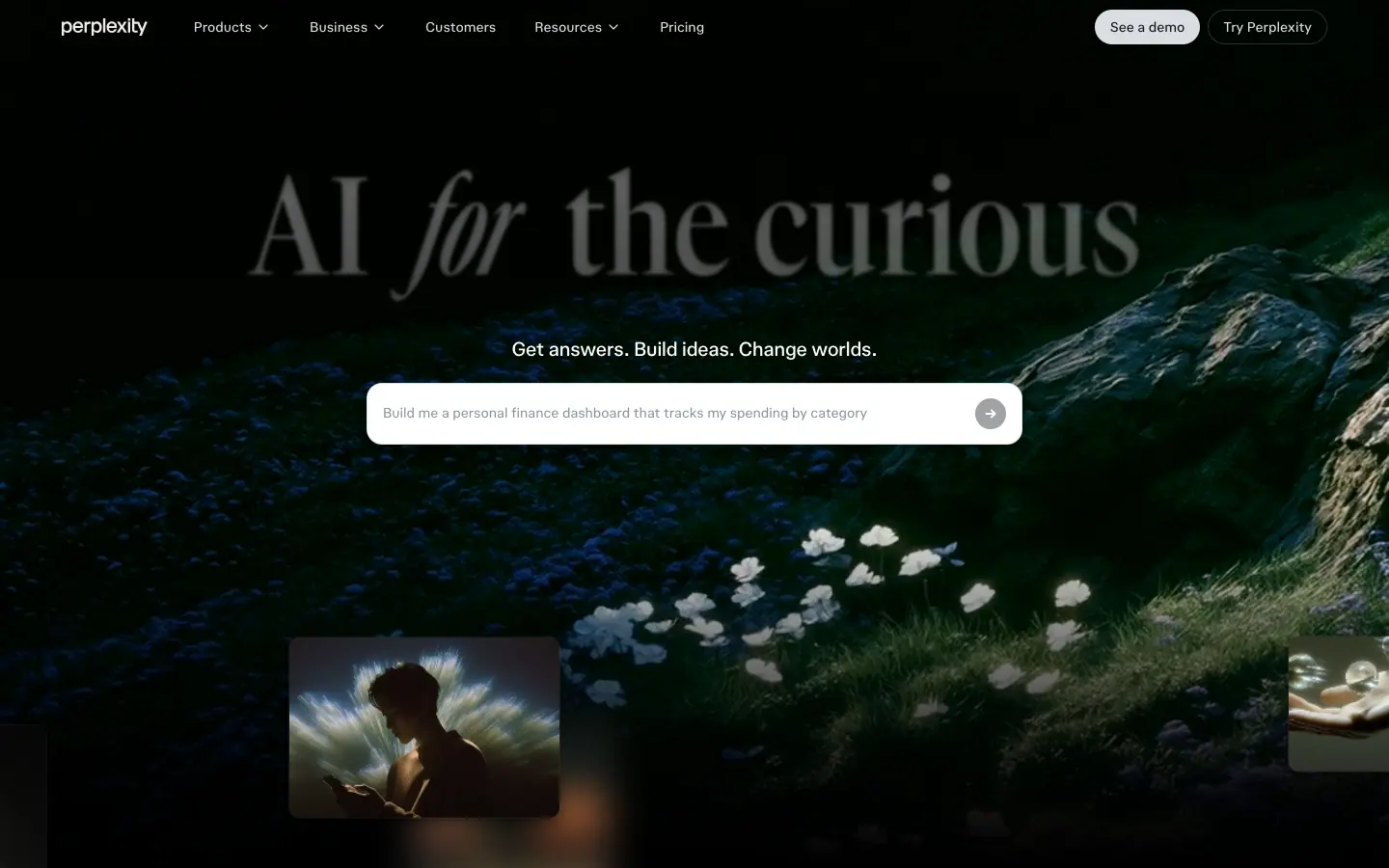
Frames at 0.3s (above), 0.9s and 3.4s after load are in images/motion/hub-hero-t0/t1/t3.png. The composer placeholder changed between t1 and t3 ("Build me a personal finance dashboard…" → "Create an interactive world map showing real-time climate risk by country"), confirming the cycling-prompt animation.
4. Scroll-driven
Sticky statement scroller (/hub). A 1440 × 900 stage is position: sticky; top: 0 inside a ≈ 2,140px section. As you scroll, the active line changes. Measured at scrollY 3100: "Accurate AI", "Multi-model orchestration", "Web-first agentic AI" = rgb(229,226,220); "Powerful APIs" = rgb(11,40,51). Colour transitions over 0.5s cubic-bezier(0.19,1,0.22,1). The list also translates upward so the active line stays near the centre.
| scrollY 1500 |
scrollY 2300 |
scrollY 3100 |
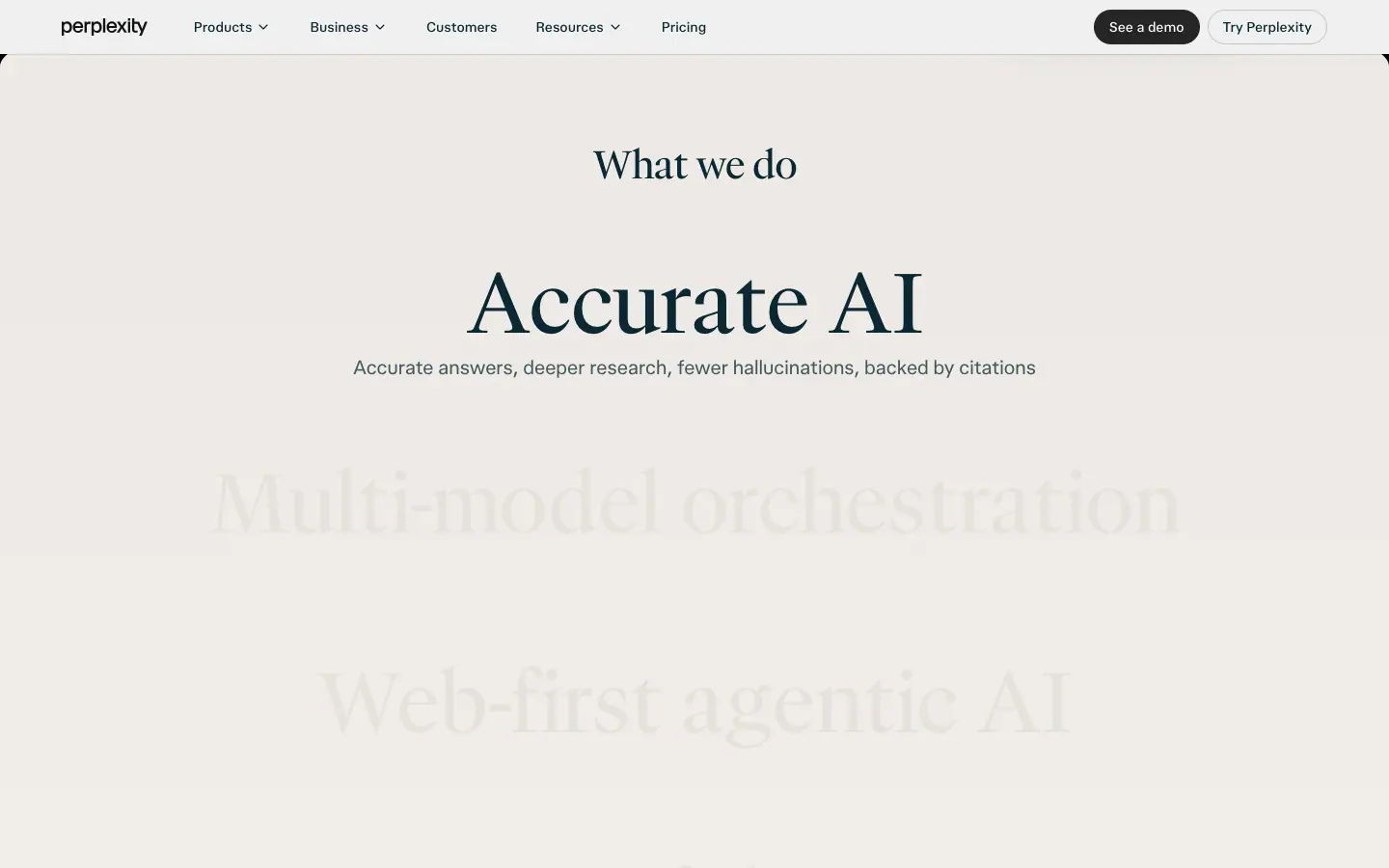 |
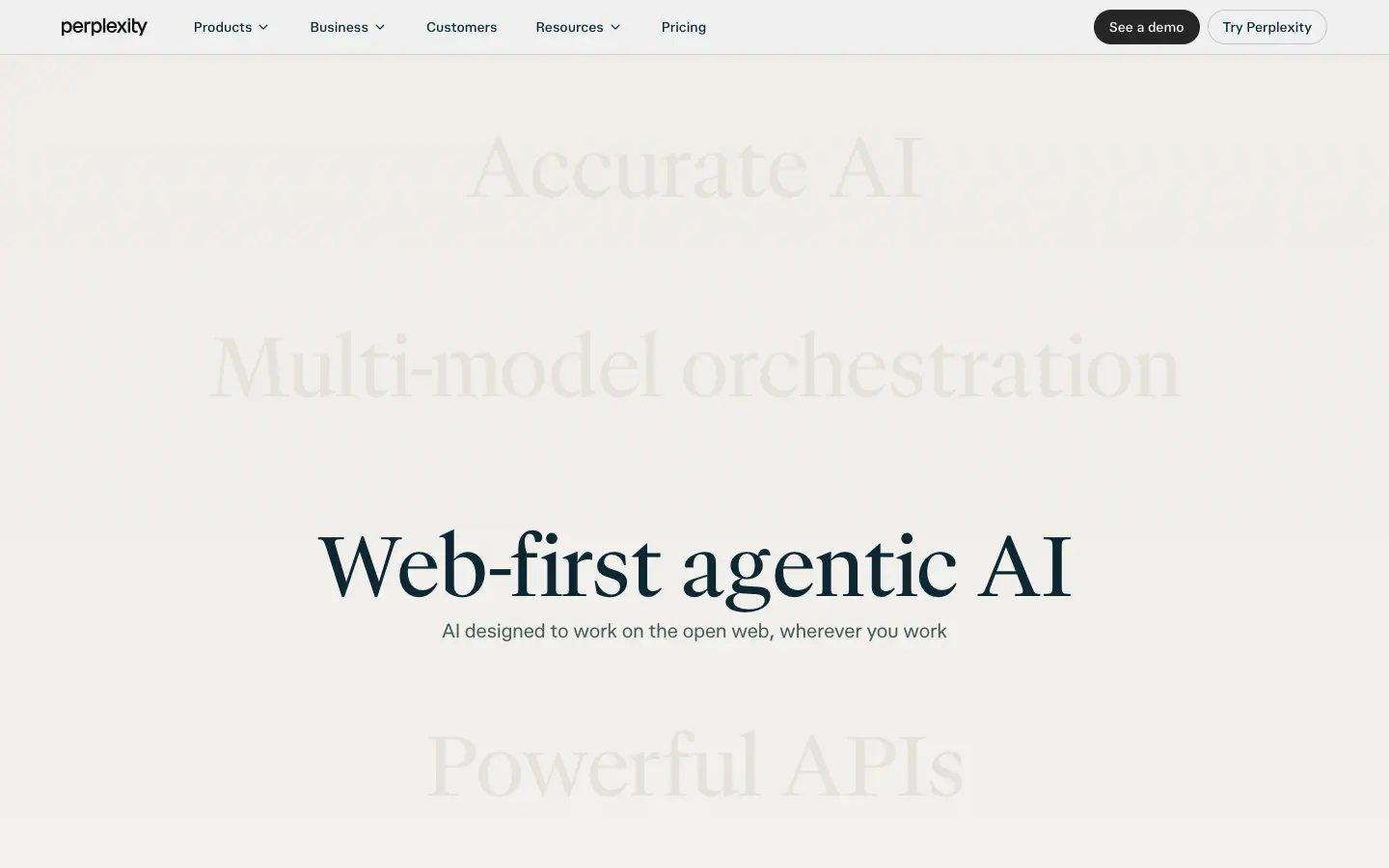 |
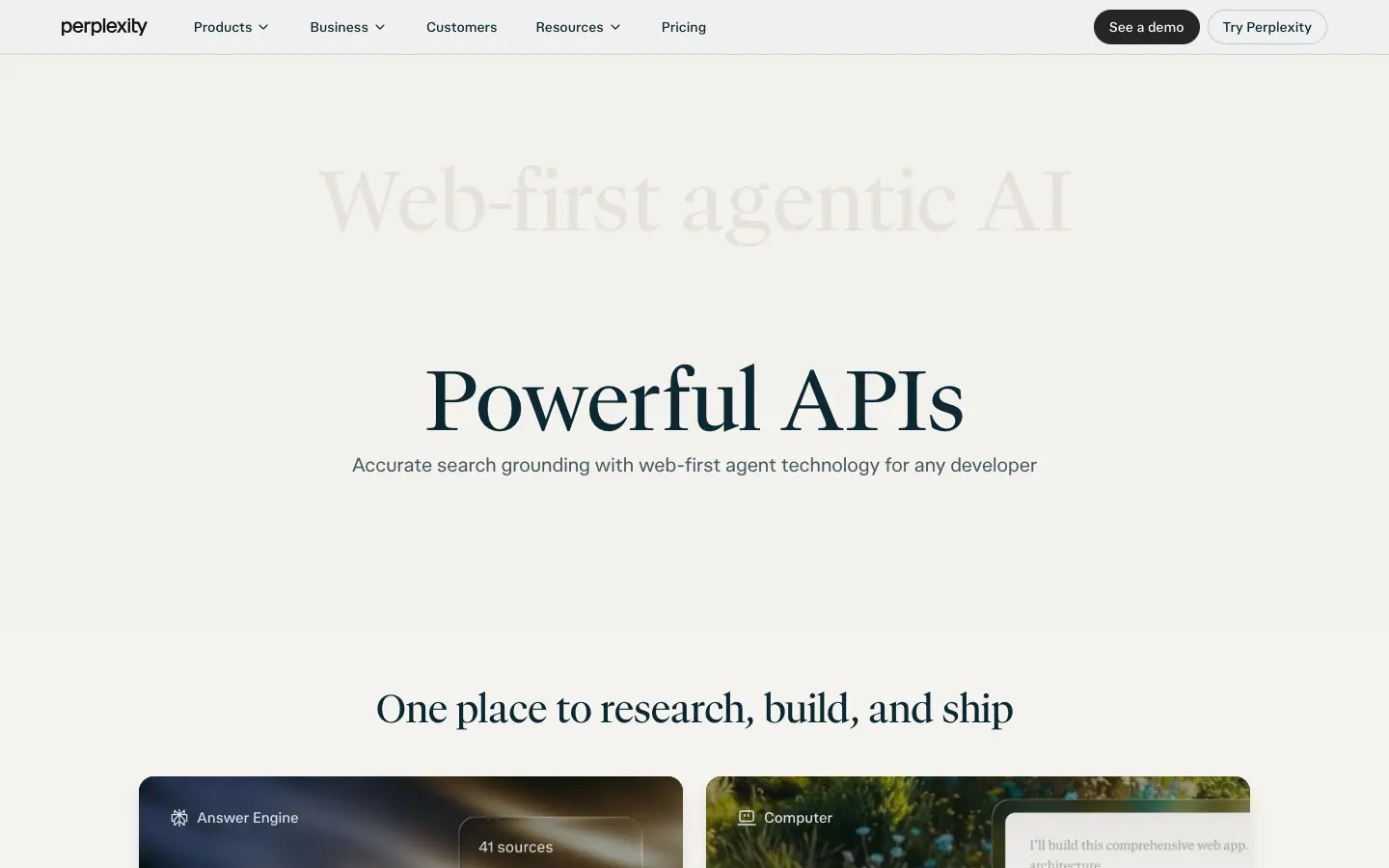 |
Header inversion. The brand header is dark (white text, light pill) over the black hero and becomes light (ink text, dark pill) over paper sections (see the frames above).
Sticky rail (/api). Left nav position: sticky; top: 88px; active item at fg, others at fg .65.
5. Ambient loops
| Name |
Keyframes |
Timing |
Page |
hero-orbit |
rotate(0) → rotate(360deg) |
40s linear infinite |
/pro hero icon ring |
hero-counter-orbit |
translate(-50%,-50%) rotate(0 → -360deg) |
40s linear infinite (6 icons) |
keeps each icon upright |
pro-input-shimmer |
translateX(-100%) skewX(-20deg) → translateX(220%) at 35 %, then hold |
5s ease-in-out infinite |
/pro composer art: a light sweep every 5s |
cursor-float |
translate 0 → 2px -3px → 0 |
2s ease-in-out infinite |
/pro fake cursor |
marqueeLeft |
translate(0) → translate(-50%) |
JS-driven speed |
/pro prompt rows |
marketing-cta-shimmer-sweep |
mask-position → 0 center |
CTA text shimmer |
/hub, /api |
_pulse-travel |
dot travelling along a path |
8.4s linear infinite (12) |
/api diagrams |
_pulse-fade |
opacity pulse |
8.4s ease-in-out infinite |
/api |
_dash-drift |
stroke-dashoffset drift |
2.25s linear infinite (9) |
/api connector lines |
_twinkle |
opacity twinkle |
0.75s ease-in-out (50) |
/api dot grid |
_picker-spin |
model list rotation |
3.45s linear |
/api Orchestrator card |
gridDotFade, pulse, ping, blink, spin |
utility |
— |
app |
Marquee frames 2s apart (rows moved, alternating directions):
| t = 0 |
t = 2s |
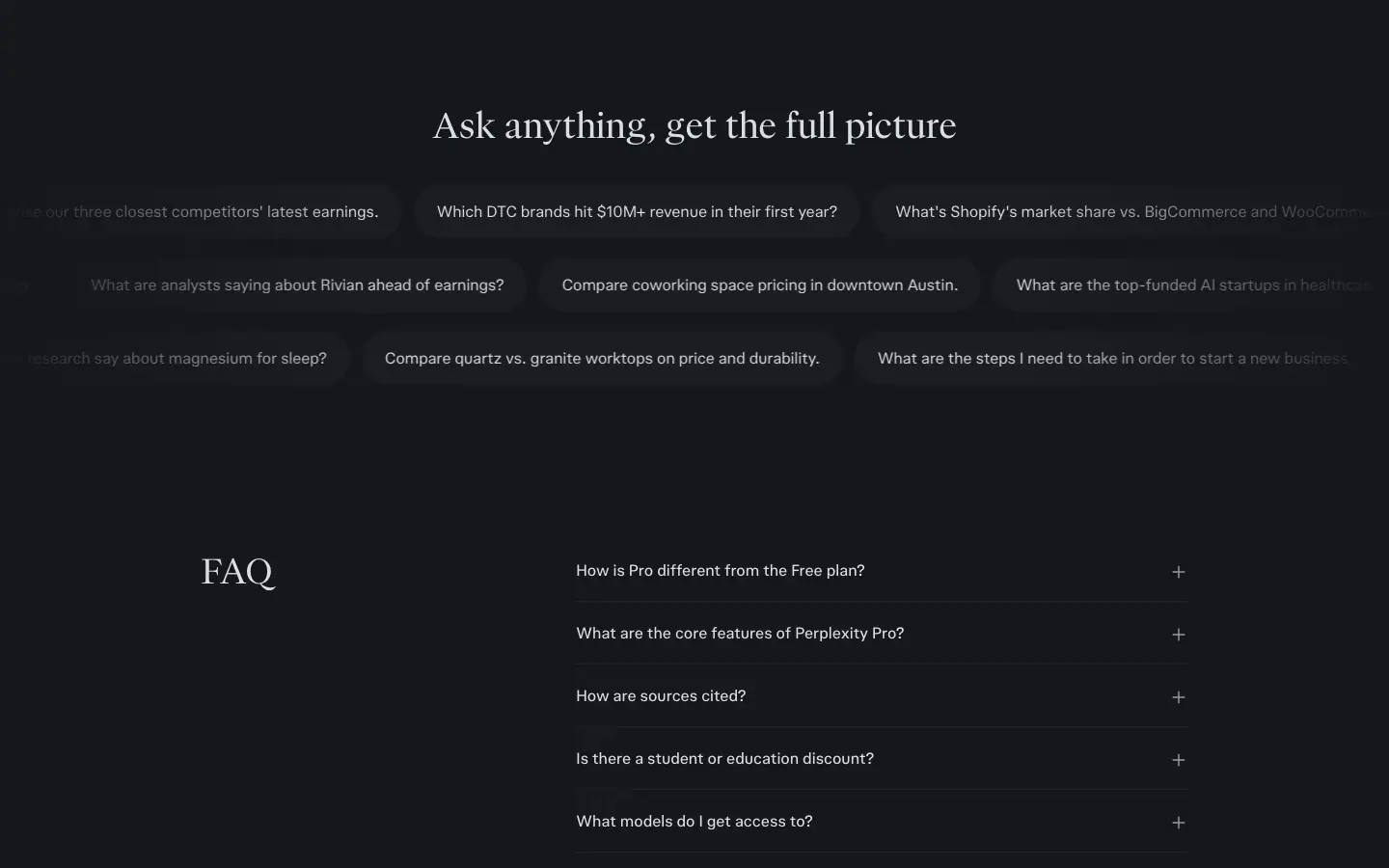 |
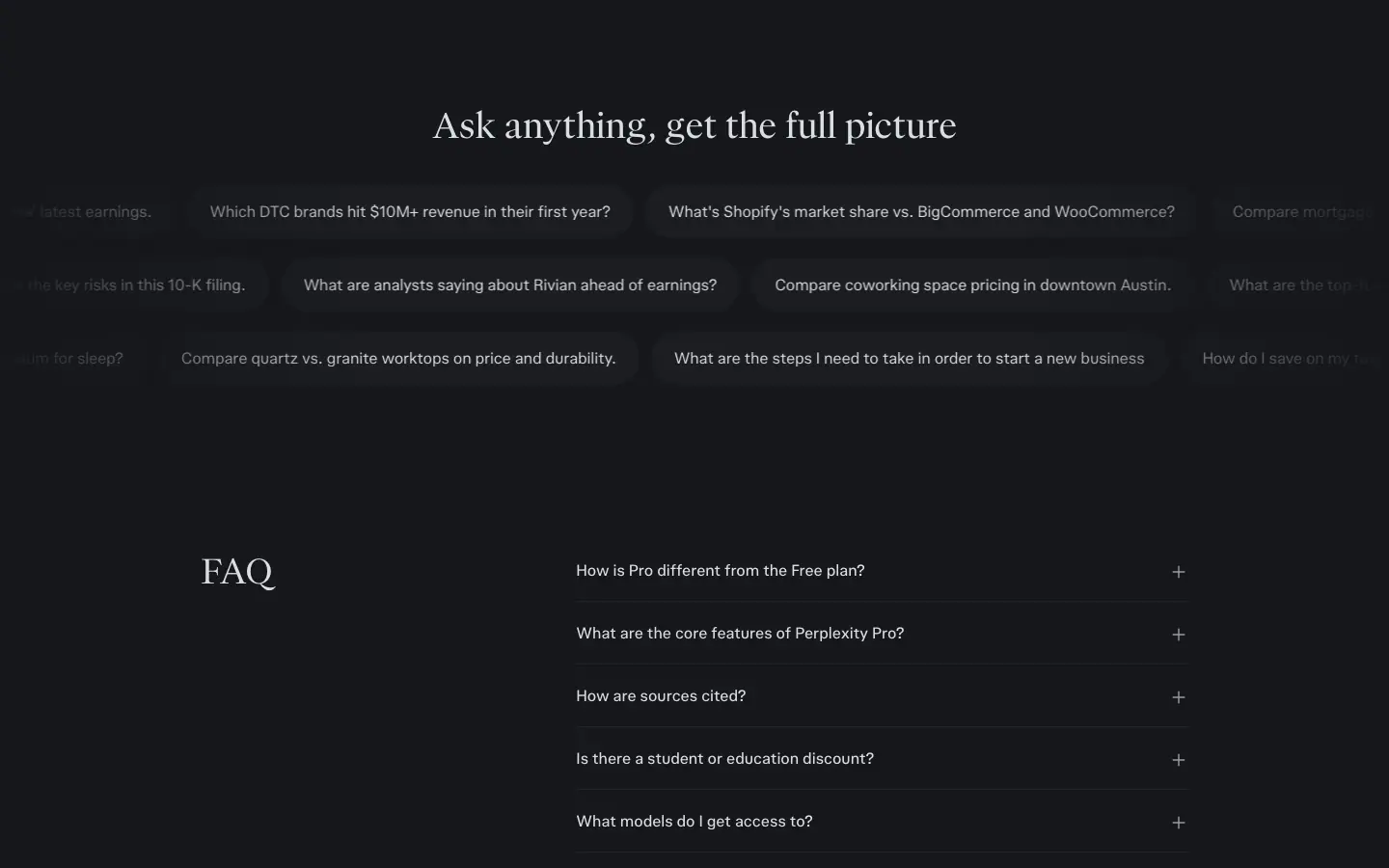 |
6. Reduced motion
All four product-system pages contain a @media (prefers-reduced-motion …) rule (reducedMotionQuery: true in the probe files). The Framer pages did not expose one in CSS (Framer handles it in JS when enabled; not verified).
7. Rules to copy
- Buttons: 300ms ease-out on colour/opacity only. Filled dims to 0.8; outline fills to 3 % ink.
- Cards: 420ms expo-out lift + shadow.
- Hero: one 1–2s entrance, blur-to-focus or 16–20px rise,
cubic-bezier(0.16,1,0.3,1).
- Content reveals: 700ms ease-out, once.
- Ambient loops: ≥ 5s, low contrast, never behind body text.
- Provide
prefers-reduced-motion fallbacks that keep final states.
11 · Glossary
The terms you need to describe, brief or build a Perplexity-style page. Each term notes where it appears.
Layout and sections
| Term |
Meaning |
Perplexity example |
| Tool-as-hero |
The hero is the working product input, not a pitch |
/ composer |
| Split hero |
Text left, media right, 50/50 |
/pro, /enterprise |
| Art tile |
A rounded image container holding art + UI |
/pro orbiting-icons tile |
| Bento grid |
A grid of unequal or equal cards, each a mini-poster |
/hub 2×2, /comet 2×3 |
| Alternating rows (zig-zag) |
Media switches sides each row |
/pro features |
| Tinted panel |
A rounded section background at 3–7 % ink alpha |
/pro plans |
| Chapter band |
One full-colour or dark band to break a long light page |
/enterprise Comet band |
| Sticky scroller / pinned stage |
A section whose content stays fixed while scroll changes its state |
/hub "What we do" |
| Sticky rail |
A side nav that stays in view and tracks the active section |
/api-platform |
| Marquee |
Rows of items that scroll horizontally on a loop |
/pro prompts |
| Logo wall / ticker |
A row of customer logos |
/enterprise |
| Proof bento |
Quote + numbers in a card grid |
/enterprise |
| Tabbed demo |
Pill tabs switching the content of one faux app window |
/pro, /hub |
| Faux UI / product mock |
A rebuilt, simplified product screen used as illustration |
everywhere |
| Bleed |
Content runs past the container edge |
/api case-study rows |
| Horizon curve |
A section top edge curved as an arch |
/hub hero → paper |
Type
| Term |
Meaning |
Example |
| Display serif |
A serif built for large sizes |
GT Canon VF, pplxSerif |
| Grotesk / neo-grotesk |
A plain sans for UI |
pplxSans, GT Standard |
| Variable font |
One file, continuous axes |
pplxSans 300–900 |
Axis: wght, opsz, wdth, slnt |
Weight, optical size, width, slant |
Comet H1 wdth 75 |
| Optical size |
Shapes tuned to the pixel size |
"opsz" 30 at 38px |
Stylistic set (ss01) |
Alternate glyphs switched on by feature |
/hub serif "ss01" |
| Tracking / letter-spacing |
Space between all letters |
−1.9px on /enterprise H1 |
| Leading / line-height |
Space between lines |
48/48 on /pro H1 |
| Eyebrow |
Small label above a heading |
"PERPLEXITY API PLATFORM" |
| Two-tone headline |
One line in two opacities |
"Agent API: supported models…" |
| Mono label |
Uppercase monospace with tracking |
footer column heads |
Colour
| Term |
Meaning |
Example |
| Ink |
The primary text colour |
#0b2833 |
| Alpha ramp |
Secondary colours made from ink at lower opacity |
.75 / .5 / .15 / .07 |
| Relative colour syntax |
rgb(from #hex r g b / a) |
Perplexity tokens |
| Accent |
The one brand hue for state |
teal #016a71 |
| Inverse button |
A button in the opposite of the page colour |
#252525 on light |
| Surface / layer |
Background levels |
--surface-base, --layer-faint |
| Contrast ratio |
WCAG luminance ratio |
14.86:1 ink on base |
Imagery and effects
| Term |
Meaning |
Example |
| Composite / layered mock |
UI panels stacked over art |
/enterprise hero |
| Film grain / noise |
Fine random texture |
all photos |
| Long-exposure light streak |
Abstract motion-blur light |
/pro |
| Glassmorphism / frosted glass |
Translucent blurred panels |
/pro icon tiles |
| Backdrop blur |
backdrop-filter: blur() |
24px and 40px on /pro |
| Inner highlight |
A light inset shadow at the top edge |
/hub chips |
| Skeleton illustration |
Grey bars standing in for content |
/comet bento |
| Orbit |
Items rotating around a centre |
/pro, /hub model logos |
Motion
| Term |
Meaning |
Example |
| Easing curve |
Speed profile of an animation |
cubic-bezier(0.16,1,0.3,1) |
| Ease-out (decelerate) |
Fast start, slow end |
buttons, reveals |
| Expo-out |
Very fast start, very long tail |
/hub hovers |
| Blur-to-focus |
Element enters blurred and sharpens |
/hub H1 |
| Stagger |
Sequential delay across items |
/api _char-in |
| Typewriter |
Characters appear one by one |
/api code |
| Scroll-linked / scroll-triggered |
Animation tied to scroll position or entry |
/hub sticky words |
| Ambient loop |
Slow infinite background motion |
orbits, shimmer |
| Reduced motion |
User setting that should stop non-essential motion |
prefers-reduced-motion |
Paste-ready brief
Build a marketing landing page in the style of an "accurate AI research tool".
Type: headlines in a light display serif (weight 300–500, tight leading 1.0–1.2, tracking normal to −0.02em). Everything else in a neutral grotesk, 16px/1.5 body, 14px/500 UI. Metadata in an uppercase monospace at 12px with +0.08em tracking.
Colour: one ink (#0b2833) on near-white (#fbfbfb) or warm paper (#faf8f5); secondary text = ink at 75 %, tertiary 50 %, borders 15 % and 7 %. One teal accent (#016a71) for state only. Dark mode: #15171b background, #dbdee3 text, weights reduced by 50.
Layout: 1280px container, 128px between sections, sections grouped in rounded tinted panels (radius 32px, 3.5 % ink). Pills for every button and chip.
Hero: split — serif H1 + one-sentence sub + filled and outline buttons on the left; on the right a rounded art tile (grainy light-streak photo) with real product UI floating on it.
Sections: plan cards in a tinted panel; three alternating media rows; a 2×2 art-backed bento; a pill-tabbed demo window; a 3-row marquee of real example prompts; a title-left FAQ; a serif final CTA.
Motion: buttons 300ms ease-out colour/opacity only; cards 420ms expo-out lift; hero headline blur(24px)→0 over 2.2s cubic-bezier(0.16,1,0.3,1); reveals 700ms; ambient loops ≥ 5s; honour reduced motion.
Copy: sentence case, H1 ≤ 10 words, one adjective owns the brand ("accurate"), CTAs are 2–4-word verbs, sub-copy names concrete nouns.
12 · Build recipe
A step-by-step recipe to rebuild the Perplexity marketing look with your own brand. Values are the measured ones; swap the hex codes and fonts for yours.
Step 1 · Fonts
Perplexity's fonts are custom (pplxSans, pplxSerif) or licensed (GT Canon, GT Standard, FK Grotesk). Do not copy them. Closest free stand-ins:
| Role |
Perplexity |
Free substitute |
| Display serif |
pplxSerif / GT Canon VF |
Newsreader (variable, has opsz), Fraunces (light weights), Instrument Serif |
| UI sans |
pplxSans |
Inter / Inter Display, Geist, Söhne-like "Hanken Grotesk" |
| Mono label |
pplxSansMono / GT Standard Mono |
Geist Mono, JetBrains Mono |
Step 2 · Tokens
:root {
  /* surfaces */
  --bg-base: #fbfbfb;
  --bg-raised: #ffffff;
  --bg-paper: #faf8f5;           /* brand pages */
  --bg-inverse: #252525;
  --ink: #0b2833;
  --layer-faint: rgb(from #1c1c1c r g b / .035);
  --layer-subtle: rgb(from #1c1c1c r g b / .07);

  /* text */
  --fg-primary: var(--ink);
  --fg-secondary: rgb(from var(--ink) r g b / .75);
  --fg-tertiary: rgb(from var(--ink) r g b / .5);
  --fg-inverse: #fbfbfb;

  /* borders */
  --border-base: rgb(from var(--ink) r g b / .15);
  --border-soft: rgb(from var(--ink) r g b / .07);

  /* accent */
  --accent: #016a71;
  --accent-soft: rgb(from var(--accent) r g b / .09);
  --accent-glow: 0 0 36px 4px rgb(from var(--accent) r g b / .3);

  /* type */
  --font-serif: "Newsreader", ui-serif, Georgia, serif;
  --font-sans: "Inter", ui-sans-serif, system-ui, sans-serif;
  --font-mono: "Geist Mono", ui-monospace, monospace;
  --w-regular: 400; --w-medium: 500;

  /* radius */
  --r-chip: 9999px; --r-btn-lg: 12px; --r-card: 16px; --r-panel: 32px;

  /* motion */
  --ease-out: cubic-bezier(0, 0, .2, 1);
  --ease-out-quint: cubic-bezier(.22, 1, .36, 1);
  --ease-out-expo: cubic-bezier(.19, 1, .22, 1);
  --ease-hero: cubic-bezier(.16, 1, .3, 1);
  --dur-fast: 150ms; --dur-base: 300ms; --dur-card: 420ms; --dur-reveal: 700ms;
}

@media (prefers-color-scheme: dark) {
  :root {
    --bg-base: #15171b; --bg-raised: #1b1d21; --bg-inverse: #dbdee3;
    --ink: #dbdee3; --fg-secondary: rgb(from #dbdee3 r g b / .65);
    --fg-inverse: #15171b;
    --layer-faint: rgb(from #dbdee3 r g b / .03);
    --layer-subtle: rgb(from #dbdee3 r g b / .06);
    --border-base: rgb(from #dbdee3 r g b / .14);
    --accent: #4e99a3;
    --w-regular: 350; --w-medium: 450;   /* needs a variable font */
  }
}
Step 3 · Type classes
body { background: var(--bg-base); color: var(--fg-primary);
  font: var(--w-regular) 16px/24px var(--font-sans); }
.display { font: 600 clamp(72px, 12vw, 180px)/1.05 var(--font-serif); }
.h1      { font: var(--w-regular) clamp(30px, 4vw, 48px)/1 var(--font-serif); }
.h2      { font: var(--w-regular) clamp(24px, 3vw, 40px)/1.1 var(--font-serif); letter-spacing: -.018em; }
.h3      { font: var(--w-regular) 30px/36px var(--font-serif); }
.lead    { font-size: 16px; line-height: 24px; color: var(--fg-secondary); }
.label   { font: 400 12px/18px var(--font-mono); letter-spacing: .08em; text-transform: uppercase; color: var(--fg-secondary); }
.two-tone b { color: var(--fg-primary); font-weight: inherit; }
.two-tone   { color: var(--fg-secondary); }
Step 4 · Components
.btn { display:inline-flex; align-items:center; gap:8px; border:1px solid transparent;
  transition: background-color var(--dur-base) var(--ease-out), border-color var(--dur-base) var(--ease-out),
              color var(--dur-base) var(--ease-out), opacity var(--dur-base) var(--ease-out); }
.btn-lg  { height:56px; padding:0 24px; border-radius:var(--r-btn-lg); font:var(--w-medium) 18px/1 var(--font-sans); }
.btn-pill{ height:40px; padding:0 16px; border-radius:var(--r-chip); font:var(--w-medium) 16px/1 var(--font-sans); }
.btn-primary { background:var(--bg-inverse); color:var(--fg-inverse); }
.btn-primary:hover { opacity:.8; }
.btn-outline { border-color:var(--border-base); color:var(--fg-primary); }
.btn-outline:hover { background:var(--layer-faint); }

.panel { background:var(--layer-faint); border-radius:var(--r-panel); padding:128px 16px; }

.composer { padding:6px; border-radius:26px; transition: box-shadow var(--dur-base) var(--ease-out); }
.composer:focus-within { box-shadow: var(--accent-glow); }
.composer > .surface { background:var(--bg-raised); border-radius:20px; padding:12px 12px 12px; border:1px solid var(--border-base); }

.chip { height:40px; padding:10px 20px; border-radius:var(--r-chip); background:var(--layer-faint); color:var(--fg-secondary); }
.chip[aria-selected=true] { background:var(--bg-inverse); color:var(--fg-inverse); }

.card { border-radius:var(--r-card); overflow:hidden;
  transition: transform var(--dur-card) var(--ease-out-expo), box-shadow var(--dur-card) var(--ease-out-expo); }
.card:hover { transform: translateY(-4px); box-shadow: 0 12px 16px rgba(0,0,0,.1); } /* lift size is our choice; Perplexity's exact pose was not measured */

.faq-row { min-height:64px; border-bottom:1px solid var(--border-soft); }
Step 5 · Motion
@keyframes headline-focus { from { opacity:0; filter:blur(24px); transform:scale(1.02) } to { opacity:1; filter:blur(0); transform:none } }
@keyframes rise { from { opacity:0; transform:translateY(16px) } to { opacity:1; transform:none } }
@keyframes marquee { to { transform: translateX(-50%) } }
@keyframes orbit { to { transform: rotate(360deg) } }

.hero .display { animation: headline-focus 2.2s var(--ease-hero) both; }
.hero .lead    { animation: rise .9s var(--ease-hero) .2s both; }
.marquee-row   { display:flex; width:max-content; animation: marquee 60s linear infinite; }
.marquee-row:nth-child(2) { animation-direction: reverse; }
.reveal { opacity:0; transform:translateY(16px); transition: all var(--dur-reveal) var(--ease-out); }
.reveal.in { opacity:1; transform:none; }

@media (prefers-reduced-motion: reduce) {
  *, *::before, *::after { animation: none !important; transition: none !important; }
  .reveal { opacity:1; transform:none; }
}
Step 6 · Page skeleton
<header class="site-header">wordmark · Products · Business · Customers · Resources · Pricing · [See a demo] [Try it]</header>

<section class="hero split">
  <div>
    <h1 class="h1">The most accurate answers from all the top models</h1>
    <p class="lead">One sentence naming the product and 3–4 concrete nouns.</p>
    <a class="btn btn-lg btn-primary">Sign up for free</a>
    <a class="btn btn-lg btn-outline">Compare plans</a>
  </div>
  <figure class="art-tile"><!-- grainy photo + floating UI --></figure>
</section>

<section class="panel"><!-- plan cards or key proof --></section>
<section class="rows"><!-- 3 alternating media rows --></section>
<section class="bento"><!-- 2×2 art-backed cards --></section>
<section class="tabs-demo"><!-- pill tabs + faux app window --></section>
<section class="marquee"><!-- 3 rows of example prompts --></section>
<section class="faq"><!-- title left, accordion right --></section>
<section class="cta"><!-- serif question + one button --></section>
<footer><!-- mono column heads, links, giant cropped wordmark --></footer>
Step 7 · Review checklist
- [ ] Only one accent hue, used only for state.
- [ ] Every secondary colour is the ink at an alpha, not a new gray.
- [ ] Headlines are serif at ≤ 500 weight; nothing else is serif.
- [ ] Every large image has real UI on top and grain in it.
- [ ] Buttons are pills (or 12px for the 56px hero size) and do not move on hover.
- [ ] Sections are separated by 128px or tinted panels, not lines.
- [ ] Dark mode tints toward the accent and drops weights.
- [ ] Hero has one entrance animation; loops are ≥ 5s and low contrast.
- [ ]
prefers-reduced-motion keeps final states.
- [ ] Body and secondary text ≥ 4.5:1; 50 % tertiary only for placeholders.
- [ ] Example prompts are long, specific and real.
- [ ] The page ends in an FAQ and a one-button CTA.
13 · Brand assets and graphics inventory
Every distinct identity asset and graphic type across the captured perplexity.ai pages, plus the official identity rules from perplexity.ai/hub/brand (Perplexity's public brand hub, 41,189px, not listed in the sitemap; captured 2026-11-21). Crops are PNG viewport screenshots or cuts from full-page screenshots; no asset files were downloaded.
Official downloads (hub "Resources" chapter): All logos (ZIP), wordmark, symbol, vertical lockup, all nine sub-brand logos, Computer / Comet / Teammate marks, each in Off Black SVG (for light grounds) and Off White SVG (for dark grounds), plus the palette as CSS variables, JSON and vector swatches. PPLX Type is internal: "request the files".
A. Symbol
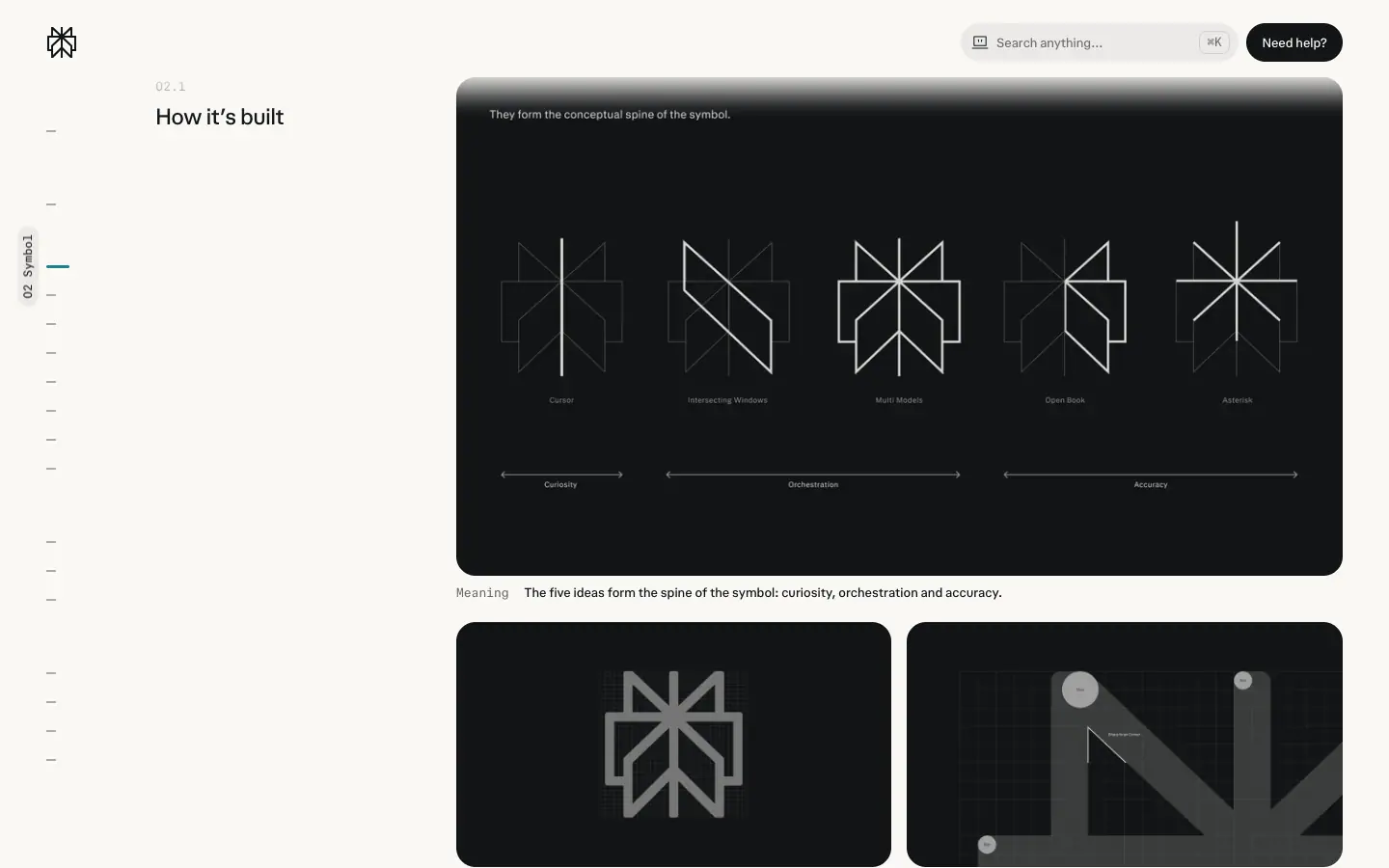
- Hub: "Our symbol is built from five ideas: a cursor, intersecting windows, multiple models, an open book and an asterisk. Together they hold curiosity, orchestration and accuracy."
- Grid: drawn on a square grid. Details: rounded outer corners, sharp inner corners.
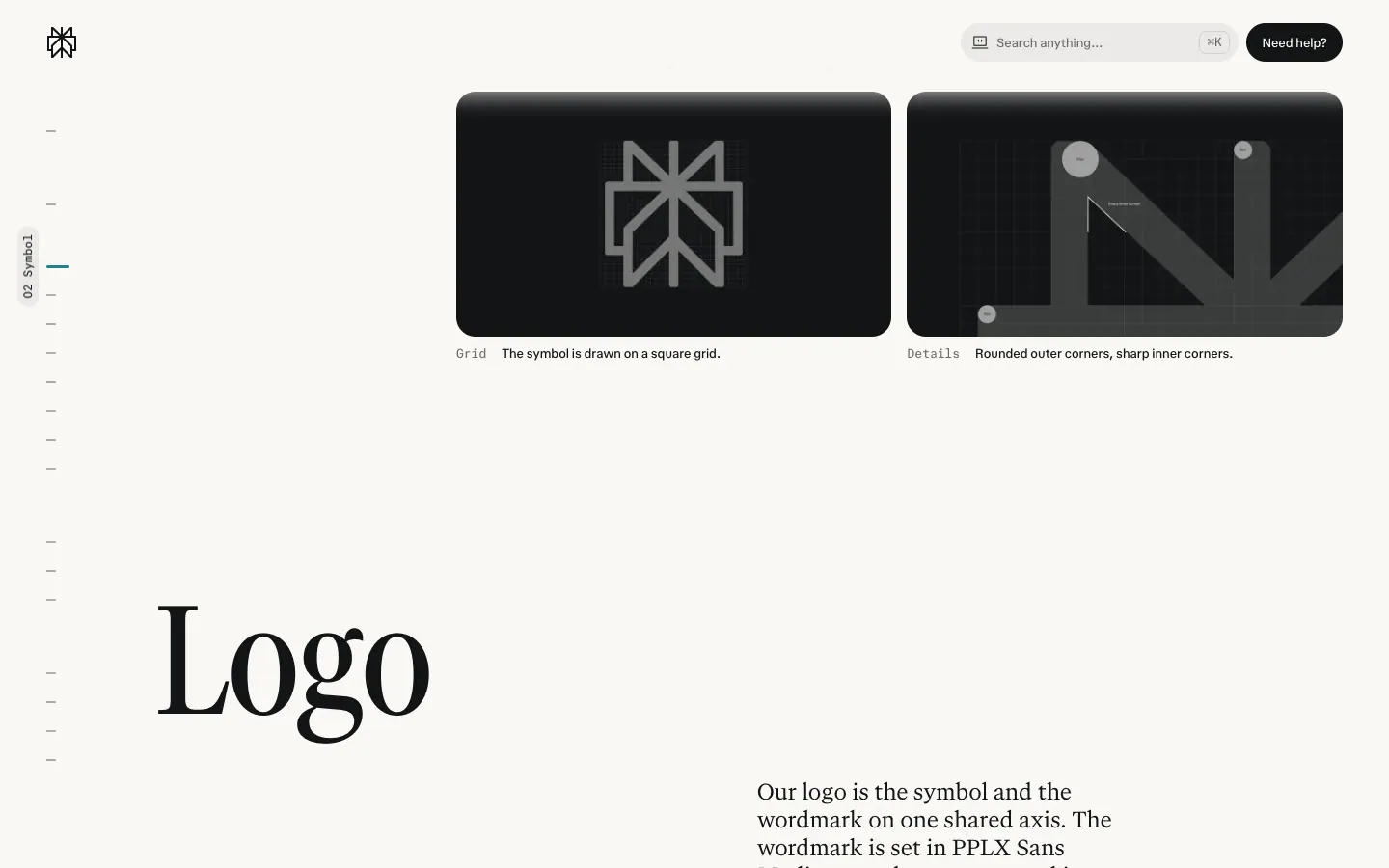
Why: each stroke maps to a product idea, so the mark can be explained in one sentence. Square grid + square stroke ends = precision; rounded outer corners = warmth (the same "cool + warm" rule as the colour system).
B. Logo (symbol + wordmark)
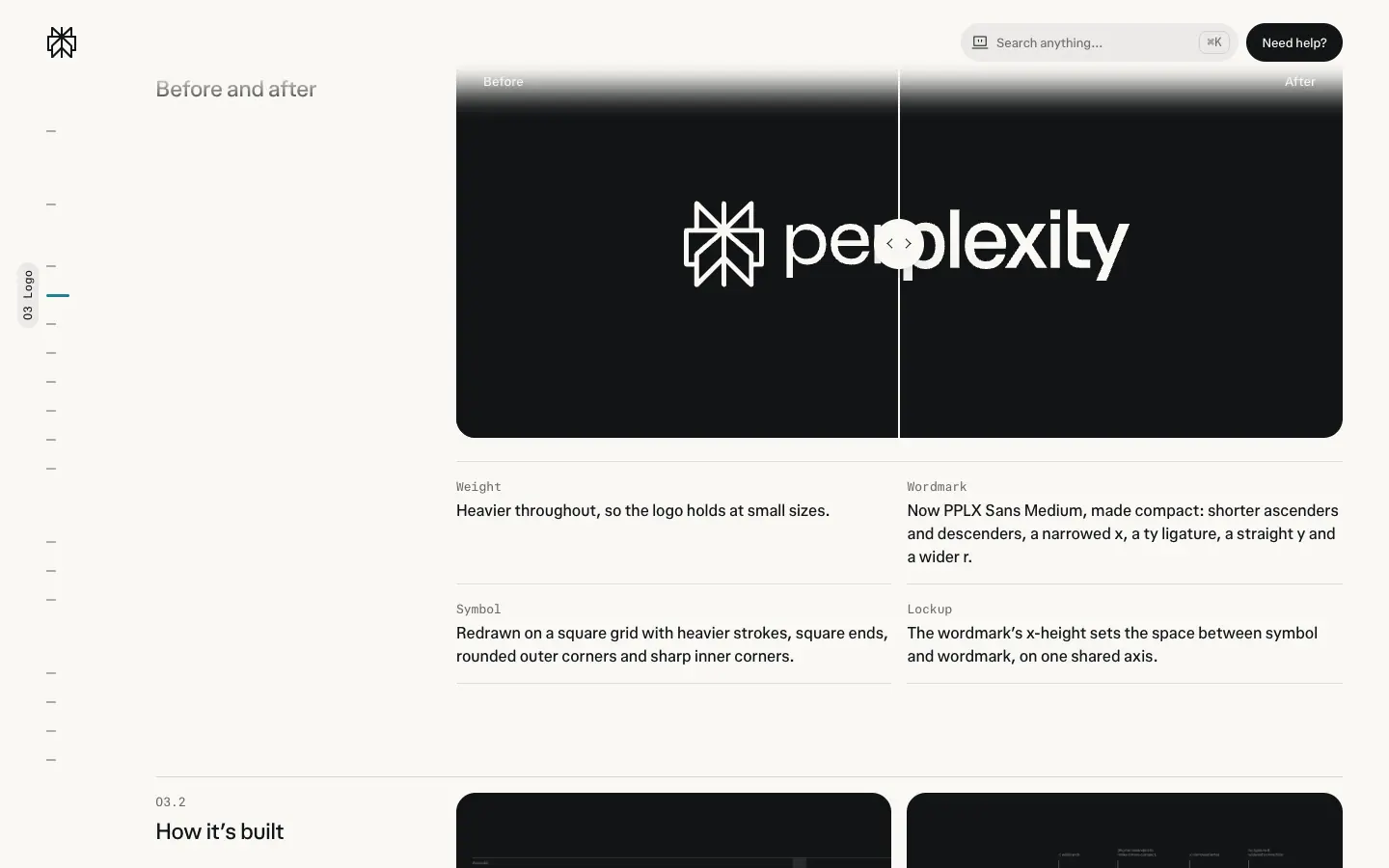
Hub "Before and after" (03.1), the 2026 redraw:
| Change |
Hub text |
| Weight |
"Heavier throughout, so the logo holds at small sizes." |
| Wordmark |
"Now PPLX Sans Medium, made compact: shorter ascenders and descenders, a narrowed x, a ty ligature, a straight y and a wider r." |
| Symbol |
"Redrawn on a square grid with heavier strokes, square ends, rounded outer corners and sharp inner corners." |
| Lockup |
"The wordmark's x-height sets the space between symbol and wordmark, on one shared axis." |
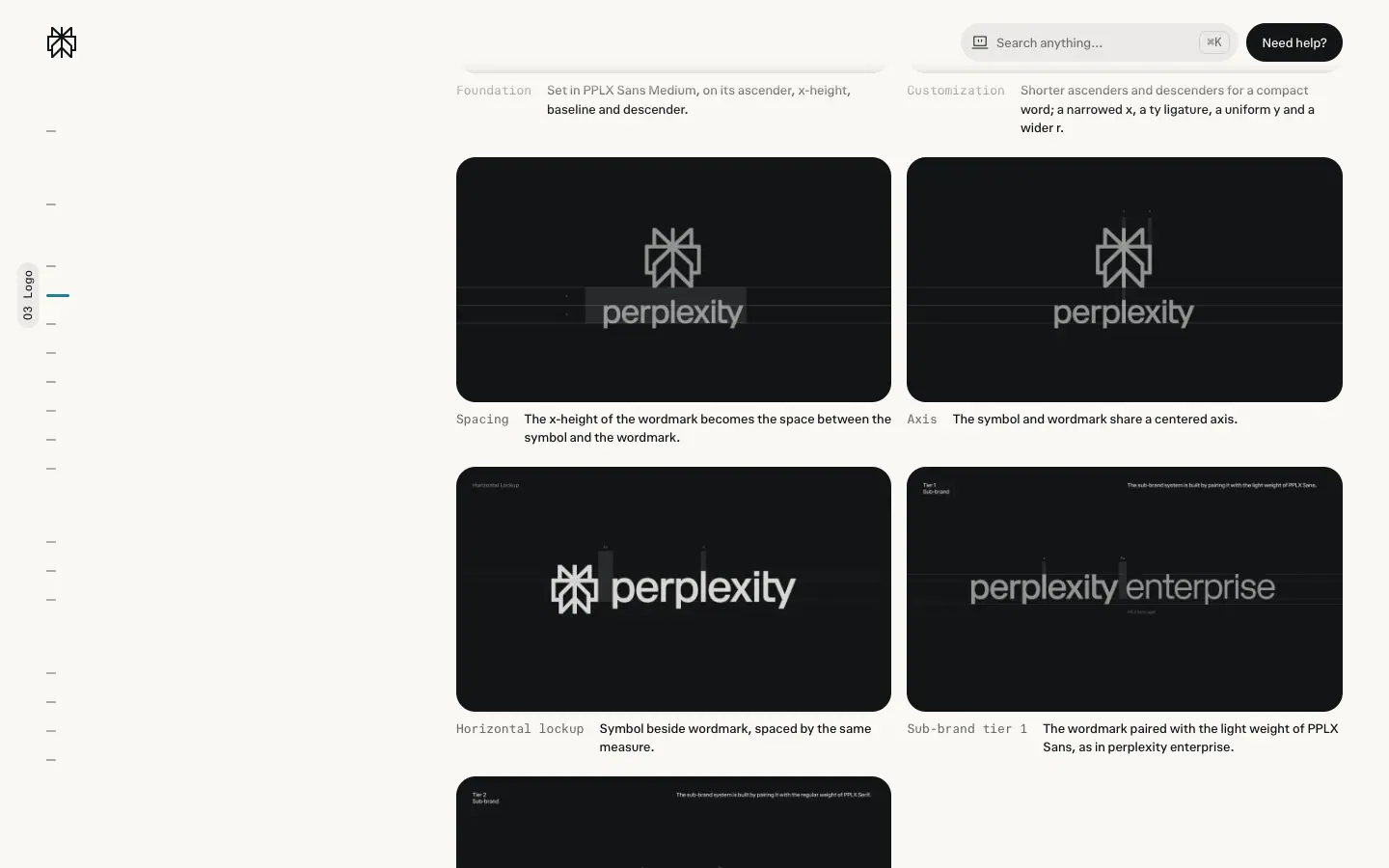
Lockups and sub-brands (03.2):
- Horizontal lockup: symbol beside wordmark, spaced by the x-height.
- Sub-brand tier 1: wordmark + the light weight of PPLX Sans ("perplexity enterprise"). Used for: API Platform, Pro, Max, Enterprise, Powered by Perplexity.
- Sub-brand tier 2: wordmark + the regular weight of PPLX Serif ("perplexity ask"). Used for: Academy, Supply, Supply Reserve, Ask.
- Hub: "Each wordmark is adjusted by hand (with love)."
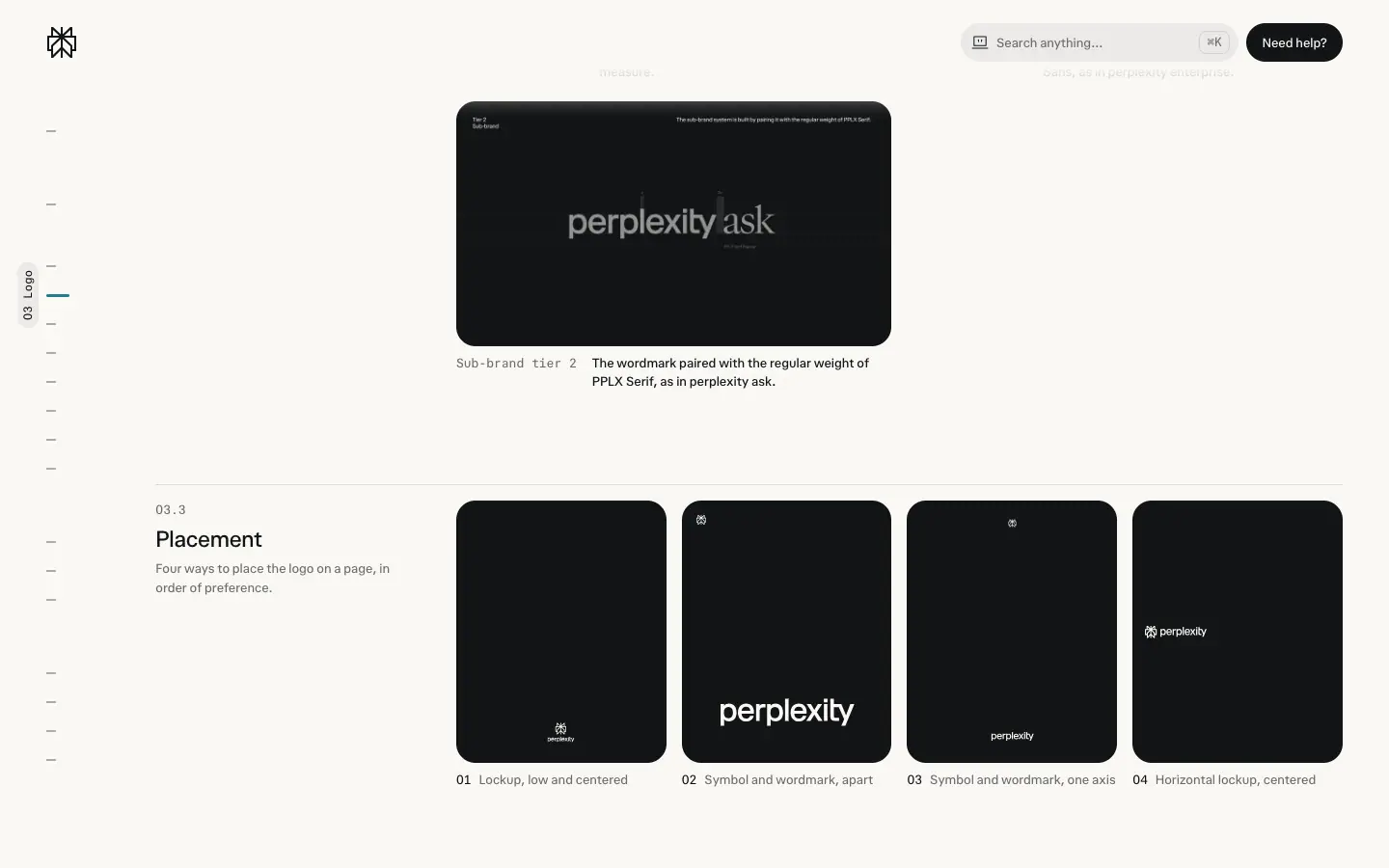
Placement (03.3), in order of preference: 01 lockup, low and centered · 02 symbol and wordmark, apart · 03 symbol and wordmark, one axis · 04 horizontal lockup, centered.
Why tiers: sans sub-brands are products you pay for or build on; serif sub-brands are editorial or content products. The typeface carries the product category, so no extra colour or icon is needed.
C. Product marks
| Product |
Hub "About" |
Taglines (hub) |
Mark |
| Computer |
"Perplexity's agent: where answers become execution." |
"Chat answers. Agents do tasks. Computer works." · "From research to execution. From idea to outcome." · "Prompt in natural language. Computer handles the rest." |
 |
| Comet |
"Perplexity's AI browser: where browsing becomes thinking." |
"Browse at the speed of thought." · "The web should work for you." · "Designed for curiosity, built for answers." · "The browser that thinks with you." |
 |
| Teammate |
"a team of AI agents that own ongoing work." |
"Teammates work for you." · "Workplace agents designed for work." |
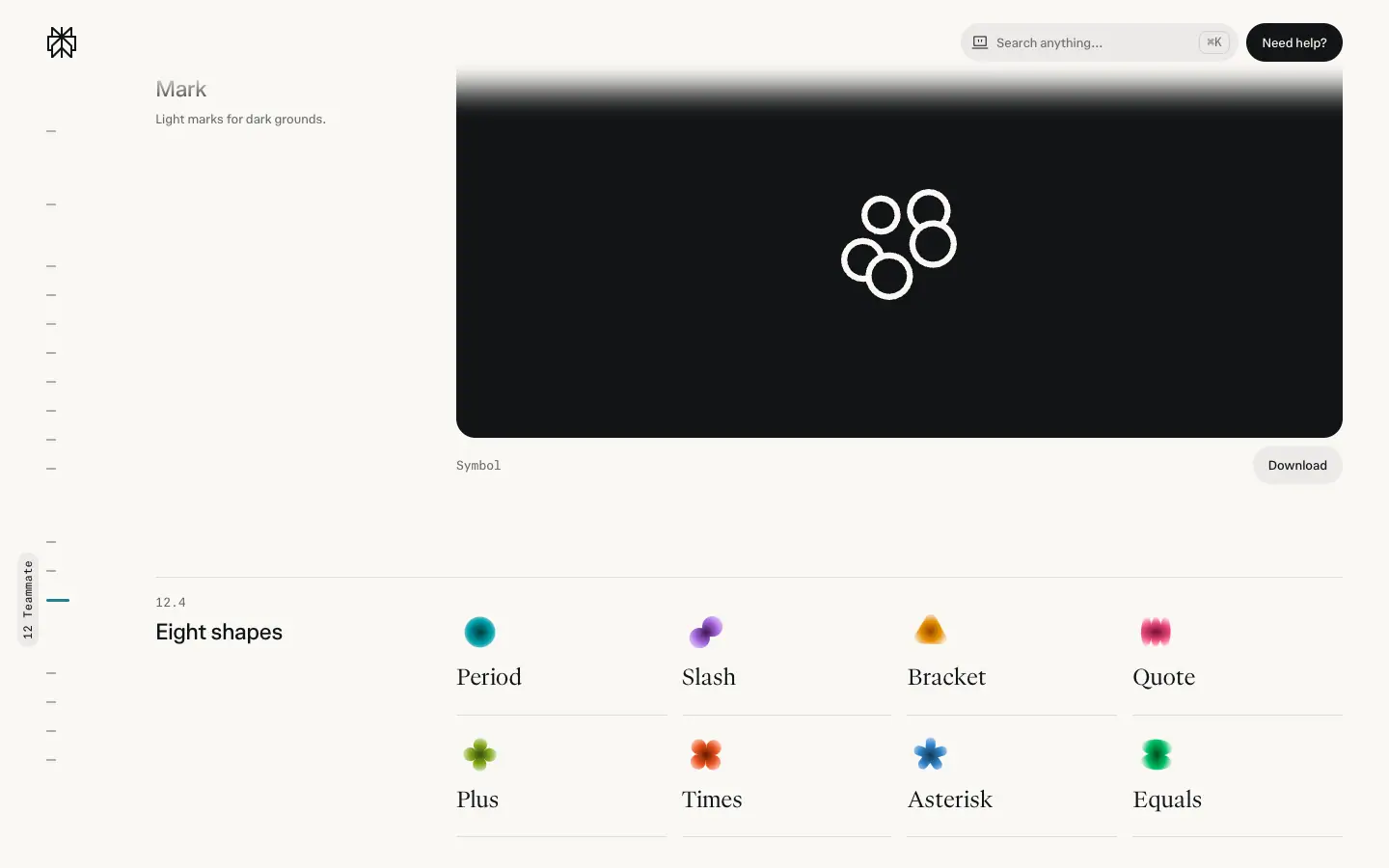 |
Product marks are monochrome symbols (light marks for dark grounds), each a tile with a lockup.
Teammate avatar system
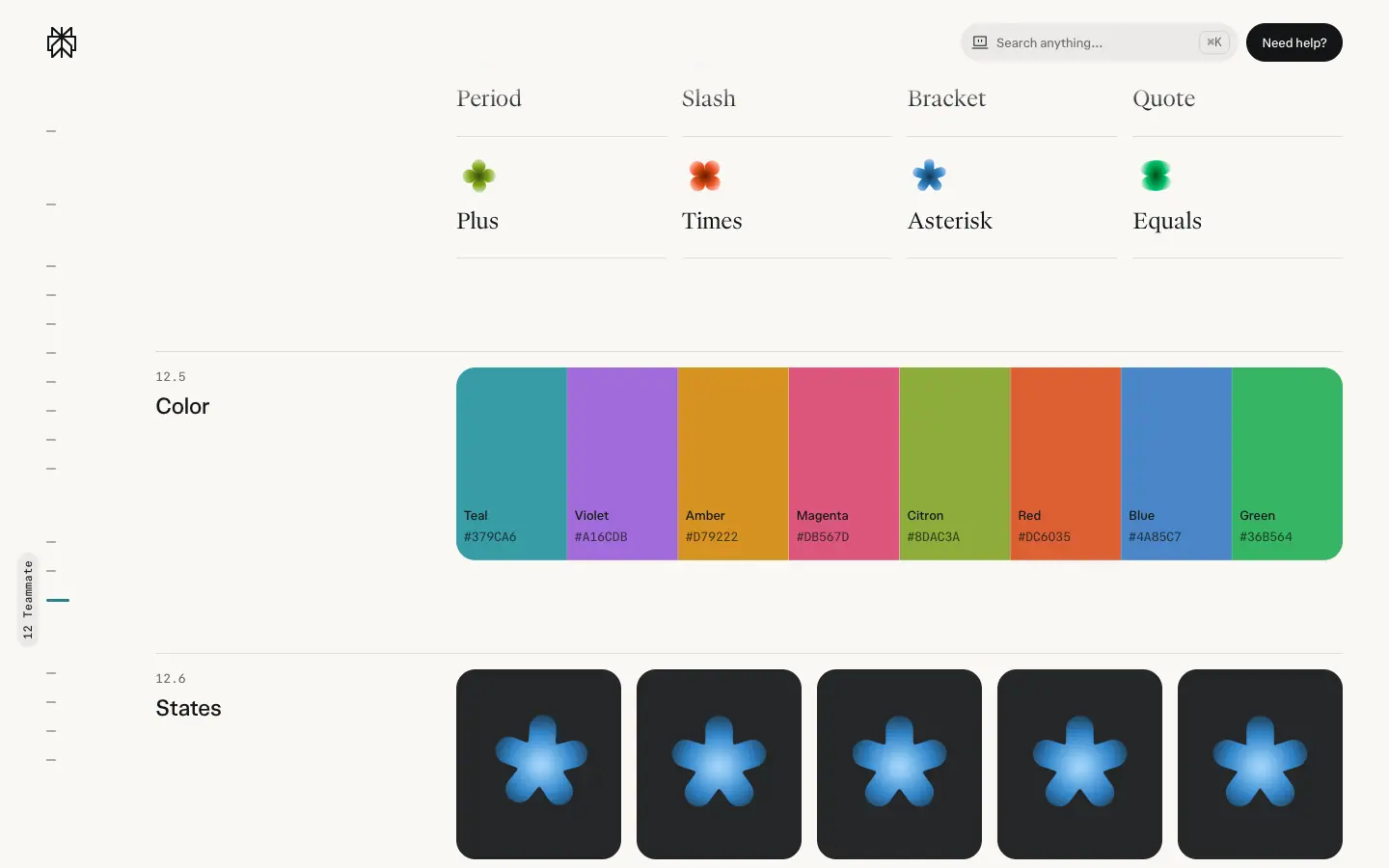
- Eight shapes: Period, Slash, Bracket, Quote, Plus, Times, Asterisk, Equals: punctuation and operators, the vocabulary of writing and code.
- Eight colours: Teal
#379CA6 · Violet #A16CDB · Amber #D79222 · Magenta #DB567D · Citron #8DAC3A · Red #DC6035 · Blue #4A85C7 · Green #36B564.
- Five states: Idle ("At rest, still in the sidebar and lists"), Thinking ("Opens into five dots, then closes back"), Typing ("Three dots pulse in turn"), Attention ("Rings pulse when it needs you"), Done ("Back to the still shape").
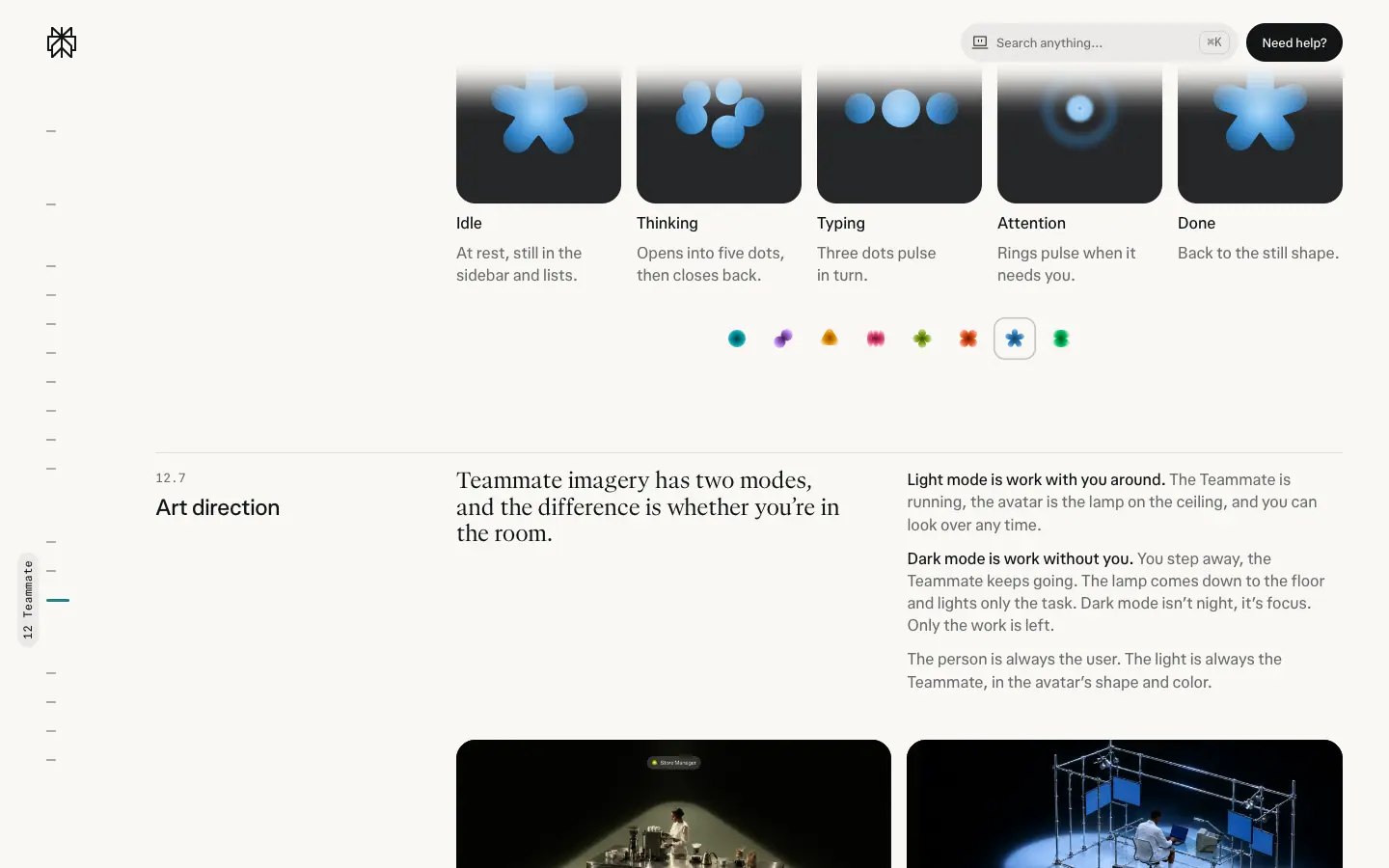
Why: 8 × 8 = 64 combinations give each teammate a distinct identity without faces. States are motion, not new icons, so the avatar stays recognisable.
D. Colour and type specimens
| Asset |
Crop |
| "Clarity is cool. Humanity is warm." statement (Serif Narrow, turquoise "cool", orange "warm") |
 |
| Turquoise ramp 100–900 |
|
| Temperature wheel (one spectrum, cool → warm) |
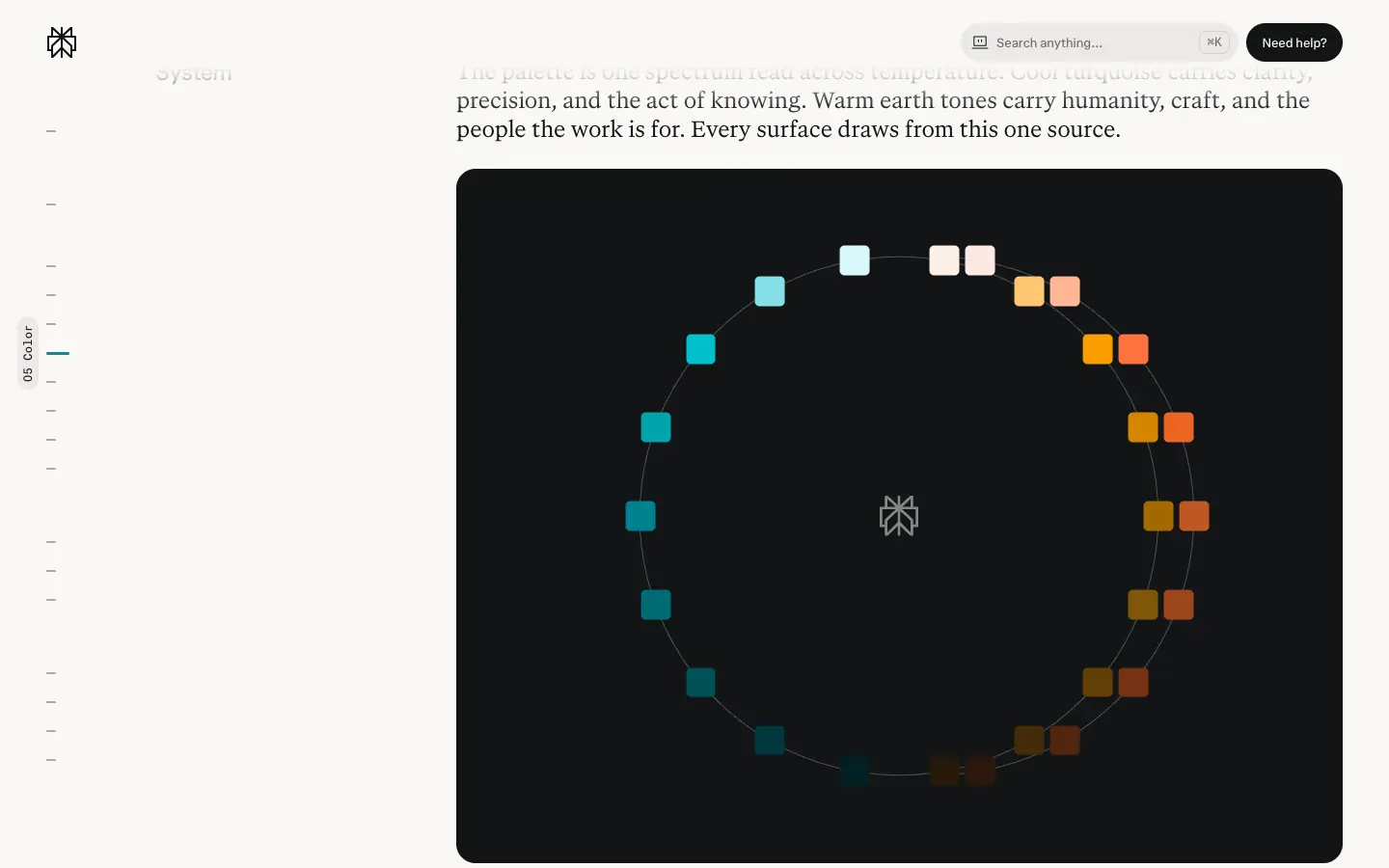 |
| Contrast pairs |
|
| Palette downloads (CSS / JSON / SVG swatches) |
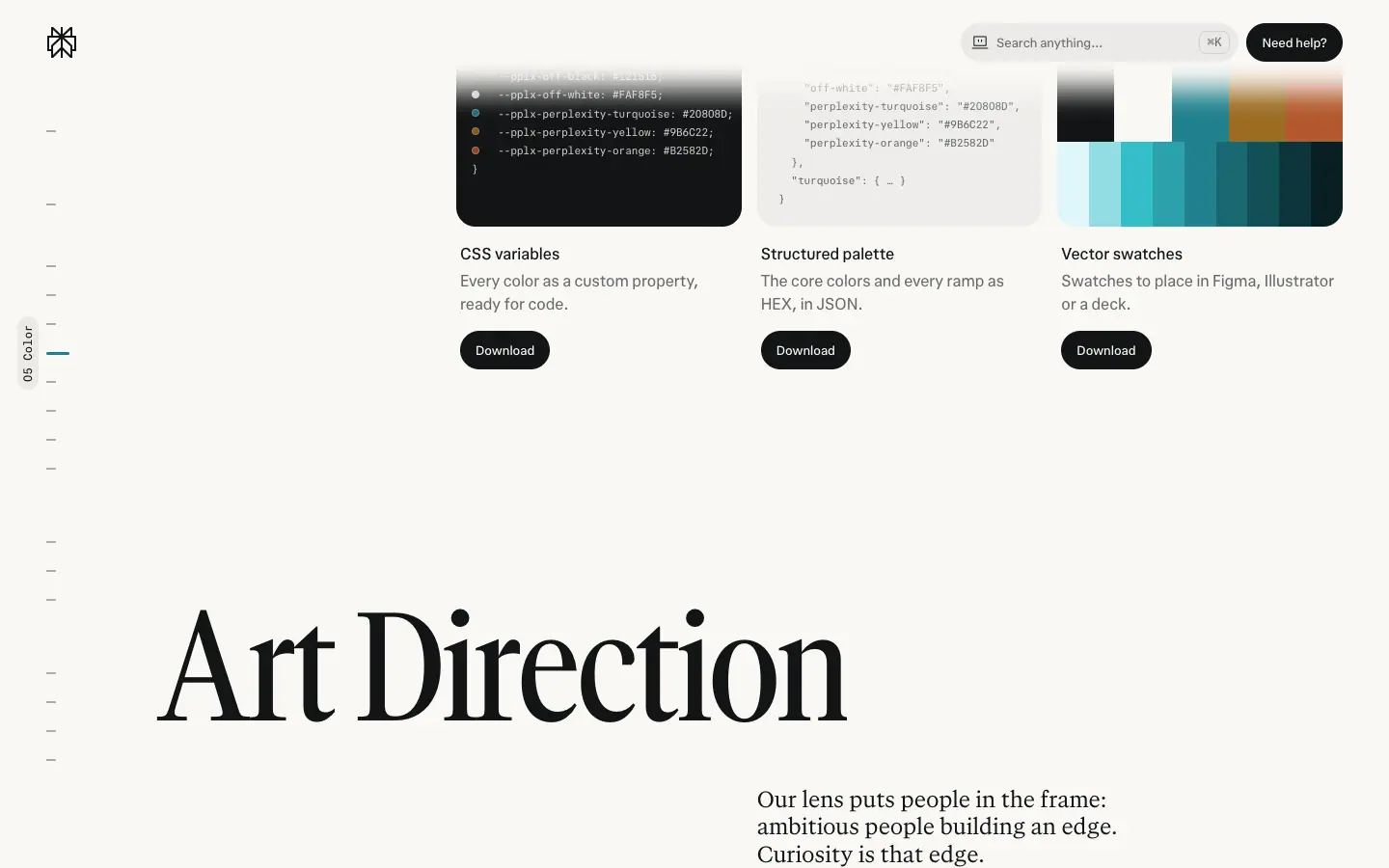 |
| Type tester "Type something…" (Serif Narrow Medium, 127px) |
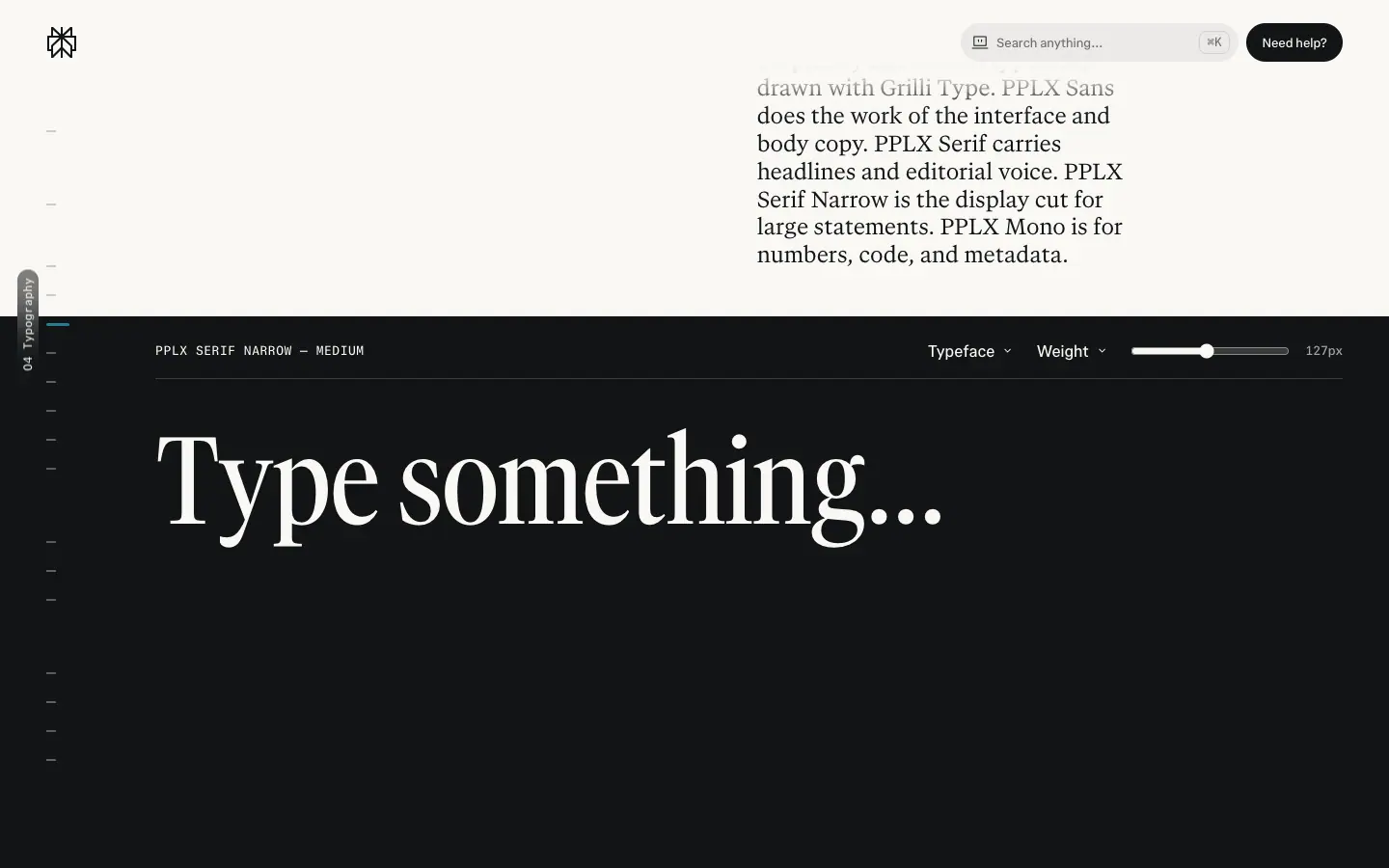 |
| Variable axes "Aa" (wght 300–900, opsz 16–28) |
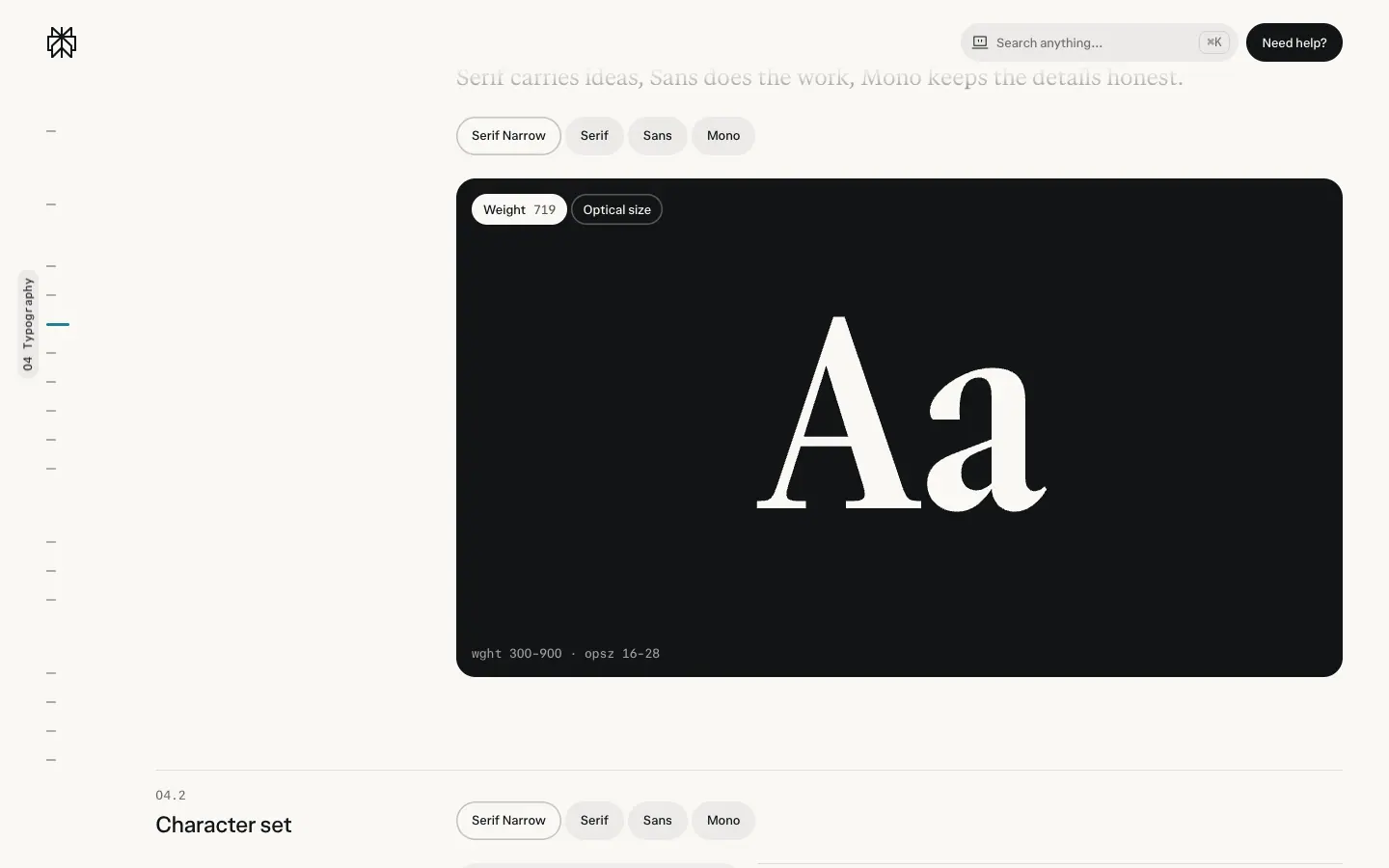 |
| Character set (26 upper, 26 lower, 10 numerals, 31 punctuation, 19 symbols, arrows) |
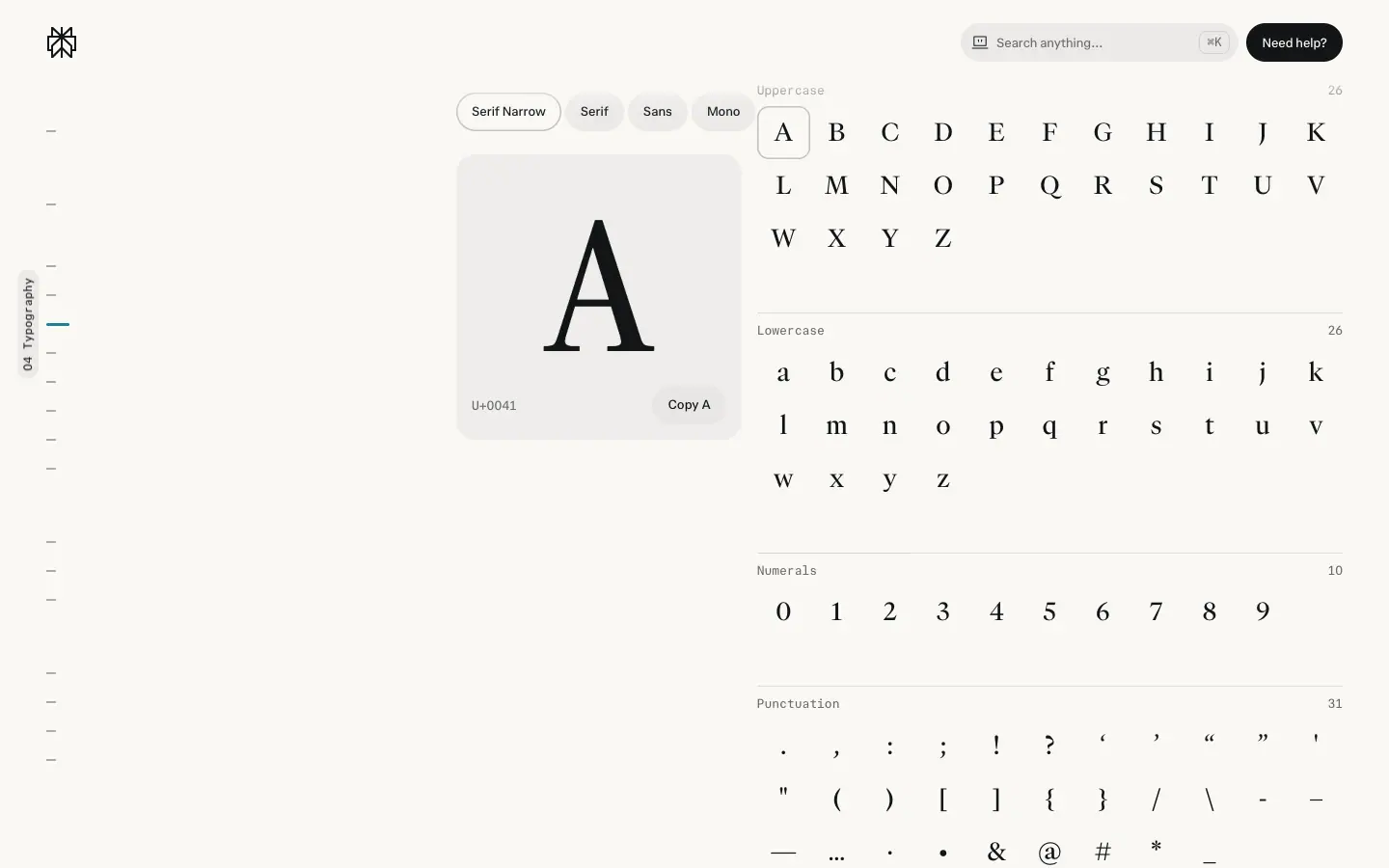 |
| Hierarchy table |
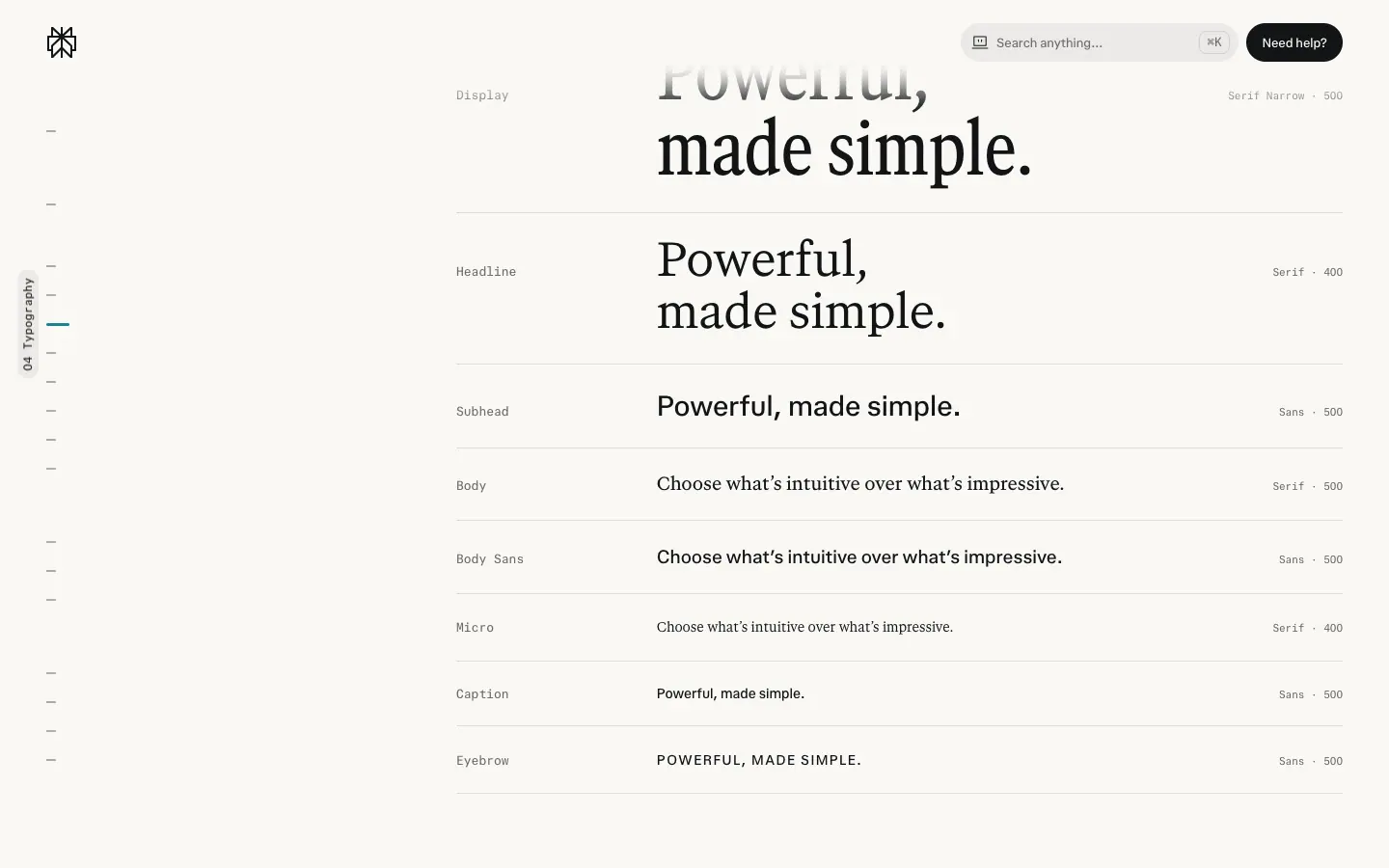 |
Full colour values: 02 · Color. Type sourcing: 03 · Typography.
E. Graphics on the marketing site
| Asset |
Crop |
How it is made |
| Hub blog header sketch |
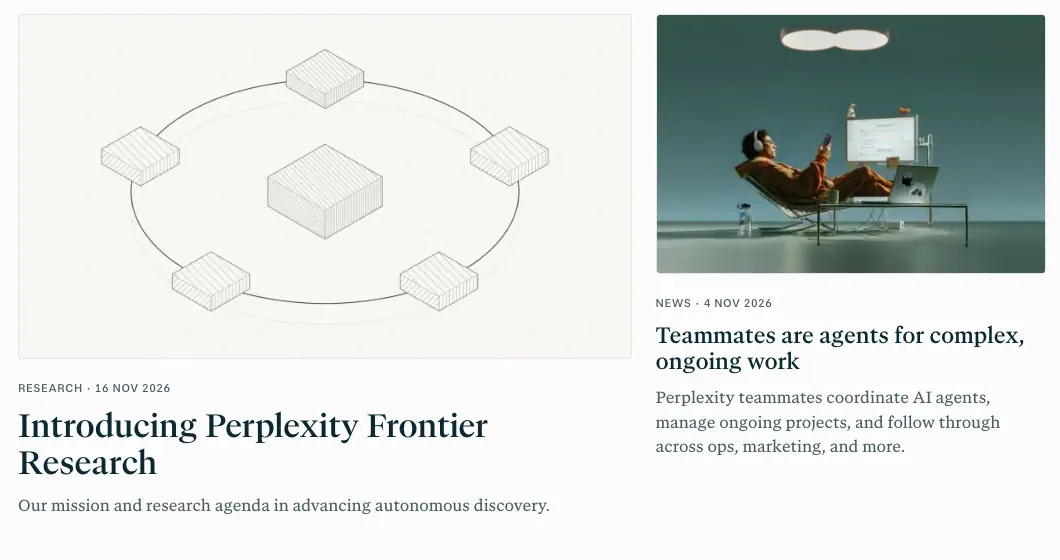 |
thin grey line drawing (isometric blocks on an ellipse) next to a photo of a figure at a desk under a light: Angle + Focus |
| Blog featured thumbnails |
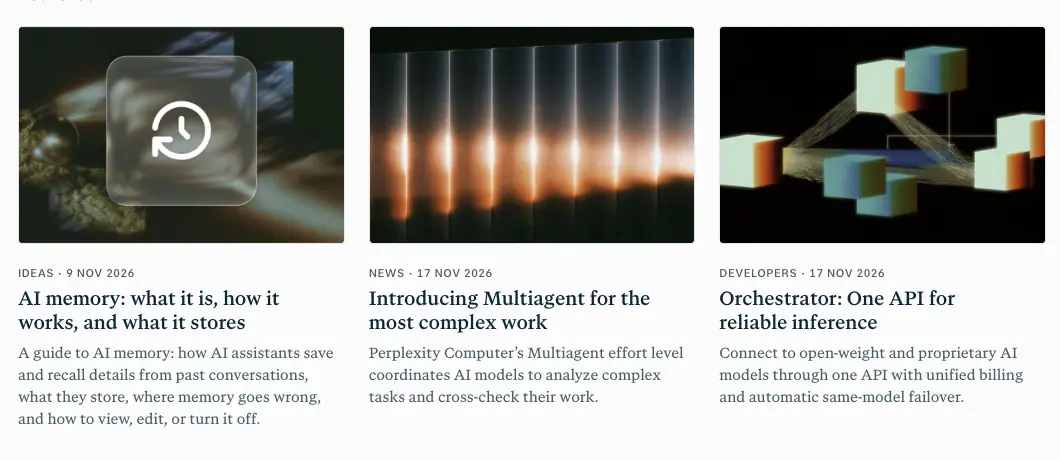 |
dark, single-light still lifes (glass icon, light bars, folded paper) at 3:2 |
| Changelog product renders |
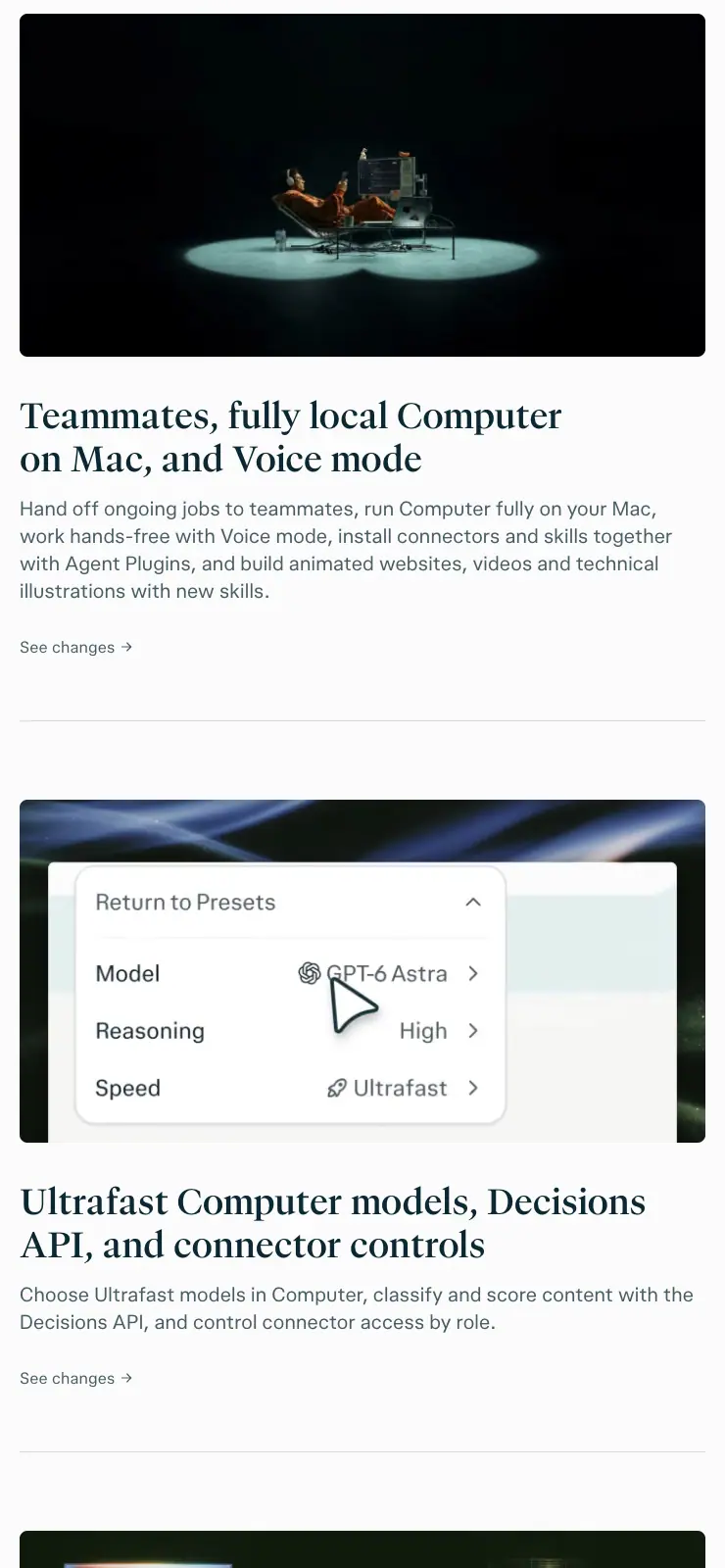 |
700×350 (2:1) cinematic 3D: a figure in a chair in a pool of light on black (Teammate "lamp" metaphor) |
| Changelog entry hero |
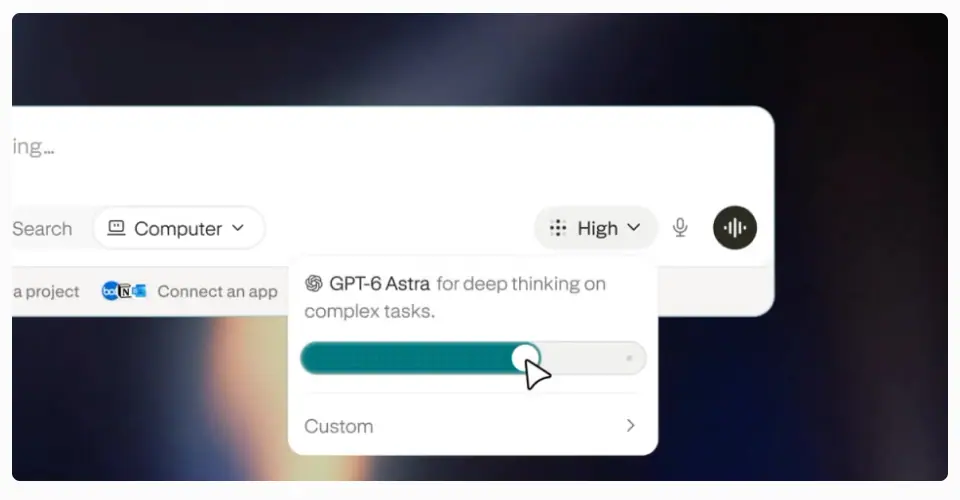 |
real UI (Effort slider) floated over a blurred colour-field photo |
| Phone renders |
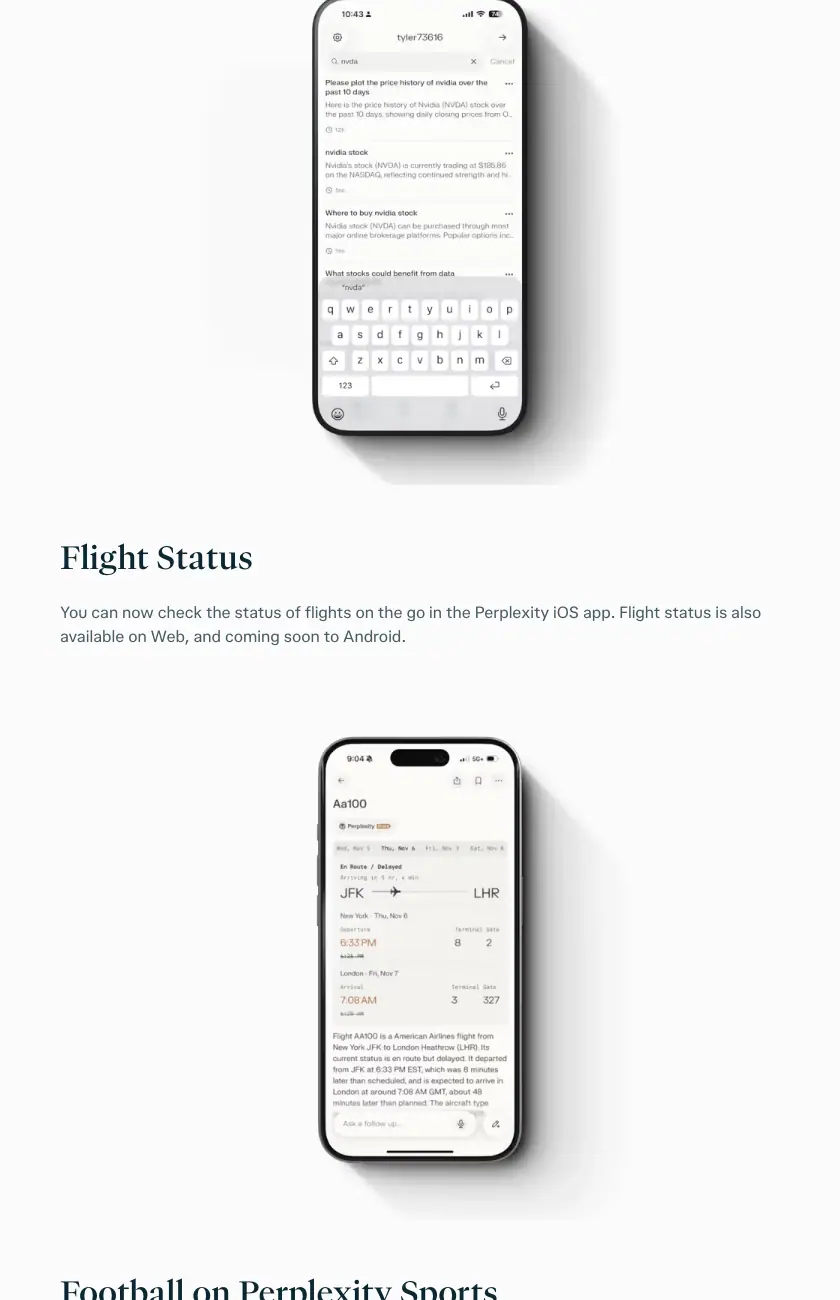 |
iPhone mockups with soft shadow on Off White |
| Research chart |
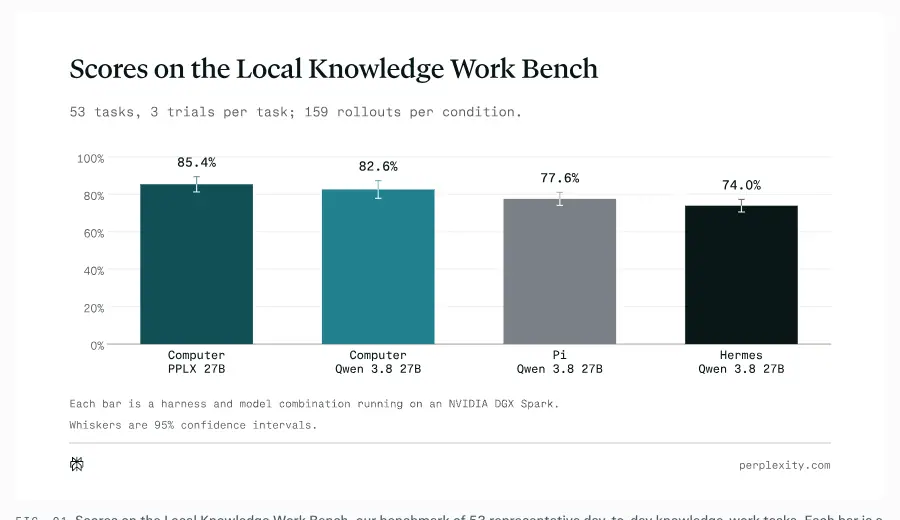 |
turquoise-to-black bars, mono axis labels, "perplexity.com" credit; SVG, 922×518 |
| Math + diagrams |
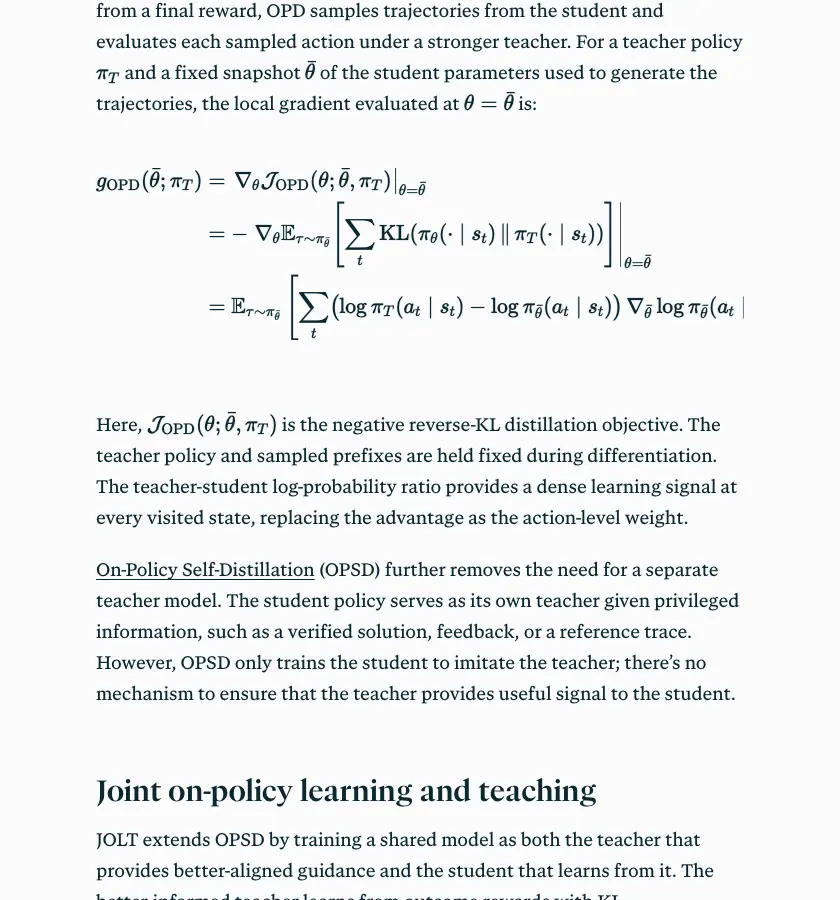 |
KaTeX equations in the serif body column |
| Use-case search UI |
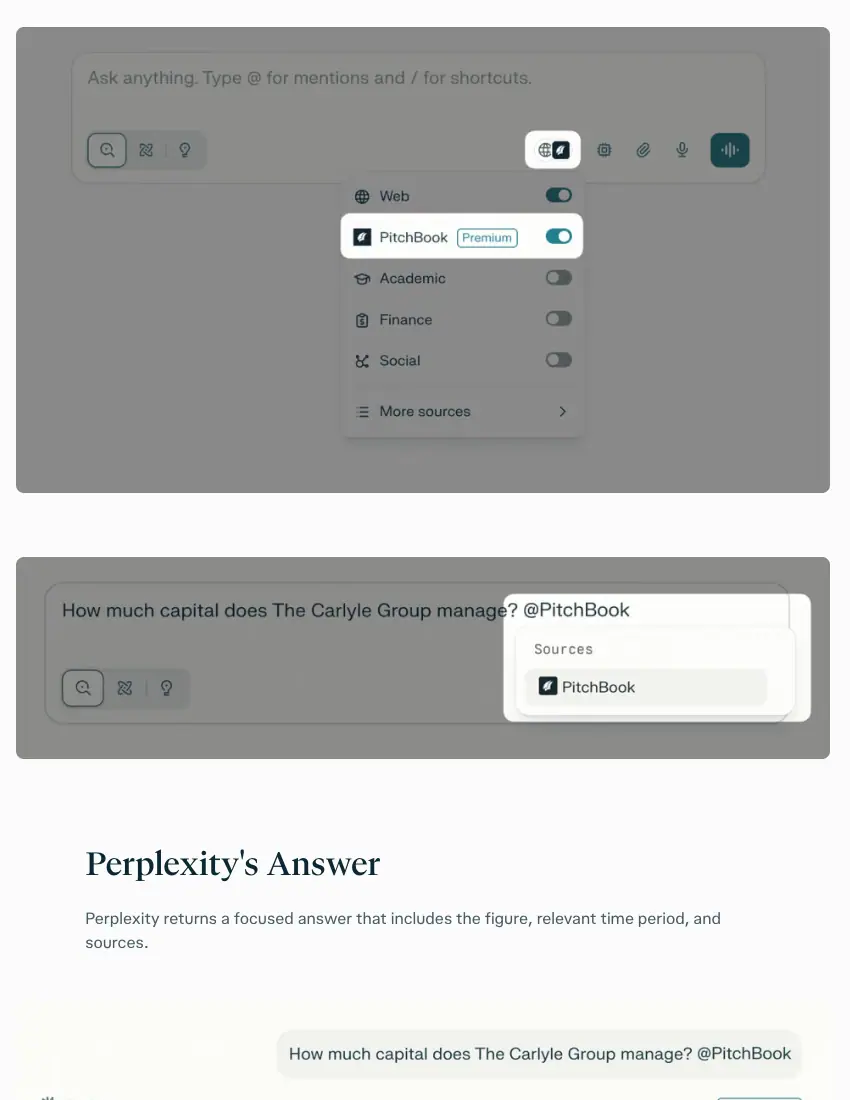 |
real composer UI on a #f2f2ed panel, source toggles (Web, PitchBook, Academic…) |
| Customer photo carousel |
 |
1184×666 documentary photos with a white serif headline and pill "Read story" |
| Customer stat row |
 |
logos + 47% / 125+ / 2,500+ / 475+ in serif numerals |
| Footer wordmark |
 |
"AI for the curious" in GT Canon at 180px ≈ in a pale tint, "for" italic |
| Help-center topic tiles |
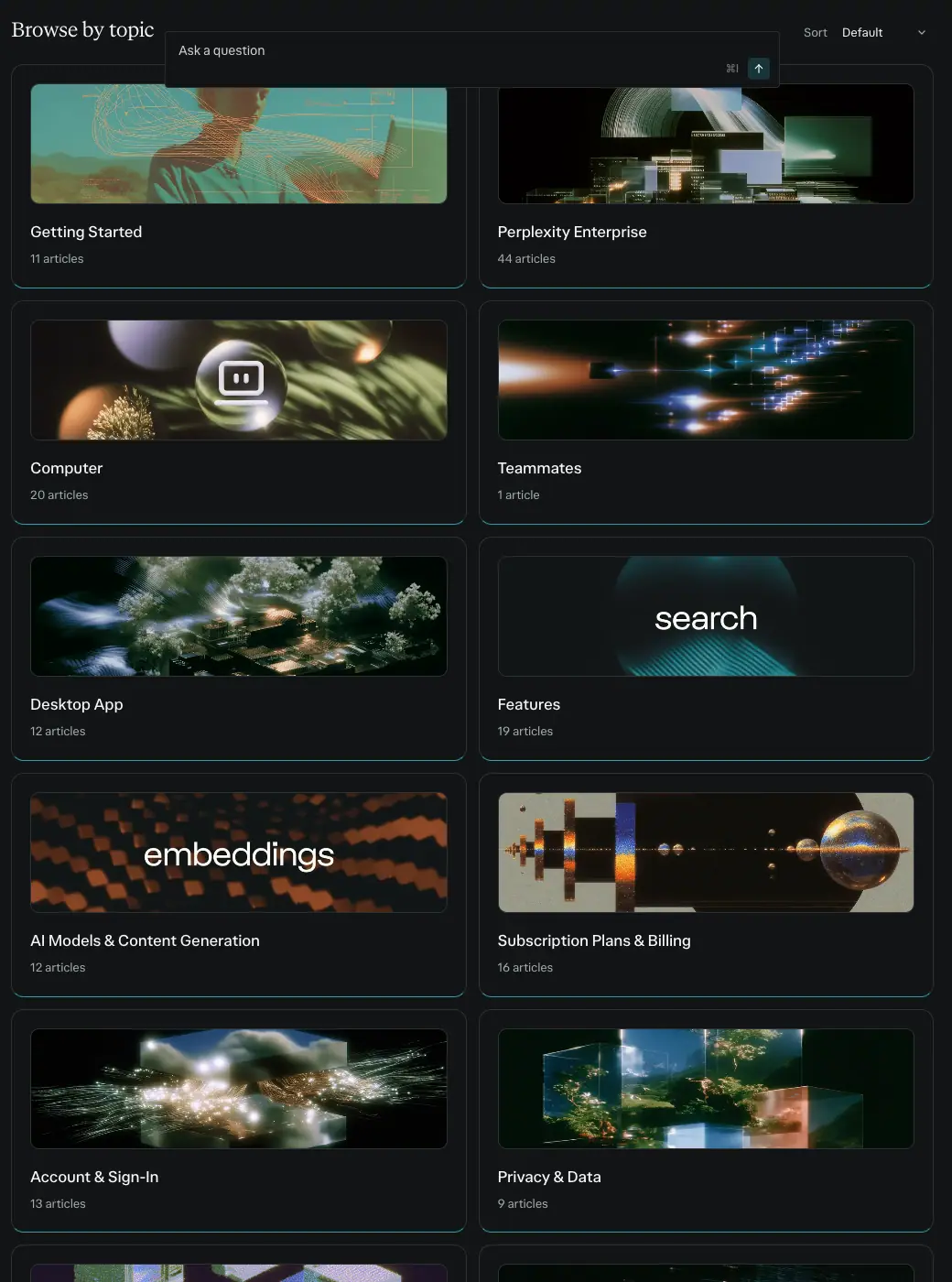 |
each topic gets a painting/photo with a word set in white ("search", "embeddings", "agent") |
| Help-center hero |
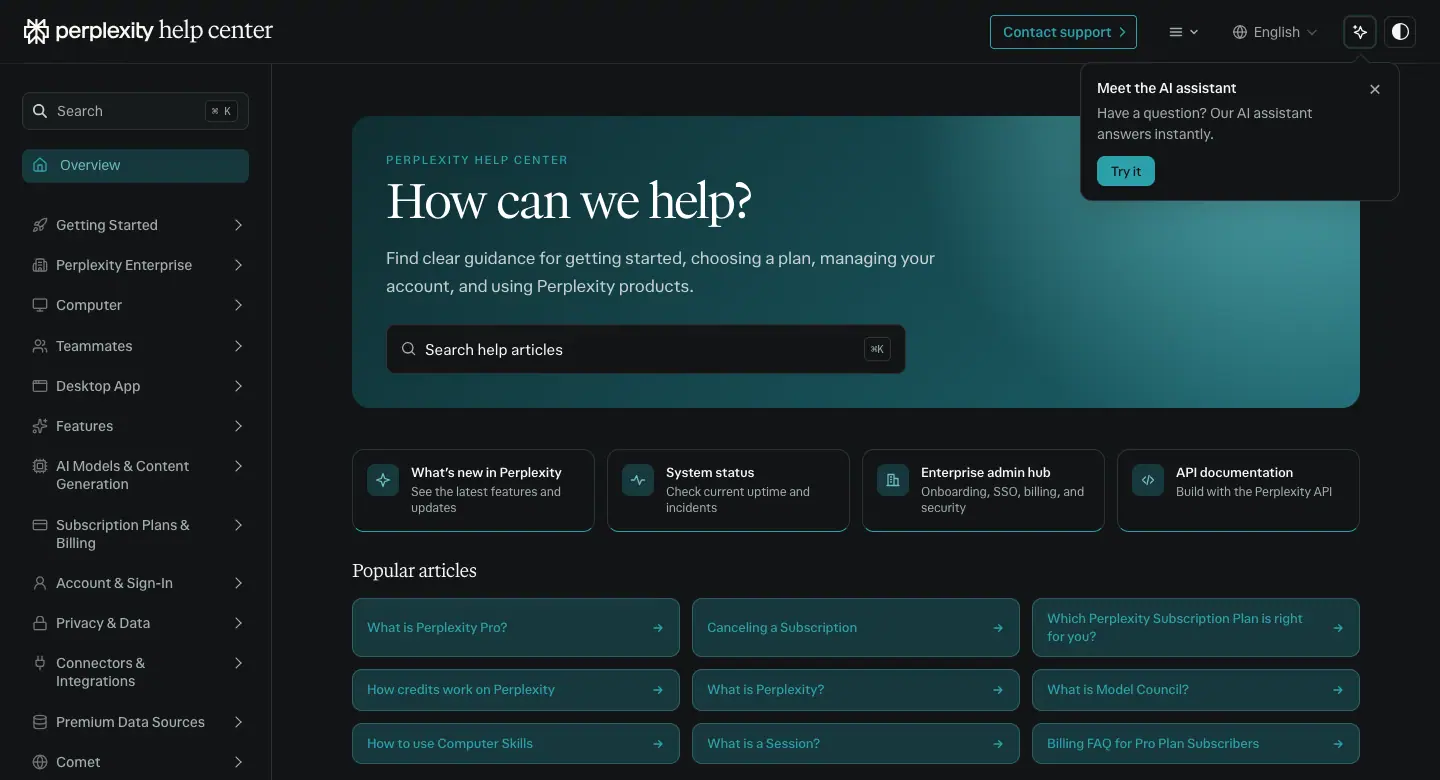 |
dark #121516 app shell, turquoise card #17383c, search with ⌘K |
F. What Perplexity explicitly does not use
From the hub's "Avoid" list: robots, glowing brains, AI hands, futuristic dashboards, blue-purple haze, heavy glow, blur or glass effects, filler images. (Note: the Framer-built /comet and /enterprise pages predate or sit outside parts of this rule, see 09.)
G. AI-ready brand: "Skills"
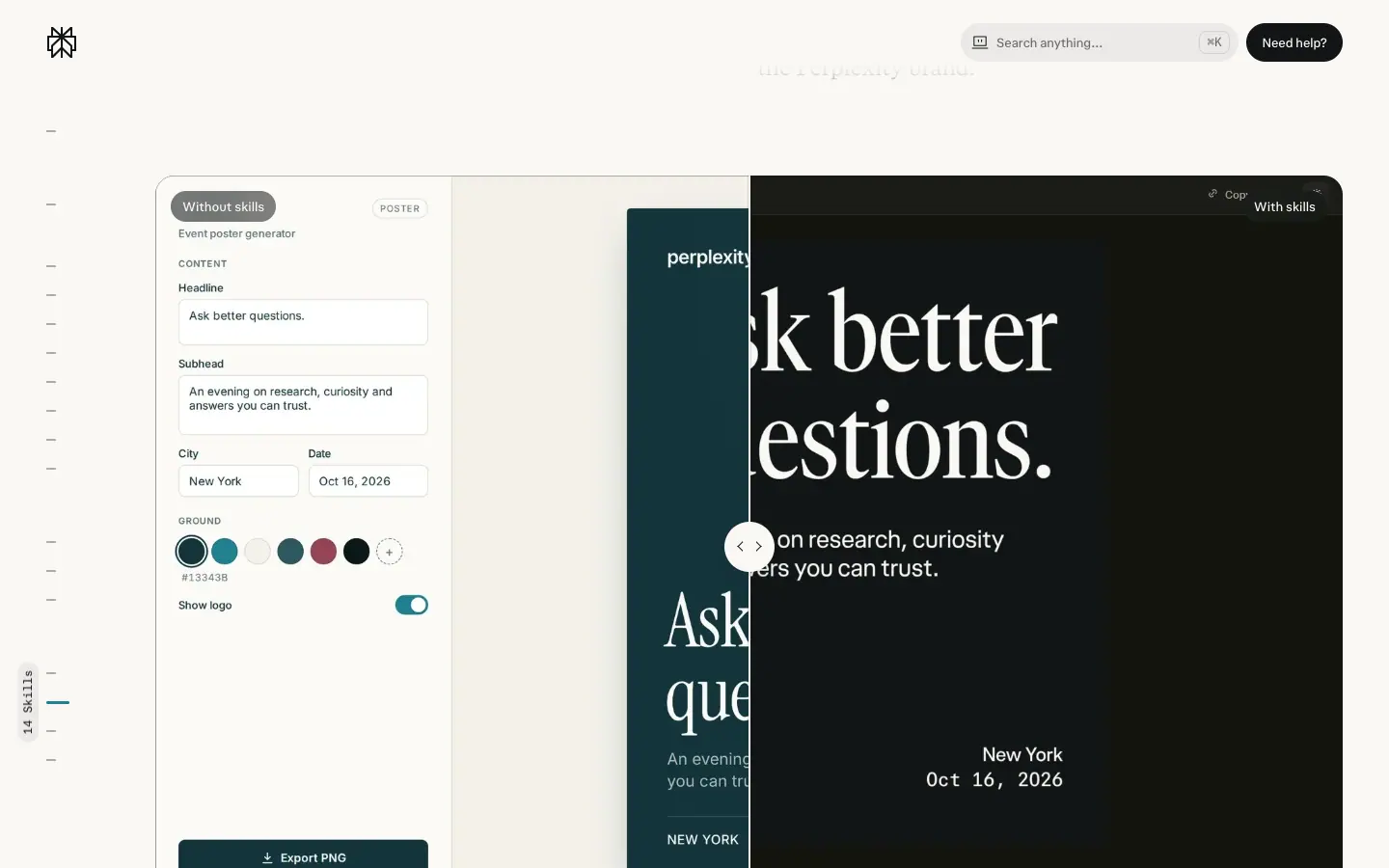
The hub ships skills that teach AI agents the brand: pplx-brand ("The identity authority: guidelines, logos, R6 fonts, Serif Narrow display, color, optical sizing and voice") and pplx-graph (charts for blog and research posts). Its "What changes" table:
| Area |
Without skills → with skills (hub) |
| Type |
Google Fonts (Inter, Instrument Serif) → PPLX Serif Narrow Medium, Sans and Sans Mono, all R6 |
| Logo |
a typed "perplexity" → the official primary lockup |
| Ground |
gradient, dot texture and drop shadow → flat brand grounds with no shadows |
| Color |
off-palette presets → Off Black, Turquoise 700–900 and Off White, with a contrast check before export |
| Long text |
the headline steps down to fit two lines and never truncates |
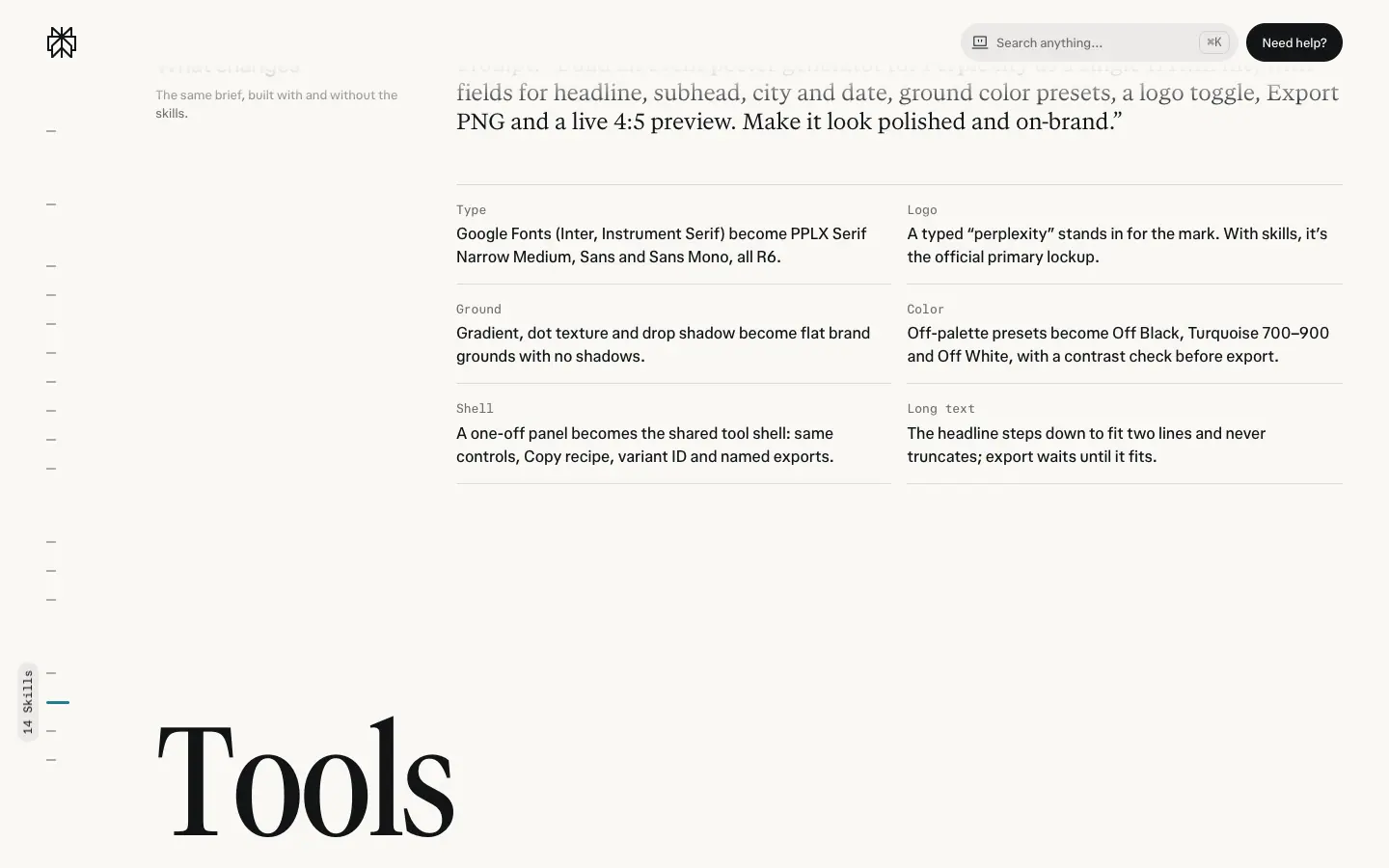
Why it matters: this is a brand system designed for AI-generated work. The "without" column is a precise list of what generic AI design looks like; the "with" column is the brand's answer.
H. Production checklist
- Off White
#FAF8F5 or Off Black #121516 ground, flat, no shadows.
- One confident image that follows Angle, Movement, Layers or Focus.
- Serif Narrow for the statement, Sans for the work, Mono for details.
- Turquoise only where it means something; warm gold/orange for human moments.
- Logo low and centered; sub-brand weight by tier.
- Check contrast against the approved pairs before export.
Home (app) · perplexity.ai/
- URL: https://www.perplexity.ai/
<title>: Perplexity- Height: 900px at 1440 × 900 (exactly one viewport, no scroll).
- System: product (Next.js + Tailwind tokens). Follows
prefers-color-scheme; captured in both.
- Body background: dark
#15171b, light #fbfbfb.
- Fonts loaded:
pplxSans 300–900 only. No serif on this page.
Dark (prefers-color-scheme: dark) |
Light |
|
|
Narrative. There is no narrative. The page is the product. The visitor's first action is to type.
01 · Sidebar
See Header A in the shared doc. 240px wide, fixed, tinted at 3.5 % ink. It shows the logged-out app with empty "Projects" and "Sessions" groups.
Why it works. Empty groups are an honest preview: they say "this fills up when you use it".
02 · Logo + H1
- Logo mark centred above the H1, ≈ 24 × 24px, y ≈ 240.
- H1 at y=285:
26px / 39px · 400 light (350 dark) · −0.13px light / normal dark · #0b2833 light / #dbdee3 dark, pplxSans.
- The DOM H1 contains several rotating strings ("What do you want to know?", "What should we work on?", …). One shows at a time.
Why. 26px is small for an H1. The input, not the headline, is the focal point. A friendly question invites typing.
03 · Composer
- 640px surface inside a 652px ring (radius 26px, padding 6px). Surface
#ffffff light, radius 20px. Measured breakdown in 08 · Components.
- Placeholder: "Ask anything…" (dark capture) / "Type @ for connectors" (light capture): 16px/24px fg .5.
- Toolbar: "+" attach, segmented Search | Computer (32px pills, 14px), "Model ⌄" (14px/500 fg .75), mic, round voice button (inverse fill).
- Focus:
--ask-input-decorative-glow-shadow: 0 0 36px 4px rgb(from #016a71 r g b / .3).
Why. Every core choice (mode, model, attachment, voice) is reachable without leaving the input. The teal glow on focus is the only accent motion on the page.
04 · Mode cards
- Two 314 × 88px cards, radius 11px, padding 16px, gap ≈ 12px. Title 14px/500 + icon; body 12px/16px.
- Dark: "Search anything" on
#016a71 + radial rgba(100,182,186,.55); "Get work done with Computer" on #081f22 + radial rgba(20,107,116,.5) + teal "NEW" badge (11px/500).
- Light: both on
--layer-faint with faint teal radials (rgba(61,149,149,.1) / .15).
Why. Two cards explain the two jobs (answers vs. tasks) in 20 words. In dark mode the Search card is solid teal: the brand colour at its most visible, on the default action.
05 · Legal line + cookie banner
- "Terms of Service · Privacy Notice", 12px/500 fg .5, underlined, centred at the bottom (y ≈ 875).
- Cookie banner (dark capture): ≈ 446 × 136px card bottom-right, 1px border, "Got it" (filled) + "Decline optional" (subtle) at 32px. The light capture showed a sign-in prompt card instead ("Login or sign up for free", Google / Apple / email / SSO), sliding in at bottom-right after ≈ 2s.
Motion on this page
- 30 elements with
opacity 0.15s ease (half with a 0.15s delay) — tooltip and icon reveals.
- 13 elements with
background-color, border-color, color, opacity 0.3s cubic-bezier(0,0,0.2,1).
- Mode switch:
background-color, border-radius 0.25s cubic-bezier(0.22,1,0.36,1).
- Popovers:
enter 0.3s cubic-bezier(0,0,0.2,1) with slideUpAndFadeIn (5px).
Mobile (390 × 844)
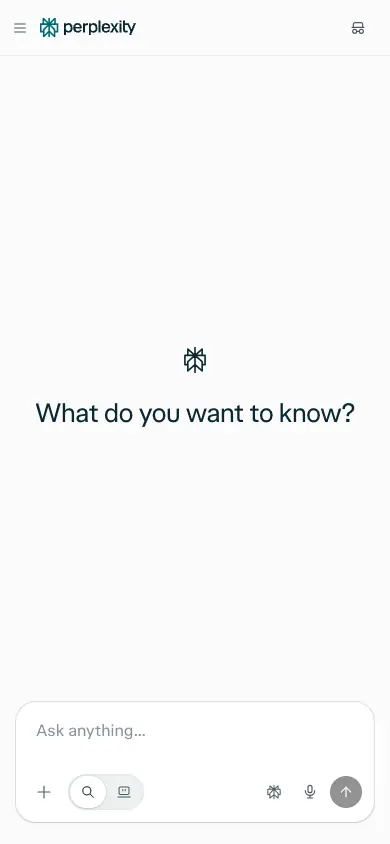
- Sidebar collapses to a hamburger + wordmark header. The H1 and logo sit mid-screen; the composer docks to the bottom (≈ 366px wide) with icon-only toolbar buttons. The mode cards are removed.
Hub (brand home) · perplexity.ai/hub
- URL: https://www.perplexity.ai/hub
<title>: Perplexity | AI for the Curious- Height: 8,680px at 1440px.
- System: product tokens + brand layer. Body
#faf8f5 (warm paper). Light only (the hero is black by design).
- Fonts loaded: GT Canon VF (normal + italic), pplxSans, pplxSerif, pplxSansMono.
prefers-reduced-motion rule present.

Narrative arc. Feeling → pillars → products → proof of work → audiences → questions. The page opens on nature and a manifesto ("AI for the curious"), names 4 pillars one at a time, shows the 4 products as posters, demonstrates one real workflow, splits the audience into individuals / teams / developers, then answers FAQs. It is the company's "about + products" page in one scroll.
01 · Cinematic hero
Layout
- Section 1440 × 1569px, #000000, holding a 1440 × 900 <video> (dark meadow with white flowers and rocks) plus a poster <img>.
- Brand header (56px, sticky) on top, light-on-dark.
- H1 at y=150, centred: "AI for the curious". The DOM repeats the string 12 times (layered copies for the focus effect; 12 nodes at 189px/600 in the type histogram).
- Sub at ≈ y 350: "Get answers. Build ideas. Change worlds." (white, ≈ 18px).
- Inline composer: ≈ 680 × 64px white pill-rectangle, radius ≈ 10px, cycling prompt placeholder, round grey submit at right.
- Floating media tiles (blurred/defocused photos): 350 × 233 at y=638, 238 × 271 at y=722, 325 × 520 at y=700 (right edge), 340 × 227 at y=1324.
- An ellipse orbit (≈ 990 × 380px, 1px white .2) carrying 6 glass logo tiles (Perplexity, OpenAI, Anthropic, NVIDIA, Gemini star …) around the serif line "The best models, better together." (≈ 60px).
- Bottom edge: the paper section rises in an arch, border-radius: 50% 50% 0 0 / 88px 88px 0 0.
Typography
- H1: GT Canon VF 180px / 189px · 600 · normal, computed color: rgb(0,0,0) on the H1 and its spans, yet it renders as a mid grey over the video (pixel-sampled median ≈ #575857 at 3.4s). The grey comes from the layered copies and the video beneath, so it reads as text "carved" into the footage rather than printed on it. "for" in GT Canon italic.
- Orbit line: pplxSerif ≈ 60px, grey.
Motion
- hero-headline-focus 2.2s cubic-bezier(0.16,1,0.3,1): opacity 0 → 1, blur 24px → 0, scale 1.02 → 1.
- hero-subhead-in 0.9s same curve: translateY 16px → 0.
- Composer placeholder cycles (captured "Build me a personal finance dashboard…" at 0.9s, "Create an interactive world map showing real-time climate risk by country" at 3.4s).
Why it works. The giant serif reads like a magazine cover. Nature footage is the opposite of the AI cliché (neon brains, robots). The composer turns a brand page into a product entry point. The orbit says "we use every top model" without a comparison table.
02 · "What we do" sticky scroller
Layout
- Section y=1481, height ≈ 2,140px, padding-top 160px; inside it a position: sticky; top: 0 stage of 1440 × 900.
- Eyebrow H2 "What we do": pplxSerif 40px / 44px · 400 · −1px · #0b2833.
- Four H3 lines, pplxSerif 86.4px / 90.72px · 400 · −1px, font-feature-settings: "ss01", ≈ 207px apart: "Accurate AI", "Multi-model orchestration", "Web-first agentic AI", "Powerful APIs".
- Active line #0b2833 + a 16px sub ("Accurate answers, deeper research, fewer hallucinations, backed by citations"; "AI designed to work on the open web, wherever you work"; "Accurate search grounding with web-first agent technology for any developer"). Inactive lines #e5e2dc (1.12:1 on #f1eeea).
- Background: vertical gradient, pixel-sampled #eceae5 → #f1eeea.
Motion. Scroll position sets the active line; color, opacity 0.5s cubic-bezier(0.19,1,0.22,1). Frames: 10 · Motion.
Why it works. One idea per screen. Ghosted lines show the whole list (so the reader knows how long it is) without competing.
03 · Product bento "One place to research, build, and ship"
Layout
- H2 at y=3813: pplxSerif 40px / 44px · 400 · −0.72px · #0b2833, centred.
- 2 × 2 cards, 564 × 531px each (y=3905 and y=4460), radius 16px, ≈ 24px gap, inside a 1200px container.
- Each card: top-left label with icon (Answer Engine, Computer, Comet, API Platform; ≈ 14px white), full-bleed art, a floating UI excerpt (sources list "41 sources", Computer task card, Comet tablet, Python code from perplexity import Perplexity), bottom-left 2-tone serif copy (≈ 20px; first clause white, rest white .6) and a small white pill CTA (≈ 24px tall).
Copy (2-tone)
- "Get accurate, cited answers; then go deeper with analysis to turn information into real insight." → "Get answers"
- "Research, analyse, create, and code; then run it all as a multi-step workflow, start to finish." → "Build with Computer"
- "Ask, navigate, and act in the flow of the work, without ever leaving the browser." → "Try our AI Browser"
- "The same accurate AI that powers Perplexity is available as an API for whatever you're building." → "Build with our API"
Motion. transform, box-shadow 0.42s cubic-bezier(0.19,1,0.22,1) on the cards.
Why it works. Four equal posters say "a family of products". Each pairs a mood image with a real UI crop.
04 · Workflow demo "From first question to finished work"
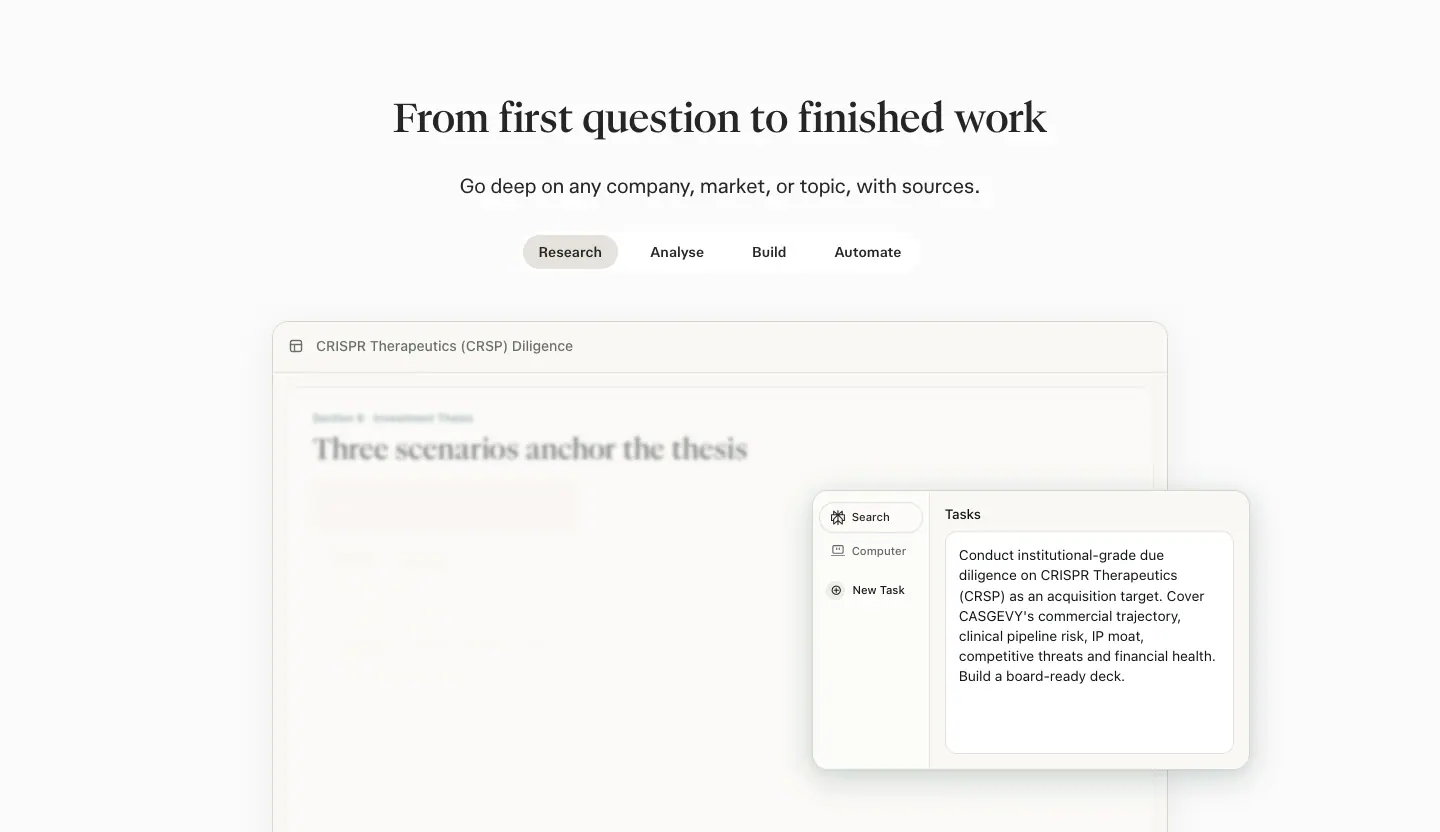
Layout
- Section y=5087, 832px tall, #fbfbfb.
- H2: pplxSerif 40px / 44.8px · 500 · −0.44px · #252525. Sub: "Go deep on any company, market, or topic, with sources." 16px.
- Pill tabs: Research · Analyse · Build · Automate (34px tall, 14px/600, active --layer-subtle fill).
- Demo window (≈ 900 × 520px, radius ≈ 12px, white, 0 12px 16px rgba(0,0,0,.1)): a blurred research document ("CRISPR Therapeutics (CRSP) Diligence", "Three scenarios anchor the thesis" in 28.7px serif) behind a crisp app card (Search / Computer / New Task sidebar + a task prompt in 12px).
- The generated artefacts inside the demo use their own mini design (system-ui, 7–15px, hard offset shadows rgb(26,29,32) 2px 2px 0 0, a colour palette #433075 #f7d63c #2a8e94 #5773ed #3aa67a #d35d8d #d28a3e #8767c8).
Motion. hub-live-step-reveal 0.72s cubic-bezier(0.19,1,0.22,1) (opacity 0 → 1, blur 4px → 0) on 5 steps.
Why it works. Shows the output (a finished diligence deck) not just the chat. The blur-to-sharp step reveal echoes the hero's focus effect.
05 · Audience band "Used daily by individuals, trusted by organisations"
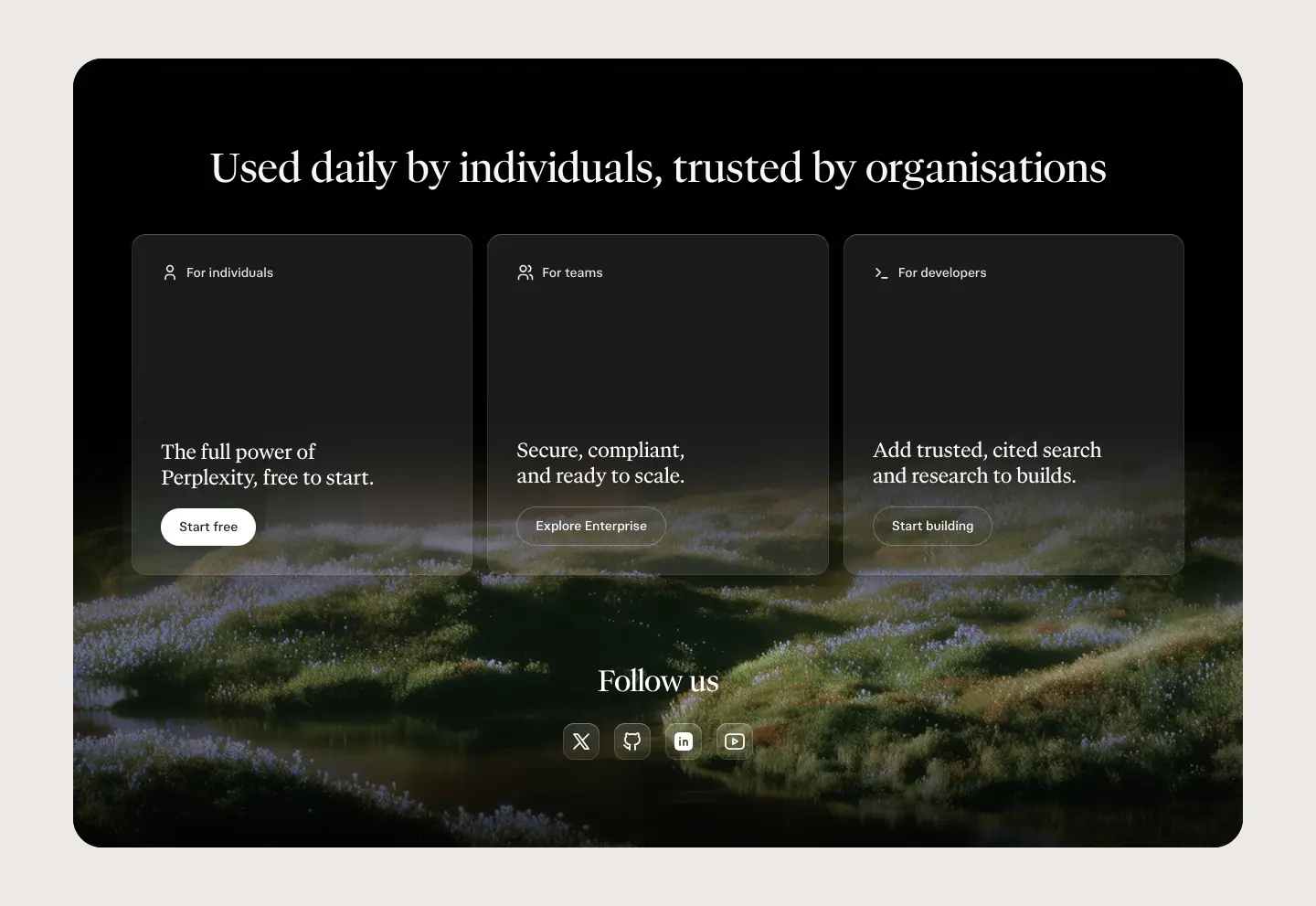
Layout
- Outer: #ece9e4, padding 64px 32px. Inner: a 1280 × 863 black card, radius ≈ 32px, with a dark grassy landscape at the bottom.
- H2 at y=6079: pplxSerif 44px / 48.4px · 400 · −0.792px · #faf8f5.
- 3 glass cards (≈ 373px tall, radius 16px, rgba(255,255,255,.1), shadow 0 0 0 1px rgba(255,255,255,.05), 0 18px 40px -18px rgba(0,0,0,.7)): "For individuals — The full power of Perplexity, free to start. [Start free]", "For teams — Secure, compliant, and ready to scale. [Explore Enterprise]", "For developers — Add trusted, cited search and research to builds. [Start building]".
- "Follow us" (pplxSerif 32px/41.6px white) + 4 round social icons.
Why it works. Three doors for three visitors, at the same visual weight. The dark card is the page's chapter break before the FAQ.
06 · FAQ
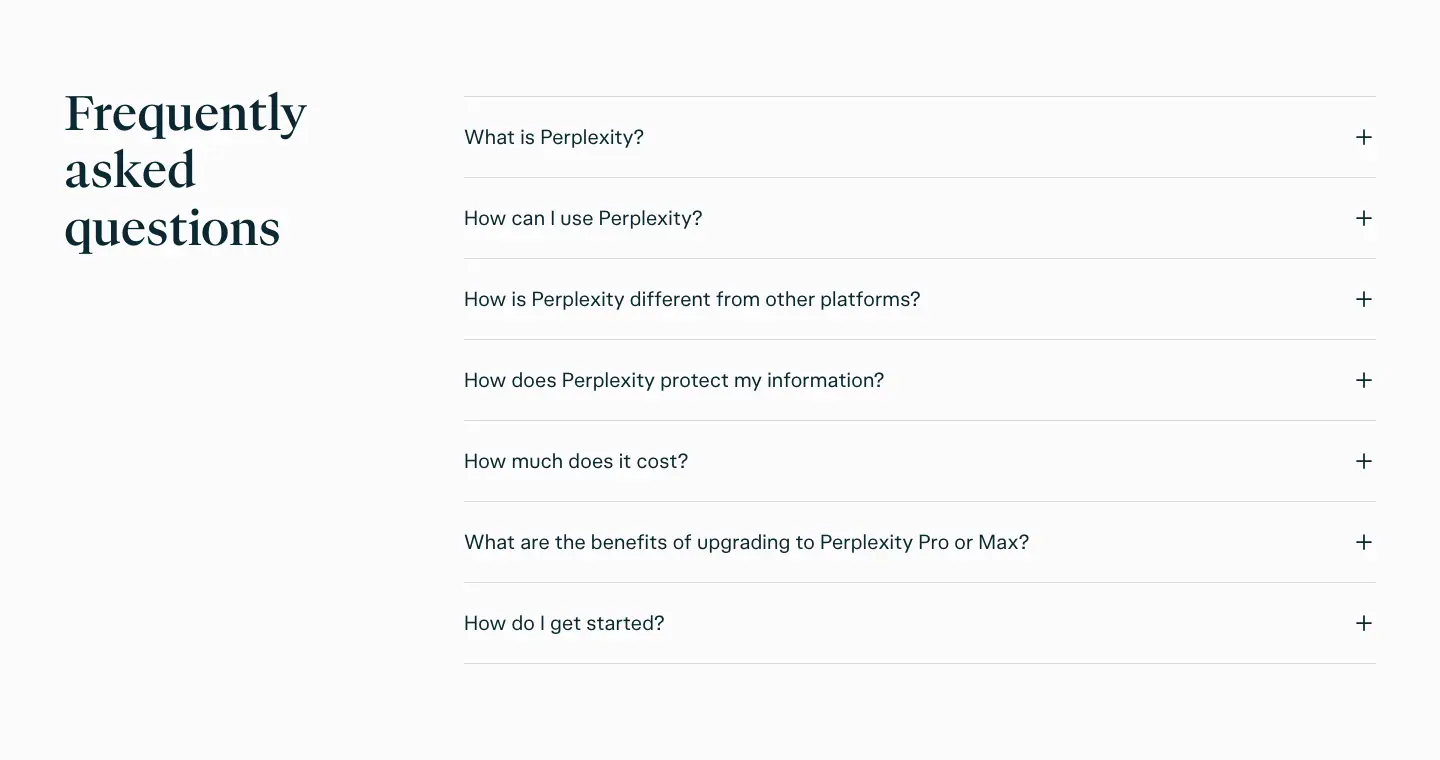
- Title left: "Frequently asked questions" pplxSerif
48px / 57.6px · 500 · #0b2833, 3 lines.
- 7 rows, 80px tall, 1px
--border-soft; question pplxSans 20px / 28px · 400 · 0.2px; "+" right.
- Questions: What is Perplexity? / How can I use Perplexity? / How is Perplexity different from other platforms? / How does Perplexity protect my information? / How much does it cost? / What are the benefits of upgrading to Perplexity Pro or Max? / How do I get started?
07 · Footer
See Footer A.
Mobile (390)
- H1 72px/75.6px (from 180px), sub wraps to 2 lines, composer full-width.
- Sticky scroller keeps working; H2s 26px/28.6px (−1px).
- Bento becomes 1 column.
Pro · perplexity.ai/pro
- URL: https://www.perplexity.ai/pro
<title>: Perplexity Pro- Height: 7,527px at 1440px.
- System: product. Follows
prefers-color-scheme; captured in dark (#15171b) and light (#fbfbfb).
- Fonts loaded: pplxSans, pplxSerif, pplxCodeMono.
prefers-reduced-motion rule present.
| Dark |
Light (first 1,872px) |
 |
 |
Narrative arc. Promise → price → 3 reasons → proof by domain → range of questions → objections → CTA. The pricing cards come second, right after the hero, because visitors on /pro already know the product and want the price.
01 · Split hero
Layout
- Section y=64, 720px tall. Header 65px fixed above.
- Left column x≈32: H1 at y=304, w≈560; sub below; buttons ≈ 32px under the sub.
- Right: art tile ≈ 680 × 548px, radius 24px.
Typography
- H1 "The most accurate answers from all the top AI models": pplxSerif 48px / 48px · 400 light, 350 dark · normal, 3 lines.
- Sub "Power your deep work with Perplexity Computer, reliable research, premium data and the top AI models.": pplxSans 16px / 24px · 400/350 · fg .75 / .65.
- Buttons: 56px tall, radius 12px, padding 0 24px, 18px · 500/450. Primary "Login or sign up for free" inverse fill; secondary "Compare plans" 1px --border-base.
Visual. Dark grainy light-streak photo; 7 frosted glass app tiles in a ring (Perplexity centre, plus OpenAI, Anthropic, Google, Kimi, Perplexity Comet, model "Ø"). hero-orbit 40s linear infinite rotates the ring; hero-counter-orbit (6 tiles) counter-rotates each tile. The light theme uses the same dark tile (the art does not switch theme).
Motion. hero-entrance 1s cubic-bezier(0.16,1,0.3,1) (translateY 20px → 0, opacity) on 2 elements.
Hover (measured). Primary opacity 1 → 0.8; secondary background → #dbdee3 / .03. Both 0.3s cubic-bezier(0,0,0.2,1).
Why it works. "Most accurate" + "all the top AI models" answers the two buying questions (quality, choice). The orbit visualises "all models" literally.
02 · Plans
| Dark |
Light |
|
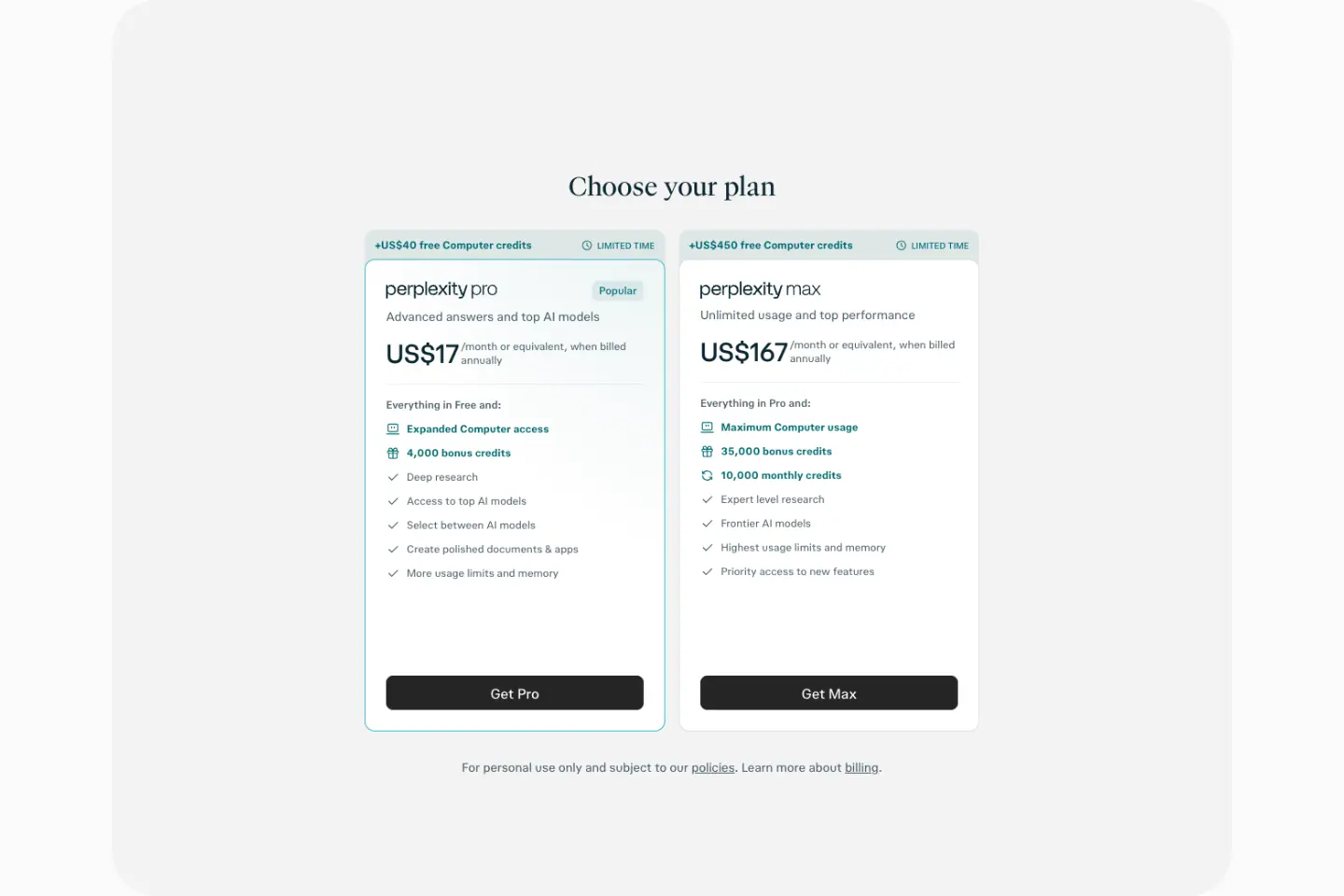 |
Layout
- Section y=912, 960px tall, panel radius 32px, padding: 128px 16px, fill #dbdee3 / .03 dark, rgb(28 28 28 / .035) light.
- H2 "Choose your plan" at y=1093: pplxSerif 30px / 36px.
- 2 cards ≈ 350px wide (max-w 350px ×4 in the histogram), radius 12px, 1px --border-soft; Pro card outlined in #32b8c6 (dark) / #016a71 (light).
- Ribbon above each card: "+US$40 free Computer credits" / "+US$450 free Computer credits" (12px/16px · 650 dark / 700 light · teal) + "LIMITED TIME" with a clock icon.
- Card: wordmark ("perplexity pro" / "perplexity max"), "Popular" chip, 14px descriptor at .75, price "US$17" / "US$167" (≈ 28px sans) + "/month or equivalent, when billed annually" (12px/16px .75), "Everything in Free and:" then 8 rows (12px, icon + text; first 2–3 rows teal: "Expanded Computer access", "4,000 bonus credits"), button 37px radius 8px "Get Pro" / "Get Max".
- Footnote: "For personal use only and subject to our policies. Learn more about billing." 12px .75 with underlined links.
Why it works. Two cards only (Pro vs. Max), equal size, one highlighted. Limited-time credits sit above the card so they read as a bonus, not as part of the price.
03–05 · Three feature rows
Layout
- Section y=2000, 2,084px tall, padding 0 40px. H2 "Everything you need to research, create, and decide" pplxSerif 36px / 40px, centred, 2 lines.
- Rows at y=2388, 3066, 3772. Images 792 × 594 (row 1) and 827 × 629 (rows 2–3). Image side: left, right, left.
- Text block: 16px line icon, H3 pplxSerif 30px / 36px, sub 16px/24px .65.
Row content
1. "Build anything with Computer" — composer "Ask Computer to build anything…" with a light shimmer (pro-input-shimmer 5s ease-in-out infinite: skewed highlight sweeps across in 35 % of the cycle, then rests) and 3 task cards ("Tax return", "Website", "Interview prep").
2. "Multiple AI models deliver richer answers" — model picker list: GPT-6.2 Sol (New), Gemini 4 Neon (New), Claude Sonnet 5.5, Kimi K3 "Hosted in the US.", GLM 5.3, Grok 4.7; 12px/500 names + 12px .65 descriptions, frosted panel (backdrop-filter: blur(24px)).
3. "Trust every answer" — an answer with inline mono citation chips ("PitchBook", "crunchbase"), a hover popover for a "Premium Source" (teal bordered mono badge), and a floating cursor (cursor-float 2s ease-in-out infinite, 2px/−3px drift).
Motion. Rows reveal with all 0.7s cubic-bezier(0,0,0.2,1) (8 elements) and transform, opacity 0.7s.
Why it works. One row per Pro benefit (build, choose, verify). Each image is a close-up of the exact UI that proves it.
06 · Domains tabbed demo
- Panel y=4212, 1,328px tall,
padding: 192px 16px, radius 32px, --layer-faint.
- H2 "Trusted by professionals across every domain" pplxSerif
48px / 48px, 2 lines, centred.
- Tabs: Finance (active, inverse fill), Health, Education, Legal, Government, Tech — 40px, radius 9999px, padding
10px 20px, 14px/500.
- Window ≈ 1100 × 610px, radius 16px, 1px border: app icon rail at left, "perplexity pro" wordmark centred, a composer pre-filled with "Break down Apple's latest quarterly earnings by segment, compare year-over-year growth, and highlight which divisions are driving margin expansion." and a "Sources 3" chip.
step-fade-in 0.3s ease-out (4px rise) when switching tabs.
Why it works. Each tab swaps in a domain expert's prompt: the visitor sees their use case without a separate landing page.
07 · Prompt marquee
- Section y=5668, 352px,
padding: 32px 0. H2 "Ask anything, get the full picture" pplxSerif 36px / 40px.
- 3 rows of pill chips (≈ 40px,
--layer-faint, 14px fg .75), edges faded with a linear gradient mask (linear-gradient(to right, transparent, rgba(255,255,255,.4), transparent) measured on one element). 126 text nodes at 16px/24px are the duplicated chip labels.
- Rows move in alternating directions (
marqueeLeft, translate 0 → −50%).
Why it works. Range and realism: taxes, zoning, 10-K filings, robot vacuums. Movement makes 20+ prompts feel endless.
08 · FAQ
- Section y=6148, padding
0 80px. Title "FAQ" pplxSerif 36px / 43.2px · 300, position: sticky; top: 96px.
- 7 rows 64px tall; question 16px/24px · 500/450; "+" right; 1px
--border-soft.
- Questions include "What's the difference between Perplexity and ChatGPT?" and "Is my data used to train AI models?" — direct competitor and privacy objections.
09 · Final CTA
- Panel y=6731, 720px tall, radius 32px, faint geometric line pattern (thin diagonals and verticals at ≈ 4 % white).
- Perplexity mark (≈ 40px), H2 "Ready to unlock Pro?" pplxSerif
60px / 75px · 500 light / 450 dark, sub 14–16px .65 (2 lines), one 56px primary button.
- Note: in the light capture this panel keeps dark-theme values (
H2 color rgb(219,222,227), button #dbdee3): the CTA is always dark, a fixed "night" ending.
- Footer: "© 2026 Perplexity" only.
Why it works. One question, one button. The fixed-dark ending gives light-theme visitors a contrast change right at the decision point.
Mobile (390)
- H1 30px/36px; H2s 24px/32px. Hero stacks text over tile. Plan cards stack. Feature rows stack image-first.
Enterprise · perplexity.ai/enterprise
- URL: https://www.perplexity.ai/enterprise
<title>: Perplexity Enterprise- Height: 9,957px at 1440px.
- System: Framer (
<meta name="generator" content="Framer cd31e1f">). Light only, body #ffffff.
- Fonts loaded: PPLX Sans Beta v0 VF, PPLX Serif Beta v0 VF, Newsreader 400, FK Grotesk Neue 400/700, FK Grotesk Light 300.
- No CSS transitions or keyframes exposed (Framer animates in JS). No
prefers-reduced-motion CSS rule found.

Narrative arc. Promise → logos → flagship product (Computer) → capabilities (knowledge, research) → second product (Comet) → benefits → security → use cases by department → proof numbers → FAQ → CTA. A classic B2B order: each section answers the next question a buying committee asks.
01 · Split hero
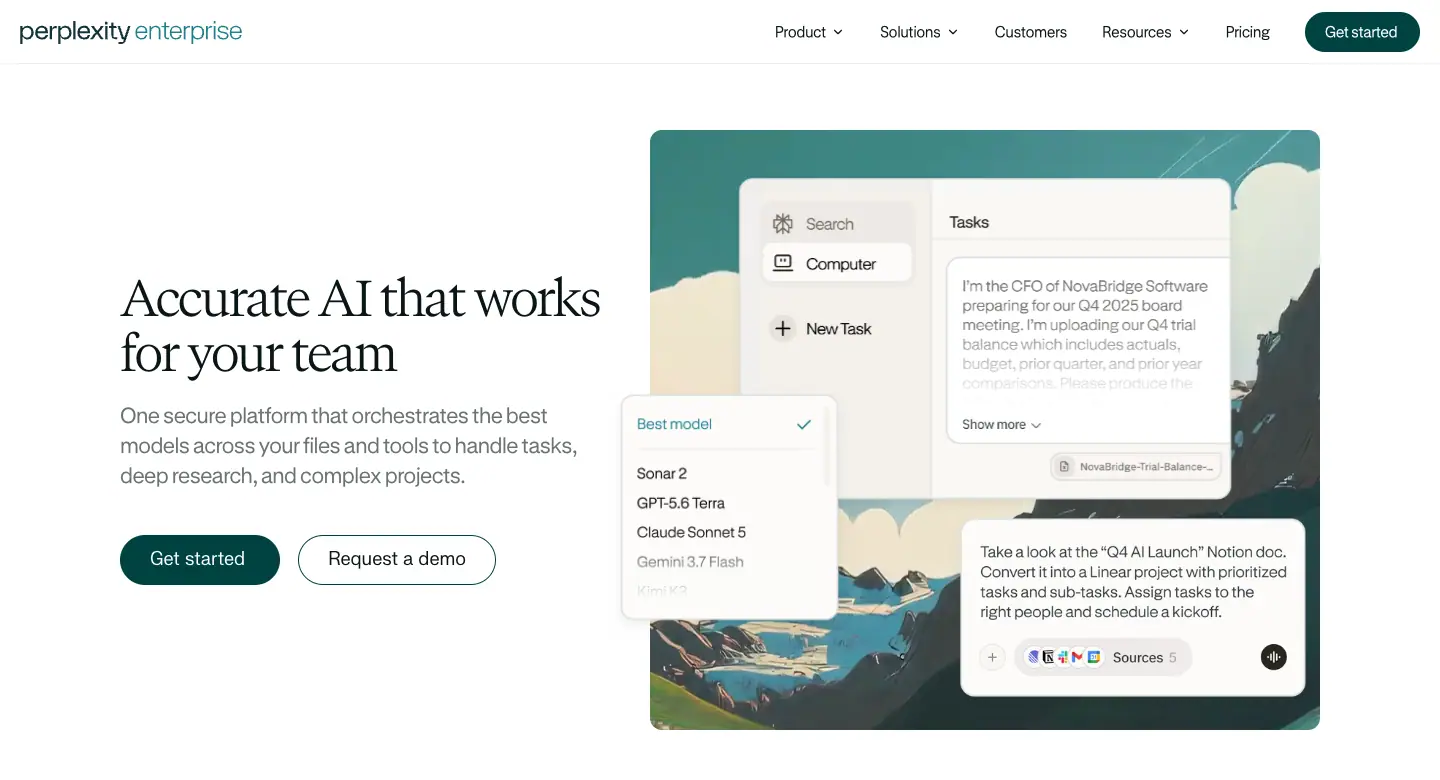
Layout. Header 64px fixed. Text column x≈120, H1 at y=275; art tile at right (≈ 670 × 600px, radius ≈ 10px).
Typography
- H1 "Accurate AI that works for your team": PPLX Serif 50px / 55px · wght 300 · −1.9px (−0.038em) · #091717.
- Lead (H3 role) "One secure platform that orchestrates the best models across your files and tools to handle tasks, deep research, and complex projects.": PPLX Sans 22px / 29.7px · −0.5px · rgba(9,23,23,.6).
- Buttons: "Get started" (40px pill, #004241, white) + "Request a demo" (40px pill, 1px ink outline).
Visual. A painted alpine valley (gouache style, teal sky, snow peaks) with layered Computer UI: a Search/Computer/New Task sidebar card, a "Tasks" card with a long CFO prompt, a "Best model" picker (Sonar 2, GPT-5.6 Terra, Claude Sonnet 5, Gemini 3.7 Flash) and a composer card ("Take a look at the 'Q4 AI Launch' Notion doc…").
Why it works. Calm landscape + exact UI. The CFO prompt names a buyer persona inside the product shot.
02 · Logo wall
- "50,000+ organizations trust Perplexity Enterprise" (16px, .6) above a row of greyscale logos: databricks, ramp, Gunderson Dettmer, AlixPartners, Latham & Watkins, Bridg…, cut at the right edge.
03 · Computer band
- Grey panel (≈ 1200px, radius ≈ 10px) with a flower-meadow painting at the bottom.
- Eyebrow chip "Perplexity Computer" (pale cyan
rgba(146,220,226,.5), icon + 16px label).
- H2 "Computer puts 20 advanced models to work for your organization.": PPLX Serif
38px / 43.7px · wght 300 · −1.6px. Sub (H3 role) 22px/29.7px ink: "Research, analyze, create, design, code, ship, and manage, all from one system."
- A 1052 × 658
<video> of the dark Computer task list ("Completed" rows) framed like a macOS window, standing in the meadow. White pill "Learn more" (50px).
Why it works. "20 advanced models" is a concrete, countable claim. The real task list (dozens of completed jobs) shows scale.
04 · Feature rows
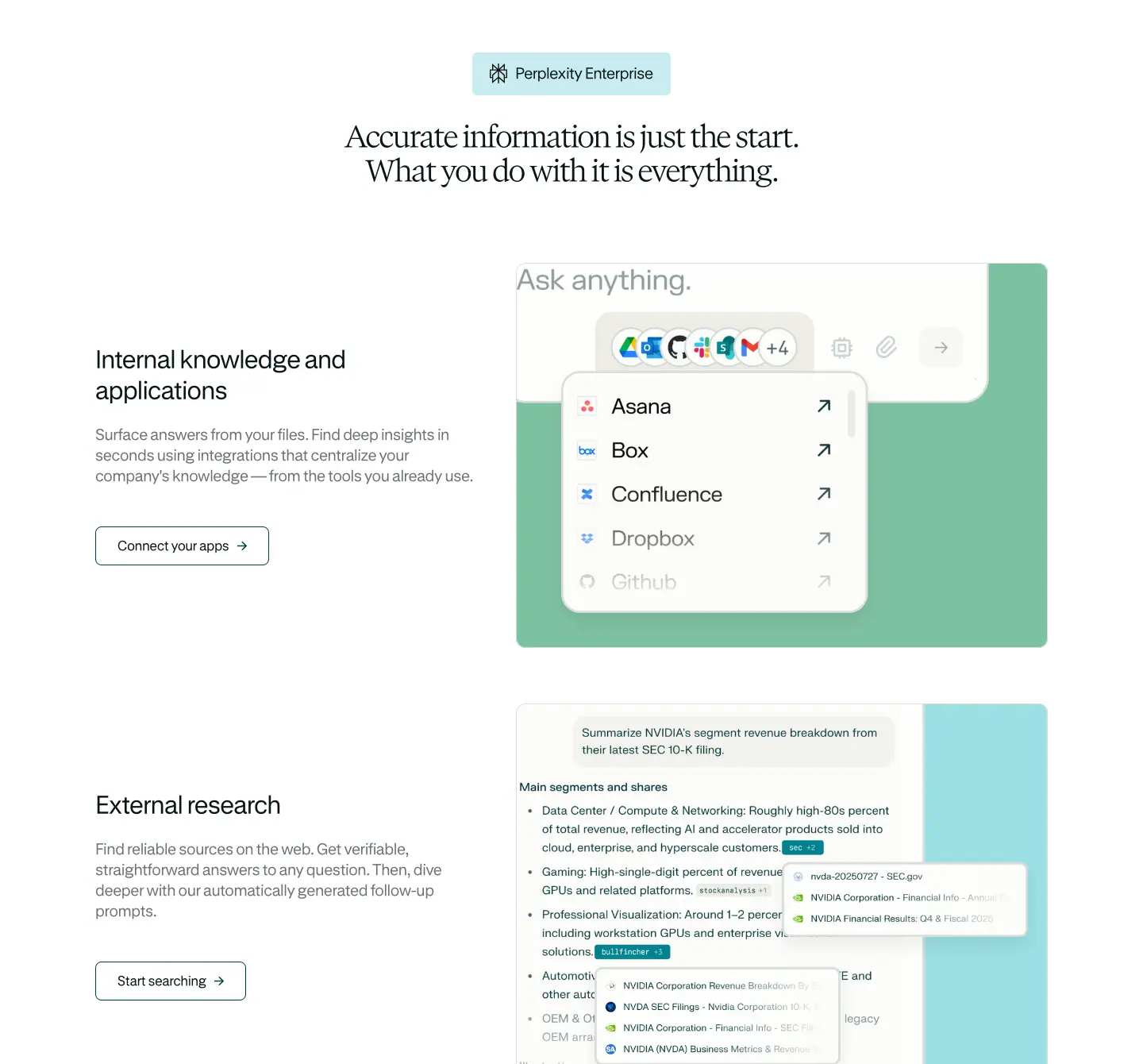
- Eyebrow chip "Perplexity Enterprise", H2 "Accurate information is just the start. What you do with it is everything." (38px serif, 2 lines).
- Row 1 "Internal knowledge and applications" (H3 32px/38.4px −0.8px) + 20px/26px .6 body + outline pill "Connect your apps →". Media 670 × 485: sage-green block with a composer and a connector list (Asana, Box, Confluence, Dropbox, Github) with "↗" links and app icons "+4".
- Row 2 "External research" + "Start searching →". Media: pale cyan block with an NVIDIA 10-K answer, inline citation chips and a source popover (NVDA SEC filings).
Why it works. Internal (your files) vs. external (the web): the two halves of enterprise search, each with one proof screenshot.
05 · Comet band
- Dark panel
#13343b, radius ≈ 20px. Chip "Comet Browser". H2 "Browse at the speed of thought with Comet." white 38px serif; sub 22px rgba(251,250,244,.7).
- Left accordion (H4 28px/33.6px −0.6px white): "Agentic — Your dedicated Chief-of-Staff to perform agentic actions." (open), "Contextual +", "Personal +", 1px white .3 rules.
- Right: 612 × 443 Comet screenshot (assistant side panel on a customer-stories page).
- White pill "Learn more".
Why it works. A dark band marks a different product inside the page. The accordion keeps 3 benefits in a small space.
06 · Benefits three-up
- 3 columns at y=4952: icon (24px line), H4
26px / 31.2px · wght 382 · −1px, body 20px / 26px · wght 340 · −0.4px · .6.
- "Outresearch the competition", "Use AI where you already work", "Tackle complex projects". Centred "Get started" pill below.
07 · Security grid
- Pale cyan band. H2 "Keep your company's data airtight." + sub "At Perplexity, we manage customer data with enterprise-grade security."
- 3 × 2 cards, 1px border, radius 10px: "SOC 2 Type II Certified", "Data privacy" ("We never train our LLMs on enterprise customer's data. Perplexity is also GDPR and HIPAA compliant."), "Configurable file retention", "User management", "SSO + SCIM", "Enhanced visibility".
- Teal pill "Learn more about our security".
Why it works. Security reviewers scan for exact keywords (SOC 2, GDPR, HIPAA, SSO, SCIM, audit logs). Each card leads with one.
08 · Department tabs
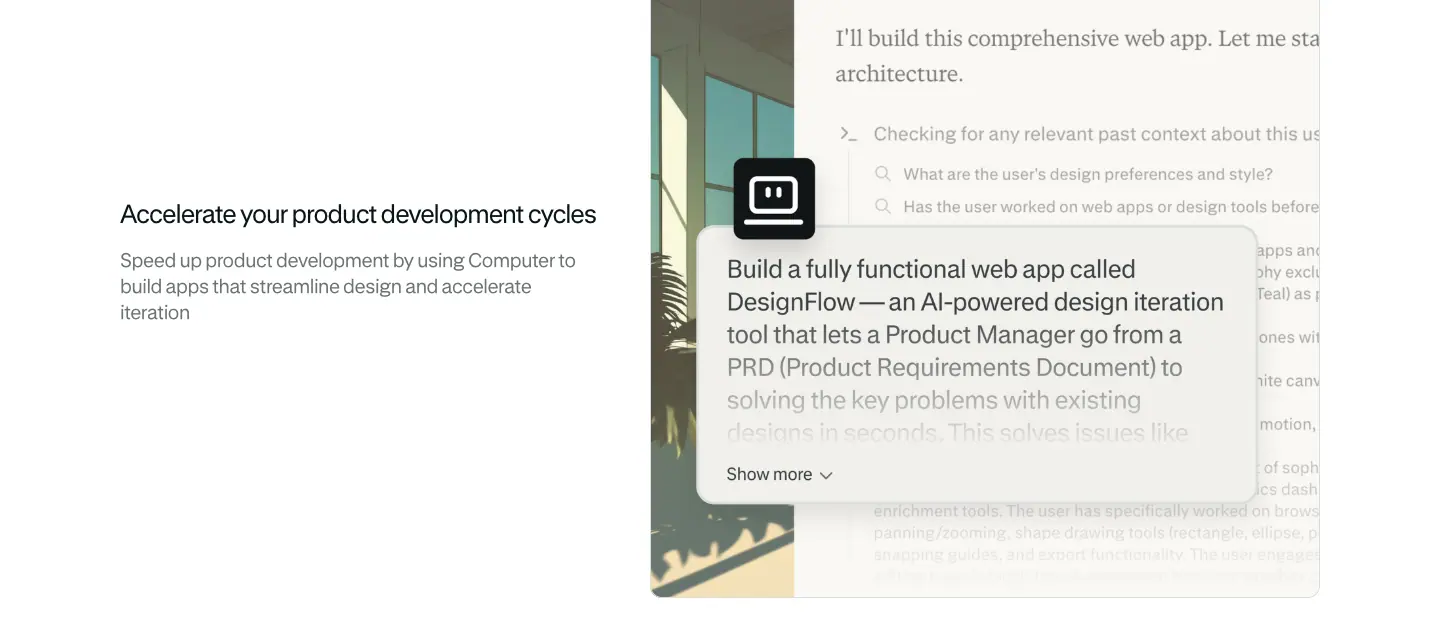
- H2 "Supercharge productivity across your entire organization." Tabs: Product (active, grey pill) · Legal · Finance · Government · Tech · Education · Sales · Marketing.
- Panel: "Accelerate your product development cycles" + description; media: a painted interior (window, plants) behind a Computer "I'll build this comprehensive web app…" card.
09 · Proof bento
- H2 "Make more time for the work that matters."
- Large card: AlixPartners logo, 4-sentence quote, "Rajneesh Gupta, Global Head of Partnerships" (.6), stat "90%" + "faster research verification".
- 4 small cards: Gunderson Dettmer "80% firm's partnership actively using Perplexity", DNRC "125+ hours saved per week per user", Rho "100% sales team adoption rate", Bessemer "90% adoption rate".
- Stats: Newsreader 400 · 44px / 55px · −0.5px (the only use of Newsreader). Cards
rgba(228,227,212,.3), radius 10px.
- Dark teal pill "Read our customer stories".
Why it works. A news serif for numbers makes them read as reported facts.
10 · FAQ
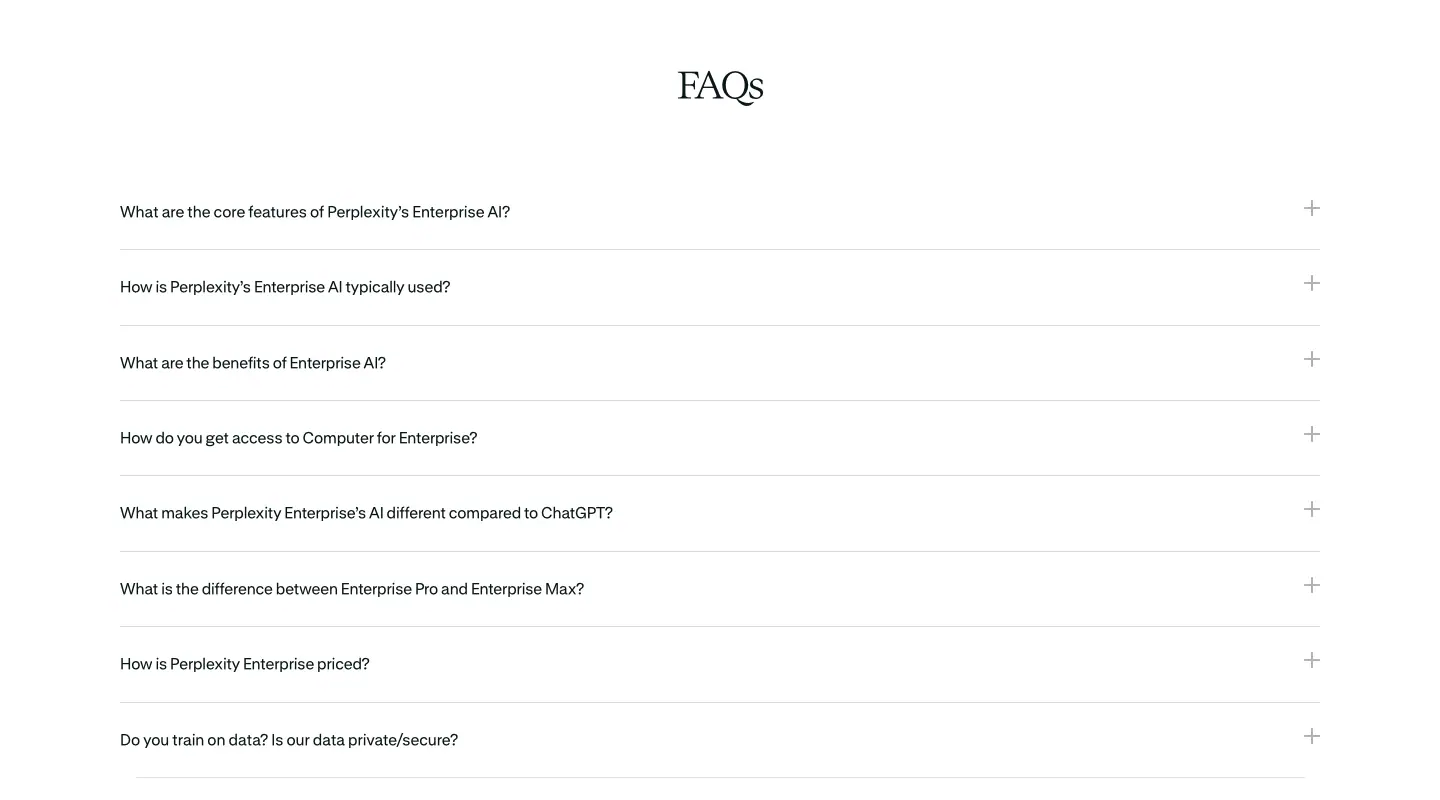
- Centred title "FAQs" (serif). 8 full-width rows, 16px/22.4px questions (−0.1px), thin rules, "+" icons. Includes "What makes Perplexity Enterprise's AI different compared to ChatGPT?" and "Do you train on data? Is our data private/secure?"
11 · Final CTA
- 1440 × 370 teal band with a dashed grid overlay and painted dunes/mountains at the bottom. "Get started with Perplexity Enterprise today" (white serif, 2 lines). "Get started" (dark teal pill) + "Contact us" (white outline pill).
12 · Footer
See Footer C.
Mobile (390)

- H1 40px/44px (−1.2px); H2 28px/32.2px (−0.8px). Hero art moves under the buttons. Feature rows stack media first, then text. The Comet band keeps its dark panel with 16px side margins.
Comet · perplexity.ai/comet
- URL: https://www.perplexity.ai/comet
<title>: Comet Browser: a Personal AI Assistant- Height: 7,621px at 1440px.
- System: Framer (
Framer 62c4866). Light only, body #ffffff.
- Fonts loaded: GT Standard VF, GT Canon VF (condensed instance), GT Standard Mono, FK Grotesk.
- No CSS transitions or keyframes exposed (Framer JS). One
backdrop-filter: blur(2px).

Narrative arc. Promise → what it does (5 verbs) → more resources → try the assistant → brand moment (planets) → FAQ → download. A consumer download page: short, visual, one action repeated three times.
01 · Hero
Layout
- Header 72px fixed: 40px white disc with the Comet mark (left), teal "Download" pill + Perplexity mark (right).
- Centred stack: eyebrow at y=192, H1 at y=250 (2 lines), platform line at y=452, CTA ≈ y 520, product collage y ≈ 660–1180.
- Planet images: 380 × 380 (top-left, cropped), 680 × 680 (right, cropped), plus an orb peeking at the top. Thin pastel ellipses (1px, ≈ 30 % opacity) cross the page.
Typography
- Eyebrow "A new browser from Perplexity": GT Standard 16px / 16px · wght 300 · rgba(9,23,23,.64), "Perplexity" underlined.
- H1 "The browser that works for you": GT Canon VF 80px / 80px · "opsz" 60, "wdth" 75, "wght" 300 · −1.6px · #091717.
- Platform line "Available for Mac, Windows, iOS, and Android": 20px / 20px · .64.
- CTA "Download Comet": dark pill #091717 with a white icon disc, 18px/21.6px white, radius 50px.
Visual. A desktop browser window showing a fashion editorial ("The Spring 2026 Trend Report", Haute Journal) with a floating "Assistant" bubble ("Which key ideas in this article are easiest to try?") and a phone frame with Summarize / Ask / Translate chips. Glass edges with a teal rim light.
Why it works. Lifestyle content (fashion, not code) positions Comet as a consumer browser. The condensed serif looks like a magazine masthead, matching the article in the screenshot.
02 · Bento "Do anything with Comet"
- H2 GT Canon
48px / 57.6px · −1px.
- 5 cards, 640 × 640px, radius 24px, 2 columns, 32px gap. Fill: cream gradient (
#ffffff → #fcfbf3 at 17.6 %, measured linear-gradient(rgb(255,255,255) 0%, rgb(252,251,243) 17.6%)).
- Title top-left 24px/28.8px (−0.72px) wght 300: "AI that understands", "AI that builds", "AI that emails", "AI that creates", "AI that shops".
- Middle: grey skeleton illustration (search results with outlet logos, a generated website "Comets and the Cosmos", an email reply caret, an attachment menu, a product card with an office chair).
- Bottom: prompt chip, 16px/20.8px, .75 ink, cream fill.
- "AI that builds" carries a teal glow:
rgba(31,184,205,.4) 0 -2px 4px … plus a "Pause Comet Assistant" dark chip (12px/18px white).
- Card shadow:
rgba(255,255,255,.56) 0 -2px 4px, rgba(0,0,0,.02) 0 24px 40px, rgba(0,0,0,.02) 0 4px 18px, … (9 elements).
Why it works. "AI that ___" is a repeated frame; five verbs cover research, building, email, content, shopping. Skeletons keep the focus on the prompt, which is the real content.
03 · Explore links

- 24px/36px (−0.24px) .9 ink: "Explore more ways to use Comet. Browse smarter, faster, and with less friction." + 2 small dark pills "Ways to Use Comet", "Comet Resource Hub".
04 · "Your personal assistant"
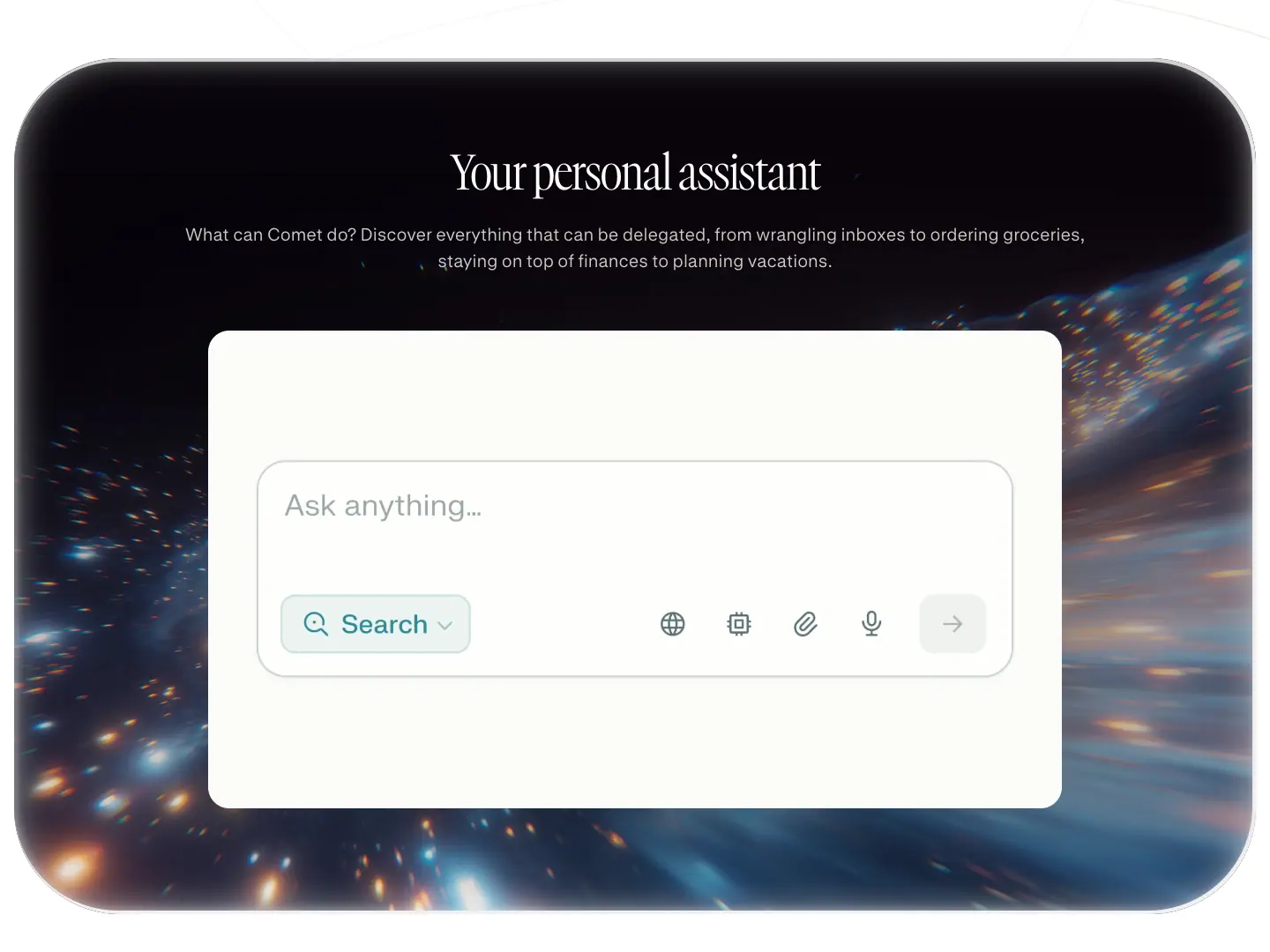
- Card ≈ 1408 × 971, radius 120px on all four corners (
120px appears 4 times in the radius histogram), warp-speed starfield video (968 × 542 <video>).
- H2 GT Canon
56px / 72.8px · −1.68px · white; sub 20px/30px rgba(251,250,244,.8).
- A cream panel (
#fbfaf4, radius ≈ 16px) holding the Comet composer: "Ask anything…" 1px bordered input, teal "Search ⌄" chip, globe / chip / paperclip / mic icons, disabled arrow.
- Inner shadow on the starfield card:
rgba(255,255,255,.25) 0 -3px 7px 4px inset, rgba(255,255,255,.5) 0 -4px 36px 4px inset, rgba(0,0,0,.25) ….
Why it works. The composer on a cosmic backdrop literally shows "a personal assistant in your universe". Inner white shadows give the card a glass-dome rim.
05 · Planets
- A horizontal row of 6+ textured spheres (≈ 230–260px), bleeding off both edges. Rust/cream, olive/ochre, dark teal facets, brown/blue, cyan/black, red.
- No copy. Pure brand texture between the assistant and the FAQ.
06 · FAQ
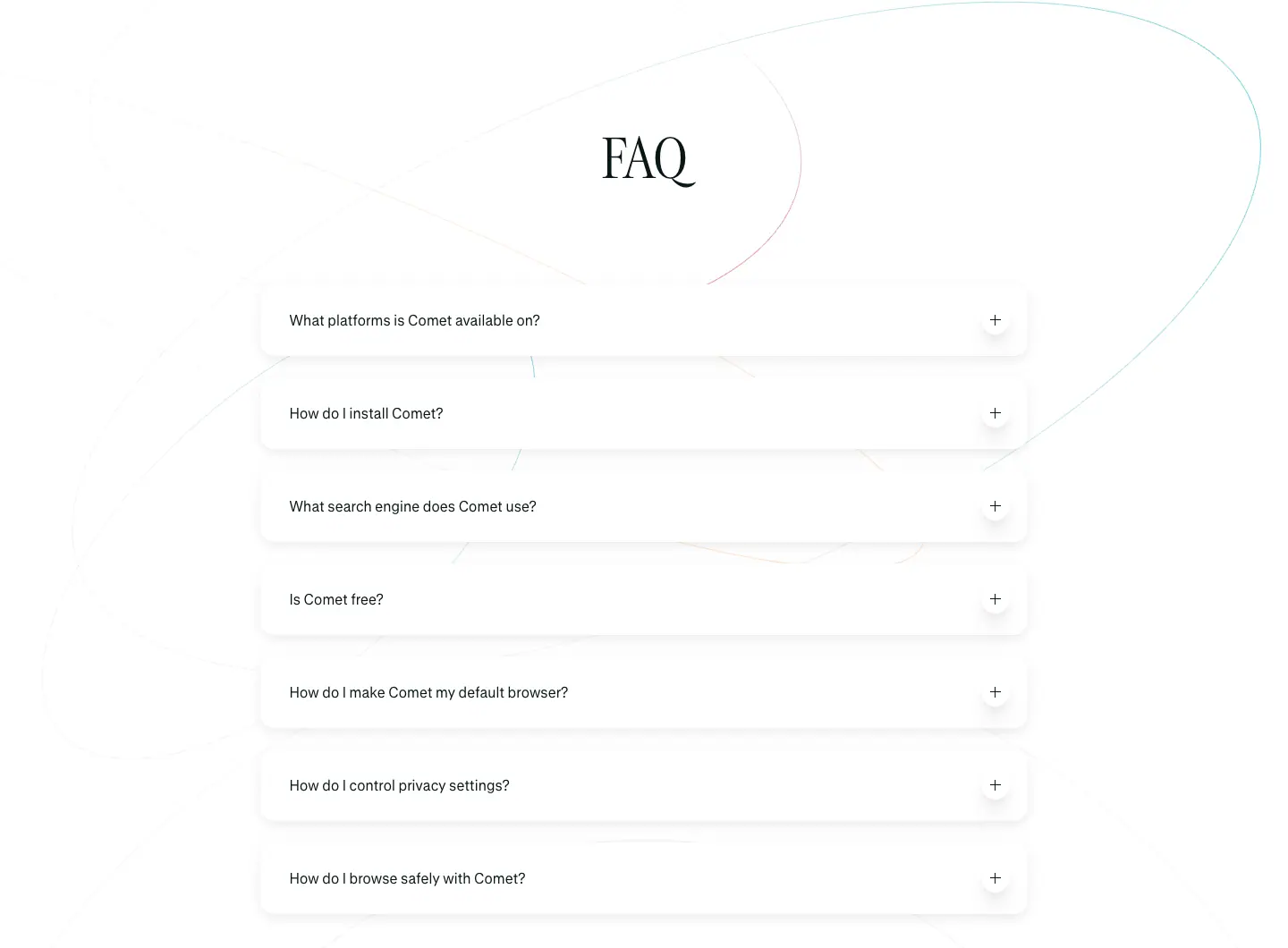
- Title "FAQ" GT Canon
64px / 76.8px · −0.7px.
- 7 questions, each in its own white floating card (≈ 860 × 80px at 1440, radius ≈ 10px,
rgba(0,0,0,.08) 0 4px 12px — 12 elements), GT Standard 16px / 19.2px · −0.32px, "+" in a small white circle at right.
- Orbit lines pass behind the cards; a rust planet sits below the list.
07 · Final CTA
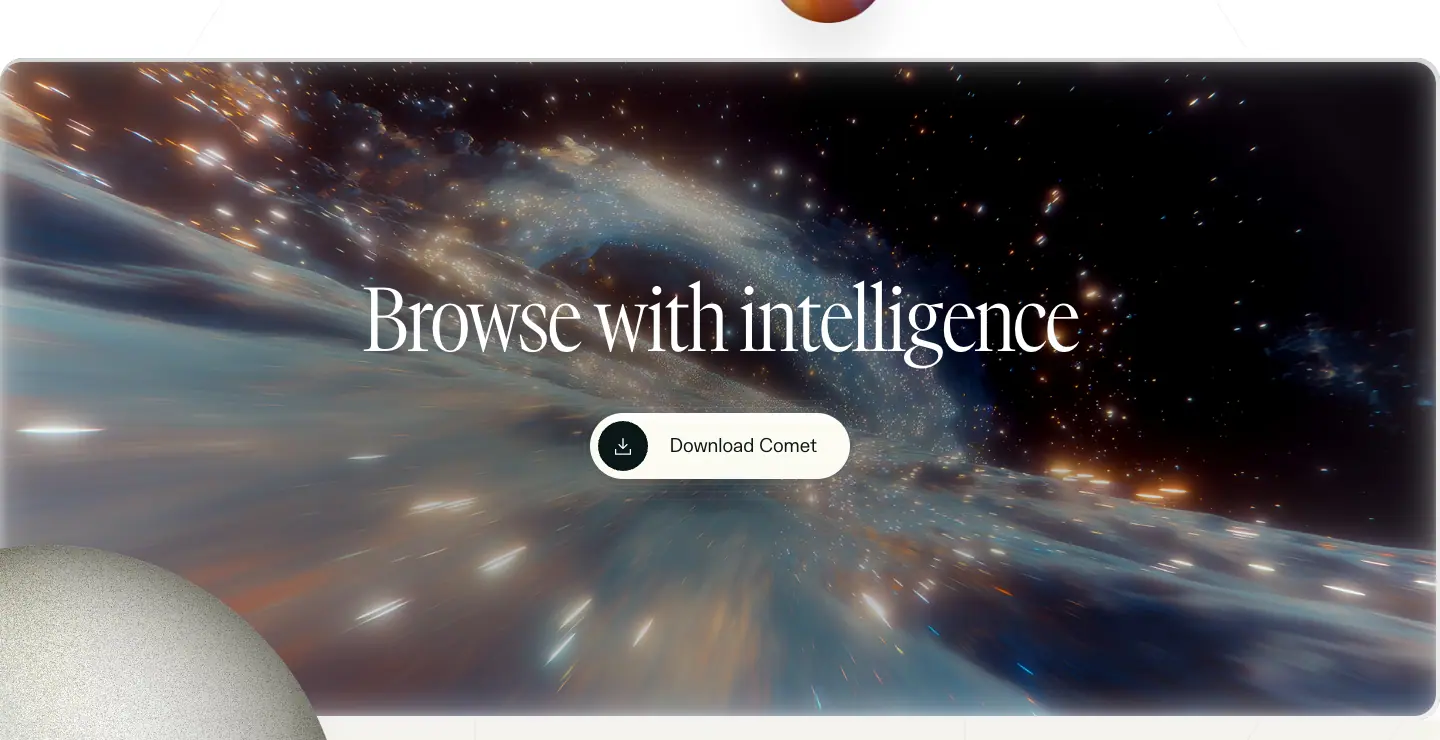
- Full-width starfield video card, radius ≈ 16px. "Browse with intelligence" GT Canon
90px / 90px · −2.5px · white. "Download Comet" white pill with a dark icon disc. A grainy stone planet overlaps the bottom-left corner.
08 · Footer
See Footer D.
Why the page is built on a different system
Comet launched as a separate product with its own brand: condensed GT Canon, GT Standard, planets, cream. Inference (not stated by Perplexity): Framer lets a brand team ship and iterate a launch page without touching the app codebase. The teal (#21808d, #299da9) and the Perplexity mark keep it in the family.
API Platform · perplexity.ai/api-platform
- URL: https://www.perplexity.ai/api-platform
<title>: Perplexity API Platform — AI Search & Grounded LLM APIs for Developers- Height: 6,960px at 1440px.
- System: product tokens + brand layer, dark by design (does not follow the OS theme). Page
#171615 (warm brown-black), footer #ece9e4.
- Fonts loaded: GT Canon VF, pplxSans, pplxSerif, pplxSansMono.
prefers-reduced-motion rule present. The most animated page: 50 _twinkle, 59 _char-in, 12 _pulse-travel, 12 _token-in animations measured.
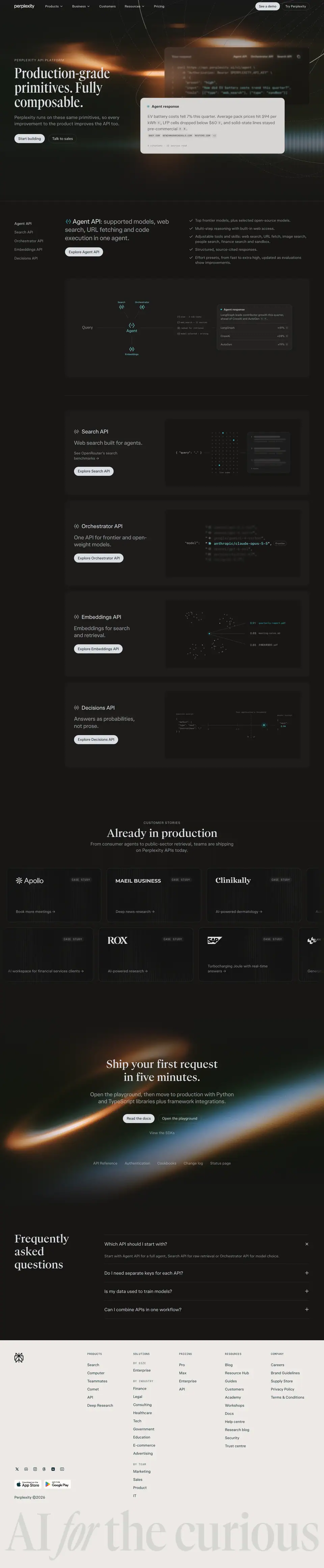
Narrative arc. Claim → the flagship API with a diagram → the 4 other APIs as cards → customers → "ship in five minutes" → FAQ. Developer pages skip the emotion and go straight to primitives, but keep the brand serif and photographic glow so it still feels like Perplexity.
01 · Hero
Layout
- Section 1440 × 892, background <img> 1440 × 892 (orange light flare + thin orbit lines on black).
- Brand header (56px, sticky, dark variant).
- Left x=64: mono eyebrow at y≈265, H1 at y=302 (3 lines), sub, 2 pills.
- Right: code panel ≈ 640 × 260 (translucent dark, 1px hairline, tabs "Agent API · Orchestrator API · Search API" and a copy icon) overlapped by a light "Agent response" card ≈ 640 × 250 (≈ #d7d5d2, radius ≈ 8px).
Typography
- Eyebrow "PERPLEXITY API PLATFORM": pplxSansMono 12px / 18px · 0.96px · uppercase · fg .65.
- H1 "Production-grade primitives. Fully composable.": GT Canon VF 64px / 64px · 600 · #dbdee3.
- Sub "Perplexity runs on these same primitives, so every improvement to the product improves the API too.": pplxSans 16px / 22.4px · wght 360 · 0.16px · fg .65.
- Code: pplxSansMono 14px / 21px, strings in amber.
- Answer card: 16px body with circled citation numbers, a mono domain row "BNEF.COM · BENCHMARKMINERALS.COM · REUTERS.COM +3", and "6 citations · 12 sources read" (mono, small).
- Buttons: "Start building" (40px pill, #dbdee3 fill, #15171b text, 16px/400), "Talk to sales" (40px pill, 1px #dbdee3 / .14).
Motion. _char-in (steps(1), per-character) types the code; _token-in 0.22s cubic-bezier(0.215,0.61,0.355,1) streams the answer tokens; _fill-from-gray 0.35s and _fade-from-dim 0.3s settle them.
Why it works. Request and cited response in one image explain the whole API. The animation mimics real streaming, which is the experience developers will build.
02 · Agent API with sticky rail
- Section y=892,
padding: 0 0 112px. Left rail <nav> 197 × 192, position: sticky; top: 88px: Agent API (active, fg), Search API, Orchestrator API, Embeddings API, Decisions API (16px/22.4px, fg .65, radius 4px, padding 8px 0 16px).
- Two-tone H2: "Agent API: supported models, web search, URL fetching and code execution in one agent." pplxSans
28px / 36.4px · 500 (label fg, continuation fg .65).
- Checklist at right (6 items, 14px, check icons): "Top frontier models, plus selected open-source models.", "Multi-step reasoning with built-in web access.", "Adjustable tools and skills…", "Structured, source-cited responses.", "Effort presets, from fast to extra high…".
- Pill "Explore Agent API" (light fill).
- Diagram card ≈ 1100 × 440,
#dbdee3 / .03, radius 16px: "Query" → teal "Agent" node → Search / Orchestrator / Embeddings nodes, a mono log ("plan · 3 sub-tasks", "web_search · 12 sources", "ranked for retrieval", "model selected · writing"), and an "Agent response" table (LangGraph +41%, CrewAI +28%, AutoGen +19%). Connectors animate with _dash-drift 2.25s linear infinite and _pulse-travel 8.4s linear infinite.
Why it works. The diagram is the API's architecture and a demo at once. The sticky rail makes a long page navigable like docs.
03 · API cards
- 4 cards (y=1820, 2222, 2625, 3028), each 1100 × 379,
padding: 40px, fill #dbdee3 / .03, radius 16px, 23px apart.
- Left: icon + H2
24px / 31.2px · wght 440 · fg, claim 24px · fg .65 ("Web search built for agents.", "One API for frontier and open-weight models.", "Embeddings for search and retrieval.", "Answers as probabilities, not prose."), pill "Explore … API".
- Right: black inset (≈ 540 × 300) with a live mono diagram:
- Search:
{ "query": "…" } → a dot-grid "live index" (_twinkle 0.75s) → a results panel.
- Orchestrator:
"model": with a vertical list of model ids, the active one teal (anthropic/claude-opus-5-5, "Frontier" tag), others blurred (_picker-spin 3.45s linear).
- Embeddings: two point clouds with similarity scores (0.91 quarterly-report.pdf, 0.88 meeting-notes.md, 0.85 a CJK filename).
- Decisions: a JSON "defect" input, a 0–1 axis with "Your application's threshold", and output
0.94.
Why it works. Four primitives, one shared card shape, and a 2-second "aha" animation each. Mono everywhere signals "this is for engineers".
04 · Customer stories
- Section y=3519,
padding: 128px 0. Mono eyebrow "CUSTOMER STORIES", H2 "Already in production" pplxSerif 48px / 57.6px · 500, sub 16px .65 (2 lines).
- 2 rows of tiles ≈ 420 × 240, radius 16px,
rgba(0,0,0,.25) + 1px #dbdee3 / .14, faint vertical-stripe texture; logo top-left (Apollo, Maeil Business, Clinikally, ROX, SAP …), "CASE STUDY" mono tag (52 elements at 12px/18px/0.96px), one-line outcome + "→" at the bottom ("Book more meetings →", "Turbocharging Joule with real-time answers →"). The second row is offset by half a tile and both rows bleed off the edges.
05 · "Ship your first request in five minutes."
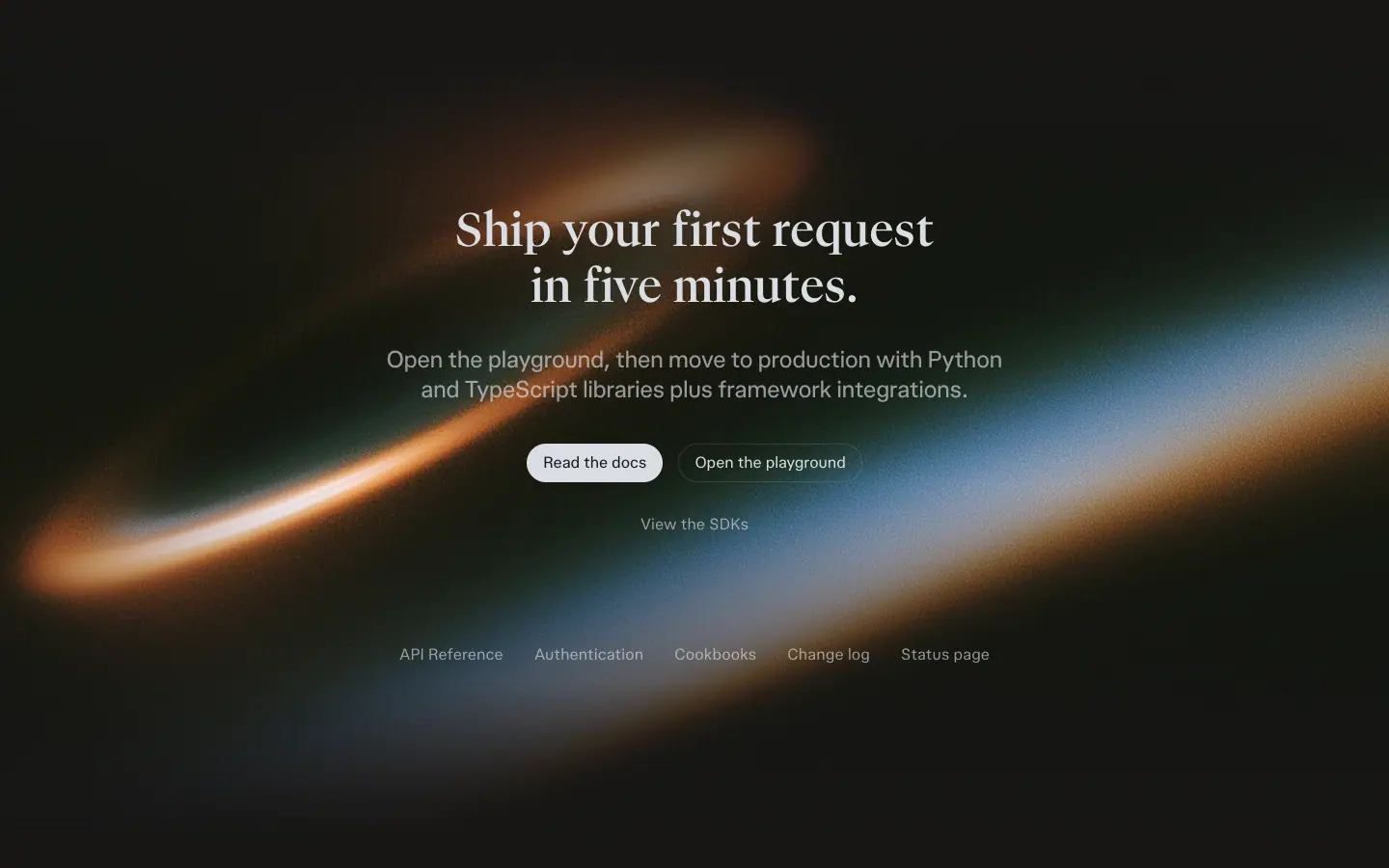
- Section 1440 × 900 with a background image: an orange-to-blue light ring (long exposure) on black.
- H2 pplxSerif
48px / 57.6px · 500 (2 lines). Sub "Open the playground, then move to production with Python and TypeScript libraries plus framework integrations." 16px .65.
- Pills "Read the docs" (light) + "Open the playground" (outline). Link "View the SDKs". A row of 5 small links: API Reference, Authentication, Cookbooks, Change log, Status page (14px fg .5).
marketing-cta-shimmer-sweep animates a highlight across CTA text via mask-position.
Why it works. "Five minutes" is a measurable promise. The link row anticipates the developer's next 5 clicks.
06 · FAQ
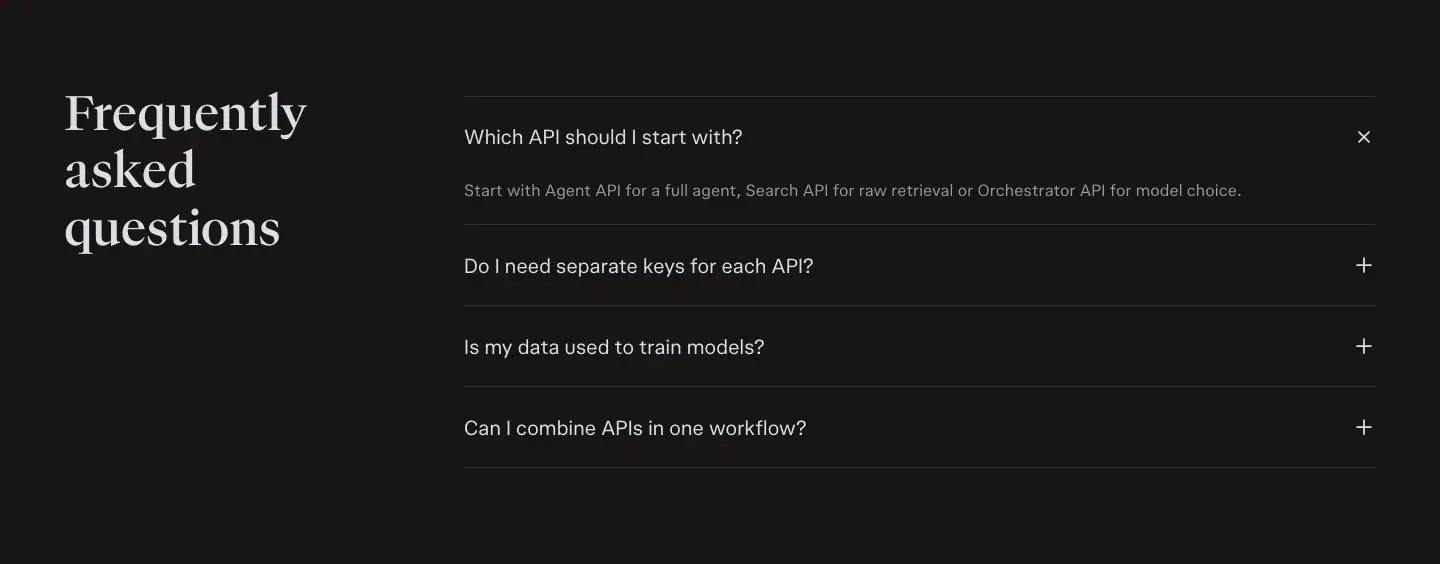
- Title "Frequently asked questions" (48px serif, 3 lines) left; 4 rows right with 1px
#dbdee3 / .14 rules.
- First row open: "Which API should I start with?" → "Start with Agent API for a full agent, Search API for raw retrieval or Orchestrator API for model choice." (14px fg .65); its icon shows "×".
07 · Footer
Brand footer on #ece9e4: see Footer A. The dark page ends on light paper.
Blog · perplexity.ai/hub/blog and /hub/blog/<post>
The sitemap lists 248 blog posts under /hub/blog/ plus 108 use cases, 22 guides and 12 academy pages under /hub/ (public pages). Captured 2026-11-21: the index (4,377px) and two research posts (17,928px and 16,632px).
| Page |
Full |
| /hub/blog |
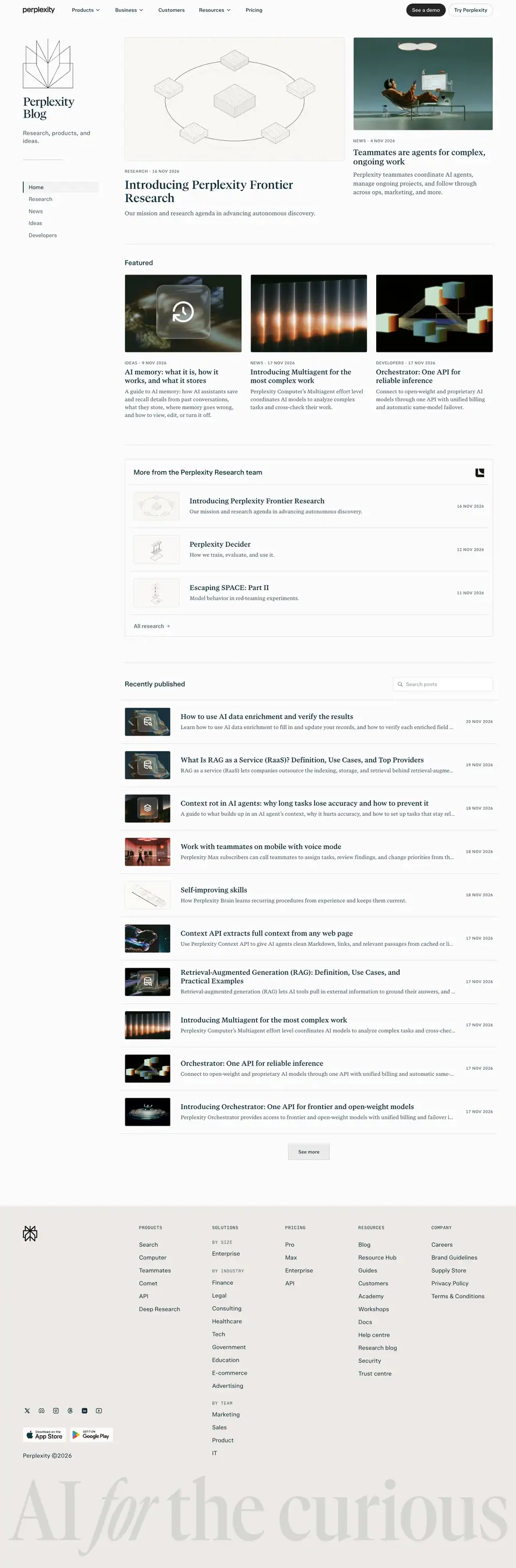 |
| /hub/blog/a-local-first-agent-for-private-and-cost-effective-knowledge-work |
 |
| /hub/blog/a-good-teacher-meets-the-student-where-they-are |
 |
1 · Index: sidebar + magazine front page
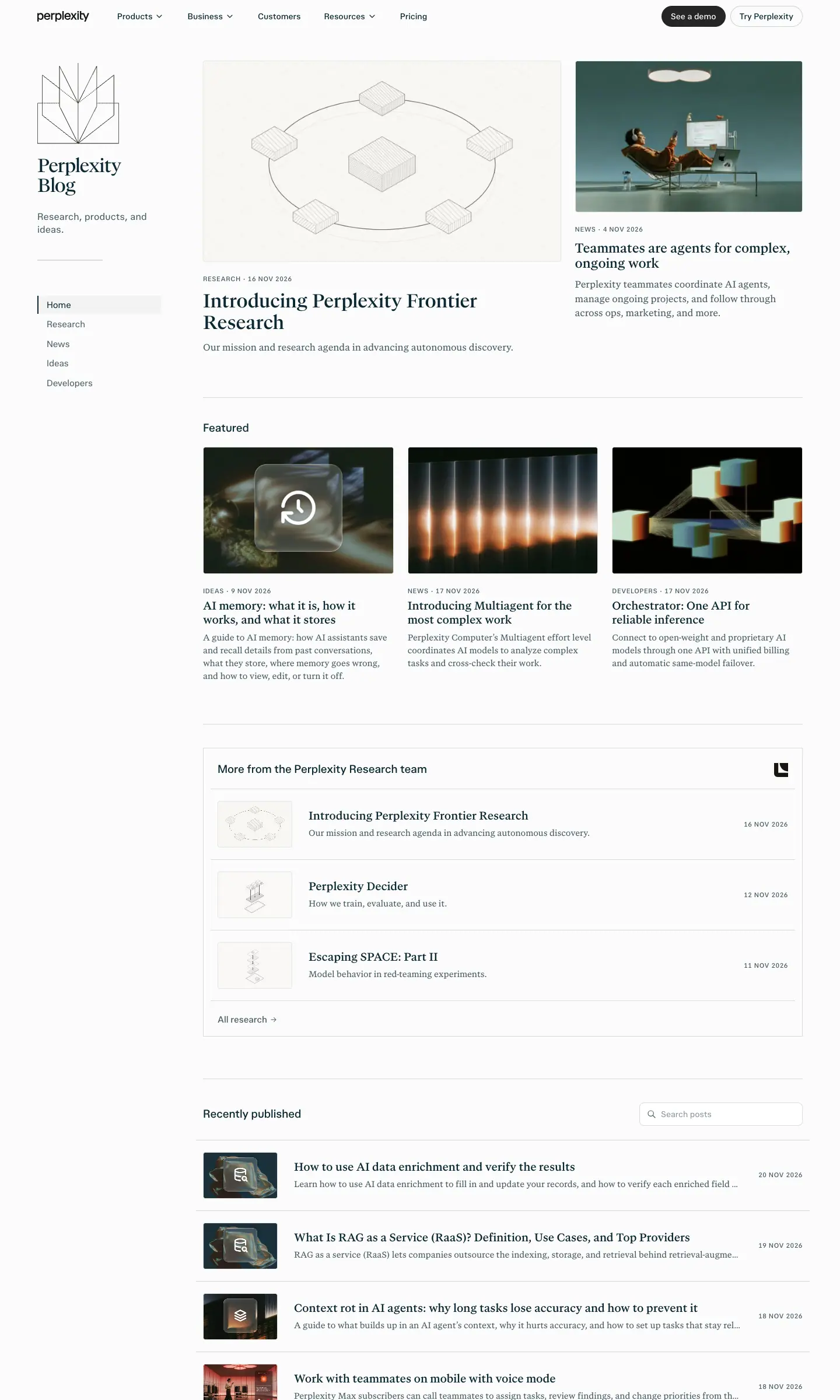
- Left sidebar (x=64–270): title "Perplexity Blog" in pplxSerif 32/34.56, −0.91px, two lines; tagline "Research, products, and ideas." 16/22.4; category list 15/19.5 sans: Home (active, full ink), Research, News, Ideas, Developers (75% ink).
- Lead story (x=348, 614px): thin grey line illustration + "RESEARCH · 16 NOV 2026" (11/11 uppercase +0.55px, 75% ink) + title 32/36.8 serif "Introducing Perplexity Frontier Research" + dek 16/24.8 serif.
- Second story (x=986, 390px): photo (figure at a desk under a light), title 22/25.3 serif.
- Featured row: H2 "Featured" 19/24.7 sans, three 325×216 thumbnails, titles 19/23.75 serif, deks 14.5/21.75 serif.
- "More from the Perplexity Research team" list, then "Recently published": a long list of rows with a small thumbnail, title, dek and date.
Why: it looks like a newspaper front page, not a SaaS blog grid. Serif titles + uppercase sans kickers = editorial. The sidebar categories make it a publication with sections.
2 · Research post: title block
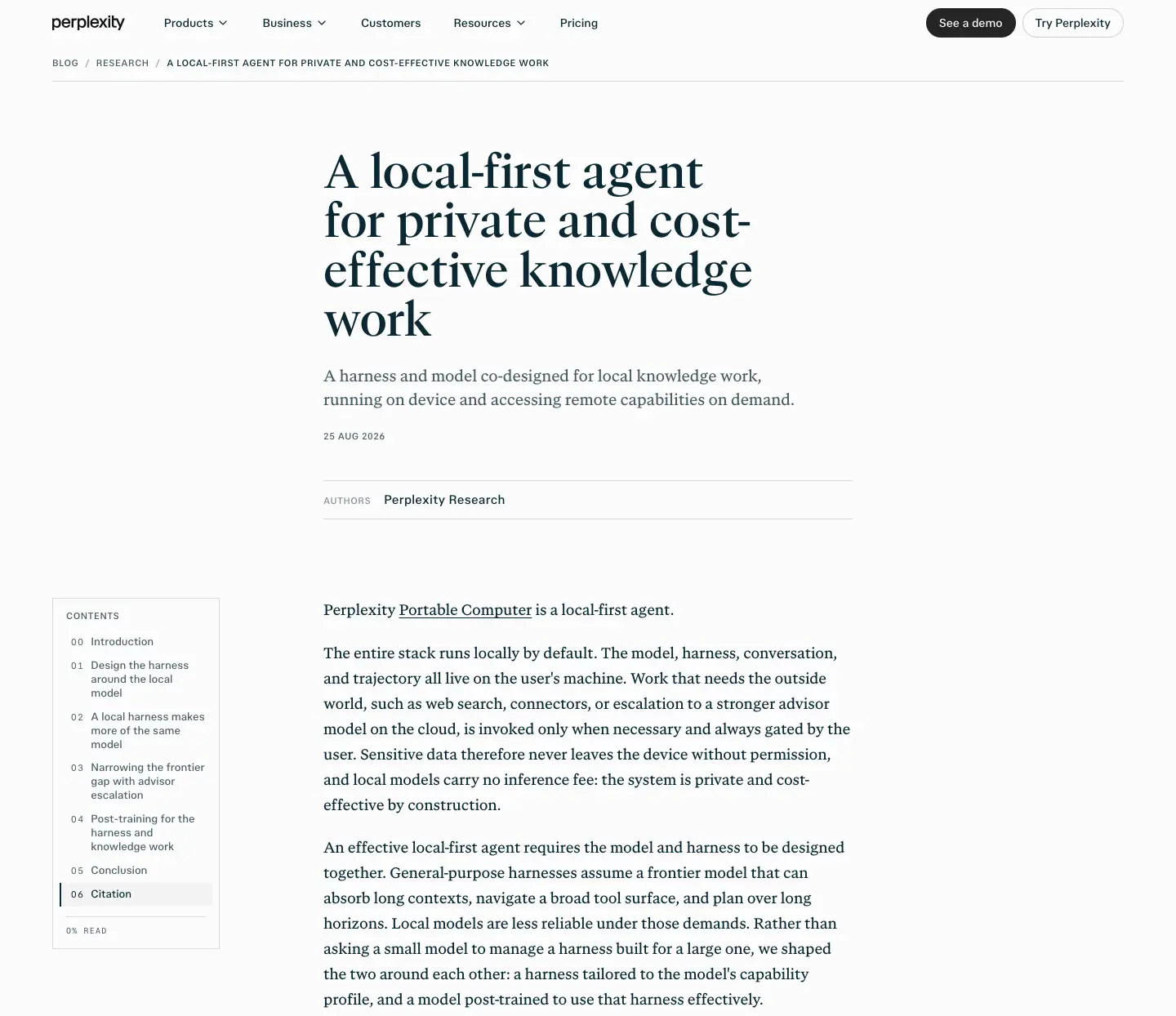
- H1 pplxSerif 56/60.48, weight 400, 648px column at x=396.
- Dek 19/29.45 serif, 75% ink.
- Date 11/11 uppercase; "AUTHORS" label 11/16.5 uppercase + "Perplexity Research" 15/22.5 sans.
3 · Body: book typography
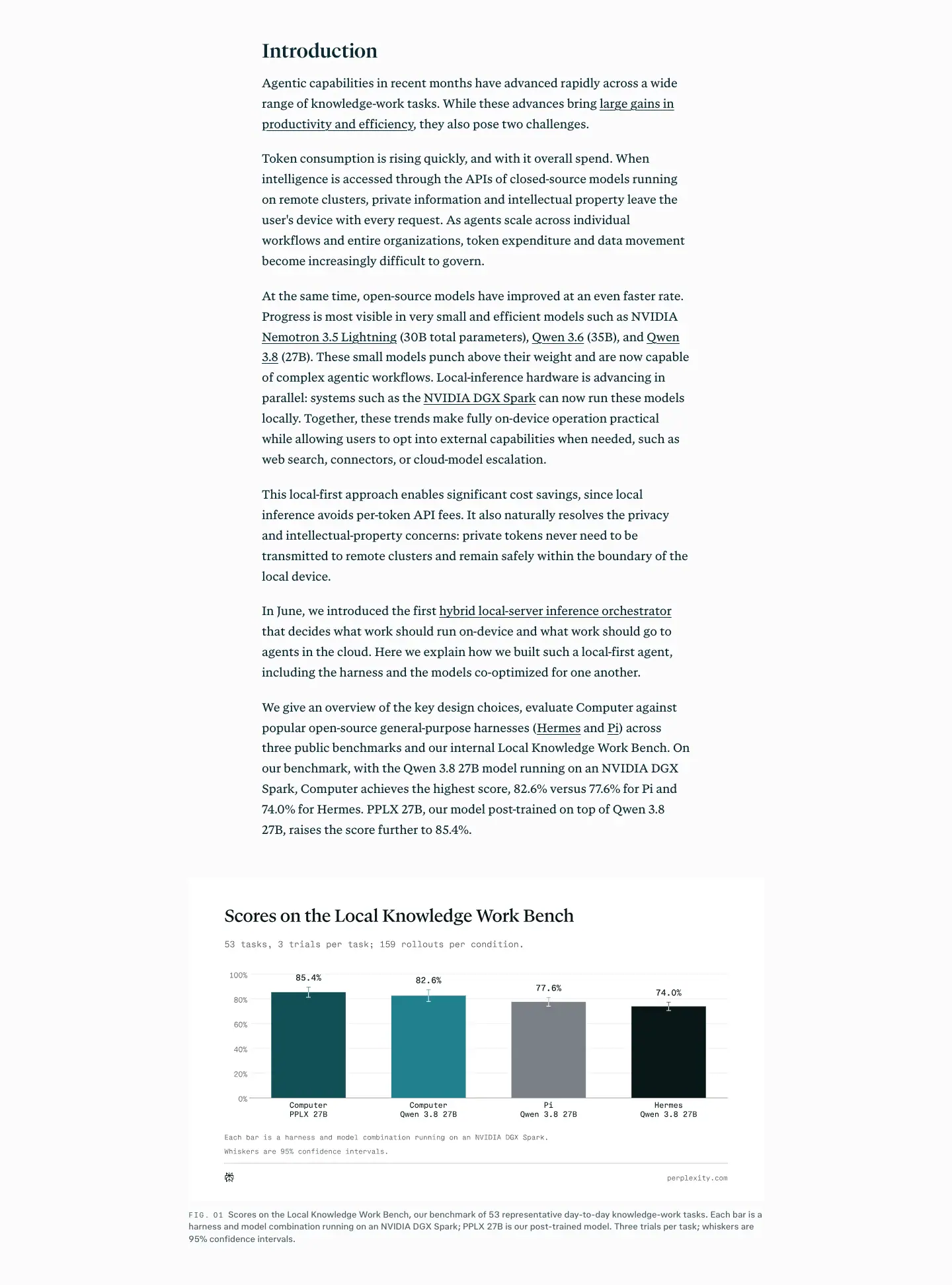
- Body pplxSerif 18/30.96 (line-height 1.72),
-0.1px, #0b2833, 648px column.
- H2 29/35.38, H3 22/28.6, both serif.
- Left TOC (x=81–252): "CONTENTS" 11/11 uppercase, entries 13/16.9 sans with mono numbers "00, 01, 02…" (11/15.4, +1.54px).
- Figures 869px wide (wider than the text column), mostly SVG charts (922×518 viewBox) with "FIG. 01" captions 13/18.2 and an "EXPAND" control (10/15 mono uppercase).
- Equations via KaTeX in post 2.
- Ends with "Citation" (BibTeX-style block).
Why: research posts compete with papers, not marketing. A serif body at 1.72 leading, numbered contents, figure numbers and a citation block make the post citable and readable for 10,000+ px.
4 · Footer
Footer columns use pplxSansMono 12/18 uppercase +0.96px heads (PRODUCTS, SOLUTIONS, PRICING, RESOURCES, COMPANY), with nested "BY SIZE / BY INDUSTRY / BY TEAM" at 75% ink, app-store badges, and the giant pale "AI for the curious" wordmark.
Reuse recipe
- Index = newspaper: sidebar sections, lead + second story, featured row, dense recent list.
- Kickers uppercase sans 11px; titles serif.
- Research body: serif 18/31, 648px, figures wider than text, numbered TOC, citation block.
Changelog · perplexity.ai/changelog and /changelog/<entry>
The sitemap lists 49 changelog URLs (public pages). Captured 2026-11-21: the index (7,046px) and two entries (effort-mode-gpt-6-astra-and-skills-marketplace 20,078px; what-we-shipped-november-14th 7,328px).
| Page |
Full |
| /changelog |
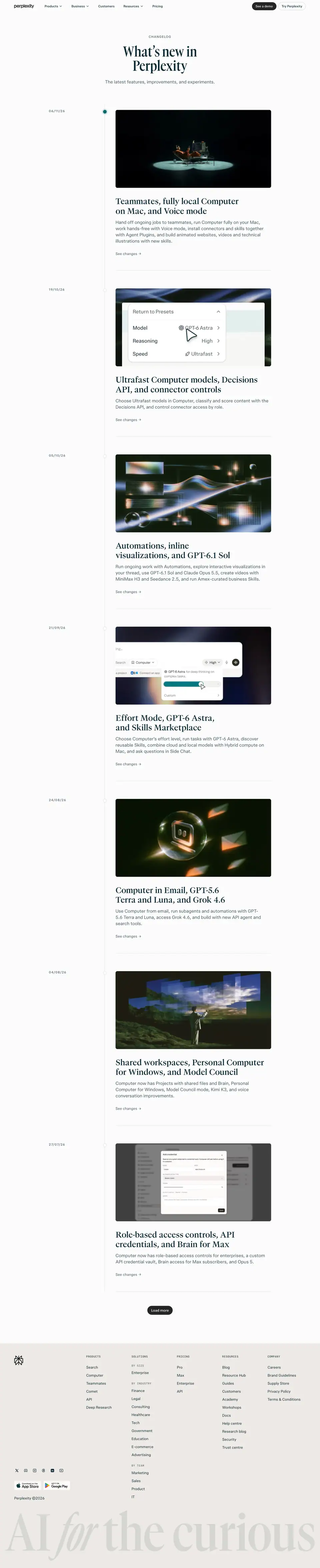 |
| entry 1 |
 |
| entry 2 |
 |
1 · Index header

- Eyebrow "CHANGELOG" 14/21, weight 600, uppercase, +1.4px, 75% ink.
- H1 GT Canon 64/64, weight 600, centred, two lines: "What's new in Perplexity".
- Sub 20/28 sans +0.2px, 75% ink: "The latest features, improvements, and experiments."
Why GT Canon here: the changelog is a brand moment (a "magazine cover" for the release), so it uses the display face reserved for big statements.
2 · Index entries
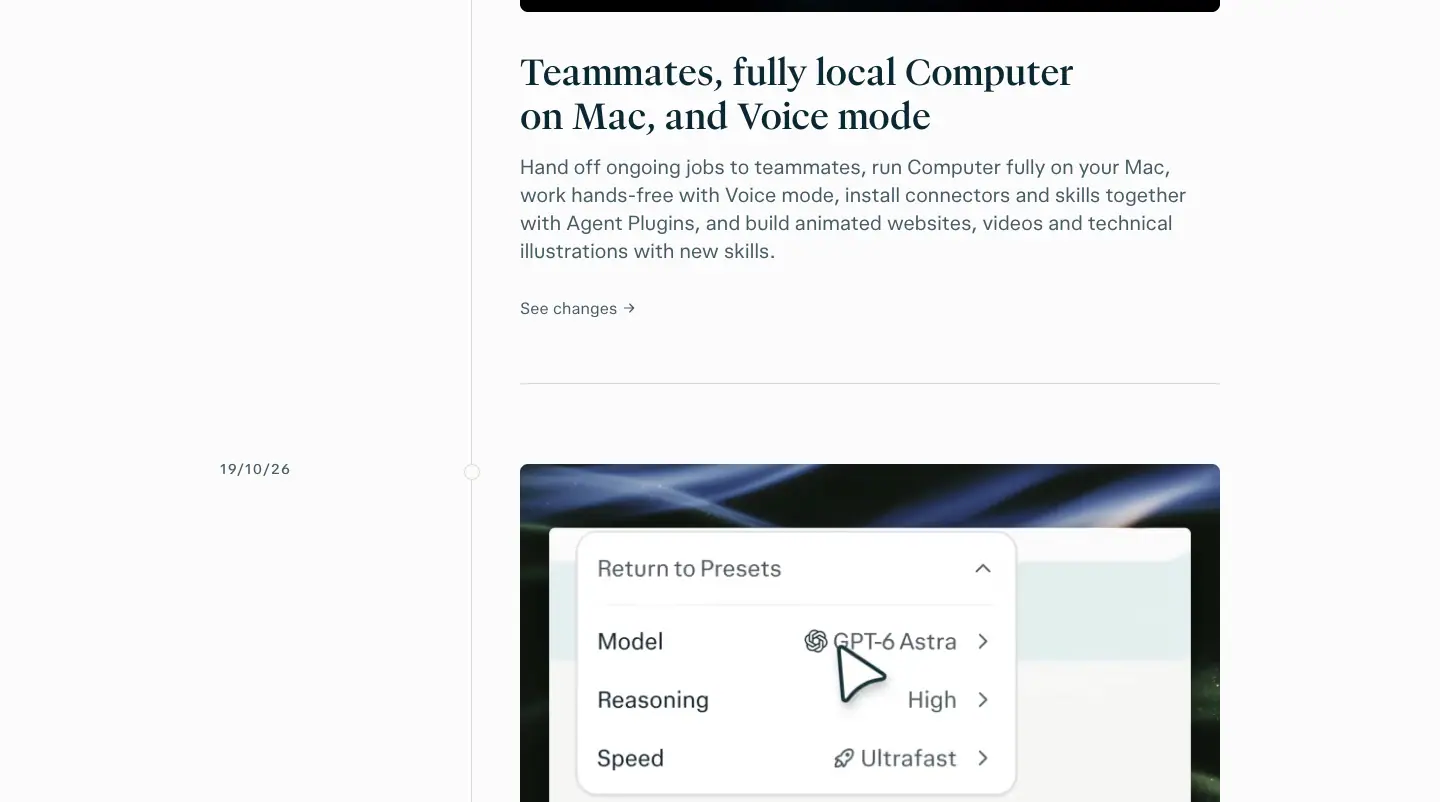
- Date rail at x=220: "06/11/26" 14/21 600 uppercase +1.4px.
- Content column x=520, 700px: image 700×350 (2:1) → title pplxSerif 36/43.2 500 → summary 20/28 sans 75% ink → "See changes →" 16/22.4.
- Entry spacing ≈ 774px (measured section heights 746–802px).
Why: each entry is one cinematic image + one sentence. The index is a gallery; detail lives on the entry page. Compare Linear, which puts full entries inline.
3 · Entry page
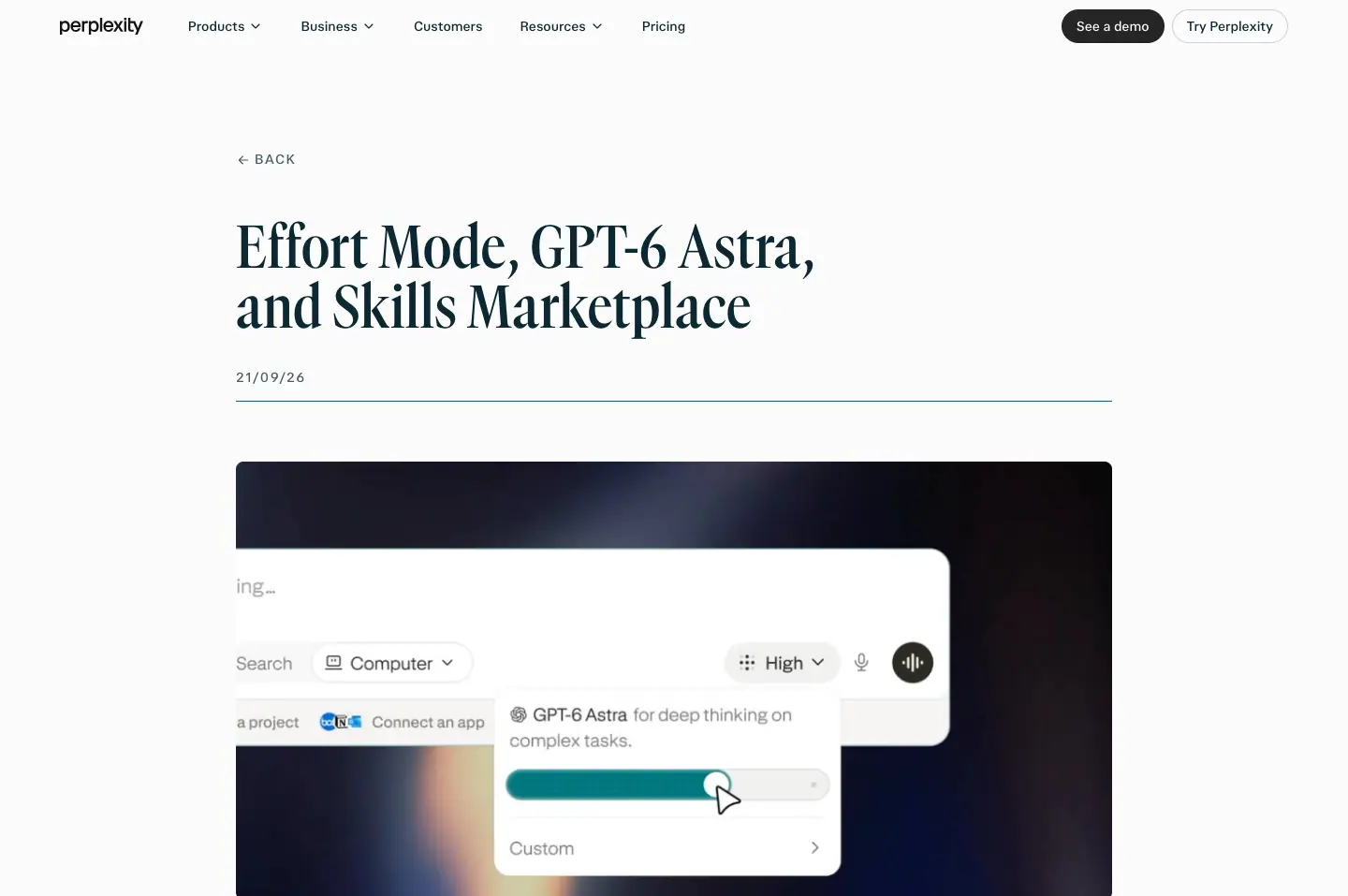
- H1 GT Canon 64/64 600, 936px wide; hero image 936×468.
- Sections: H2 pplxSerif 32/35.2 400 written as "Feature name: benefit" ("Effort Mode: balance intelligence and cost with one slider", "Side Chat: ask questions alongside a Computer task without interrupting it").
- Body 16/24 sans 75% ink, 720px; bold lead-ins 16/24 700 ("Complete routine tasks:").
- Media: 15 images in entry 1, mixed: UI on blurred colour fields, charts, phone renders up to 720×1554.
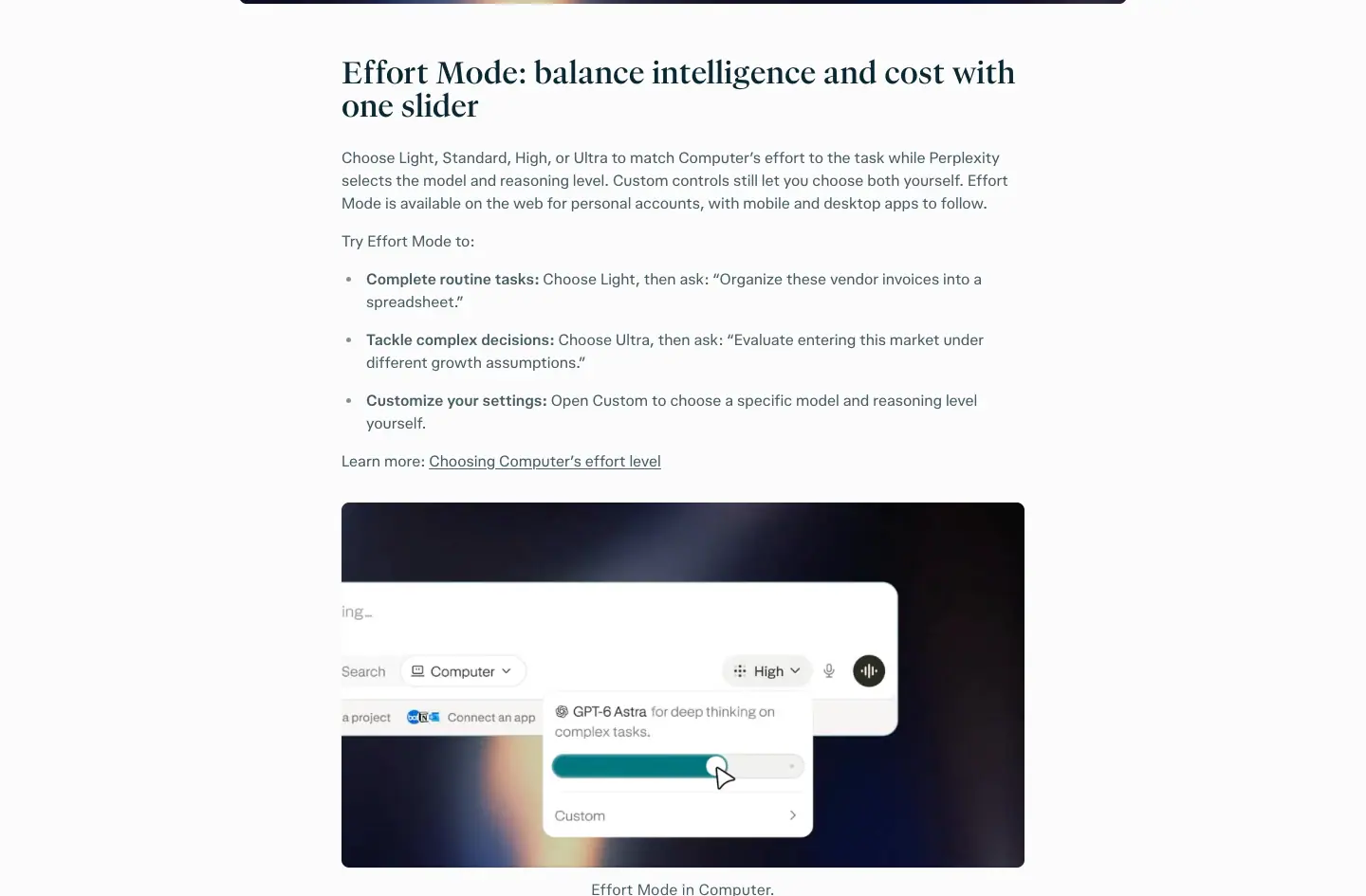
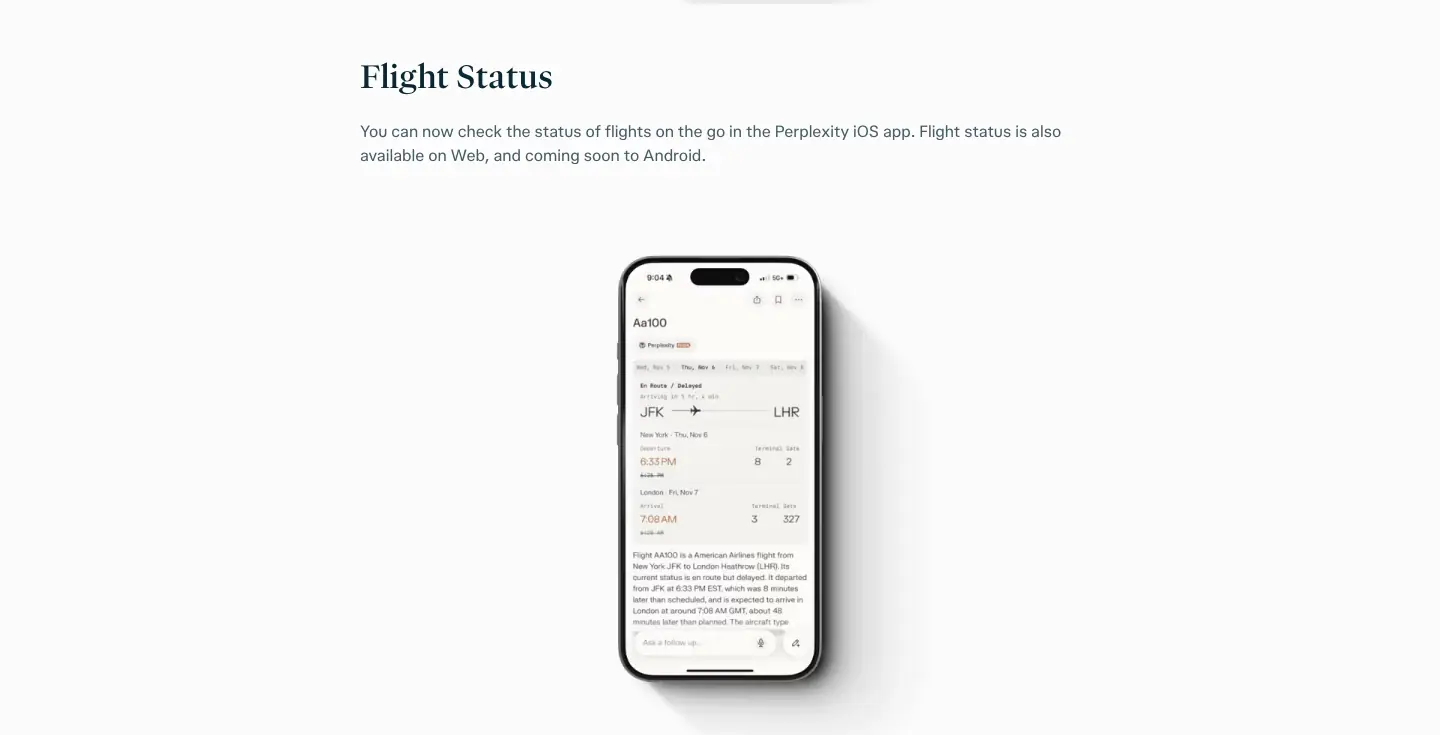
Why the "Name: benefit" H2: a skimmer reads only H2s and still learns what shipped and why it matters.
Reuse recipe
Eyebrow + display serif H1 → date rail + 2:1 image + serif title + one-line summary per entry → entry pages with "Name: benefit" H2s and 720px sans body.
Customers + Use cases · /hub/customers, /hub/customers/<story>, /hub/use-cases/<slug>
Sitemap: 30 customer URLs and 108 use cases under /hub/ (public pages). Captured 2026-11-21: /hub/customers (4,947px), /hub/customers/ramp (6,254px), /hub/use-cases/access-premium-insights-from-pitchbook (6,073px).
1 · Customers index
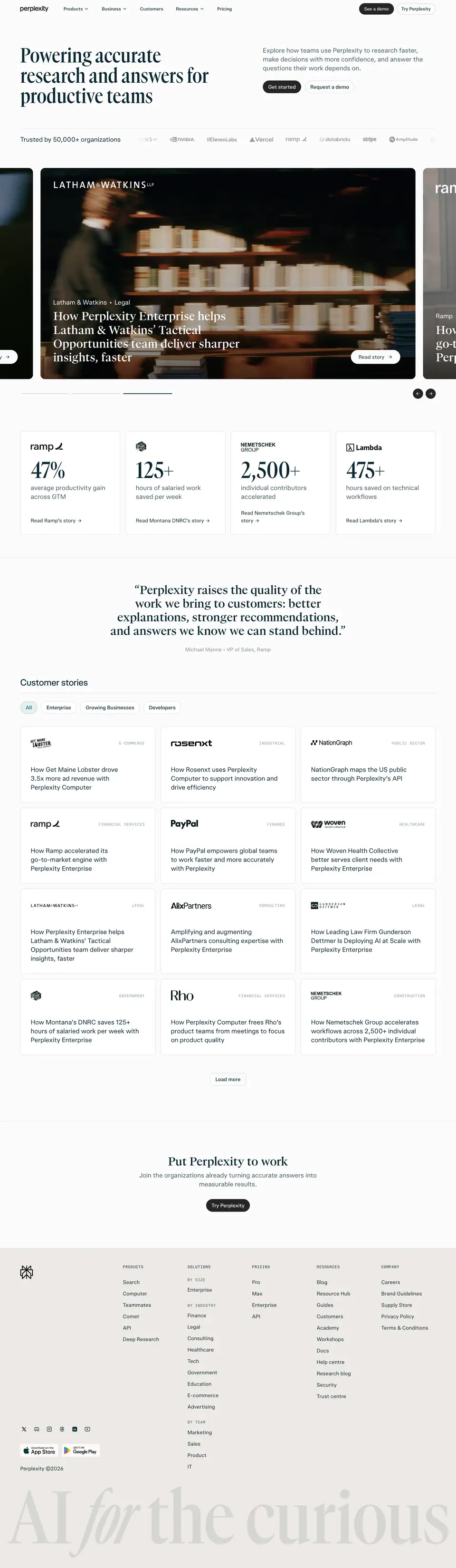
| Section |
Detail |
| Hero |
H1 GT Canon 64/64 600, left (x=64, 644px): "Powering accurate research and answers for productive teams"; sub 20/28 sans 75% ink; "Trusted by 50,000+ organizations" 20/28 |
| Photo carousel |
1184×666 slides (horizontal, looping clones at negative x), white serif H2 36/43.2 500 on the photo, customer label "Latham & Watkins · Legal", white pill "Read story" |
| Stat row |
logo + number per card: ramp 47%, 125+, 2,500+ (Nemetschek), 475+ (Lambda) with 14px captions |
| Customer stories grid |
H2 "Customer stories" 28/36.4 sans 500; filter tabs; 3-column cards: mono category 12/18 uppercase +0.96px at 50% ink ("E-COMMERCE"), logo, title 20/28 sans +0.2px, "Read story" |
| CTA |
"Put Perplexity to work" |
Why: documentary photos follow the hub's Focus rule (people lit by work); white serif on photo makes each slide a magazine cover. The stat row converts stories into numbers before the long grid.
2 · Customer story
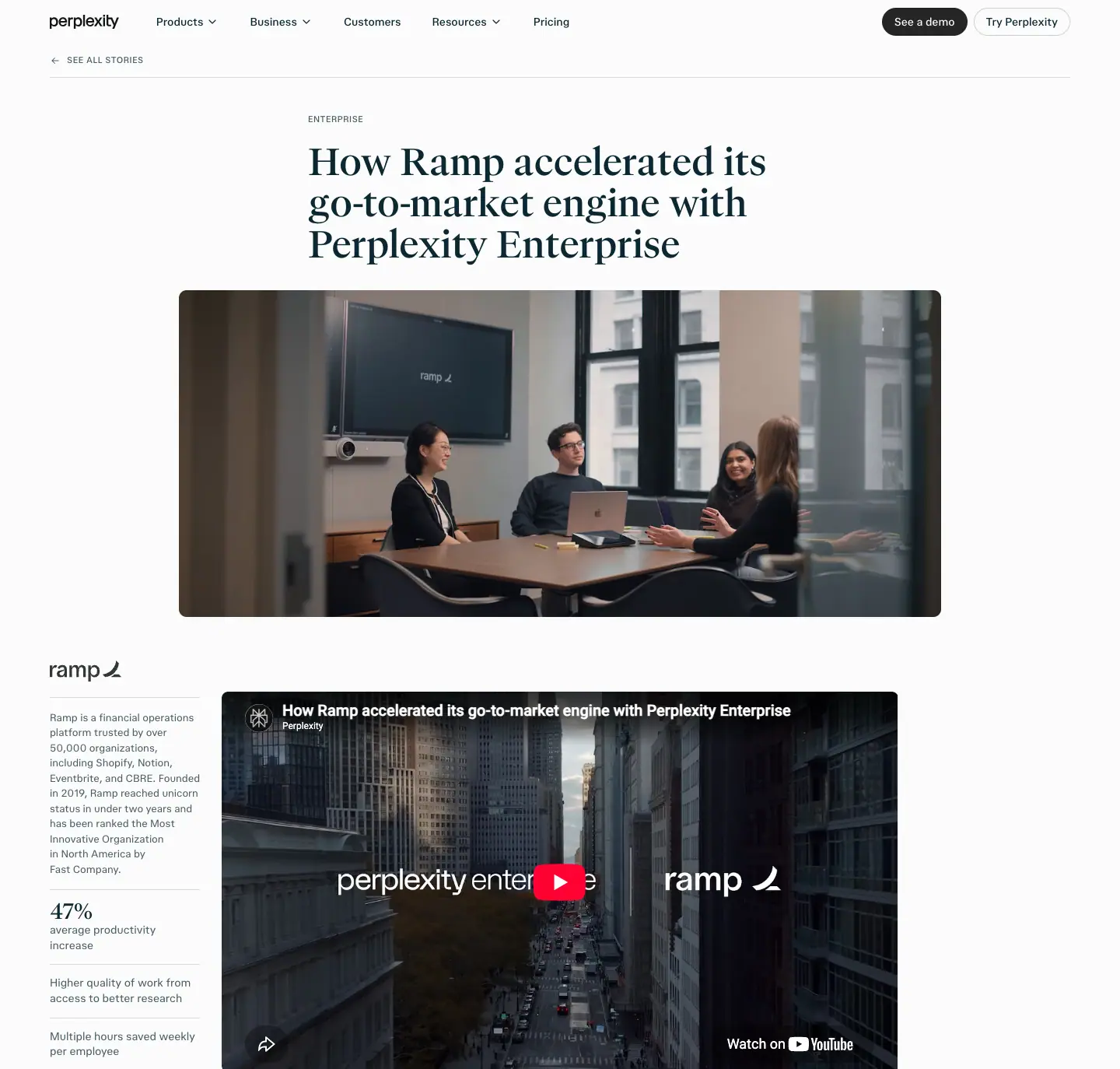
- H1 pplxSerif 48/52.8 400, 648px column: "How Ramp accelerated its go-to-market engine with Perplexity Enterprise".
- Hero image 980×420 (video still with logos), sidebar facts (logo, "47% average productivity increase" 14/19.6).
- H2s 32/35.2 serif ("Accelerating cross-functional GTM workflows…", "Tips for streamlining GTM workflows…").
- Body 16/24 sans 75% ink; "Tip 1 – Put verification at the center." bold lead-ins.
- Pull quote in large serif.
- Closing CTA "Put Perplexity to work" 34/37.4 serif, 960px.
Why: the story ends with practical tips, so it is useful even to a reader who is not buying, which makes it shareable.
3 · Use case
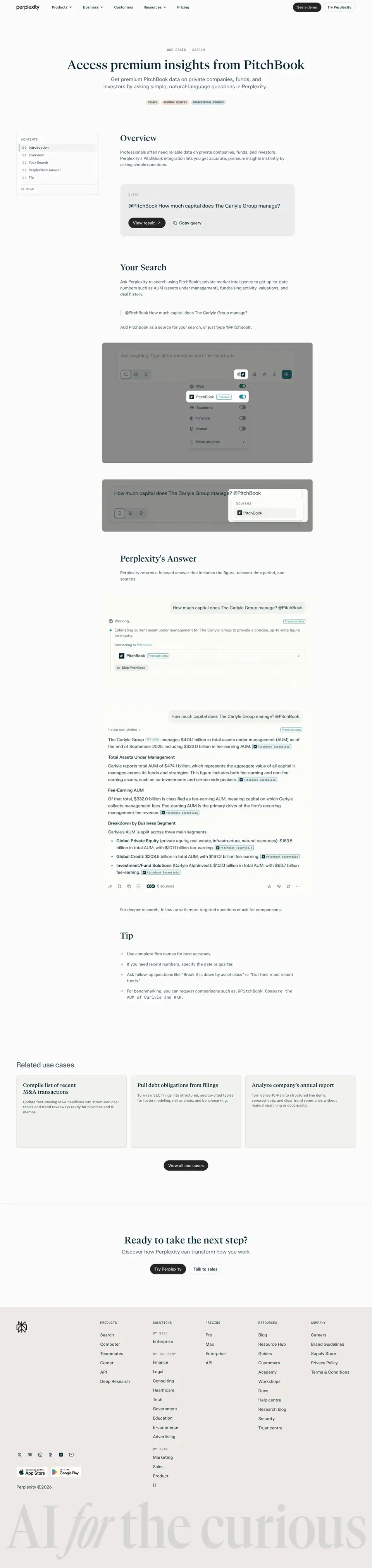
- Breadcrumb "USE CASES · SEARCH" mono 12/18 uppercase.
- H1 pplxSerif 48/57.6 500, centred, 1040px.
- Left sticky index with mono numbers ("01 Overview", "02 Your Search"…).
- Sections: Overview → Your Search → Perplexity's Answer → Tip: the page re-enacts a real query.
- Screenshots 814px wide on
#f2f2ed panels (search composer with source toggles: Web, PitchBook Premium, Academic, Finance, Social).
- "Related use cases" 3 cards with serif titles 20/25.6; CTA "Ready to take the next step?" 36/43.2.
Why: a use case is a recipe. Showing the exact prompt and the exact answer is the most honest demo (hub principle 04: "Honest about what it does").
Help center + Brand hub · /help-center, /hub/brand
Two very different templates captured on 2026-11-21. The help center is a dark docs app (325 English help-center URLs in the sitemap). The brand hub is Perplexity's public brand guideline site (not in the sitemap).
Part 1 · Help center (/help-center/en, /help-center/en/articles/…)
| Page |
Full |
| /help-center/en |
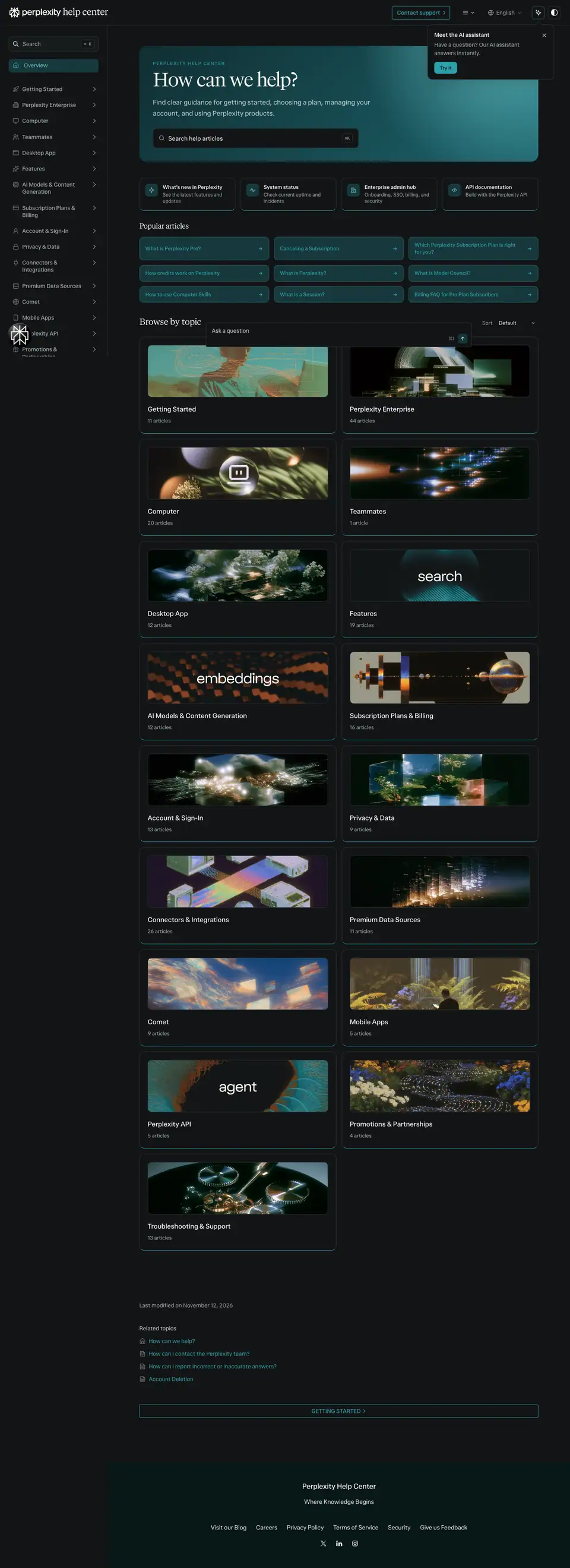 |
| article "What is Perplexity?" |
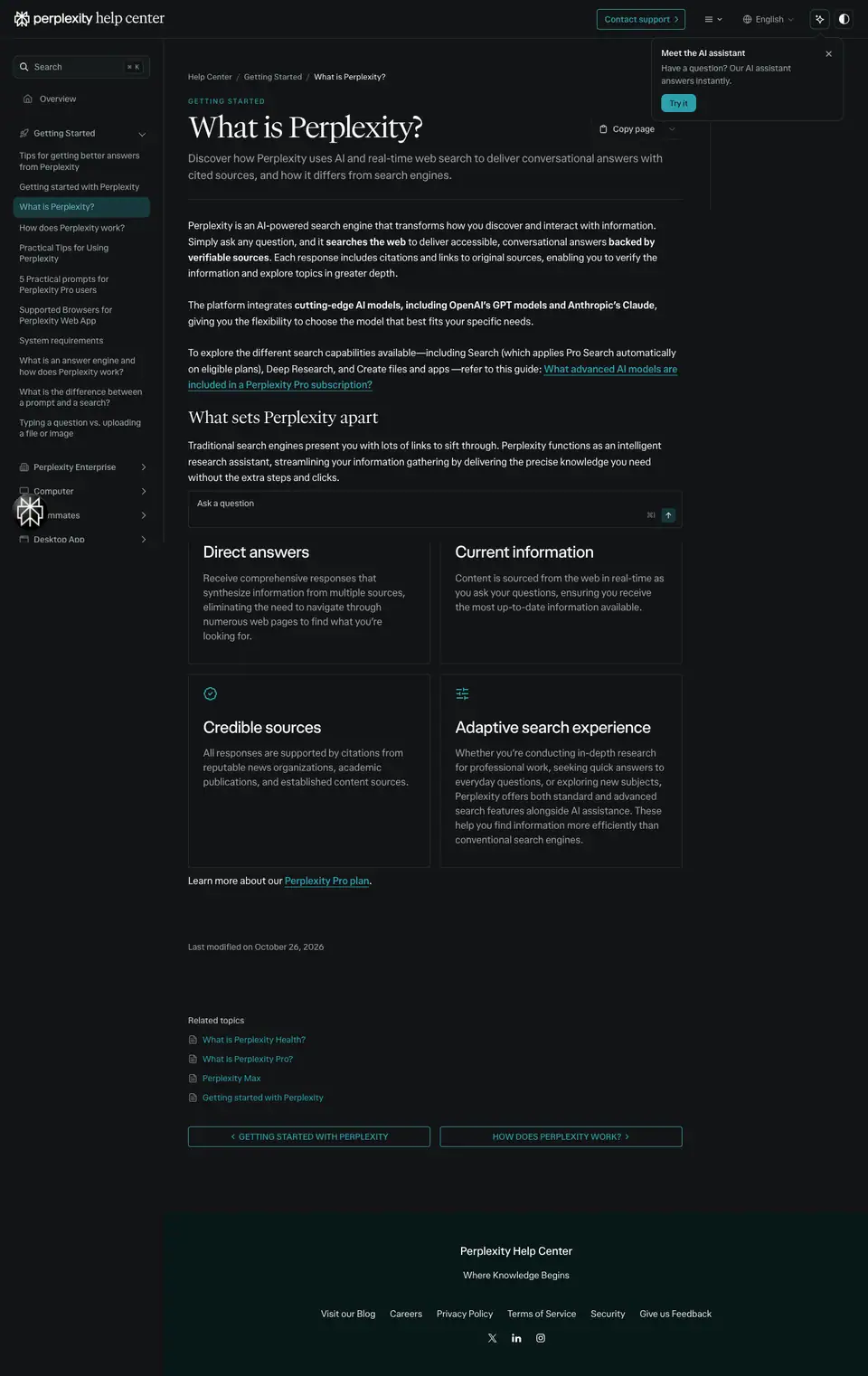 |
- Dark app shell: ground
#121516 (Off Black), panels #1a1e1f / #171b1c, a turquoise hero card #17383c, accent Turquoise 400 #2ca0ab.
- Eyebrow "PERPLEXITY HELP CENTER" 11.5/20.1 500 uppercase +1.61px
#2ca0ab.
- H1 "How can we help?" PPLX Serif 48/51.84 400, −1.68px, white. Sub 17/28.05 PPLX Sans at 78% white.
- Search field 15/26.25 with a "⌘K" hint; an AI assistant card top-right ("Have a question? Our AI assistant answers instantly." + "Try it").
- Left sidebar nav 14/18.2 500
#a4abad: Getting Started, Perplexity Enterprise, Computer, Teammates, Desktop App…
- "Popular articles" (PPLX Serif 18/24) as turquoise link chips; "Browse by topic" (22/36.3) tiles, each with an artwork and a white word ("search", "embeddings", "agent").
- An
/help-center/llms.txt link sits in the shell: the docs publish a machine-readable index for AI agents.
- Article: H1 48/51.84 serif, "On this page" rail, H2 27/33.75 (serif for section titles, sans 500 for card titles), body 16/26.4 PPLX Sans, secondary
#9fa2a2.
Why dark: the help center is part of the product (it matches the app's dark mode), while marketing is on warm paper. Contrast: #f7f7f8 on #121516 17.1:1; #a4abad 7.9:1; #2ca0ab 5.9:1.
Part 2 · Brand hub (/hub/brand, 41,189px)
Capture note: the page uses scroll-driven, pinned sections, so the full-page screenshot repeats content after the hero. The crops below are viewport screenshots taken at each section's scroll position.
Structure: three parts, numbered in mono ("Part 1 of 3").
| Part |
Chapters (numbering from the page) |
| 1 · Foundations |
Principles (01) · Symbol (02) · Logo (03) · Typography (04) · Color (05) · Art Direction (06) · Motion · Sound · In-Use |
| 2 · Products |
Computer (10) · Comet (11) · Teammate (12) |
| 3 · Resources |
Downloads (13) · Skills (14) · Tools · Get help |
Type on the hub: "Brand Hub Serif" chapter titles at 158.4px / 136.2px, weight 500, −3.96px; statements 60.48/61.7; intro paragraphs 23.04/25.3 serif; body 16/24 "Brand Hub Sans" 450; labels "Brand Hub Mono" 13/18.2. Buttons are pills (#121516 "Need help?", Off White "Play reel"). Ground Off White #faf8f5.
Principles (verbatim titles, hub copy shortened)
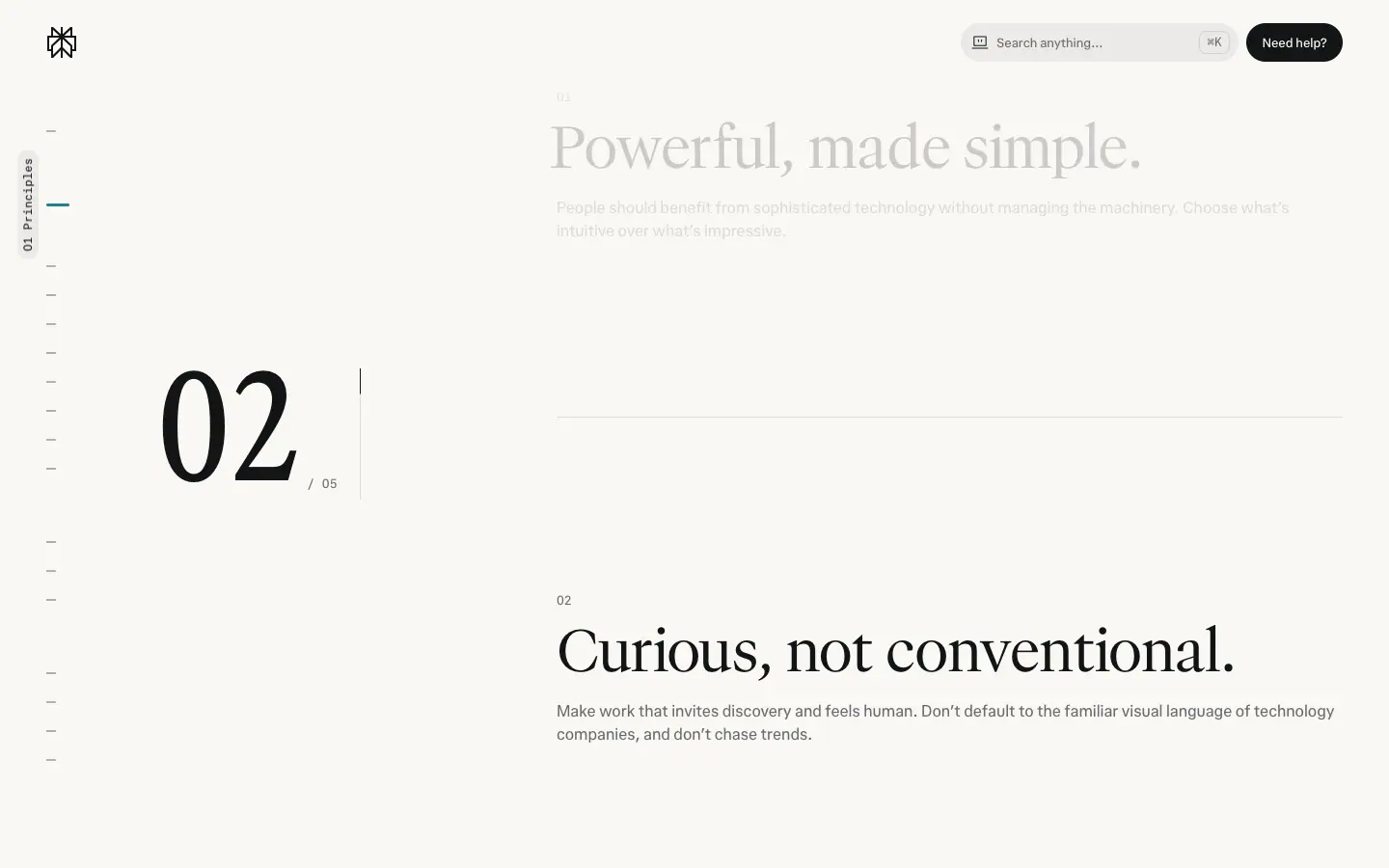
- Powerful, made simple. "Choose what's intuitive over what's impressive."
- Curious, not conventional. "Don't default to the familiar visual language of technology companies, and don't chase trends."
- Coherent, not identical. "Different products, audiences, and stories call for different expressions."
- Honest about what it does. "Language, motion, and presentation should clarify real capability, not imply more than the product delivers."
- Crafted, not decorated. "Every element serves a purpose… Premium means the quality of the detail."
Why this matters for the site: principle 3 explains why /comet and /enterprise look different from /hub (see 01); principle 5 explains the flat grounds and lack of shadows.
Chapter crops
| Chapter |
Crop |
| Hero (blurred figures behind a giant "p…y" wordmark) |
 |
| Symbol |
|
| Logo before/after |
|
| Typography tester |
|
| Color statement |
|
| Art direction intro |
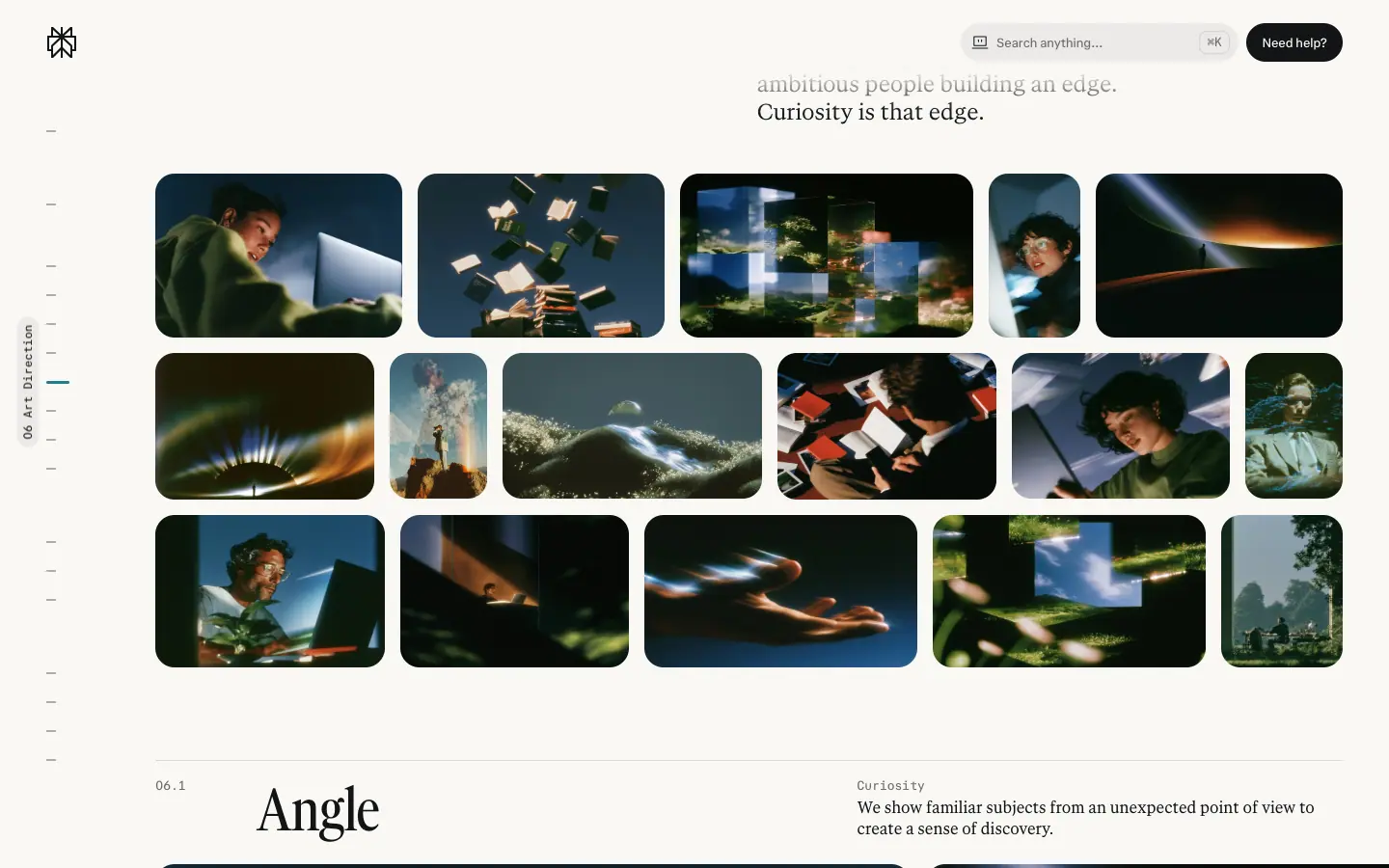 |
| In use |
|
| Computer taglines |
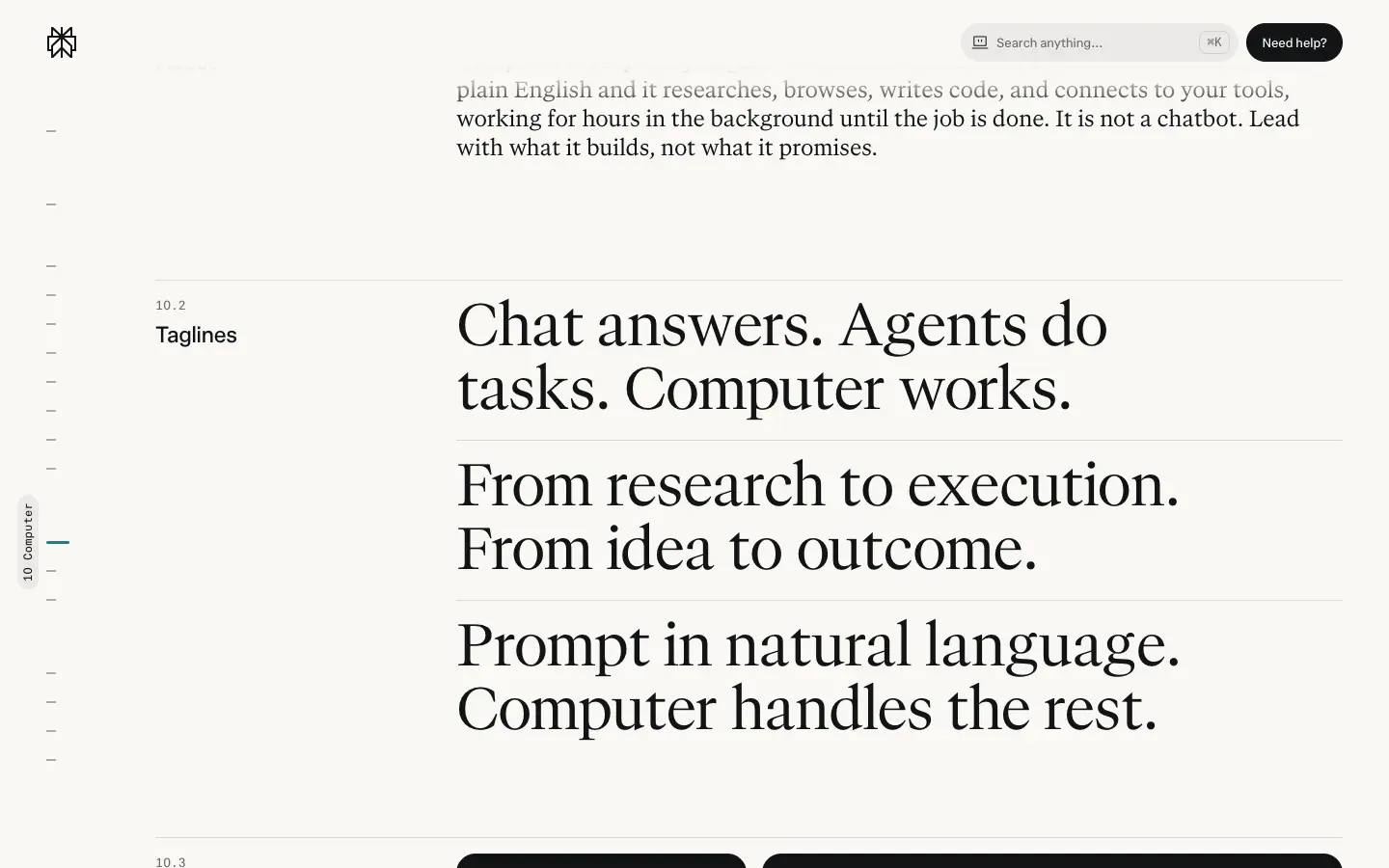 |
| Comet taglines |
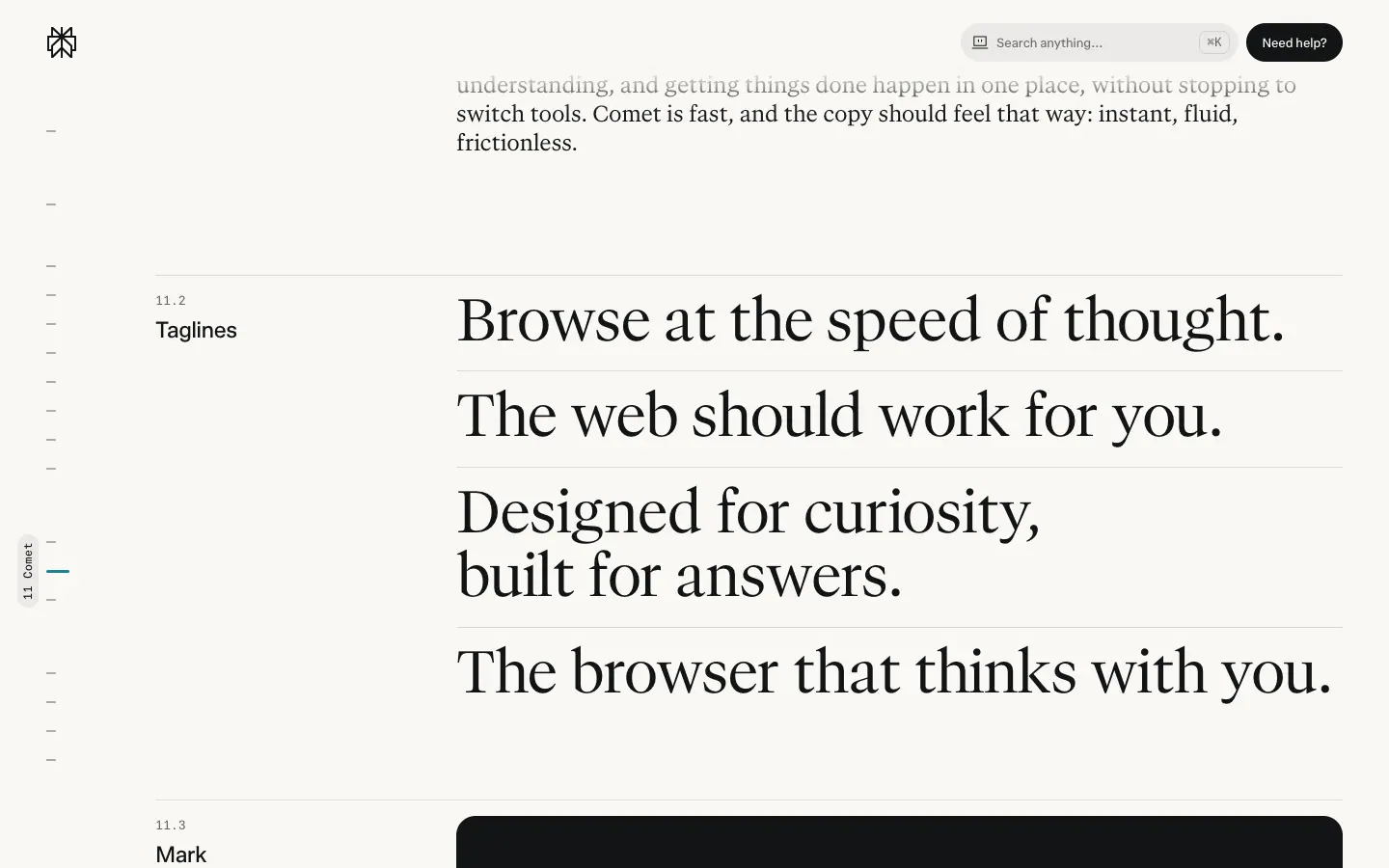 |
| Downloads |
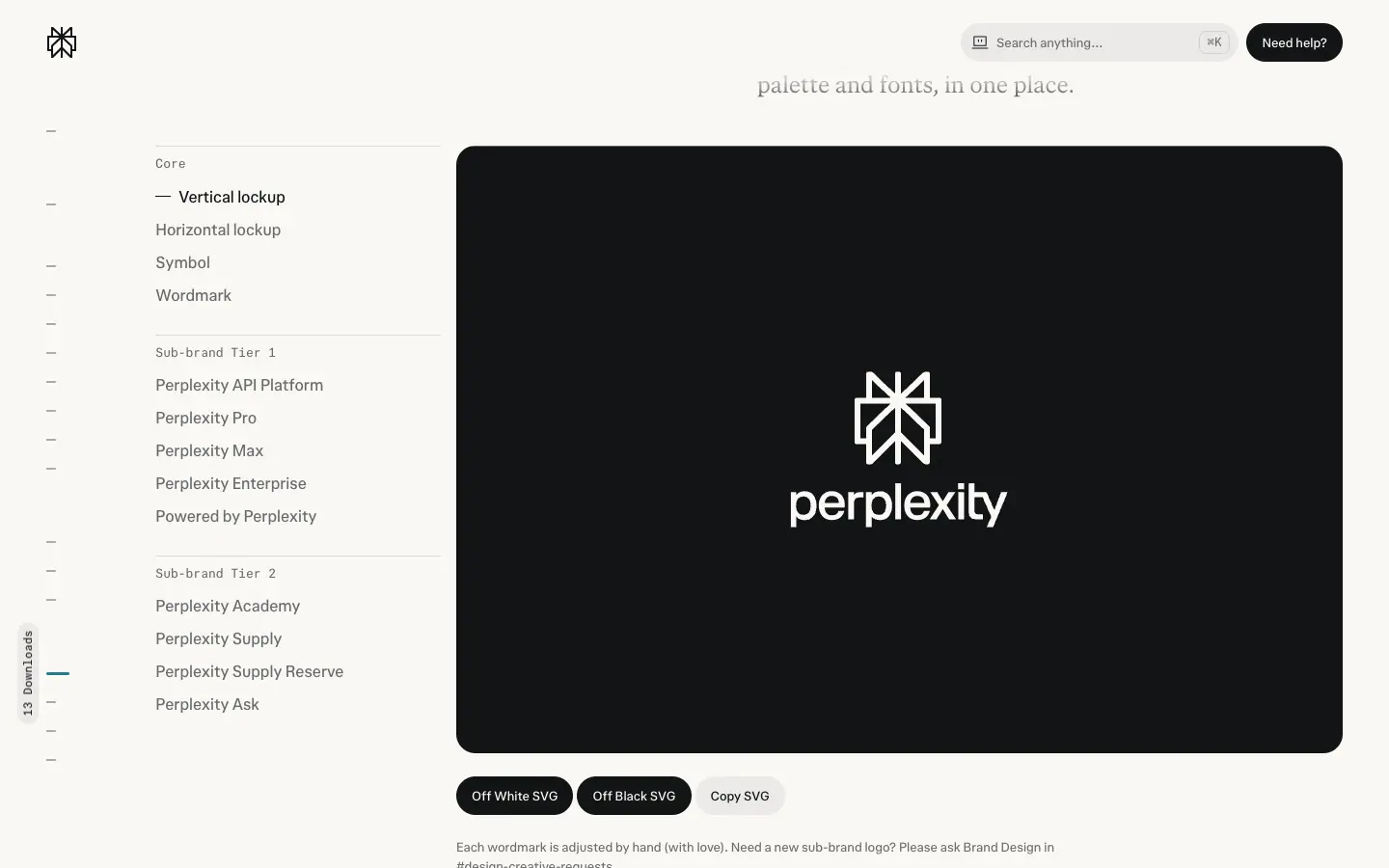 |
| Skills |
|
Full analysis: 09 · Art direction, 13 · Brand assets, 02 · Color, 03 · Typography.
Why a public brand hub: it lets partners, press, employees and AI agents produce on-brand work without a designer. The Skills chapter is the clearest sign: the brand is packaged for agents.